
Frequently asked questions about Paper Cut 3D Heart PNG
Yes. You can create and download PNGs for free using the PNG generator. Optional subscriptions provide more creative options and advanced features.
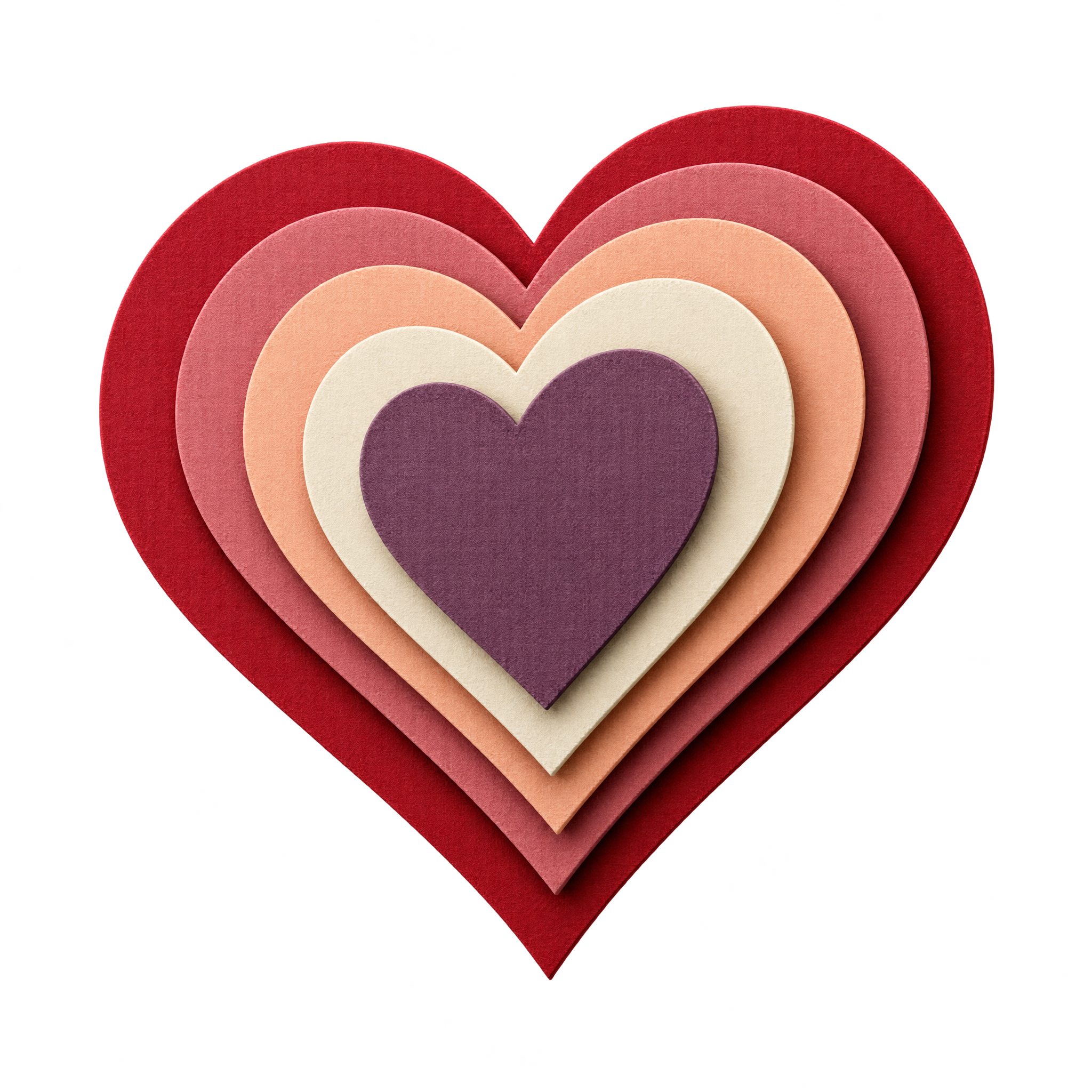
Open the AI workspace and enter a description of a heart made from nested crimson and pastel paper layers with fibrous edges and shallow 3D relief. Refine the wording as needed, generate the artwork, and download your chosen result as a PNG.
Yes. Download the PNG, then upload it to Canva as an image asset. You can place it in cards, invitations, social posts, or other designs and combine it with text and background elements.
PNG supports transparency, allowing the heart’s cut-paper silhouette to sit cleanly over different backgrounds. JPG does not support transparent backgrounds and typically fills those areas with a solid color. Downloads here are provided as PNG.
Use the heart as a central focal point and leave open space around its layered outline so the paper-cut depth remains clear. For text-heavy layouts, shift it slightly to one side and balance it with a short heading on the opposite side.
Warm cream, blush, or muted pink backgrounds reinforce the handcrafted mood, while deep charcoal or burgundy adds stronger contrast. Pair it with restrained typography, subtle paper textures, or simple botanical accents so the nested crimson layers remain prominent.