Stained Glass Gojo PNG
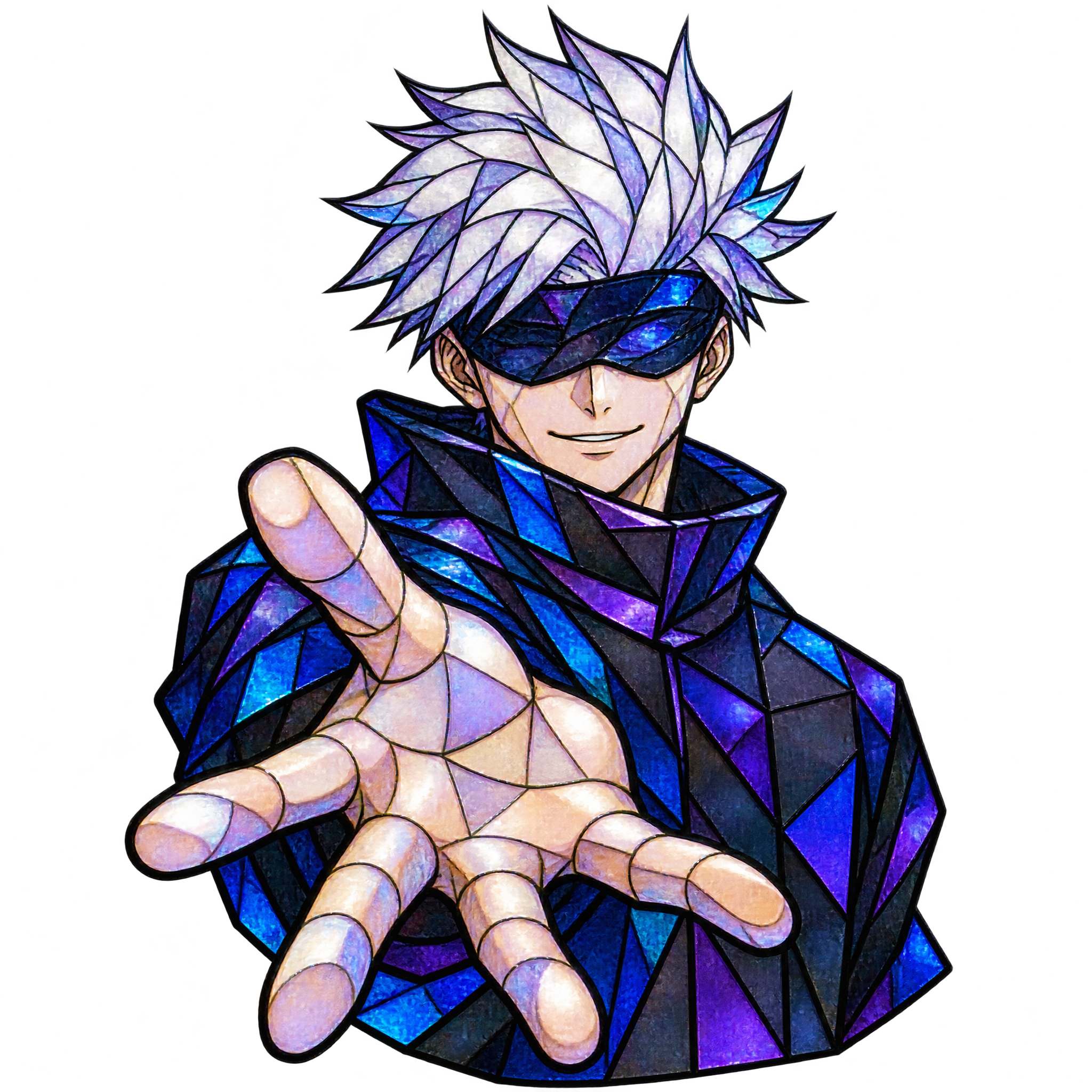
A waist-up Gojo design reaches forward through jewel-toned glass panels, offering a bold transparent asset for posters, thumbnails, invitations, and dramatic compositions.
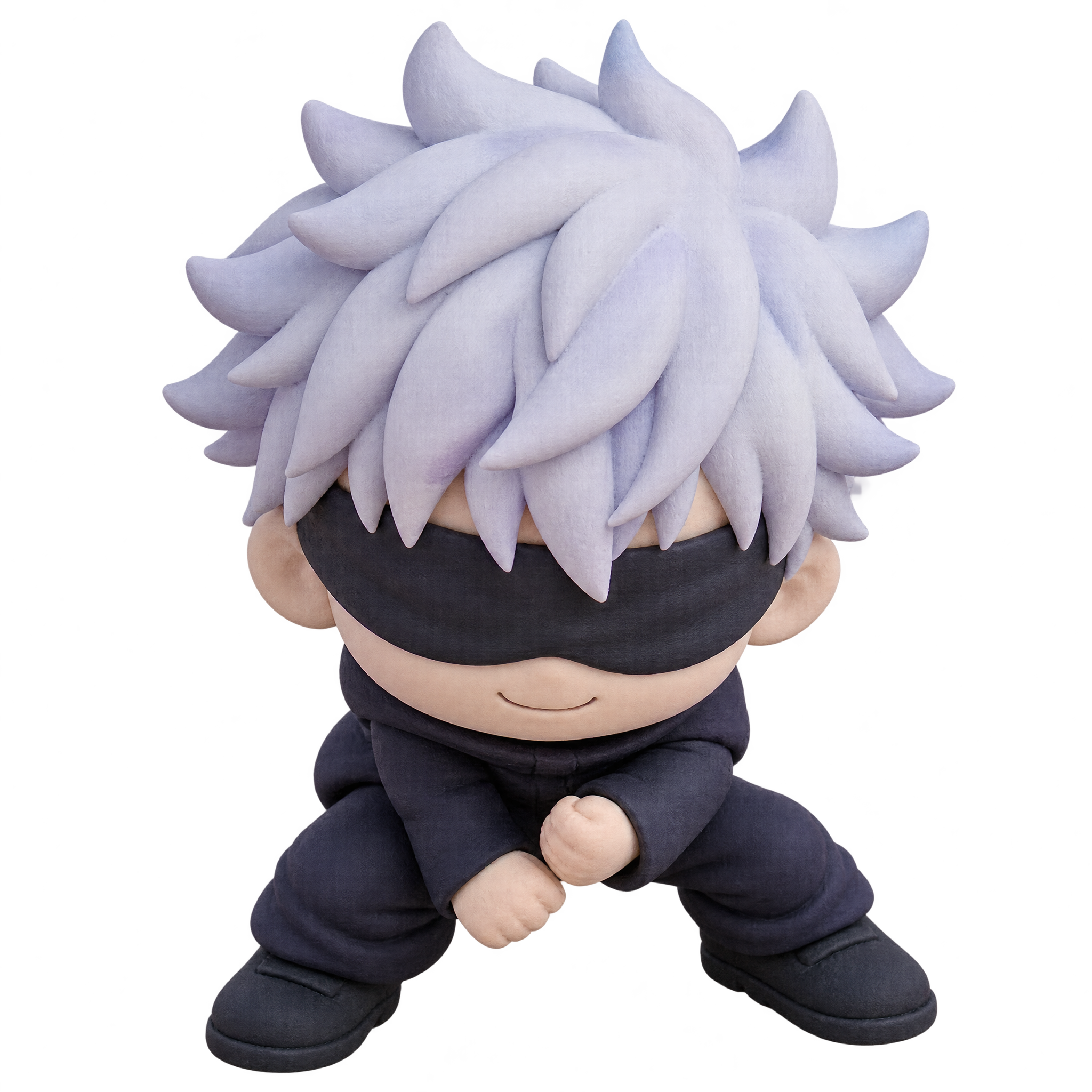
Gojo PNG artwork ranges from expressive ink and soft watercolor to neon portraits and playful clay chibi figures, with transparent backgrounds for flexible layouts.
3 Gojo PNG images
A neon Gojo bust with electric blue glow creates a dramatic focal point for thumbnails, posters, or profile graphics.
Gojo PNG artwork can provide a focal point for posters, thumbnails, profile graphics, or social posts. Choose a full-body pose when movement matters, or a close portrait for stronger facial impact. For a distinct concept, open the PNG generator and describe the pose, medium, and mood you want.
Yes. You can create and download PNGs for free. An optional subscription provides more creative options and advanced features, but it is not required for all creation or downloads.
Choose an available Gojo image and download it as a PNG, or open the AI workspace to make a related design. Enter a description covering the character pose, visual style, colors, and mood, then generate and download the result.
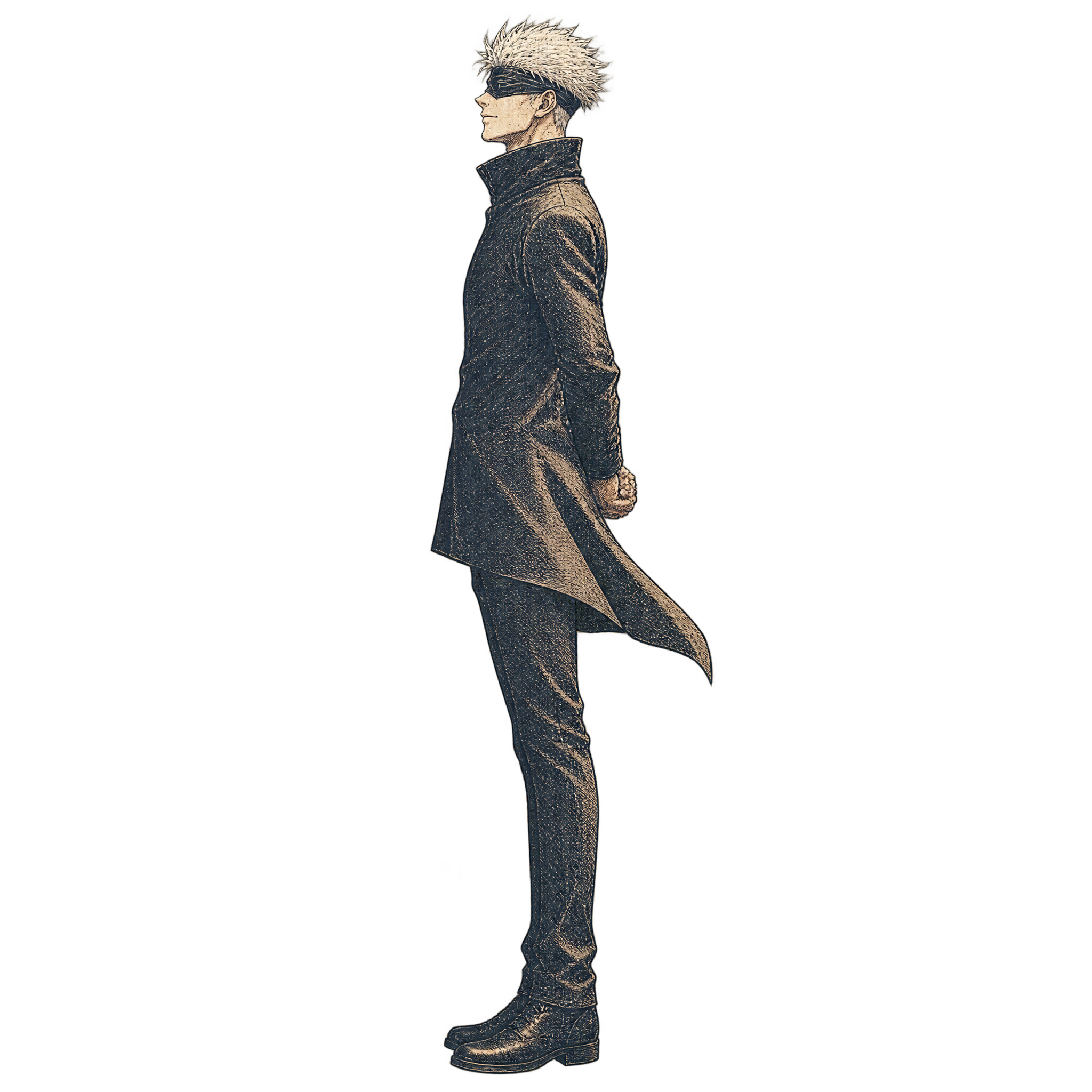
Choose a full-body cartoon or watercolor figure for layouts that need movement and a clear silhouette. A neon bust or layered portrait suits tighter thumbnails and profile graphics, while ink, engraving, or chibi treatments can create a more editorial, vintage, or playful mood.
Compare available approaches such as ink, paper cut, cel-shaded cartoon, neon, watercolor, stained glass, engraving, and clay chibi artwork. You can also use the PNG generator to describe a related pose or reinterpret the subject in another visual direction.
Leave open space around gestures, hair, and effects so the silhouette remains easy to read. For Canva, upload the PNG as an image asset, position it in the layout, and place supporting text where it does not compete with the character’s face or pose.
Deep navy, black, violet, and cool gray reinforce the dramatic blue tones found in many Gojo designs. White or pale neutral backgrounds create crisp contrast, while restrained cyan or cobalt accents can connect headlines and graphic elements to the character.