
Frequently asked questions about Cartoon Santa PNG
Yes. You can use the PNG generator to create and download PNG images for free. Optional subscriptions provide more creative options and advanced features.
Open the AI workspace and enter a description of the Santa you want, such as a smiling, half-body character waving in a soft cartoon style. Generate your design, refine the description if needed, and download the finished image as a PNG.
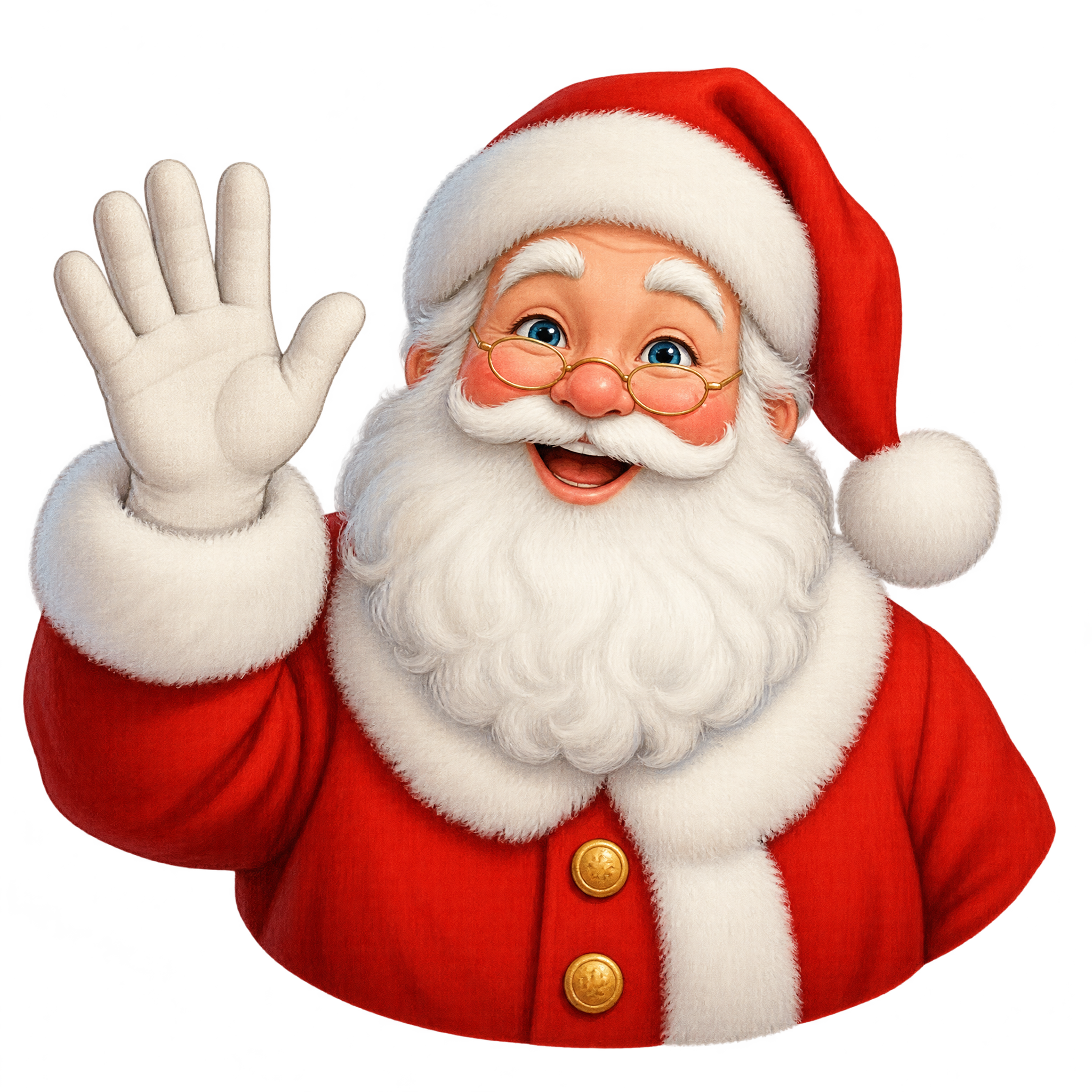
It depicts a smiling Santa shown from the waist up, waving directly toward the viewer. Bright colors, soft painted shading, and a friendly expression give the artwork a welcoming holiday feel.
A half-body Santa keeps attention on the face and waving gesture, making it effective for announcements, stickers, profile graphics, and compact layouts. A full-body version may work better when the pose or costume needs to be the main focus.
Place Santa near one side of the composition and leave open space in the direction of the wave for a greeting, event date, or callout. Keeping the face and hand clear of nearby text helps the welcoming gesture remain easy to read.
Deep green, navy, cream, and muted gold can balance Santa’s bright red clothing while maintaining a festive mood. Pair the soft painted style with rounded lettering, subtle snowflakes, or simple gift motifs rather than heavily detailed decorations.