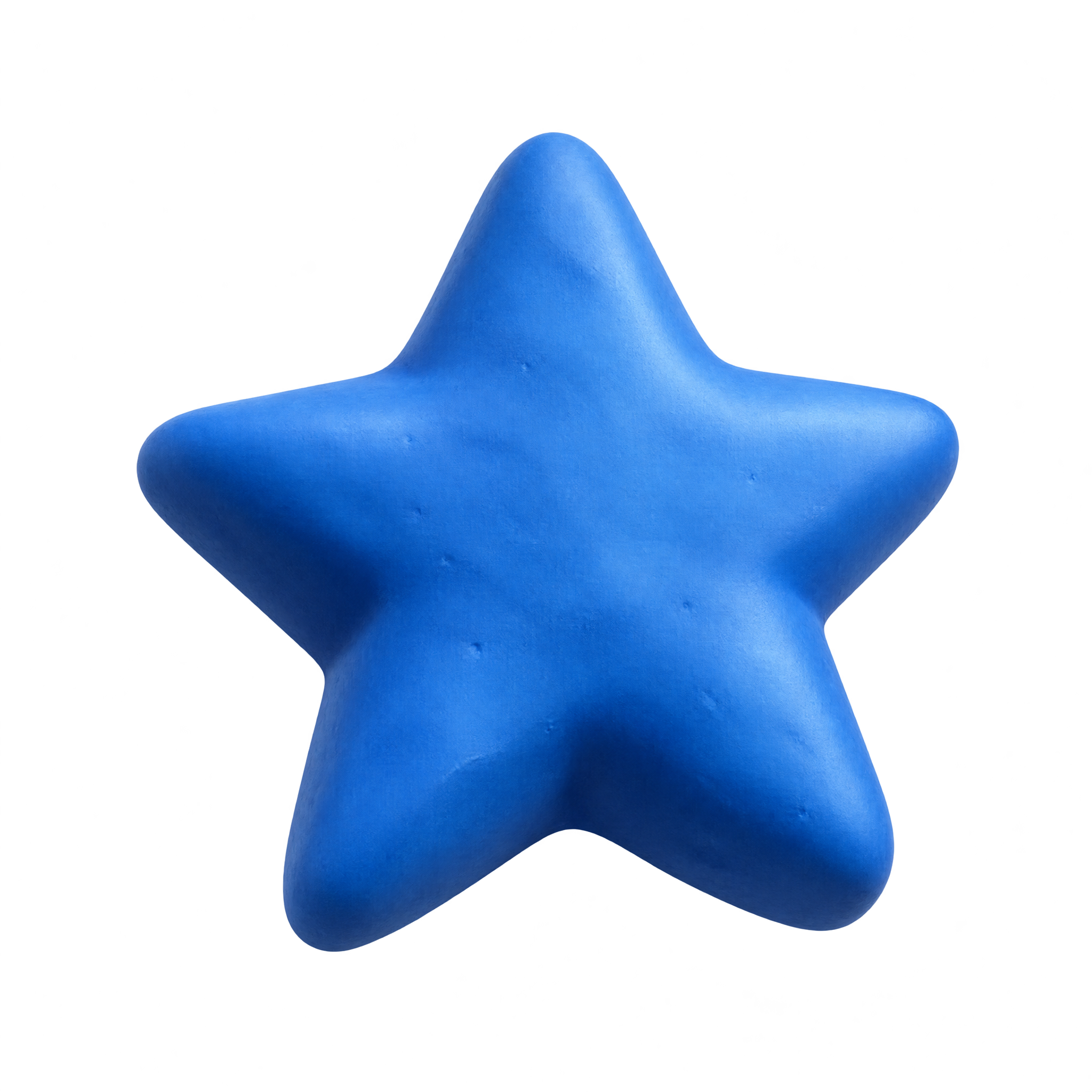
Clay Blue Star PNG
A plump five-point star modeled from matte blue clay with rounded tips, offering friendly dimensional depth for stickers, learning materials, and playful layouts.
Curated Blue Star PNG choices, followed by focused background, style and workflow options.
A faceted cobalt star makes a clear rating icon, while soft watercolor washes suit invitations, learning materials and decorative labels.
Yes. You can create and download PNGs for free. A subscription is optional and adds more creative options and advanced features.
Choose an available Blue Star PNG for a free download. To make a related design, open the AI workspace, enter a description of the star’s shape, color, finish and mood, then generate and download it as a PNG.
Choose a crisp geometric star for ratings, labels or small interface accents. Enamel and clay styles add dimension, while watercolor, ink and engraved stars bring a more handcrafted or decorative character.
Browse the available artwork for geometric, watercolor, engraved, paper-cut, clay, enamel and neon interpretations. For a different direction, use the PNG generator and describe the outline, texture, finish or mood you want.
Use one larger star as a focal point or repeat smaller stars with consistent spacing to form an accent pattern. Leave clear space around detailed engraved or glowing edges. In Canva, upload the PNG as an image asset and position it within your design.
Deep blue stars stand out against white or pale neutral backgrounds, while electric-blue glow works well on dark layouts. Pair softer watercolor blues with muted tones for a gentle mood, and check that the star’s edges remain distinct from nearby elements.