
Frequently asked questions about Neon Vs PNG
Yes. You can use the PNG generator to create and download PNG images for free. Optional subscriptions provide more creative options and advanced features.
Download the displayed PNG, or open the AI workspace and enter a description of the design you want, such as interlocking cyan and magenta VS lettering with a neon glow. Refine your description as needed, then download the result as a PNG.
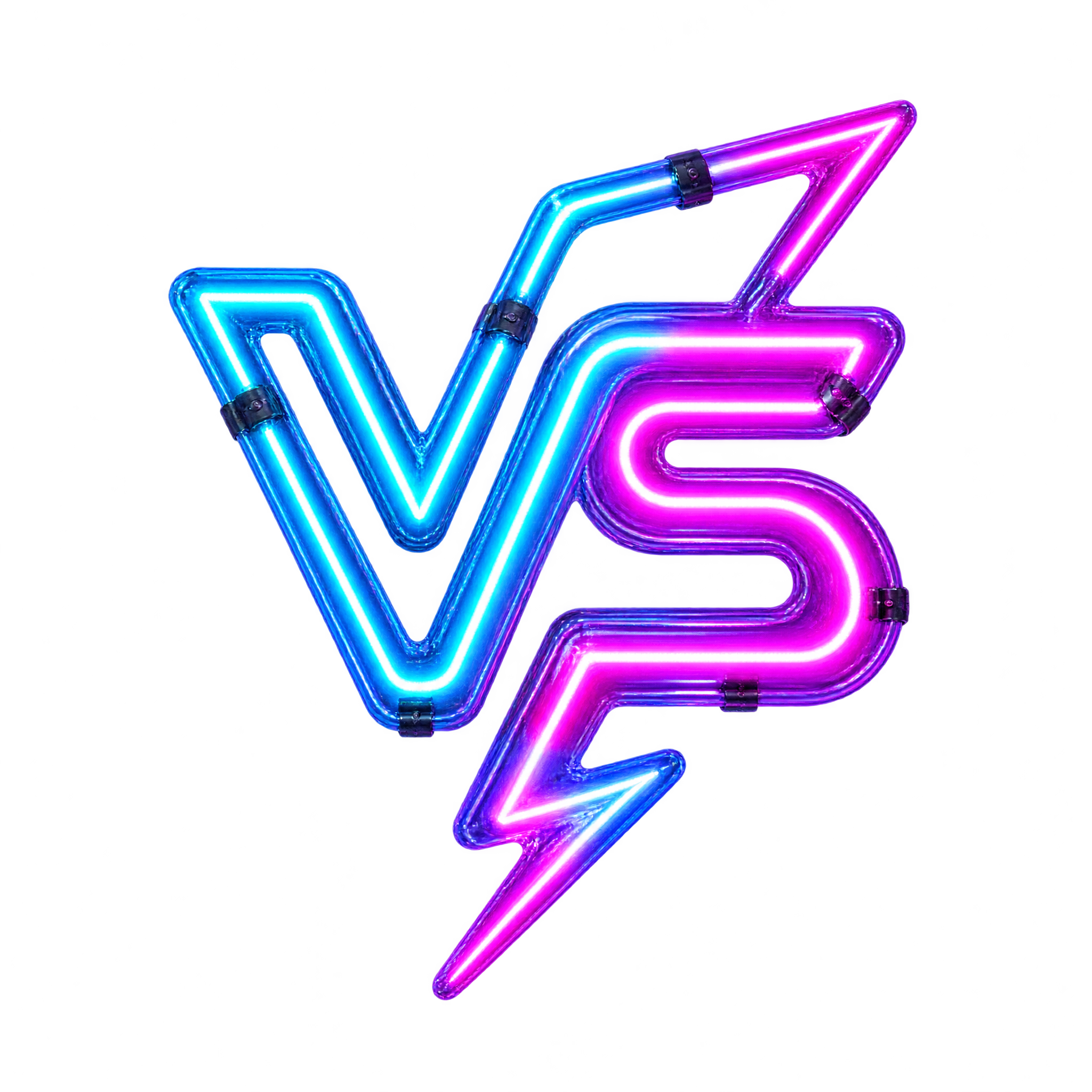
It is a comparison graphic built around glowing VS lettering. This artwork combines interlocking cyan and magenta letterforms, making it well suited to gaming matchups, competitive announcements, event posters and promotional compositions.
PNG supports transparent backgrounds, allowing the neon lettering to sit cleanly over thumbnails, posters and other layouts. JPG does not support transparency and typically places the image against a solid background. Downloads here are provided as PNG.
Place it near the center between the two competitors, products or teams so it acts as the visual divider. Leave enough space around the glow, and keep names or portraits slightly away from the interlocking letters to preserve clarity.
Dark navy, black and deep purple backgrounds strengthen the electric cyan and magenta contrast. Subtle blue or violet accents can reinforce the futuristic mood, while restrained white text keeps supporting information readable without competing with the glow.