
Frequently asked questions about Paper Cut Chiikawa PNG
Yes. You can use the PNG generator to create images and download PNG files for free. A subscription can add more creative options and advanced features, but it is not required for every creation or download.
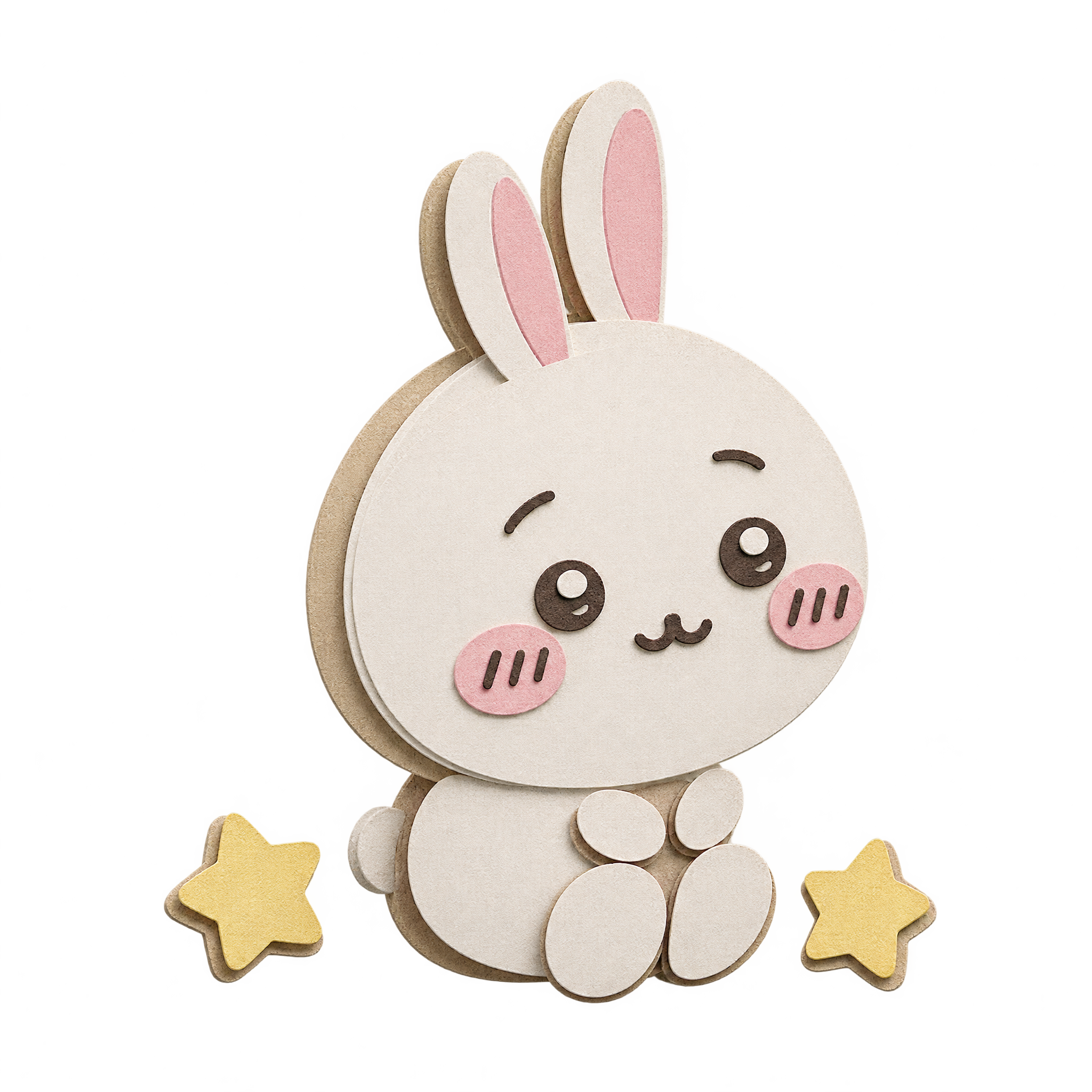
Open the AI workspace, enter a description of the seated layered-paper character and star details you want, then create your image and download the resulting PNG. Adjust the wording to explore a related paper-cut design.
Rounded, simple shapes and clearly separated paper-like layers suit the friendly character and stars. Keep the forms soft rather than highly angular to preserve the handcrafted paper-cut impression.
PNG can preserve transparent areas around the artwork, while JPG typically uses a solid background and compression that can affect fine edges. PNG is therefore useful when placing this character and its stars into another design.
Place the seated character slightly off-center and leave enough open space around the two stars so the small composition remains easy to read. It can work as a focal decoration near a corner or within a simple title area.
Use gentle cream, blush, pale blue, or other muted tones to support the stars without competing with them. A clean light background can reinforce the cheerful mood, while a deeper pastel contrast can help the character stand out.