
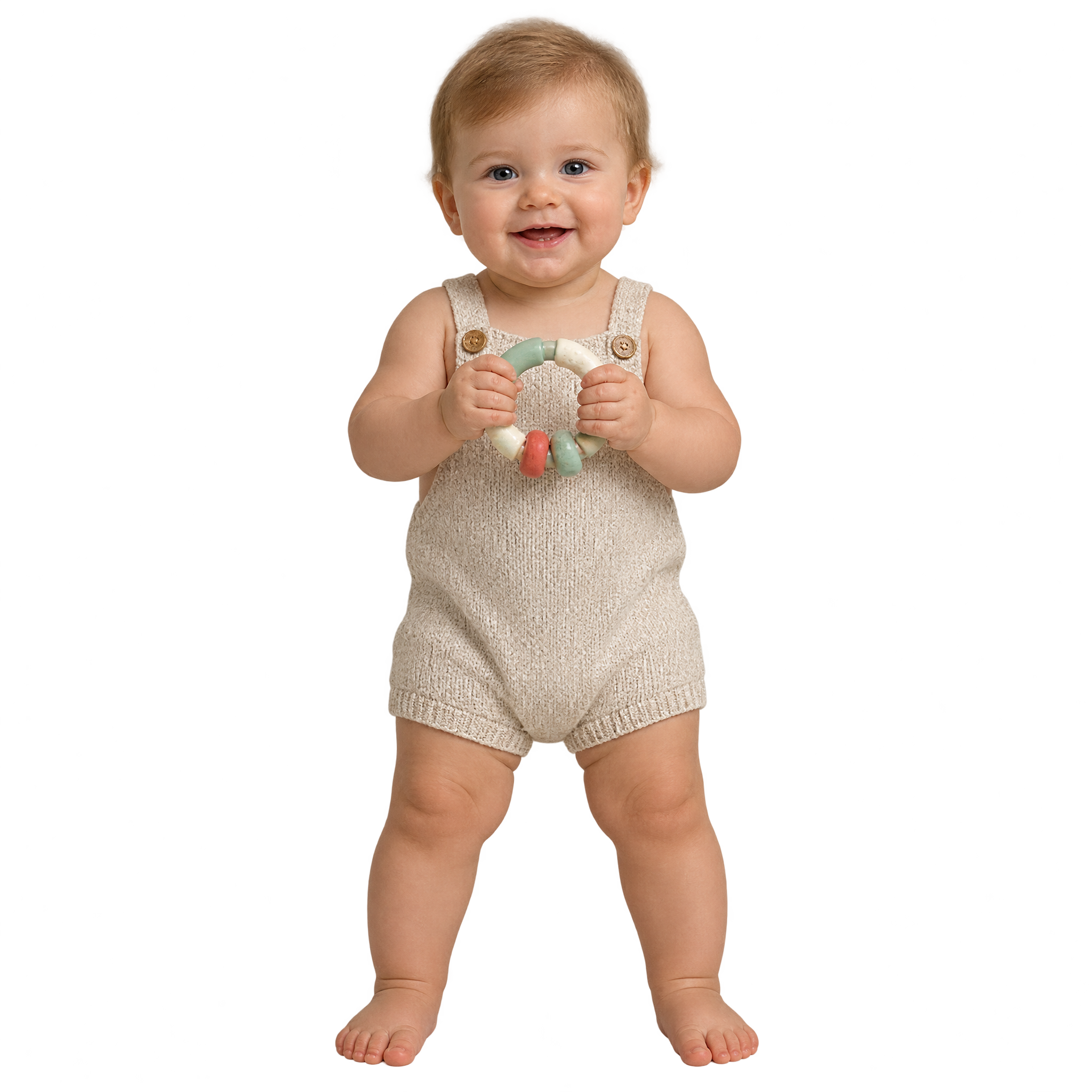
Frequently asked questions about Realistic Baby PNG
Yes. You can use the PNG generator to create and download PNG images for free. Optional subscriptions provide more creative options and advanced features.
Open the AI workspace and enter a description of the image you want, such as a naturally rendered standing baby holding a toy ring. Generate the artwork, review the result and download your chosen image as a PNG.
Yes. The transparent background lets you place the standing baby over invitations, photo layouts, announcements and other designs without a surrounding rectangular backdrop.
Yes. Download the PNG, then upload it to Canva as an image asset. You can place it in your design, resize it and combine it with text, shapes or other decorative elements.
Place the standing figure slightly off-center and keep open space beside or above it for a name, date or short message. Positioning the toy-ring side toward the text can help guide attention into the composition.
Warm neutrals, gentle pastels and soft paper textures can reinforce the natural, family-friendly mood. For clearer separation, use a background that contrasts with the infant’s tones, and add simple elements such as rounded frames or subtle nursery motifs.