
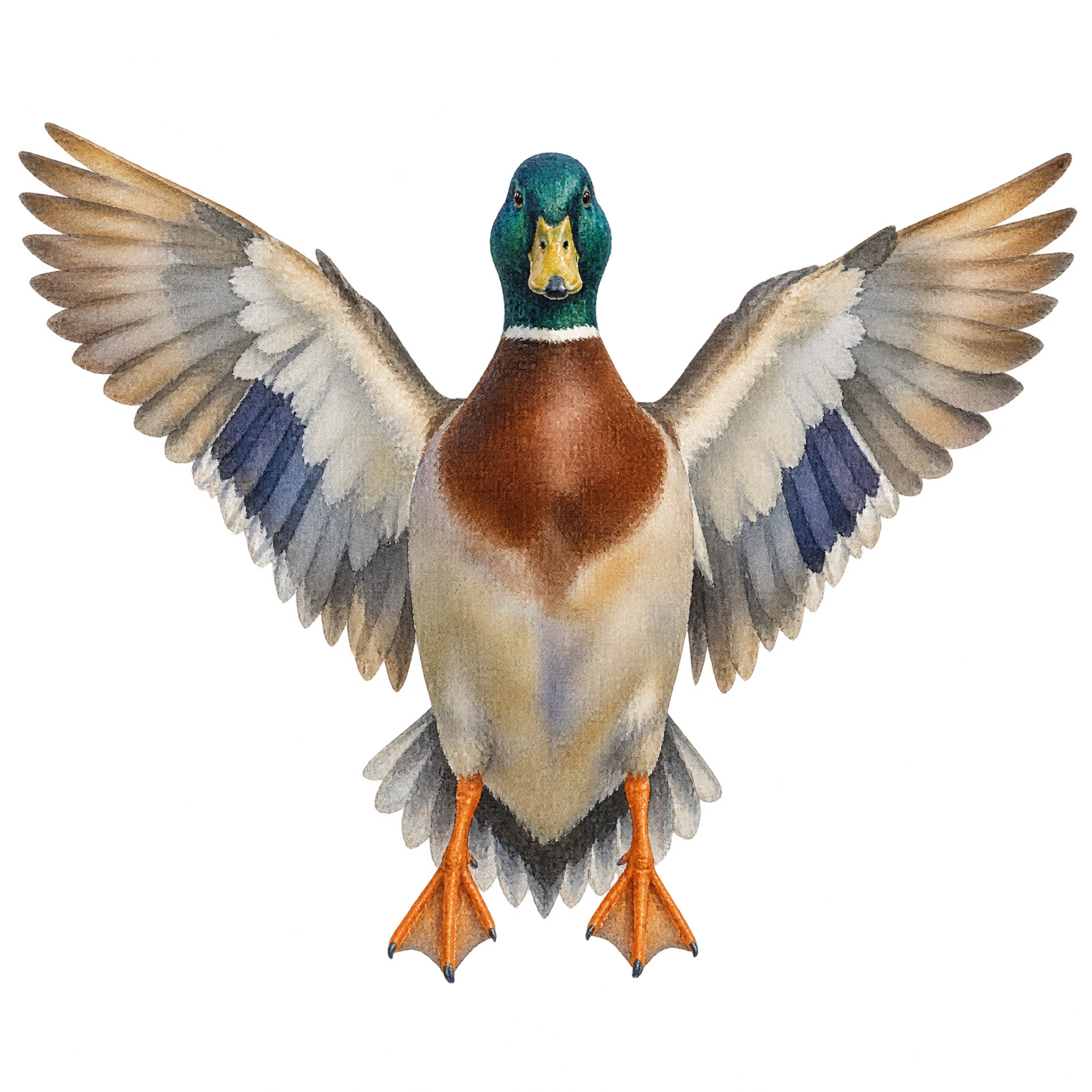
Watercolor Drake PNG
An isolated male mallard spreads its wings in a centered frontal pose, creating an expressive asset for wildlife graphics, educational layouts, and decorative compositions.
Yes. You can create and download PNGs for free using the PNG generator. Optional subscriptions provide more creative options and advanced features.
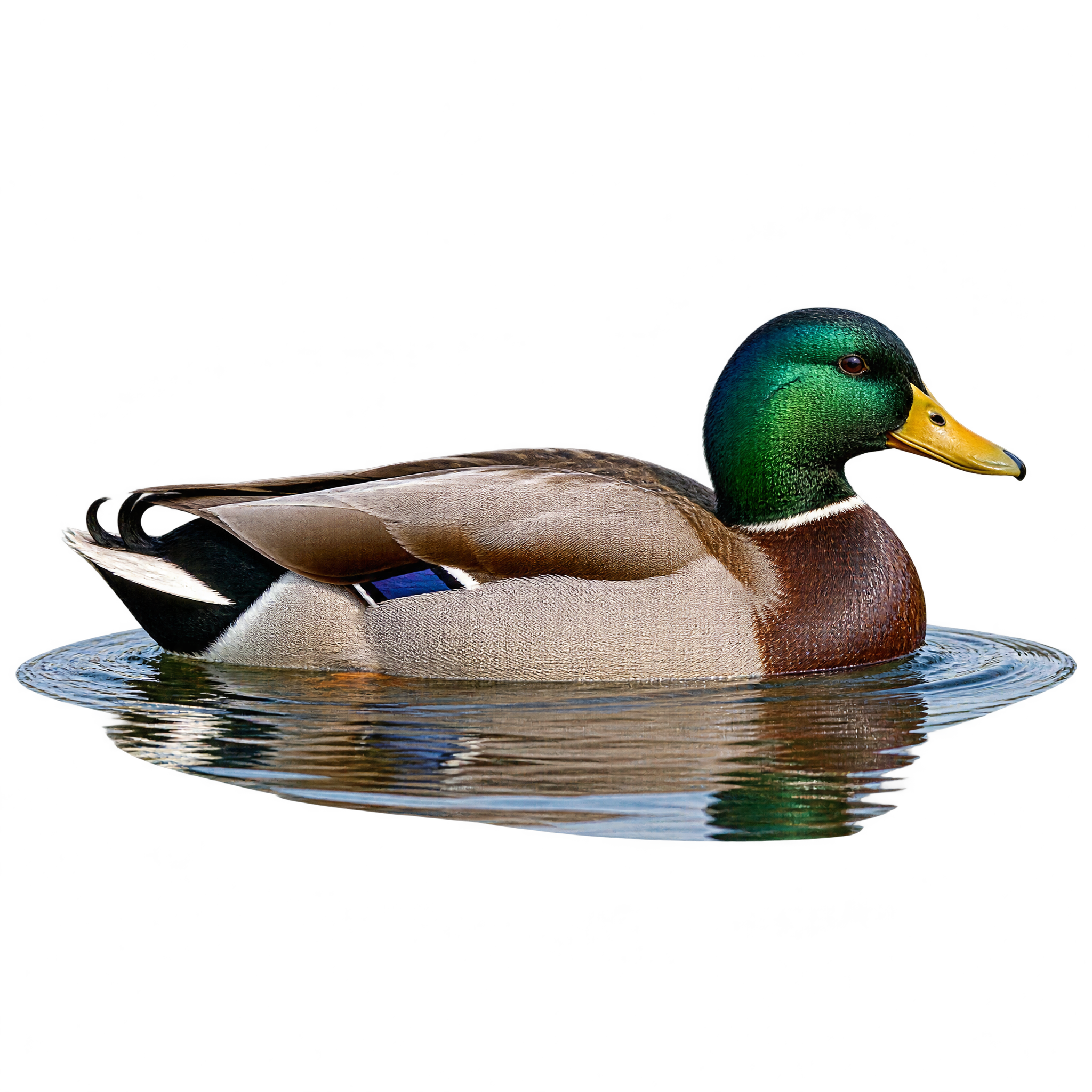
You can download the displayed transparent PNG. To create a variation, open the PNG generator and enter a description such as “a realistic male mallard swimming in side profile with a small water ripple,” then refine the result.
PNG supports transparency, so the isolated drake can sit cleanly over different backgrounds. JPG does not support transparent backgrounds and typically places the subject within a rectangular image. The downloadable format here is PNG.
Choose a realistic drake for wildlife education, nature-themed compositions, or scenes where recognizable detail matters. A silhouette is better for simple icons, bold signs, or layouts that need a flatter graphic shape.
Use the side profile to guide the composition, leaving open space in front of the bird’s facing direction for a balanced sense of movement. Keep the compact ripple visible to ground the mallard, and place text away from its outline.
Soft water blues, muted reed greens, and gentle gray tones support a calm wetland mood. For clearer separation, choose a background with noticeably different lightness from the bird, and pair it with restrained natural textures rather than busy patterns.