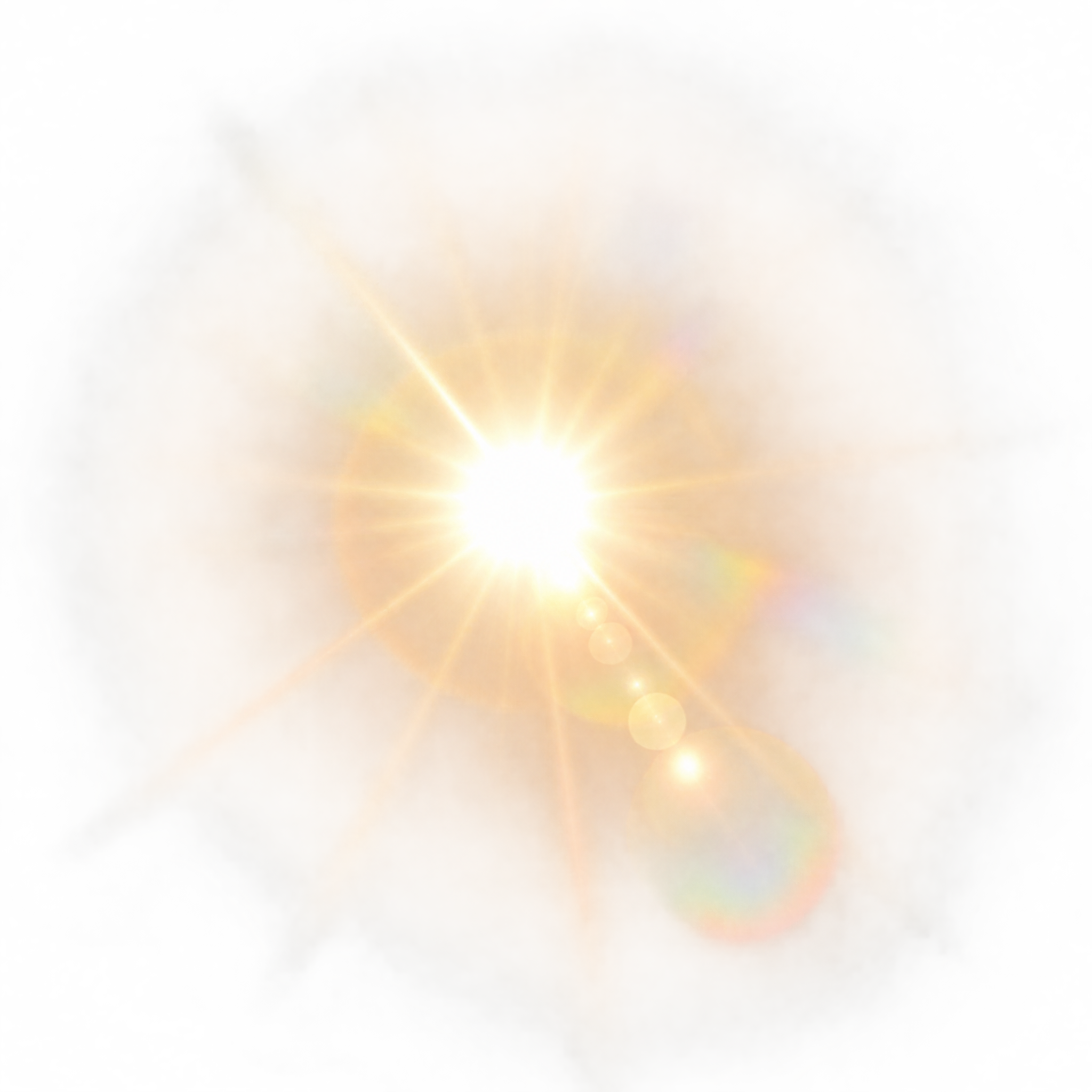

Neon Sun Glare PNG
A neon-style sun glare PNG with a radiant core, crossing light trails, glow rings, and sparse flare nodes for energetic overlays in digital compositions.
Curated Sun Glare PNG choices, followed by focused background, style and workflow options.
A luminous glare with natural haze, neon trails or graphic rays can bring focused light and atmosphere to a poster, layout or scene composite.
Yes. You can create and download Sun Glare PNG images for free. An optional subscription provides more creative options and advanced features, but it is not required for basic creation and downloading.
Open the AI workspace and enter a description of the glare you want, such as a radiant core with atmospheric bloom, crossed neon streaks or scalloped paper-cut rays. Generate the design, review the light pattern and download the result as a PNG.
Use photorealistic bloom, haze and lens flare artifacts for natural scene compositing. Neon trails suit energetic digital graphics, while geometric ray wedges or layered paper-cut forms create a more structured decorative accent.
A Sun Glare PNG is a light-effect image built around features such as an overexposed core, radiating glow, flare circles, haze or stylized rays. The artwork on this page includes transparent designs suited to layering over other visuals.
Place the brightest core near an existing or implied light source, then let the rays or flare trail guide attention toward the subject. Keep important text away from the most luminous area. In Canva, upload the PNG as an image asset and position it within your design.
Warm glare can add a sunny or cinematic mood to landscapes, posters and composites, while neon light feels more energetic and futuristic. Bright cores and defined flare rings usually stand out on darker areas; soft atmospheric bloom can blend naturally into lighter scenes.