
Frequently asked questions about Realistic Pixel Heart PNG
Yes. You can use the PNG generator to create and download PNG images for free. Optional subscriptions provide more creative options and advanced features.
Download the displayed artwork as a PNG, or open the AI workspace and enter a description of the heart you want. Mention details such as a ruby color, stepped pixel edges, glossy reflections, dimensional shading, and a transparent background.
A symmetrical heart feels orderly and works well for repeated icons, counters, or status displays. A slightly asymmetrical stepped contour gives the shape more character and can make a standalone reward, card accent, or decorative interface element feel less rigid.
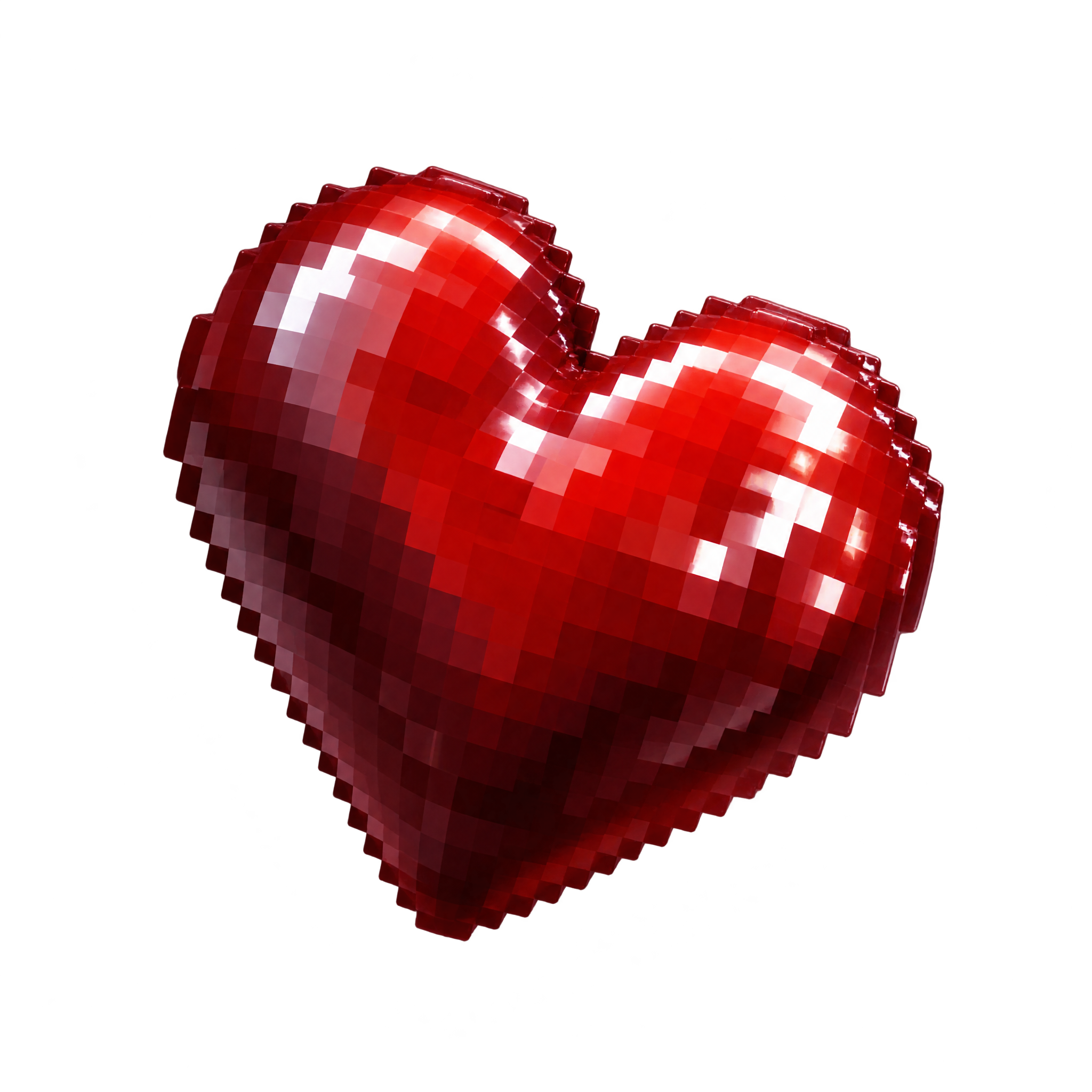
It is a heart illustration that combines blocklike, stepped edges with realistic depth cues such as highlights and shading. This artwork uses a plump ruby form, glossy reflections, and dimensional shadows while retaining a recognizable pixel-inspired silhouette.
Give the heart clear space around its stepped outline so the silhouette remains easy to read. For a game reward or interface accent, place it near a score, message, or action without covering the glossy highlights; on a card, an off-center position can complement its asymmetrical shape.
Dark navy, charcoal, or deep purple can emphasize the bright ruby color and glossy highlights. Pale neutral backgrounds create a softer contrast. Pair it with crisp pixel lettering for a game-inspired mood, or restrained modern typography to let its dimensional texture stand out.