Paper Cut Ps5 PNG
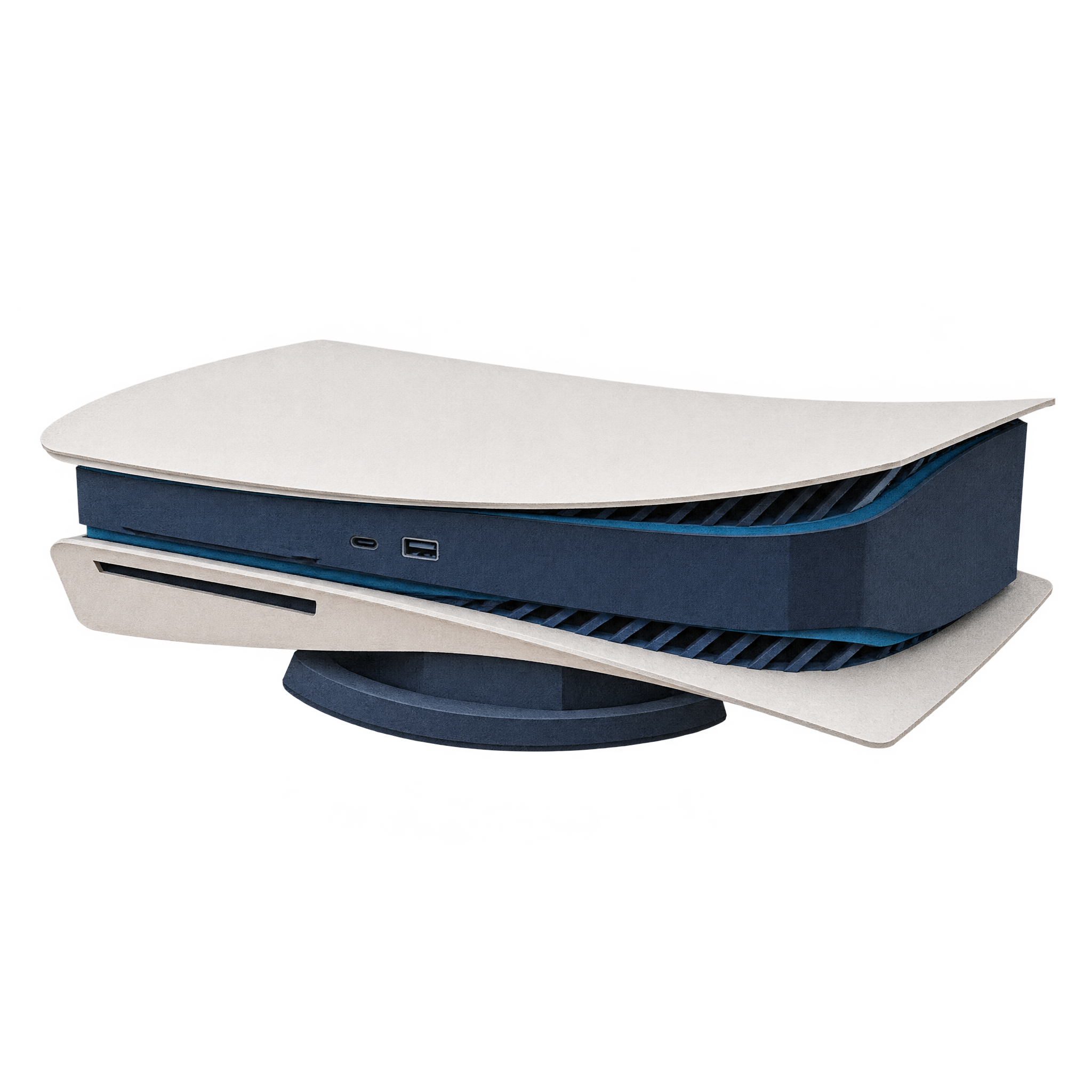
A recognizable horizontal PlayStation 5 resting on a low stand, rendered as a layered paper-cut asset for gaming layouts, presentations, and decorative editorial compositions.
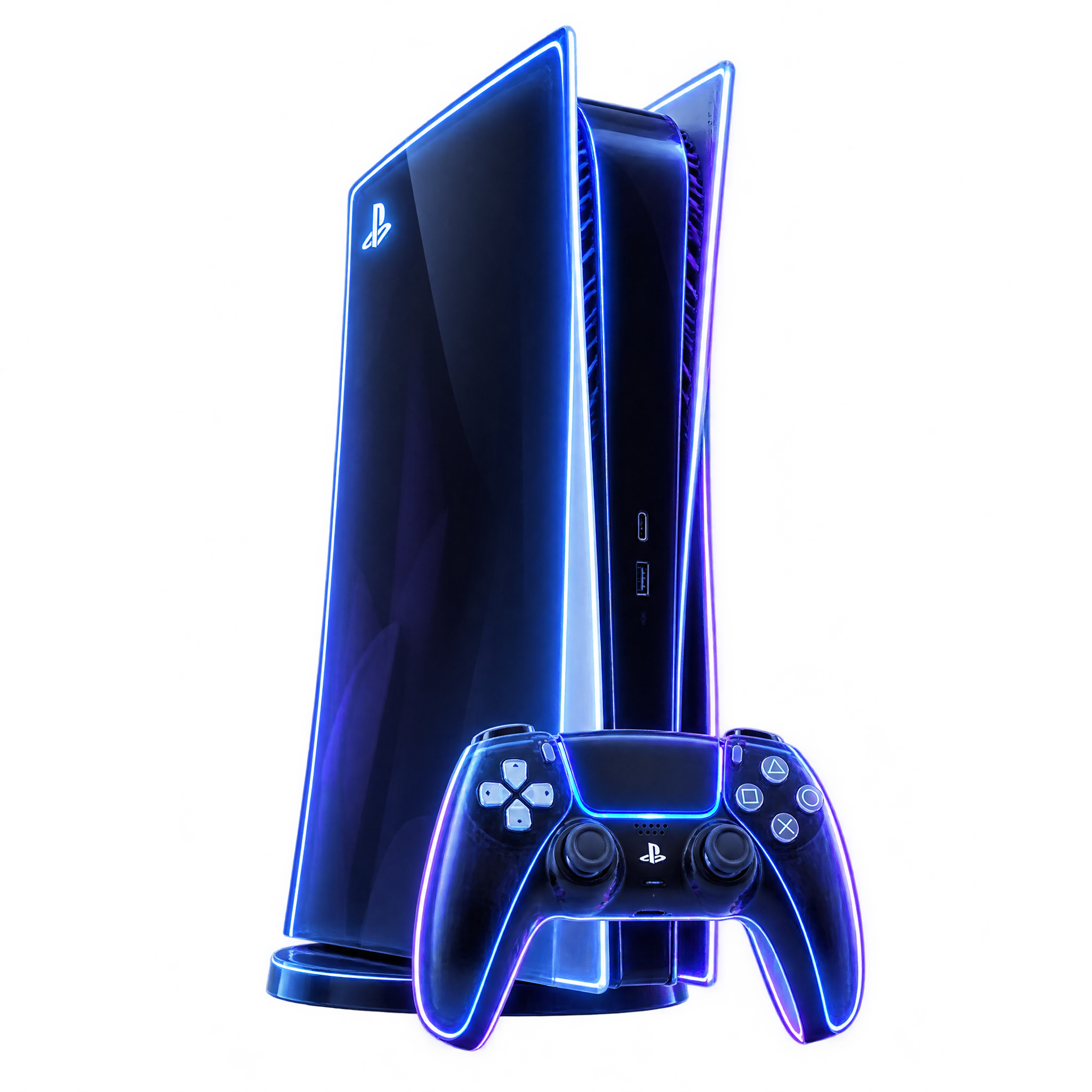
Ps5 PNG features upright and horizontal consoles, from clean product views to neon, paper-cut and playful controller compositions.
2 Ps5 PNG images
A neon console-and-controller composition can energize a gaming poster, while a realistic product view suits comparisons and presentations.
A PS5 PNG can anchor a gaming poster, comparison graphic or presentation without a surrounding background. Choose an upright product view for a clean hardware focus, a horizontal profile for wider compositions, or a controller pairing for added context. Download a free PNG, or open the PNG generator and enter a description for a new treatment.
Yes. You can create and download PS5 PNGs for free. A subscription is optional and adds more creative options and advanced features.
Download a featured PNG, or use the PNG generator to make a related design. Open the AI workspace and enter a description covering the console orientation, visual style, controller placement and intended composition.
Yes. The featured PS5 PNG assets have transparency, allowing the console silhouette to sit over posters, presentation slides and other layouts without a surrounding rectangular background.
Upload the PNG as an image asset into a Canva design, then position and size it within the layout. Leave enough space around the console or controller so the silhouette remains easy to recognize.
Use an upright console as a central focal point or align it beside a headline for a balanced poster. A horizontal console works well across wider areas, while a console-and-controller composition can anchor a lower corner.
Dark blue, violet and black can support a neon gaming mood, while pale neutrals suit realistic product views. Keep clear contrast around the console edges, especially when using linework or a white-and-black hardware treatment.