
Frequently asked questions about Watercolor Gun Emoji PNG
Yes. You can use the PNG generator to create and download PNGs for free. Optional subscriptions provide more creative options and advanced features.
Download the available PNG from this image page. To make a related design, open the PNG generator, enter a description of the pistol emoji, watercolor treatment, and viewing direction you want, then generate and download your result.
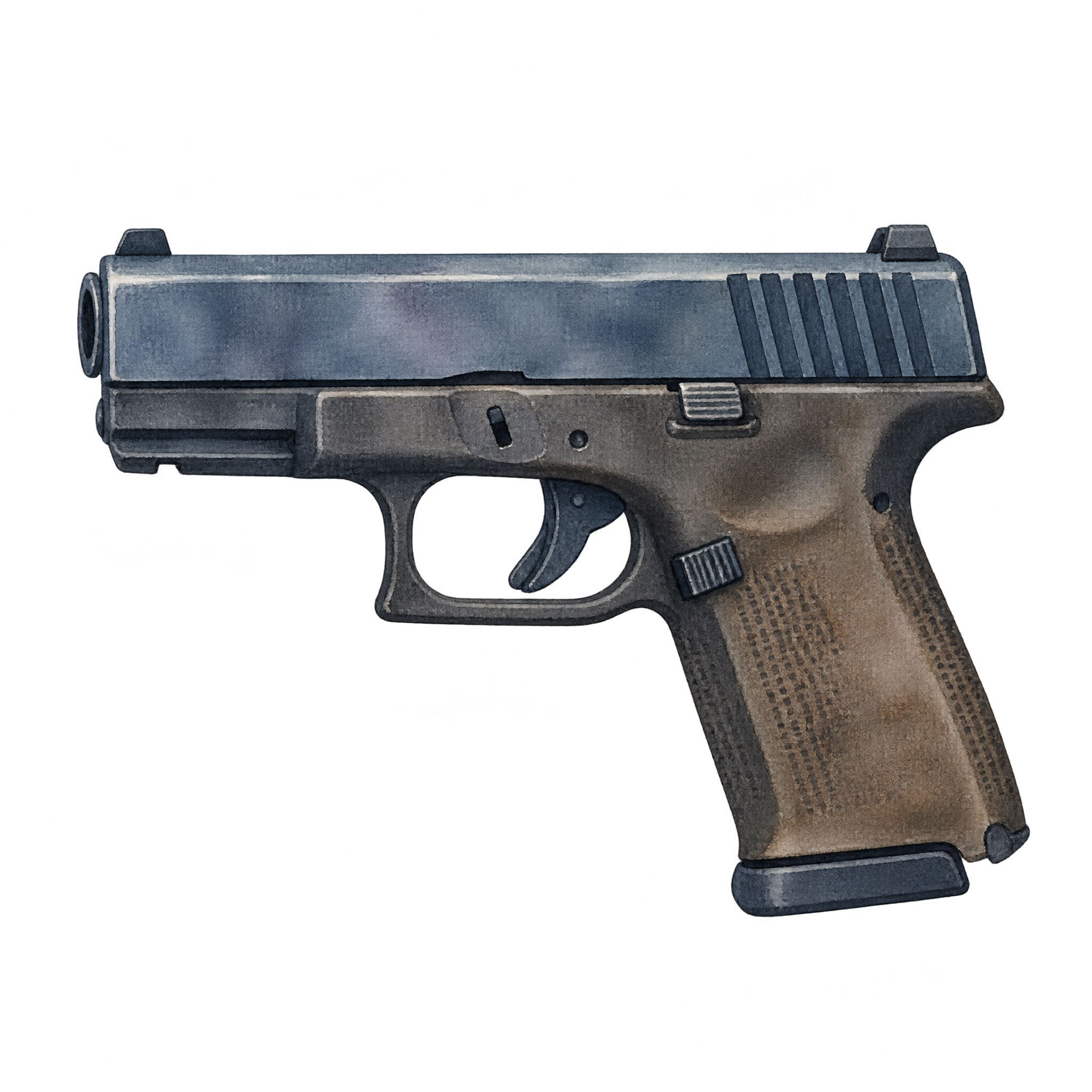
A side profile works well when you want an instantly readable silhouette or a directional element. A front-facing interpretation can feel more direct but may be less recognizable at a glance. The left-facing profile here is suited to compact stickers and layout accents.
Open the AI workspace and describe the variation you want. Try changing the medium or tone with terms such as soft watercolor, ink wash, flat emoji, playful sticker, or minimal icon while keeping the pistol and viewing direction clear.
Place it toward the right side when you want its direction to lead attention inward toward a heading or message. Leave clear space in front of the barrel, and avoid crowding the compact silhouette with detailed text or nearby icons.
Choose a background that contrasts with the darkest parts of the pistol so its profile remains readable. Neutral surfaces, restrained typography, and a limited accent palette can complement the watercolor character without making a small composition feel busy.