
Frequently asked questions about Watercolor Ray Gun PNG
Yes. You can use the PNG generator to create and download PNGs for free. Optional subscriptions provide more creative options and advanced features.
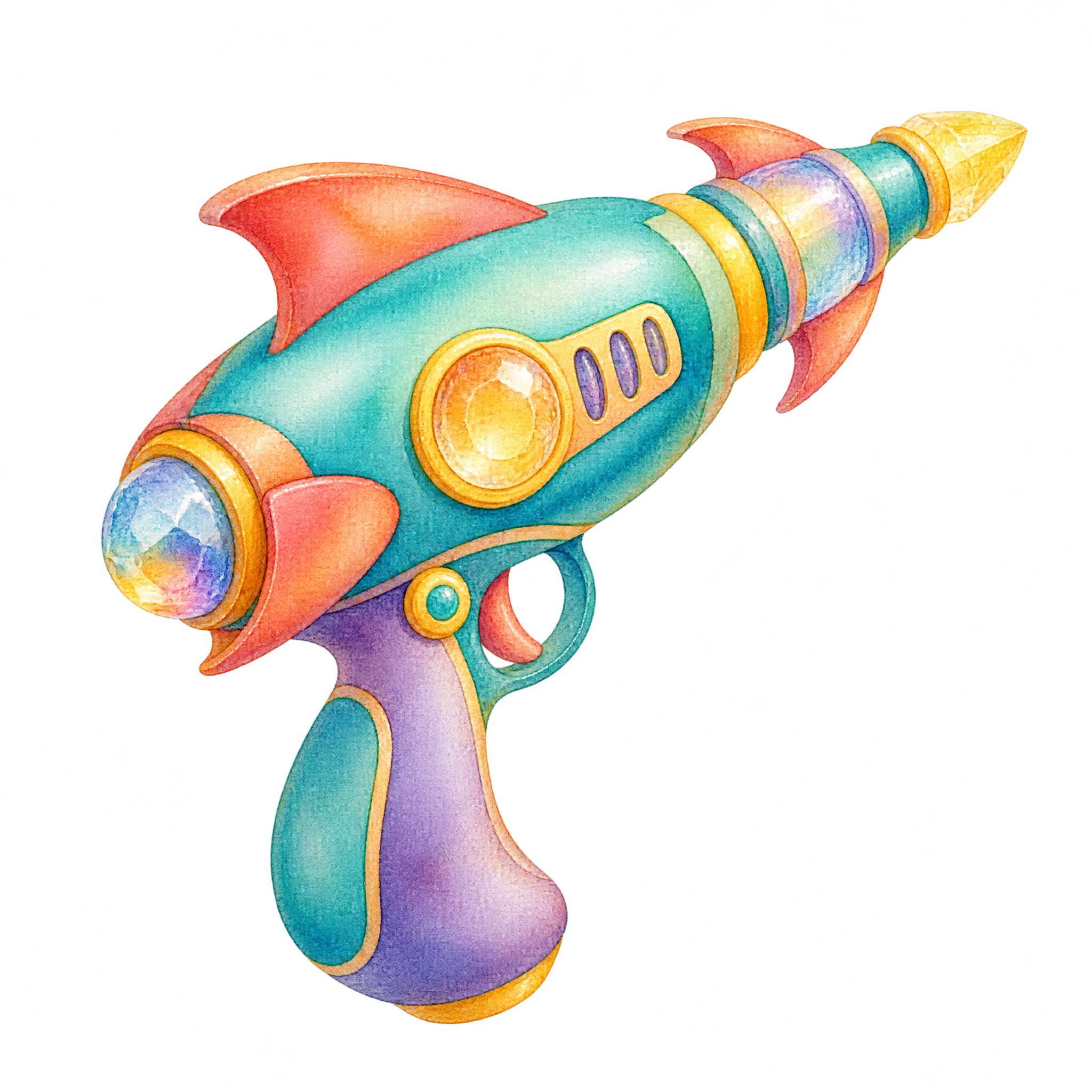
You can download the featured PNG from this page. To make a related design, open the AI workspace, enter a description of the ray gun, watercolor treatment, pose, and details you want, then generate and download your PNG.
Open the PNG generator and describe variations such as a softer watercolor treatment, different rounded shapes, alternate fin-like accents, or a new ray gun pose. Adjust the description to explore designs that fit your project.
Yes. Its transparent background lets you place the ray gun over invitations, posters, digital collages, and other layouts without a surrounding rectangular backdrop.
Use its diagonal upward pose to guide attention toward a headline, event detail, or focal point. Leave open space in front of the tapered emitter so the composition feels directional rather than crowded.
Choose a background that contrasts with the artwork’s dominant watercolor hues so its rounded silhouette stays clear. Starbursts, planets, soft washes, or playful type can reinforce an imaginative retro-futuristic mood.