Realistic Green Heart PNG
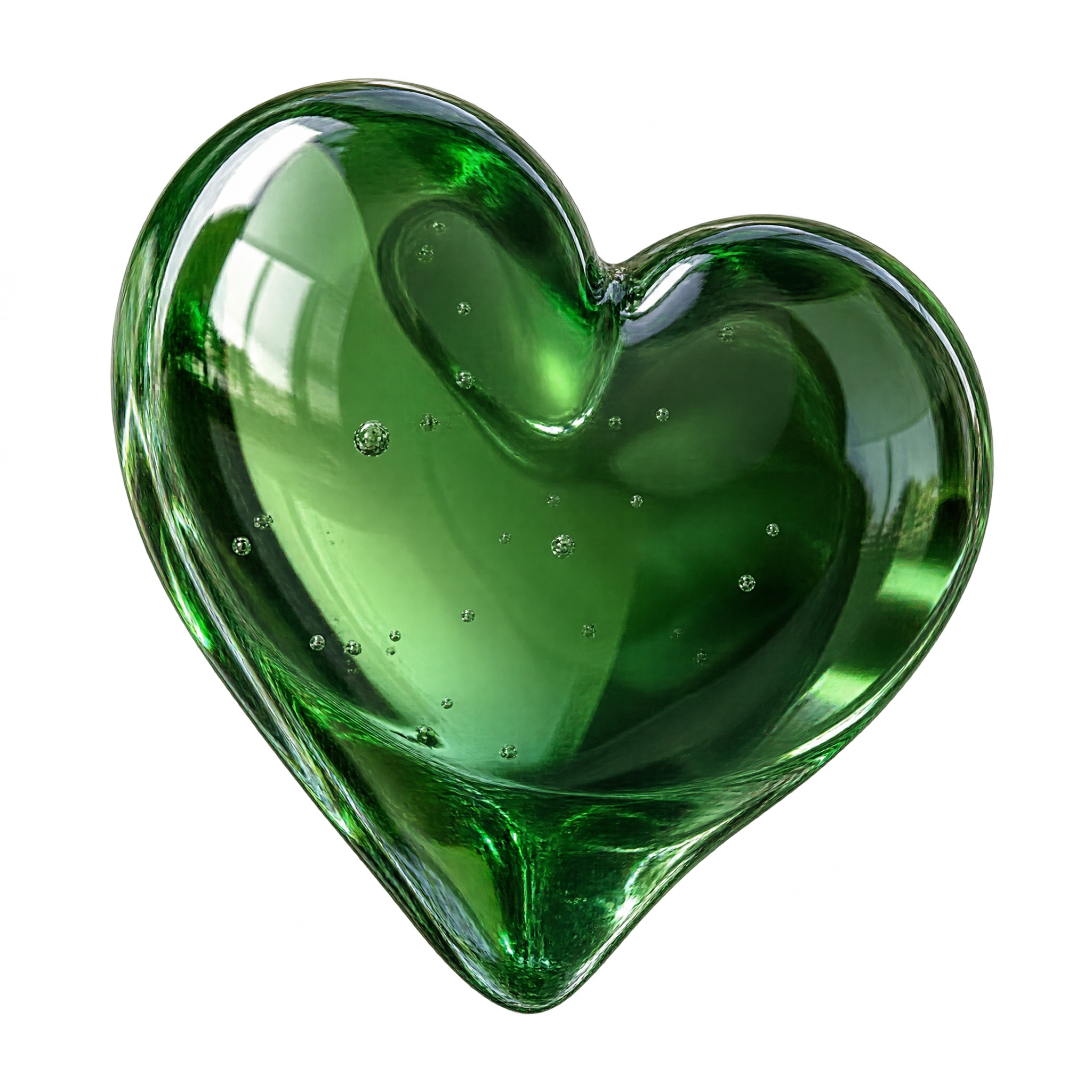
A polished translucent green glass heart shown at a three-quarter angle, featuring luminous refraction and realistic reflections for elegant digital compositions.
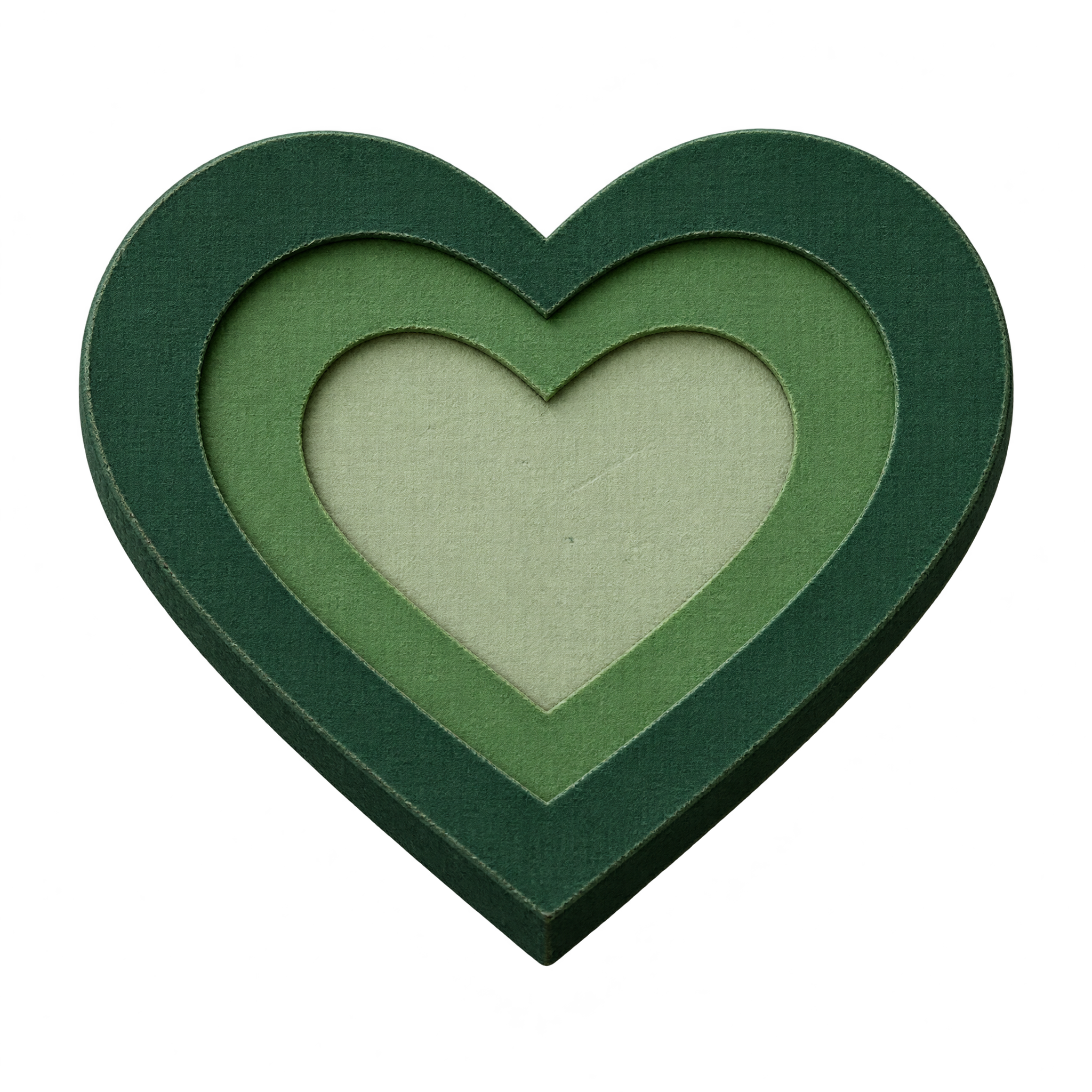
From translucent glass and watercolor to paper-cut, clay, cartoon, and engraved styles, find a green heart PNG for cards, stickers, and social posts.
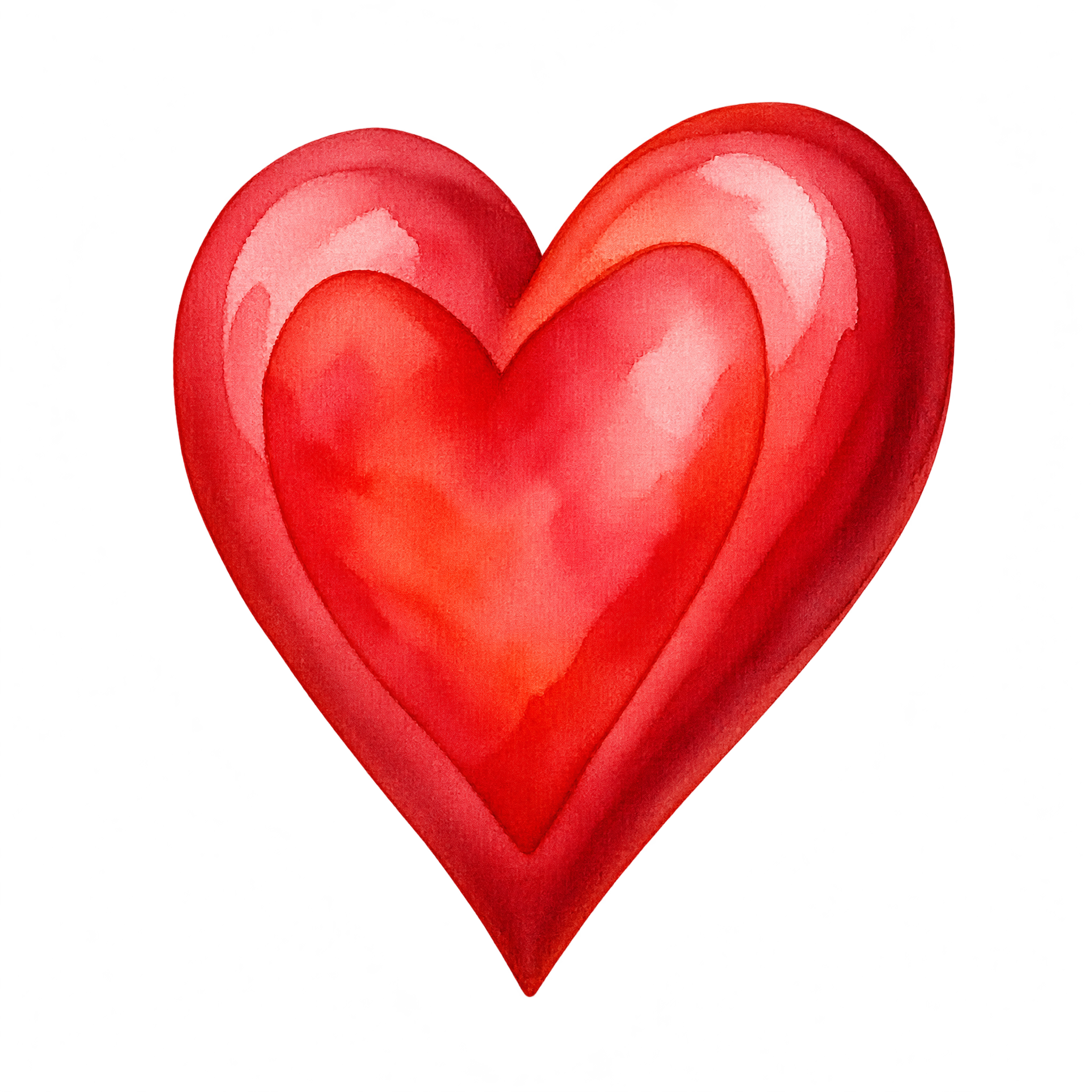
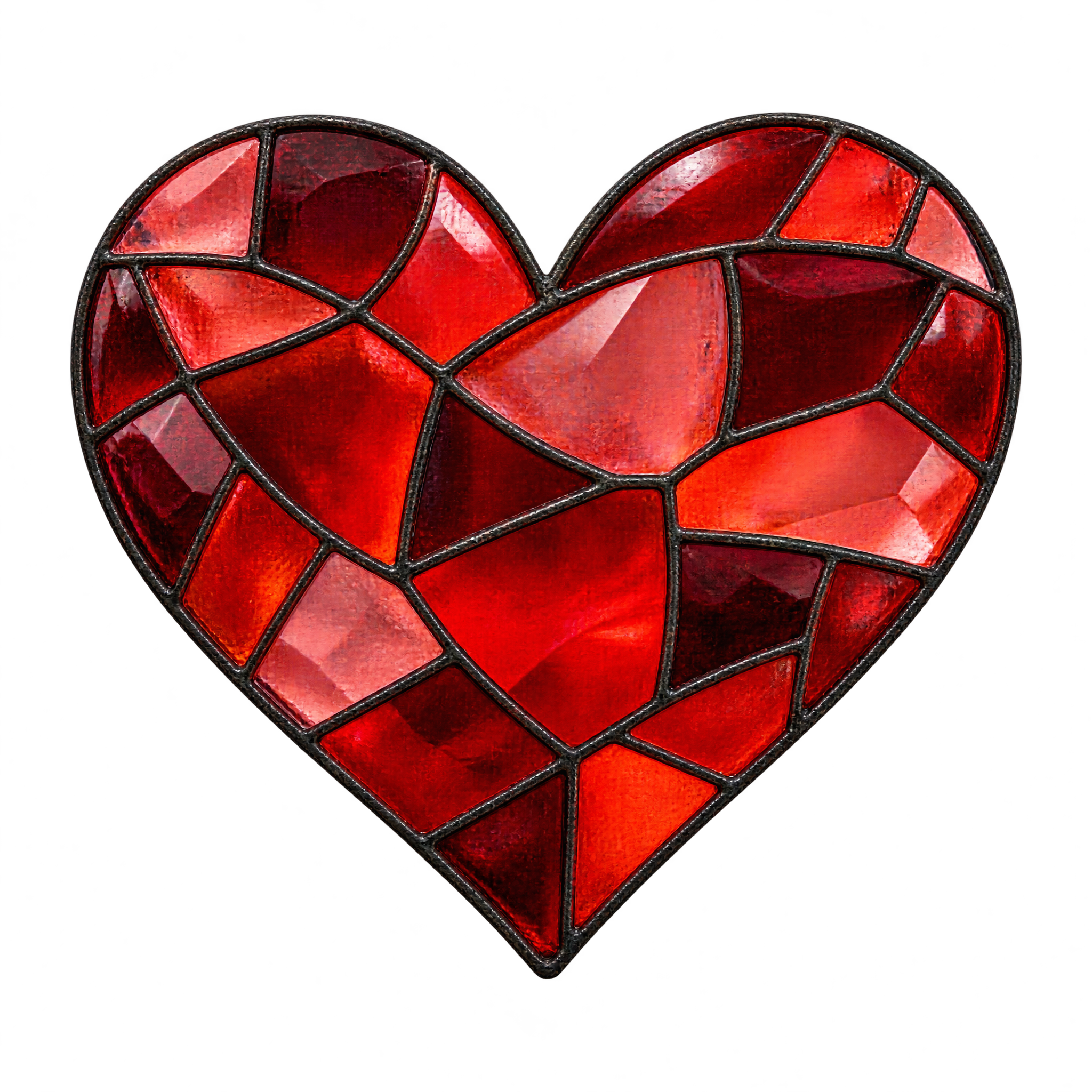
From bold cartoons to watercolor and stained glass, find a red heart PNG with a transparent background for invitations, stickers and romantic graphics.
Use the PNG generator to produce a heart design based on your preferred shape, color, and visual treatment.
Yes. You can create heart designs in the PNG generator and download PNG files for free. An optional subscription provides more creative options and advanced features.
Choose an existing heart design to download, or open the AI workspace and enter a description of the shape, color, and style you want. You can include details such as “open neon heart” or “engraved heart with no background,” then generate and download the result as a PNG.
Browse the related heart collections to compare directions such as 3D, black, blue, broken, gold, green, pink, purple, red, or white hearts. You can also explore symbolic variations such as a heart locket.
Choose a solid geometric heart when you need a clear, compact accent. An open outline leaves more visual space and can suit energetic poster designs, while an engraved heart brings texture and an antique or editorial mood to invitations, labels, and decorative layouts.
Give the heart enough surrounding space to preserve its recognizable silhouette. It can serve as a centered focal point, a small accent beside text, or an overlay that frames another element without covering important details. For Canva, upload the PNG as an image asset and position it within your design.
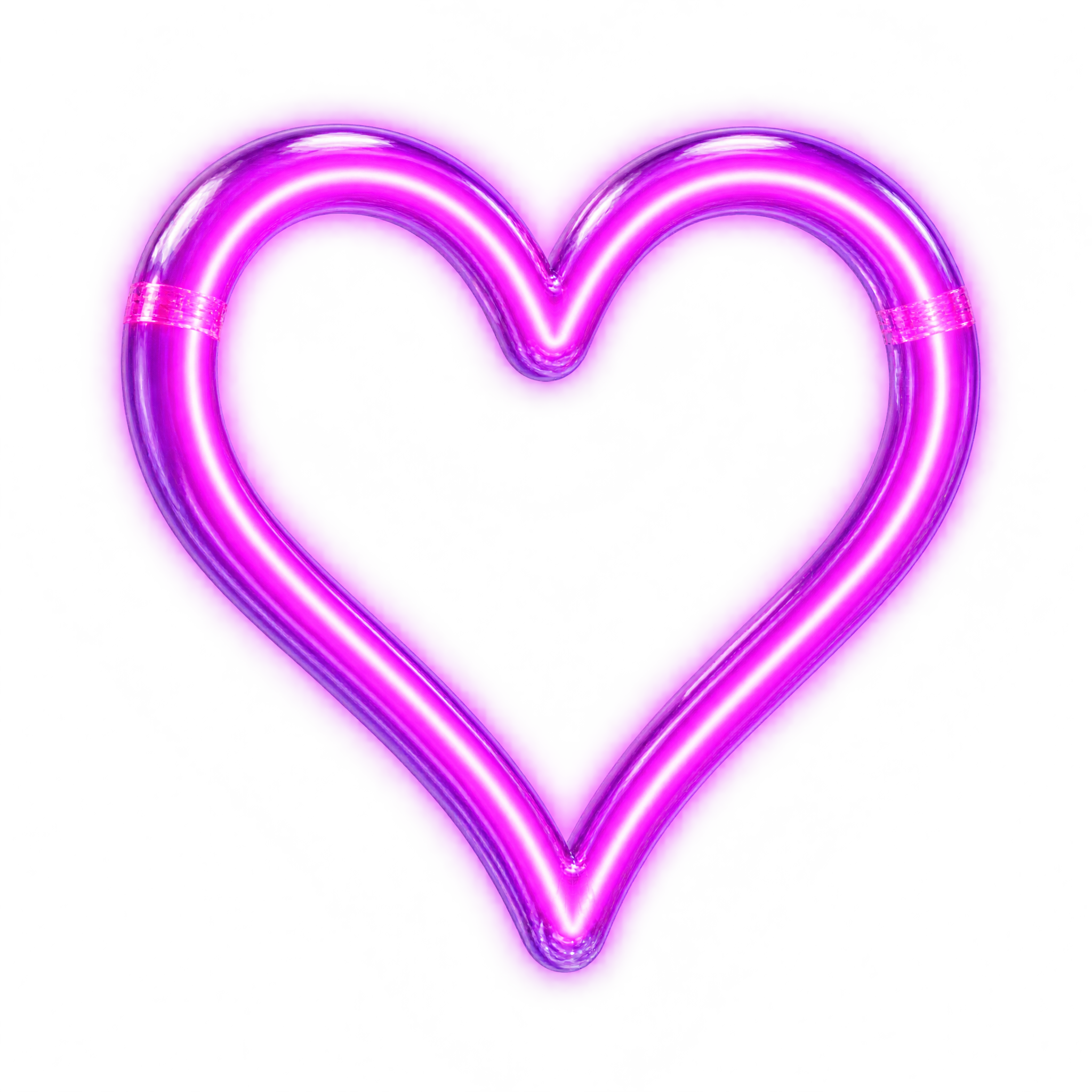
Use strong contrast between the heart and its setting so the silhouette remains clear. Magenta or violet glow pairs naturally with dark, nightlife-inspired layouts; coral feels warm and modern; burgundy engraving suits muted paper tones, serif lettering, and vintage decorative elements.
Open the AI workspace and describe the transparent PNG you want to create.