Paper Cut Black And White Flower PNG
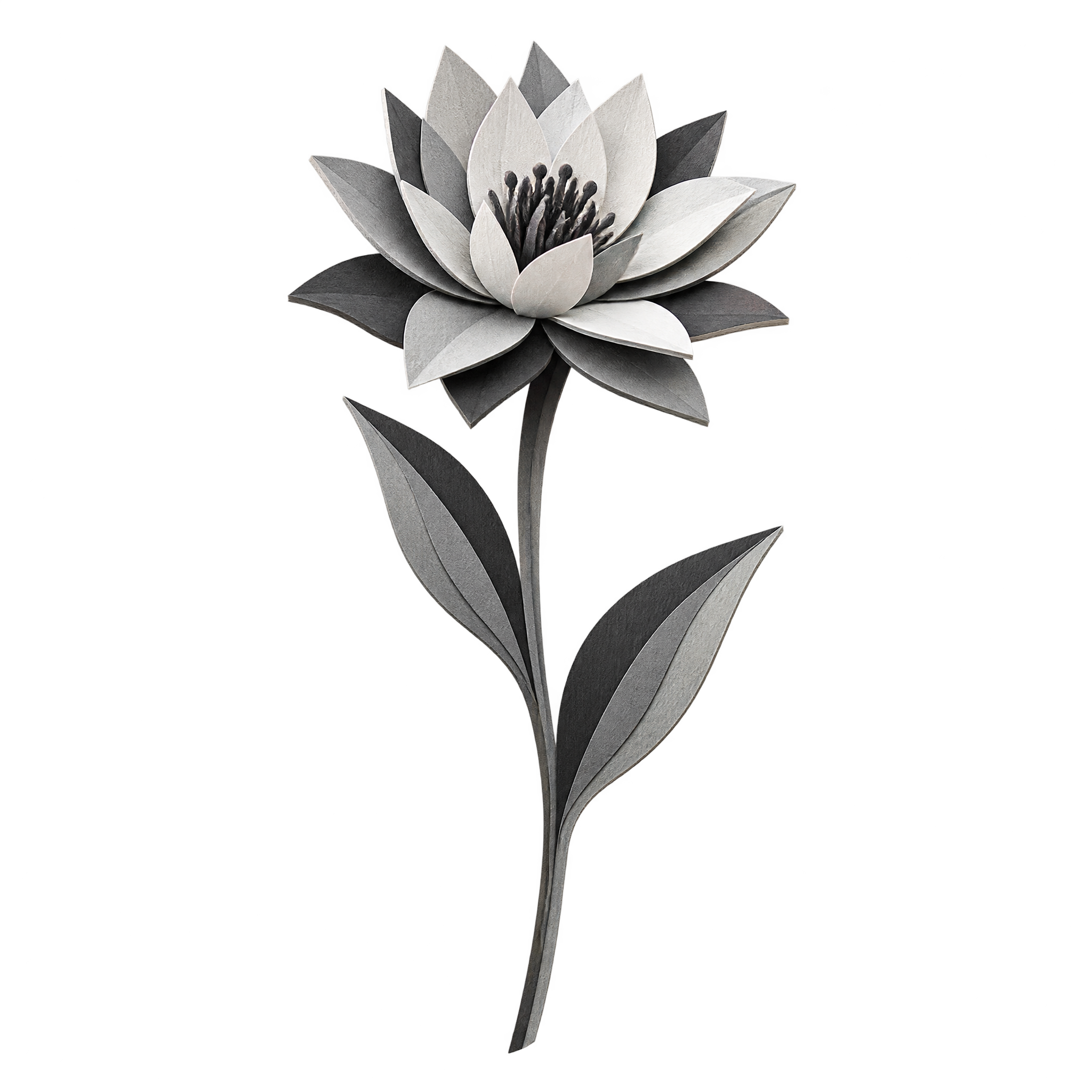
A black and white flower PNG with pointed layered petals, a long stem, and two leaves, presented in dimensional paper-cut style on transparency.
Curated Black And White Flower PNG choices, followed by focused background, style and workflow options.
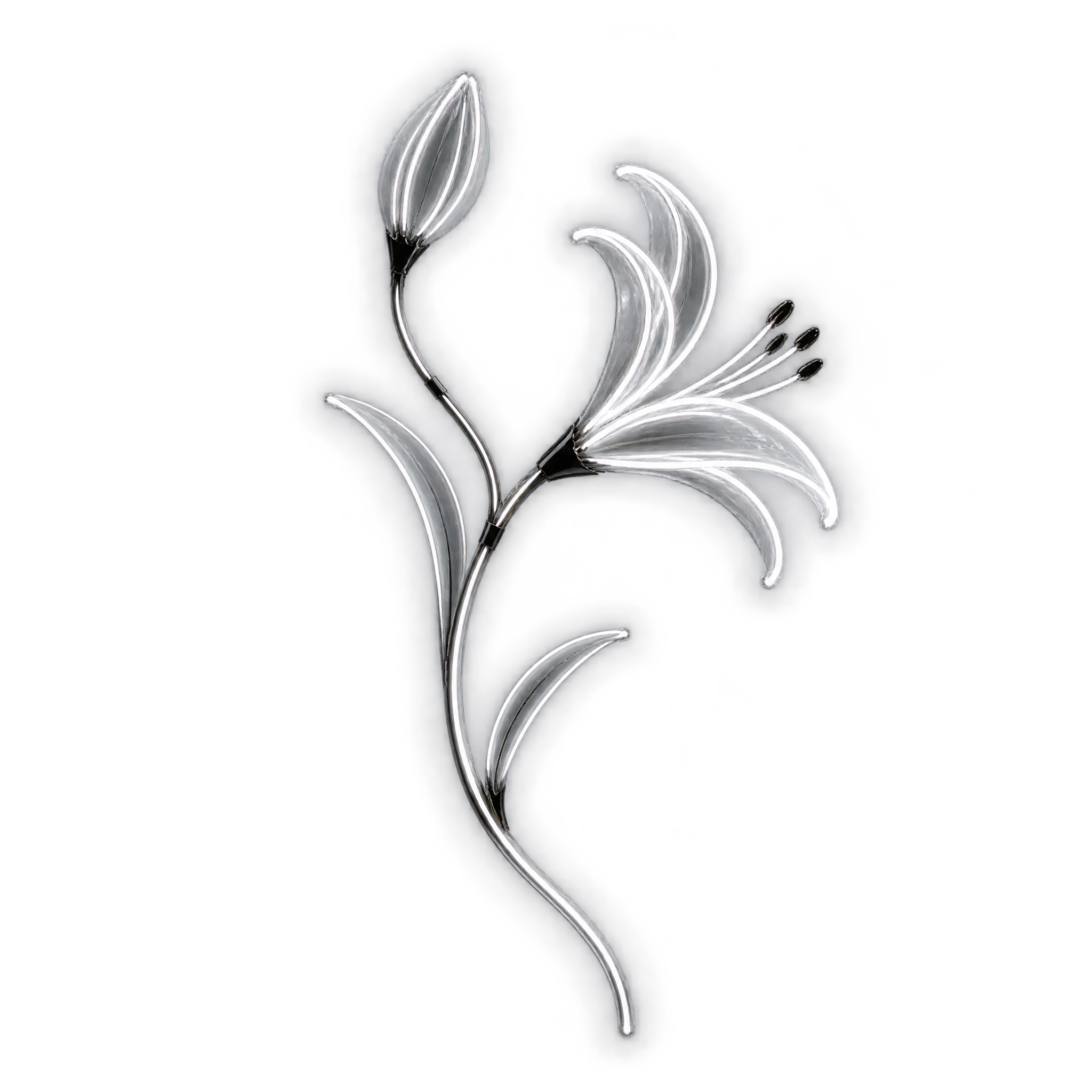
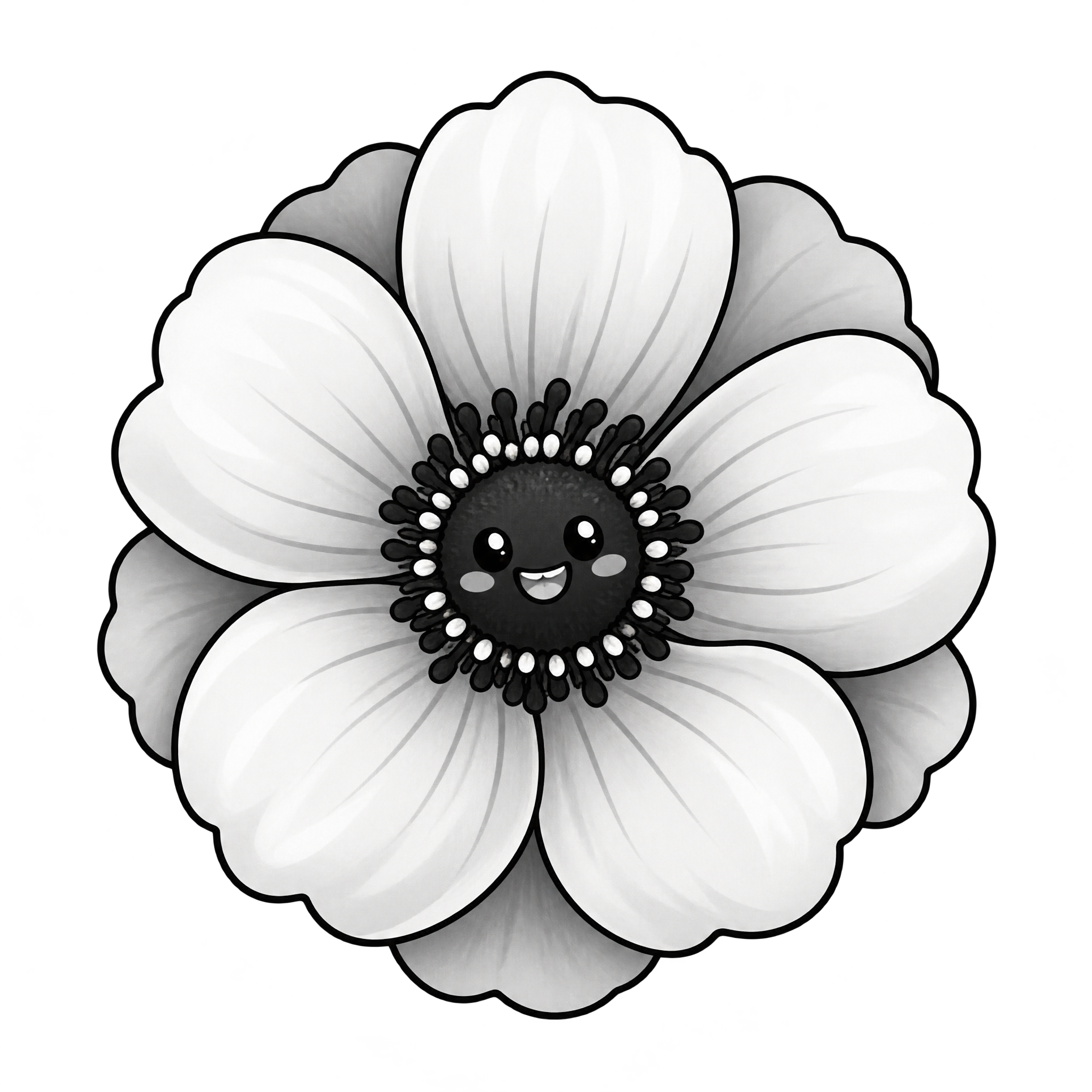
An engraved botanical cluster or airy watercolor bloom can give invitations and editorial layouts a distinctive monochrome accent.
Yes. You can create and download black and white flower PNGs for free. An optional subscription provides more creative options and advanced features, but it is not required for basic creation or downloads.
Choose an available flower design to download, or open the PNG generator and enter a description of the flower you want. Specify details such as an engraved cluster, geometric bloom, curved stem, layered petals, or watercolor edges, then create and download the result as a PNG.
PNG supports transparent areas around a flower, which helps it sit cleanly over another background or design. JPG does not support alpha transparency and typically fills the surrounding area with a solid background. Downloads here are provided as PNG.
Yes. The featured flower PNGs use transparent backgrounds, so their blooms, stems, buds, and leaves can be placed without a surrounding rectangular field. Check contrast after placement so fine outlines and pale details remain clear.
Use a compact bloom as a centered emblem or small accent, and place a vertical stem or botanical cluster along an edge to guide the eye. Leave breathing room around detailed petals and branches. In Canva, upload the PNG as an image asset and position it within your design.
Neutral backgrounds reinforce a restrained editorial or vintage mood, while one saturated accent color can make the monochrome flower a stronger focal point. On very light or dark layouts, choose placement that keeps white petals, black leaves, and delicate linework visibly distinct.