
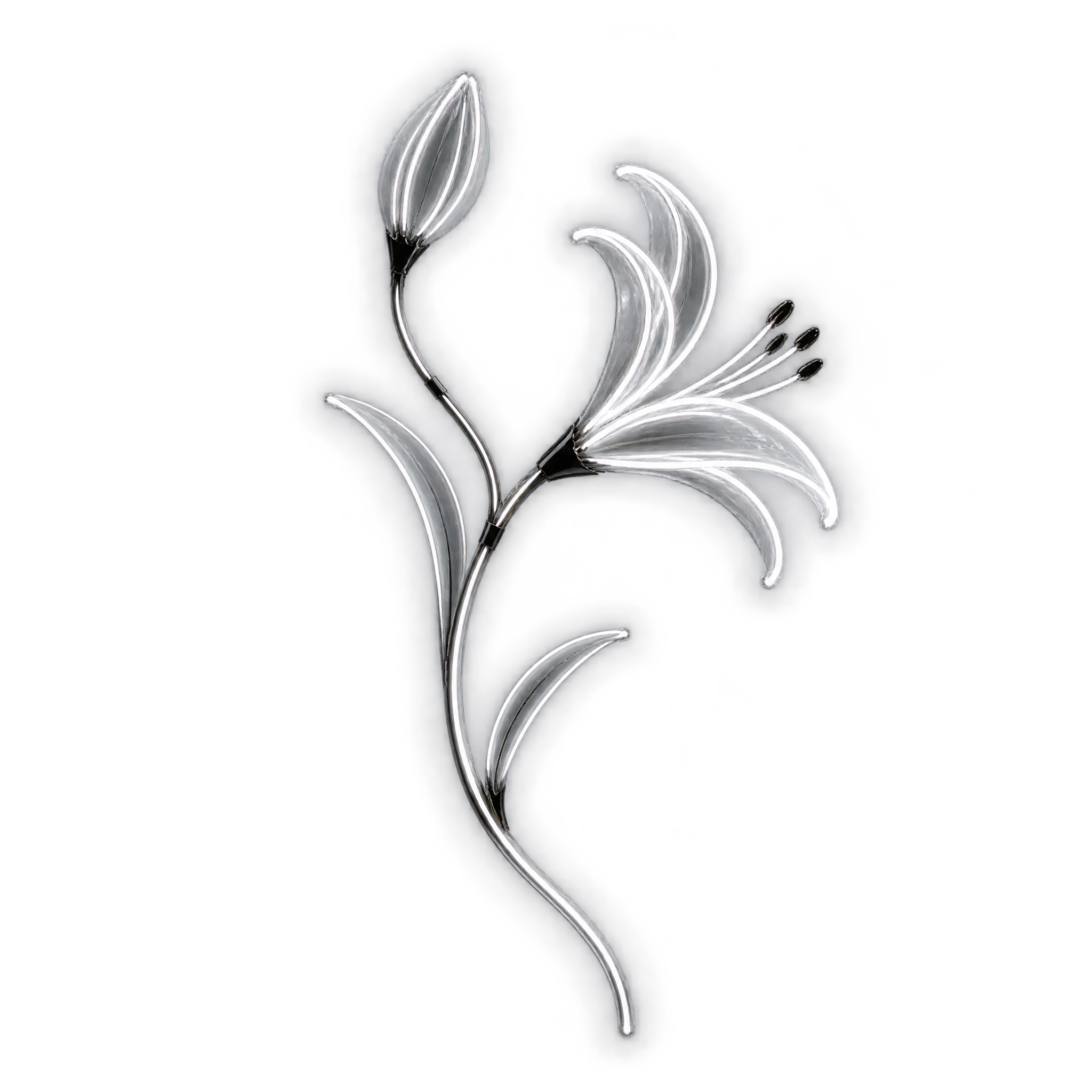
Frequently asked questions about Neon Black And White Flower PNG
Yes. You can create and download PNGs for free. Optional subscriptions provide more creative options and advanced features when you want greater flexibility.
Download this image from its page, or open the PNG generator to make a related design. In the AI workspace, enter a description such as “luminous black and white side-facing flower with a closed bud and curved stem,” then refine the result and download it as a PNG.
A side-facing flower creates direction and works well beside text or along an edge. A front-facing bloom feels more centered and symmetrical, making it a stronger choice for badges, focal graphics or balanced layouts.
Yes. Upload the PNG to Canva as an image asset, then place it in your design, adjust its scale and combine it with text, shapes or a background that suits your composition.
Position the bloom near a corner or outer edge and let the curved stem guide the eye toward a headline or focal element. Leave open space in front of the side-facing flower so the composition does not feel crowded.
Deep black, charcoal or saturated jewel tones strengthen the luminous monochrome effect. Pair it with restrained typography and minimal geometric accents for a sleek mood, or muted gradients for a softer atmospheric contrast.