
Frequently asked questions about Engraved Goldfish PNG
Yes. You can use the PNG generator to create and download goldfish designs for free. Optional subscriptions provide more creative options and advanced features.
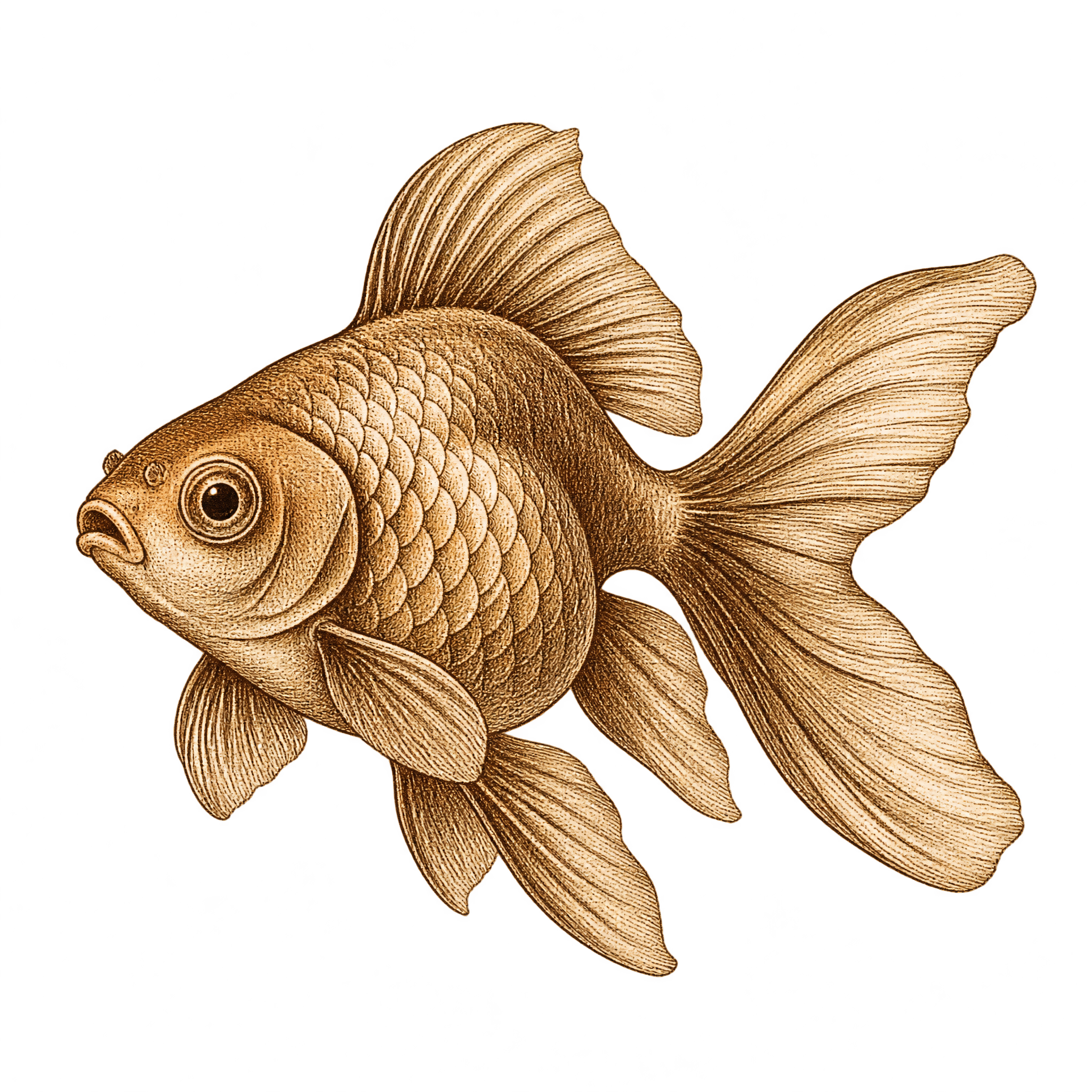
Download this transparent PNG for your project, or open the AI workspace and enter a description of the goldfish you want. Mention details such as vintage engraving, layered fins, an oval body and a three-quarter pose, then generate and download your result as a PNG.
A three-quarter pose gives the fish more depth and makes its body and layered fins feel prominent, which suits labels and editorial illustrations. A side profile creates a flatter, more diagrammatic silhouette that may work better for educational graphics or compact layouts.
Yes. Upload the PNG to Canva as an image asset, then place it in a label, poster, presentation or editorial layout. Its transparent background makes it easy to position over colors and other design elements.
Give the raised head and outward fins enough open space so the silhouette remains clear. For labels, center it within an oval or circular frame; for editorial layouts, place it slightly off-center and balance it with a short heading or restrained caption.
Warm cream, muted teal, deep navy and aged-paper tones reinforce the vintage engraved mood. Pair the fish with fine borders, serif typography or subtle botanical details, while keeping nearby textures light enough to preserve the fin linework and silhouette.