
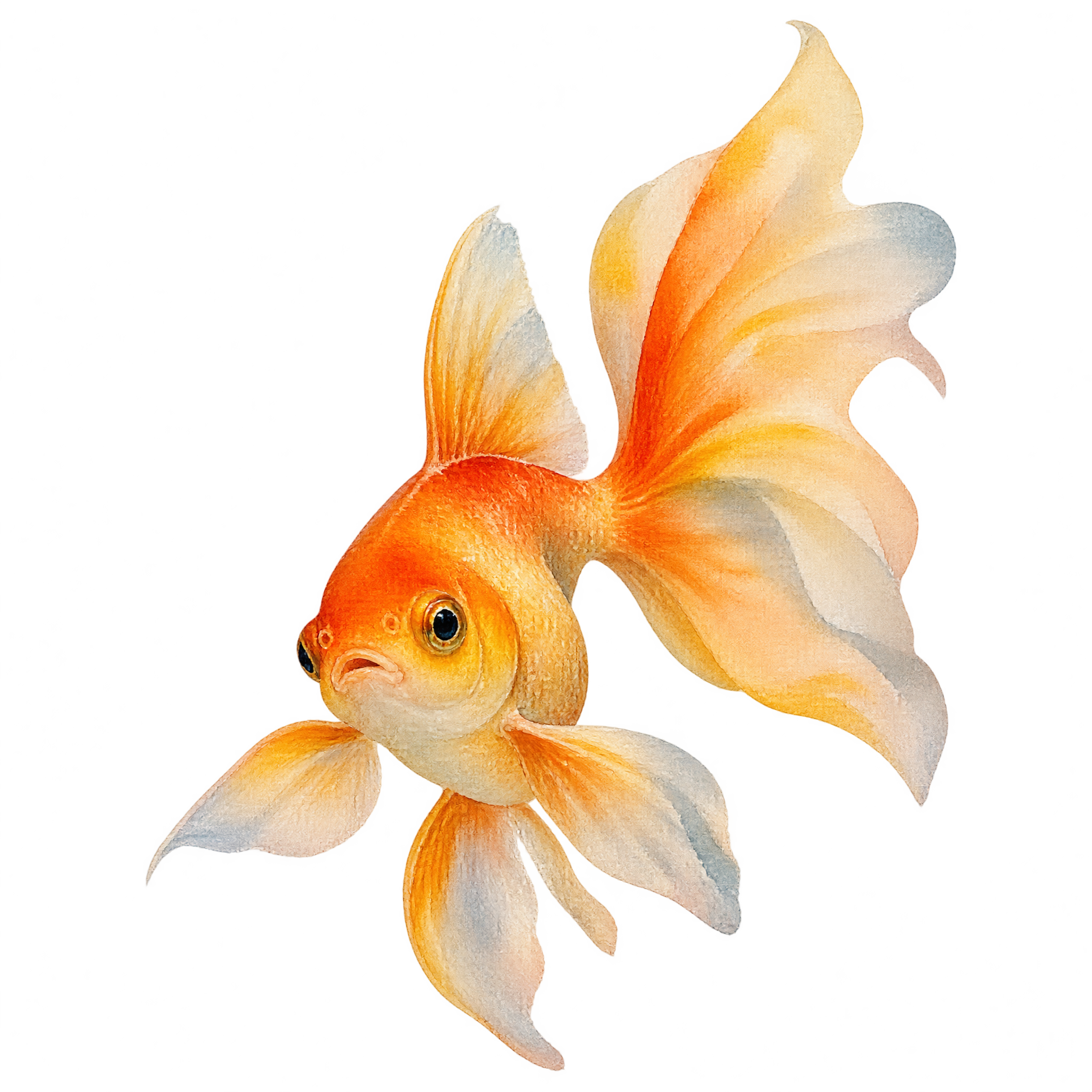
Frequently asked questions about Watercolor Goldfish PNG
Yes. You can use the PNG generator to create and download PNGs for free. Optional subscriptions provide more creative options and advanced features.
You can download the featured PNG or open the AI workspace and enter a description of the goldfish you want, such as a softly painted fish with a tapered body and flowing veil fins. Refine the wording to guide the composition, then download the result as a PNG.
Yes. Its transparent background lets the softly painted fish and billowing fins sit cleanly over invitations, presentation slides and other compositions without a surrounding rectangular backdrop.
PNG supports transparency, so the goldfish can be placed over another color or design without a solid background box. JPG does not support transparent backgrounds. The downloadable format here is PNG.
Place it slightly below or beside the main text, leaving open space around the billowing fins. Its rising pose can guide the eye toward a heading, while an off-center position helps keep the composition balanced.
Soft aqua, cream or pale blue can create a calm aquatic mood, while deep teal offers stronger contrast. Light ripples, delicate bubbles or restrained botanical accents can complement the watercolor character without competing with the flowing fins.