
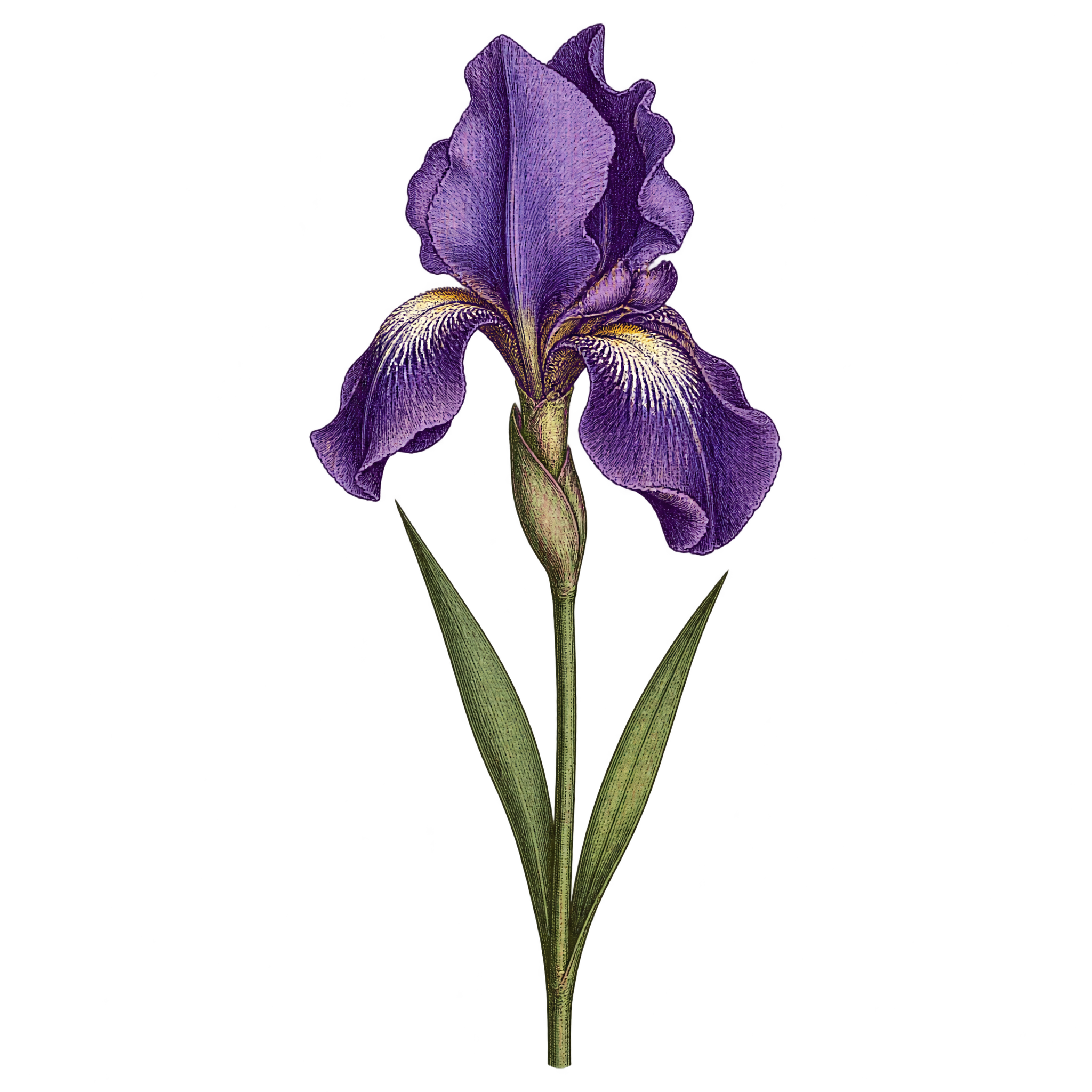
Frequently asked questions about Engraved Purple Flower PNG
Yes. You can create and download PNGs for free using the PNG generator. Optional subscriptions provide more creative options and advanced features.
Download the displayed PNG, or open the AI workspace and enter a description of the flower you want, such as a tall purple iris with engraved lines, layered petals and slender foliage. You can then create and download the resulting PNG.
Yes. The transparent background lets the upright iris and its foliage sit cleanly over invitations, posters, stationery and other compositions without a surrounding rectangular backdrop.
Yes. Upload the PNG to Canva as an image asset, then place it in your design and adjust its size, position or layering to suit your composition.
Its narrow vertical shape works well near a side edge, in a corner or beside a text block. Leave open space around the layered bloom so the engraved details remain clear, and use the slender leaves to guide the eye through the layout.
Cream, warm white and pale gray create soft contrast with the purple petals, while muted green complements the foliage. Pair the engraved linework with classic typography and restrained botanical details for an elegant, vintage-inspired mood.