
Frequently asked questions about Geometric Flower Pot PNG
Yes. You can use the PNG generator to create and download flower pot PNGs for free. Optional subscriptions provide more creative options and advanced features.
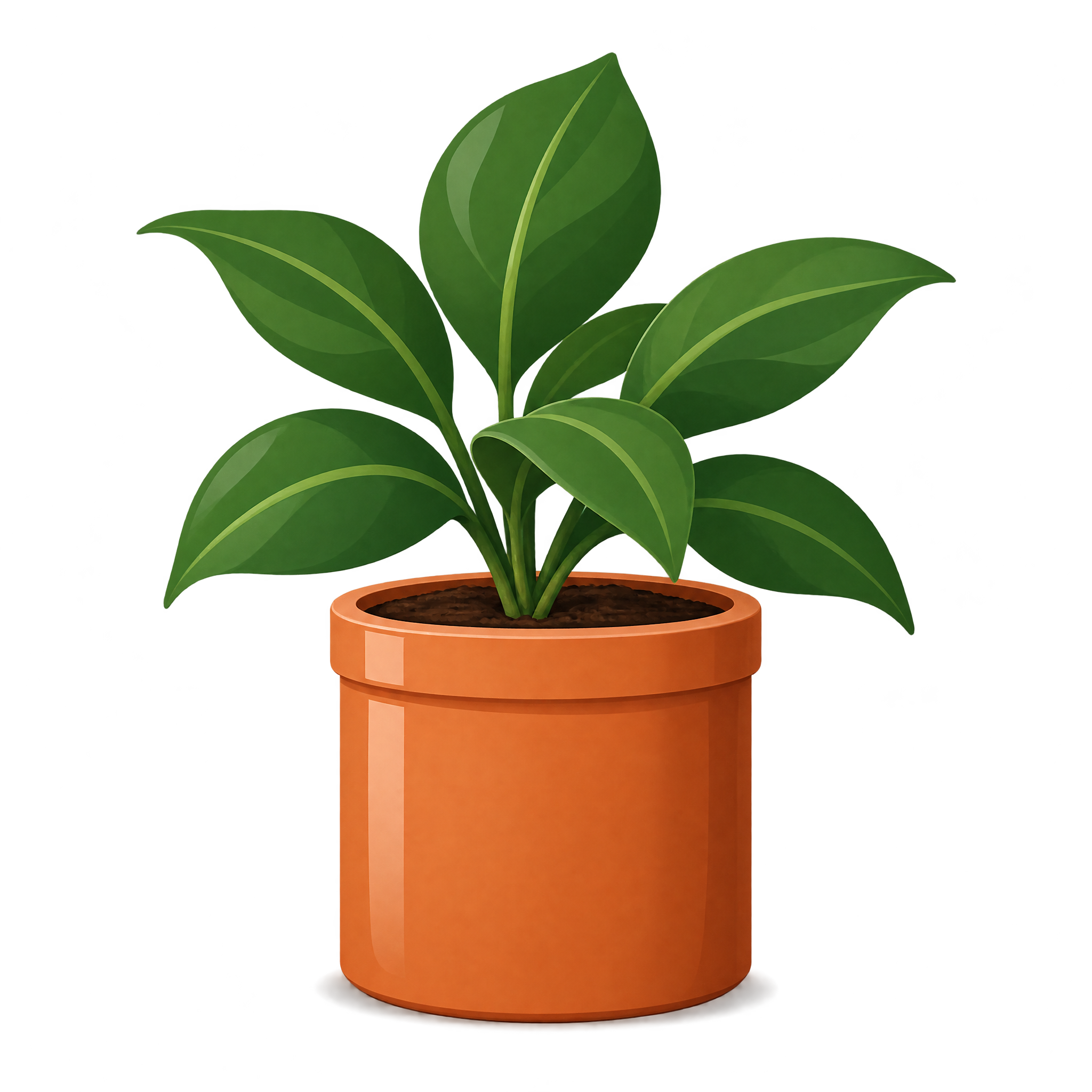
Download the pictured asset as a PNG, or open the AI workspace and enter a description of the flower pot you want. Mention details such as a wide geometric shape, glazed ceramic surface, visible soil, broad leaves and a side view.
A wide pot creates a stable, grounded look and leaves room for broad foliage, making it useful for labels or horizontal layouts. A taller pot can emphasize vertical space and suit narrow compositions.
Yes. Upload the PNG to Canva as an image asset, then place it in posters, worksheets, labels or social graphics. You can resize and position it within your Canva design.
Place it near the lower edge to give the pot a natural visual base, while leaving open space above or beside the leaves for a title or short caption. In educational layouts, align labels around the pot without covering the soil or foliage.
Warm cream, terracotta or muted beige backgrounds complement the glazed pot and keep the green leaves prominent. Pair it with simple botanical icons, soft geometric shapes or understated typography for a calm, organized mood.