
Frequently asked questions about Stained Glass Flower Pot PNG
Yes. You can create and download PNGs for free using the PNG generator. Optional subscriptions provide more creative options and advanced features.
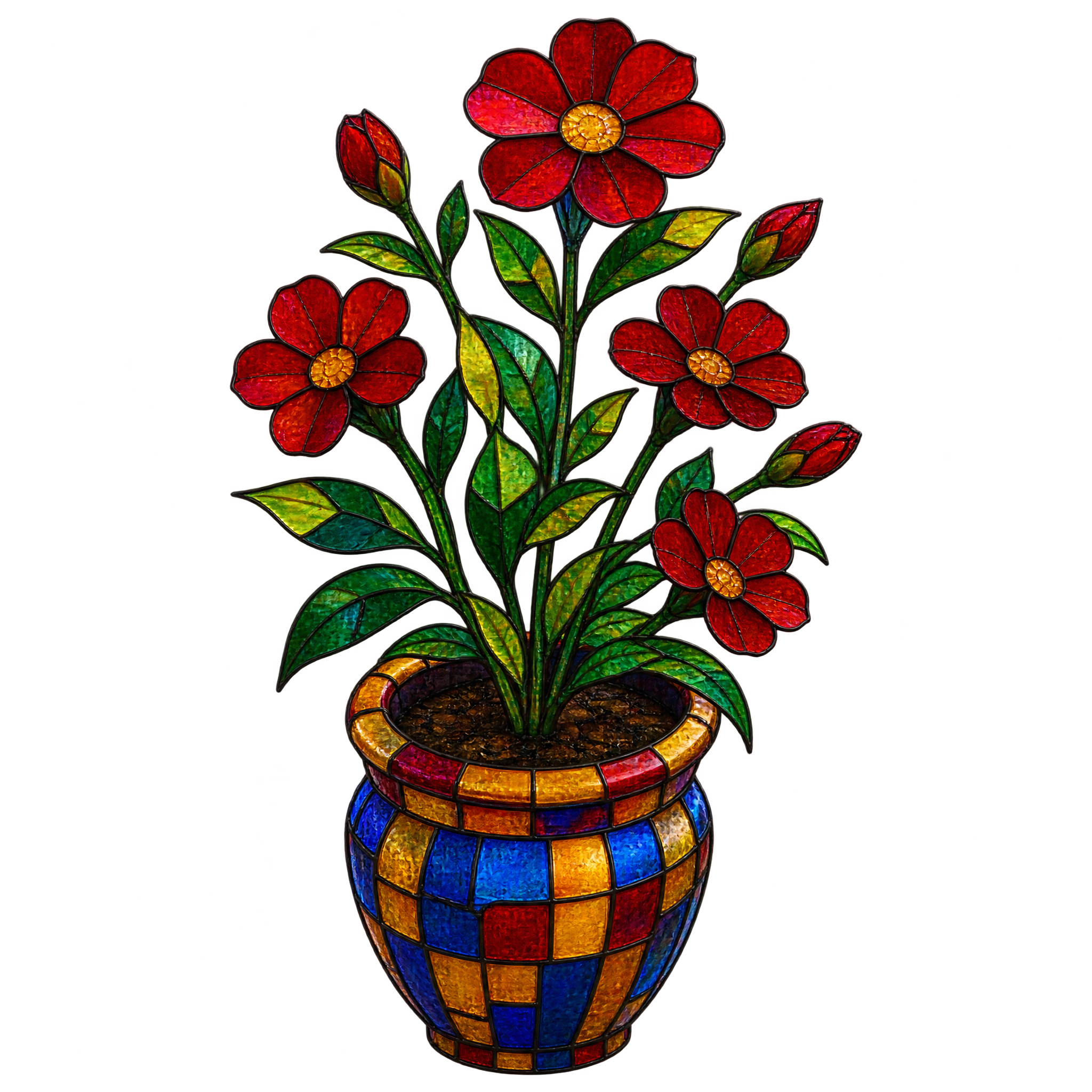
Download the pictured asset from this page, or open the PNG generator and enter a description such as “rounded stained glass flower pot viewed from above with upright blooms and a tall branching crown.” Refine the wording until you get the look you want, then download the result as a PNG.
Open the AI workspace and vary descriptive details such as mosaic pattern, flower type, viewing angle, crown shape or color palette. Keeping the flower pot as the main subject while changing one or two details at a time makes related styles easier to compare.
Yes. Download the PNG, then upload it to Canva as an image asset and place it in your design. You can resize, position and layer it with text, frames or other decorative elements using Canva’s available tools.
Its tall branching crown works well as a central focal point or as an accent near the lower third of a layout. Leave open space around the upper stems so the silhouette remains clear, and balance the height with shorter text or decorative elements nearby.
Neutral cream, charcoal or deep green backgrounds can help the mosaic details stand out. Pair it with restrained botanical accents, subtle glass-like shapes or simple typography to maintain a colorful, handcrafted mood without competing with the branching crown.