
Frequently asked questions about Ink Jack O Lantern PNG
Yes. You can use the PNG generator to create and download PNGs for free. Optional subscriptions provide more creative options and advanced features.
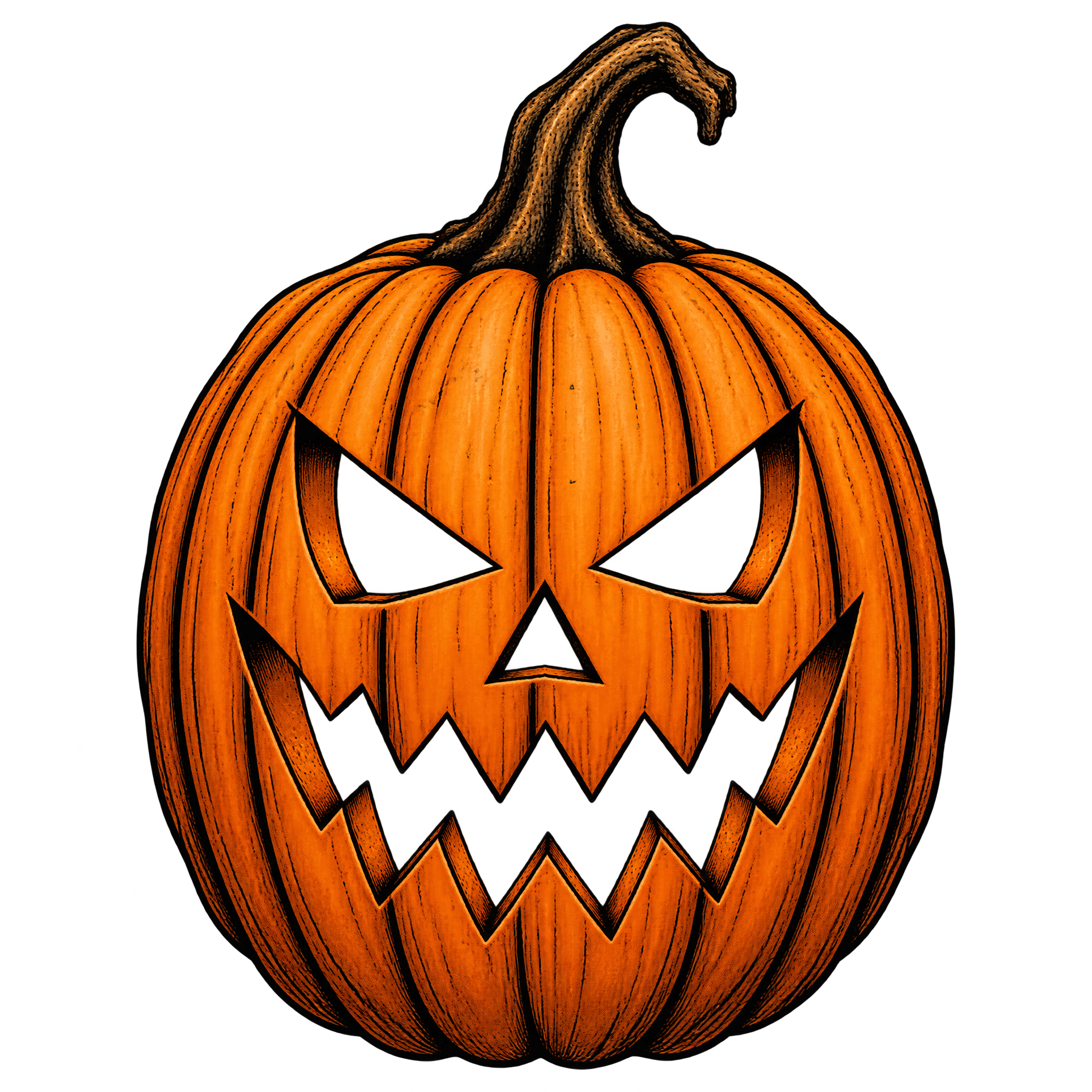
Download the featured PNG from its image page, or open the PNG generator to make a related design. Enter a description of a tall carved pumpkin with angular eyes, a jagged mouth, and a crooked stem, then generate and download your result.
PNG supports transparent backgrounds, allowing the pumpkin to sit cleanly over posters, invitations, and other layouts. JPG does not support transparency and places the image within a solid rectangular background. Downloads here are provided as PNG.
Yes. Download the PNG, then upload it to Canva as an image asset. You can place it in a poster, invitation, social post, or other design and combine it with text and background elements.
Use it as a centered focal point for a bold, symmetrical composition, leaving space above or below for a headline. For a more dynamic layout, shift the tall pumpkin to one side and balance it with event details on the other.
Deep purple, charcoal, muted orange, or dark green can reinforce a spooky seasonal mood. Pair the angular face with distressed lettering, wispy smoke, bats, or sparse ink-like accents without crowding its jagged expression.