
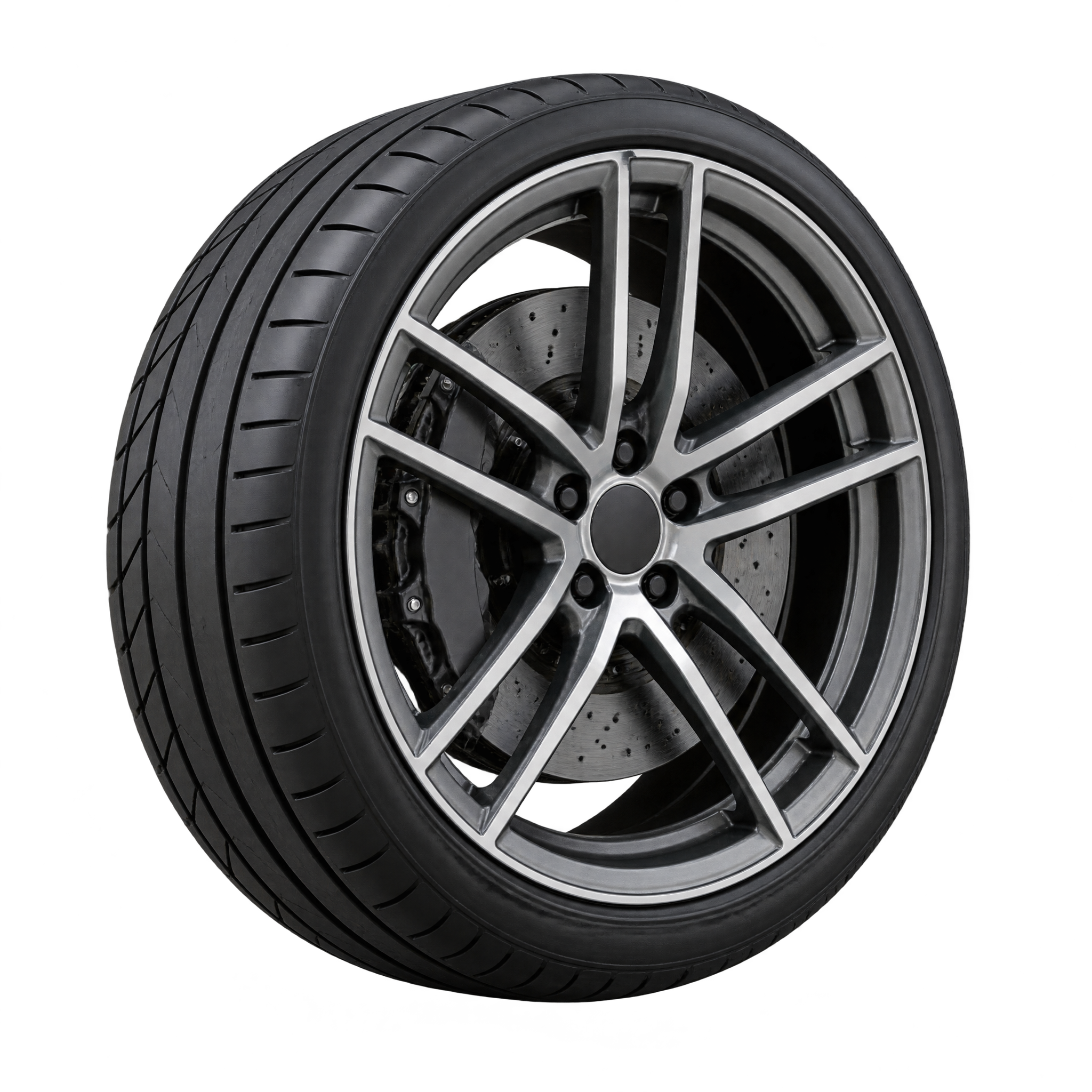
Frequently asked questions about Realistic Car Wheel PNG
Yes. You can create and download PNGs for free. Optional subscriptions provide more creative options and advanced features for users who want additional flexibility.
Download the available PNG from this image page, or open the PNG generator to create a related design. In the AI workspace, enter a description of the wheel, tire profile, spoke style, viewing angle, and desired mood, then generate and download your result as a PNG.
PNG supports transparency, allowing the wheel to sit cleanly over another background. JPG does not support transparent areas and instead displays the image within a rectangular background. Downloads here are provided as PNG files.
Yes. The transparent background lets you place the wheel over vehicle photography, advertising layouts, presentation graphics, or custom scenes without a surrounding backdrop.
Place the wheel to one side when you need room for a headline or product details, and leave clear space around the tire so its silhouette remains easy to read. A larger foreground placement can emphasize the low-profile tire and spoke depth.
Use a contrasting background to keep the tire edge and narrow paired spokes distinct. Cool grays can create a technical mood, while restrained red or blue accents suggest performance. Pair it with simple typography and subtle motion lines or lighting effects to avoid crowding the realistic detail.