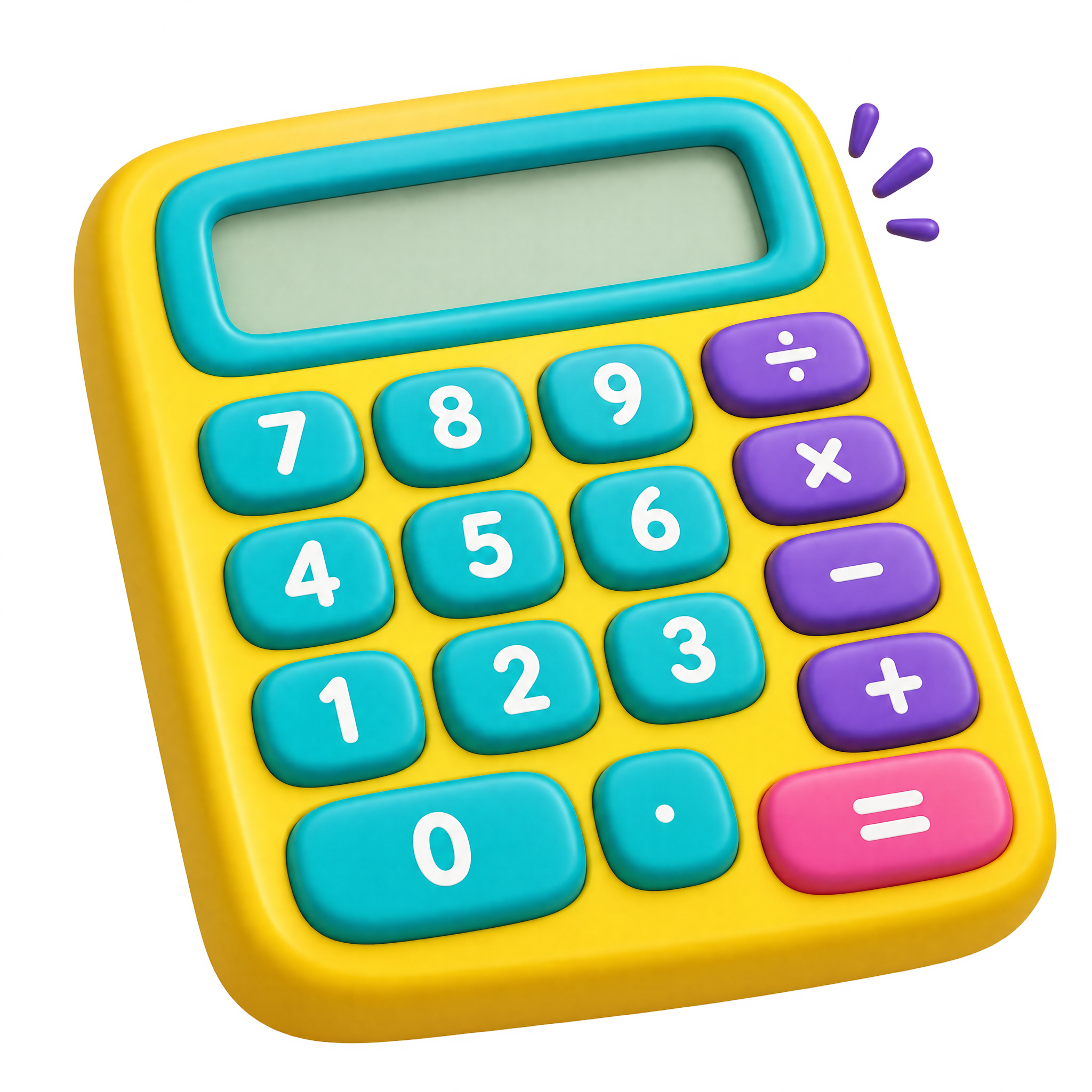
Cartoon Calculator PNG
A chunky school calculator with a clear display, oversized controls, and a playful illustrated form for classroom resources, learning materials, and youth-focused designs.
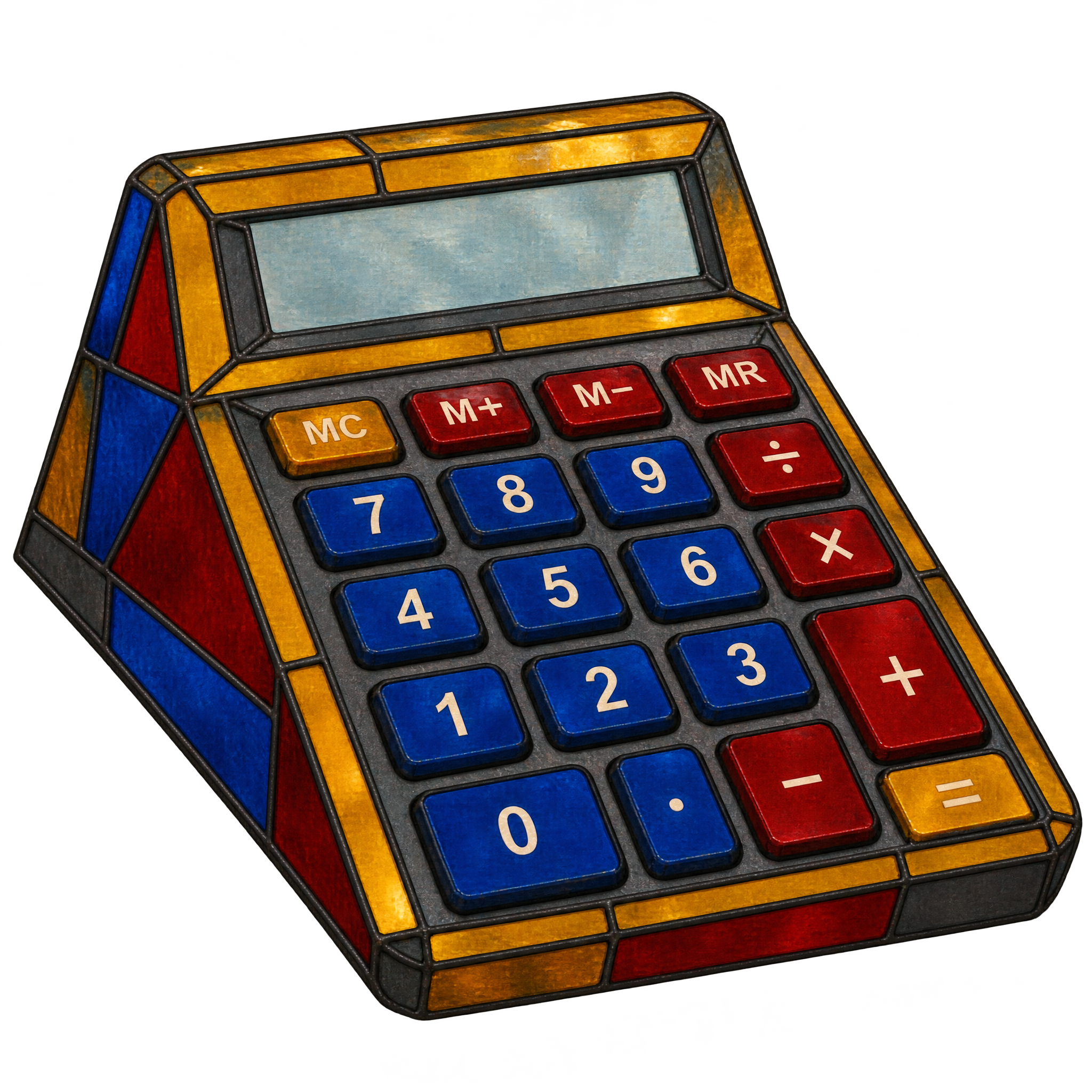
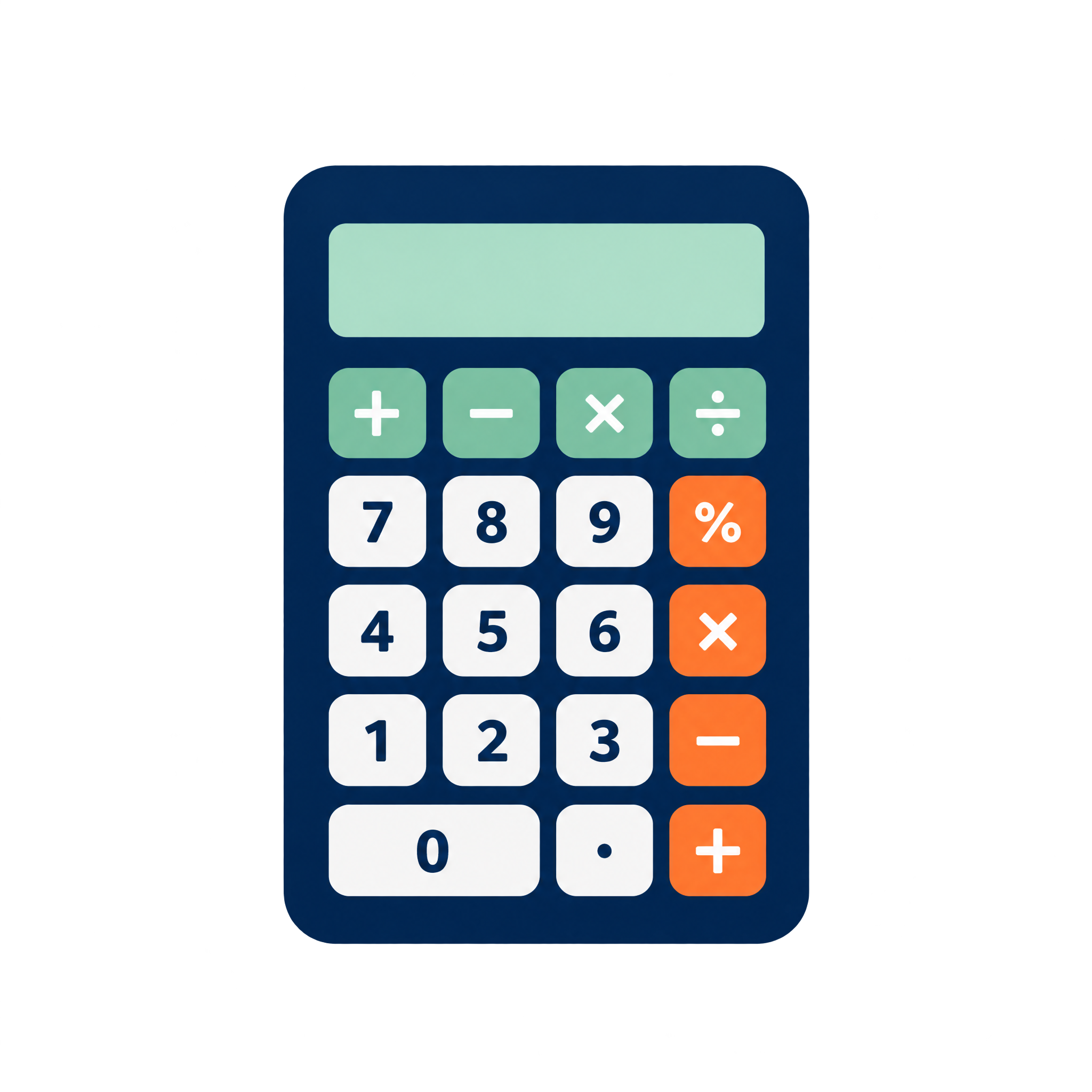
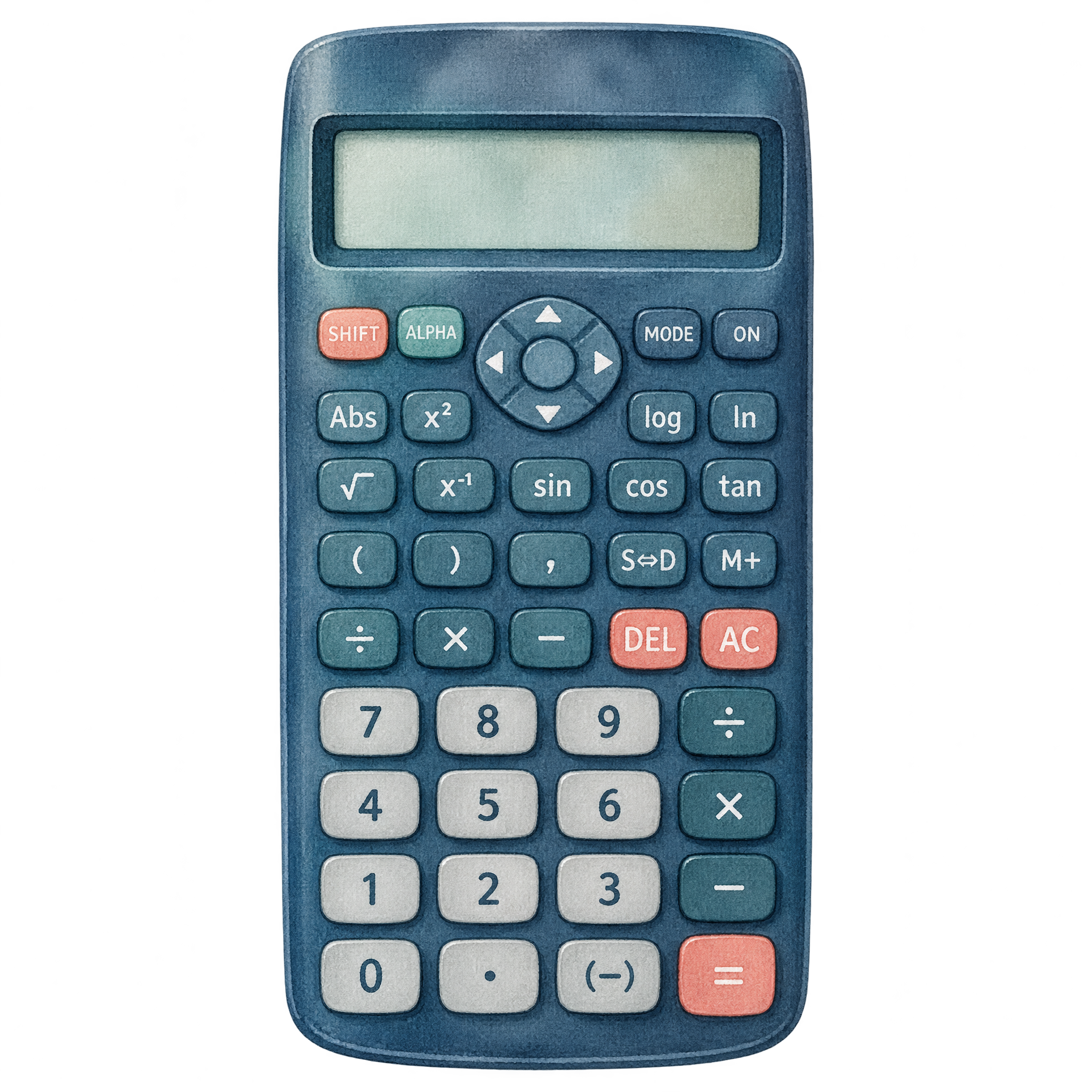
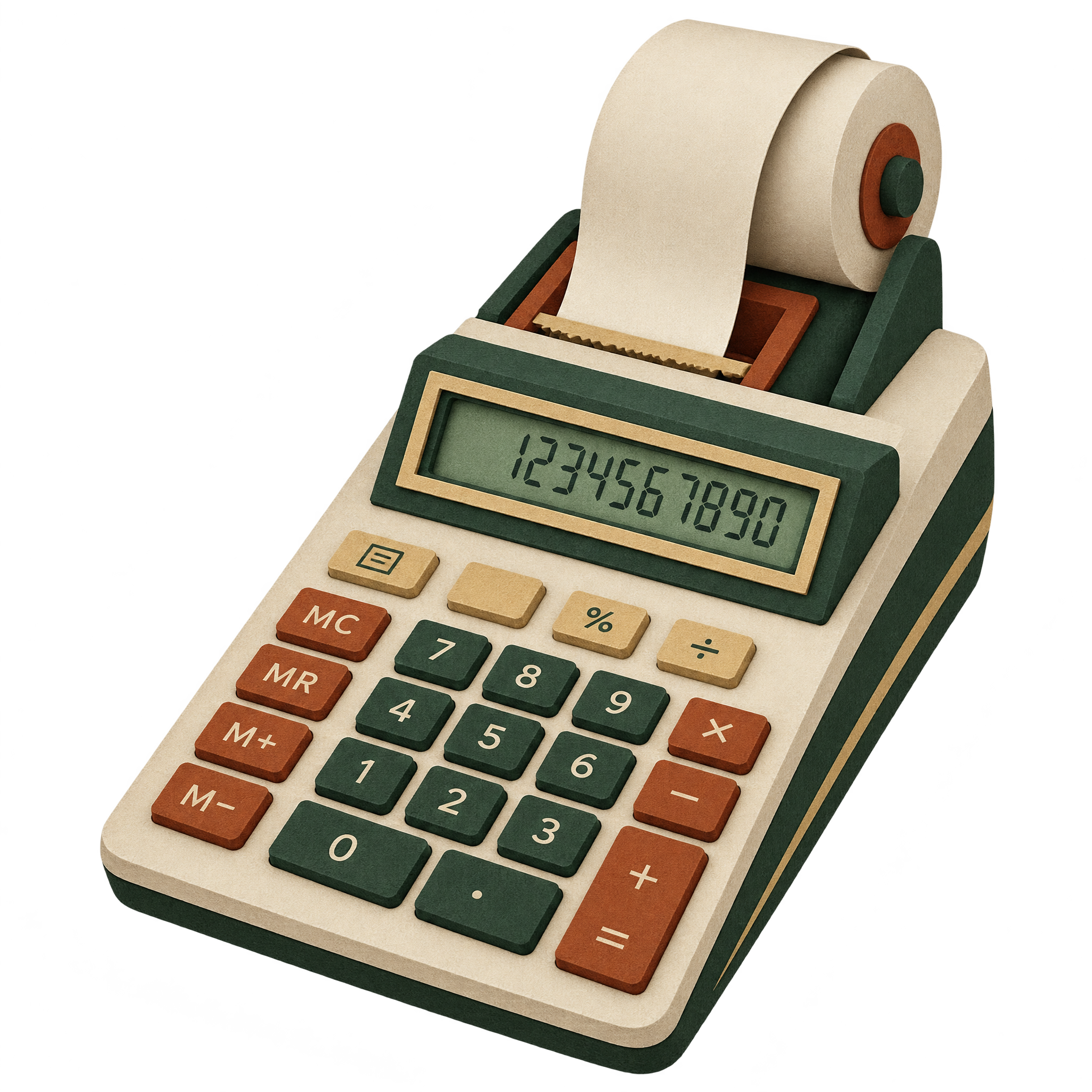
Calculator PNG features business, scientific, printing, and pocket calculators with readable screens and structured keypads for educational or finance layouts.
5 Calculator PNG images
A clear calculator with an organized keypad can support finance slides, school materials, or technology graphics in a realistic, geometric, or illustrated style.
Realistic business calculators work well in finance presentations, while cartoon and watercolor treatments can soften classroom materials. Printing models add useful context to budgeting or receipt graphics. For compact layouts, choose a front-facing pocket calculator with a simple silhouette and clear display. Download a free PNG that matches the tone and space of your design.
Yes. You can create and download Calculator PNG images for free. Optional subscriptions provide more creative options and advanced features, but they are not required for free basic creation and PNG downloads.
Choose an existing calculator image to download, or open the PNG generator and enter a description of the design you want. Specify details such as a business, scientific, graphing, printing, or school calculator, along with the viewing angle and visual style.
Upload the PNG as an image asset into your Canva design, then position and size it within the layout. It can support finance slides, classroom resources, budgeting graphics, or office-themed presentations.
Consider realistic business calculators, neon graphing models, watercolor scientific calculators, paper-cut printing calculators, cartoon school designs, or simplified geometric icons. You can also describe a related direction in the PNG generator to create a new variation.
Leave enough room around the keypad and display so the calculator remains recognizable at a glance. A front-facing model fits compact interface elements, while an angled desktop or printing calculator can anchor a larger finance or office composition.
Neutral business calculators pair naturally with restrained finance palettes, while neon treatments benefit from dark surroundings that emphasize their glow. Cartoon or watercolor versions can sit comfortably beside brighter educational colors, provided the display and keys retain clear contrast.