Cartoon Tomato PNG
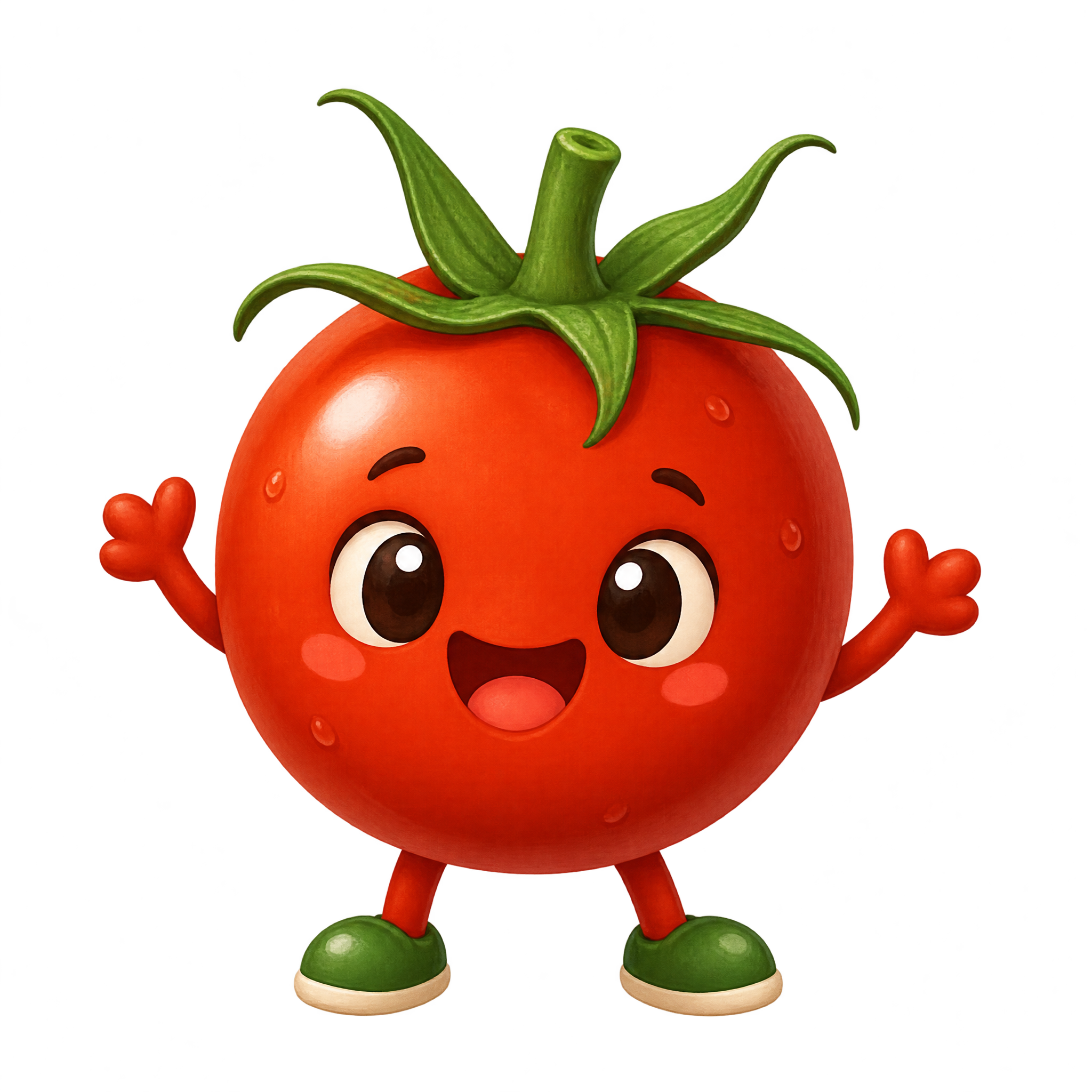
A cheerful whole tomato character faces forward with a leafy calyx, simple expression, and tiny limbs, designed as an isolated accent for playful food graphics.
Tomato PNG brings together soft watercolor cuts, open ink linework, crisp cross-sections, and expressive whole tomatoes for food-focused layouts.
3 Tomato PNG images
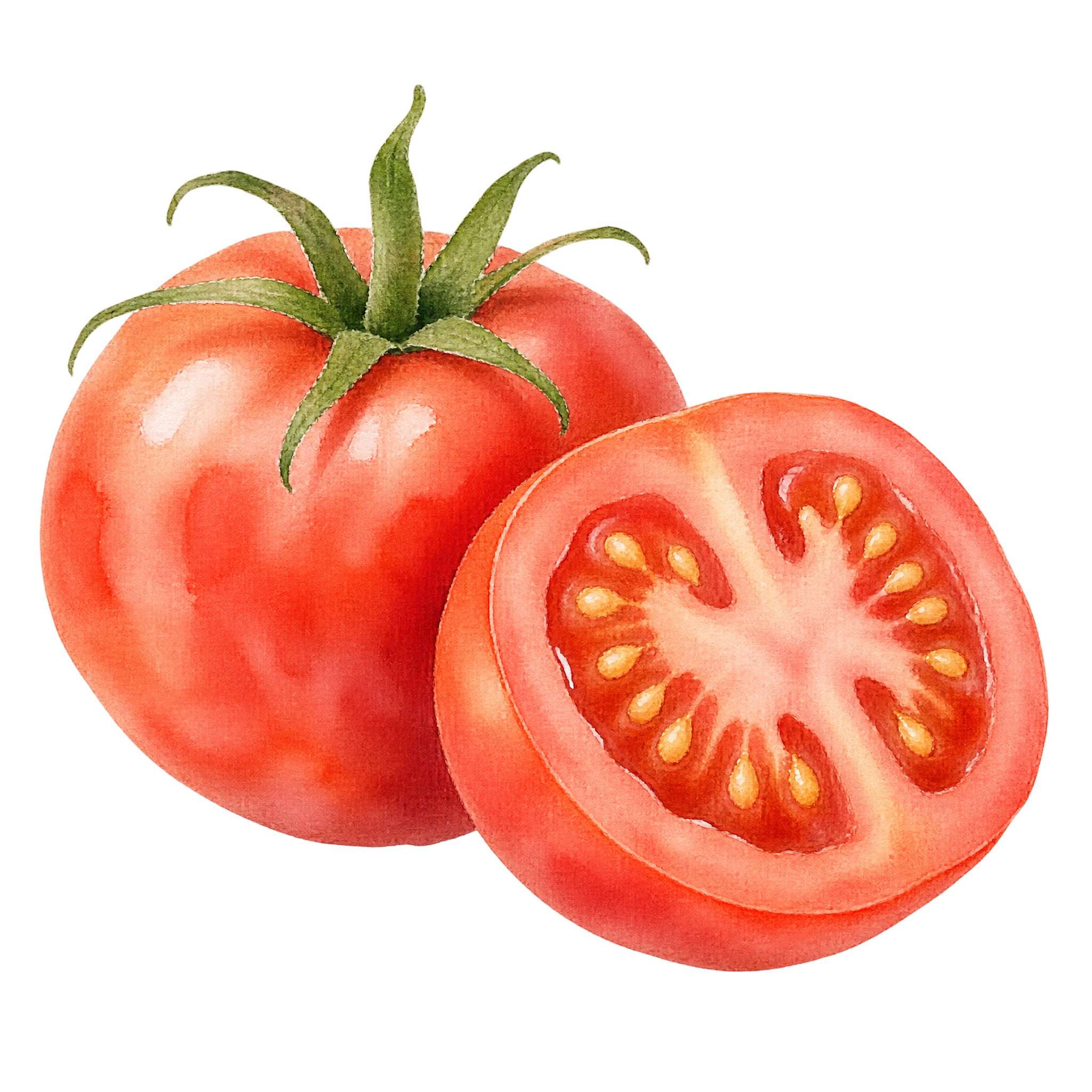
A watercolor whole-and-half tomato makes a clear recipe accent, while ink linework offers a quieter option for menus and labels.
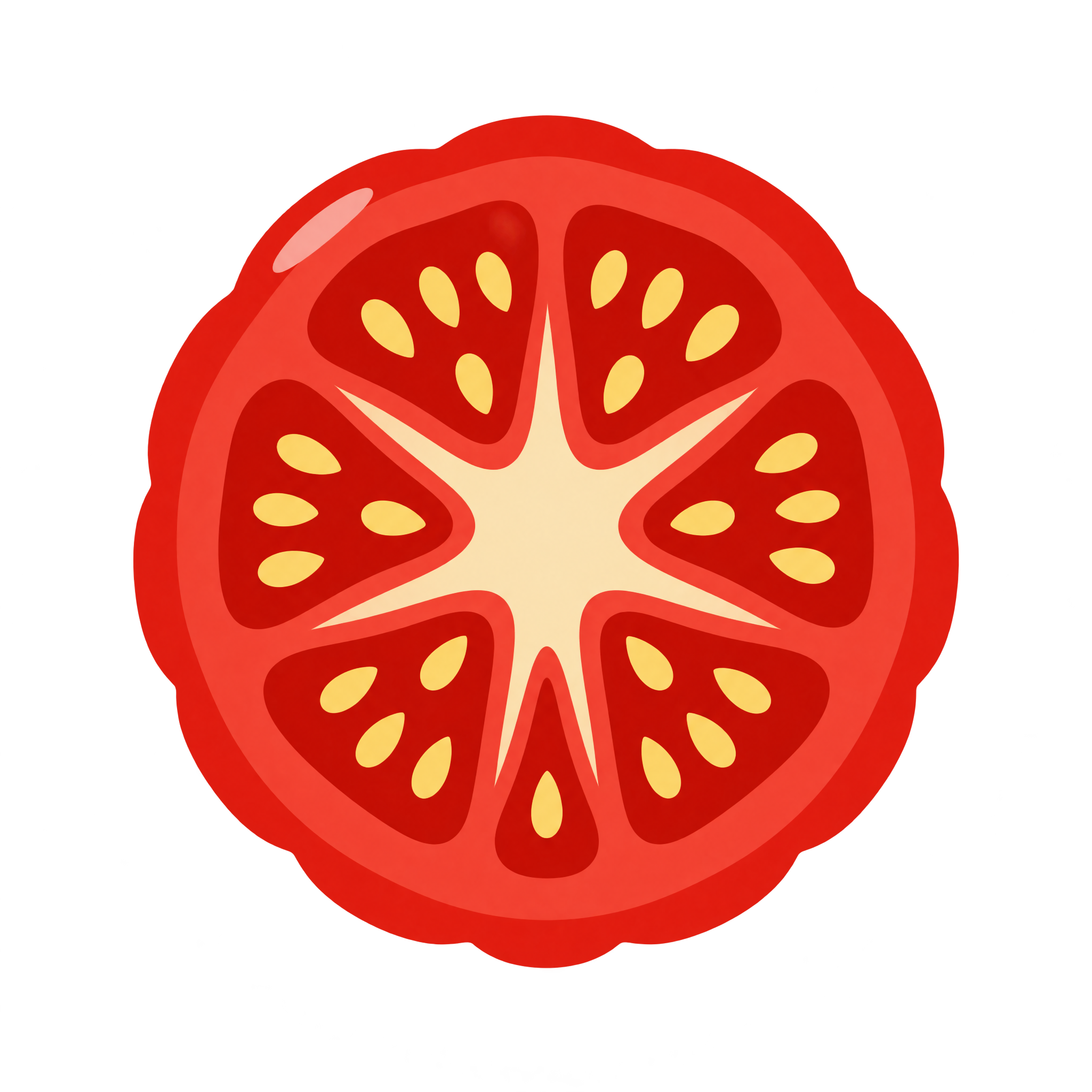
Whole tomatoes create a clear produce focal point, while sliced or cross-section views communicate ingredients and structure. Watercolor suits recipe cards; ink linework or engraving can support menus and labels with a more illustrative tone. For compact accents, a geometric slice or clustered composition keeps the subject readable. Download a free PNG or create a new variation in the PNG generator.
Yes. You can create tomato images with the PNG generator and download PNGs for free. An optional subscription provides more creative options and advanced features.
Choose an available image for a free PNG download, or open the AI workspace and enter a description of the tomato you want. You can specify details such as a whole tomato, sliced cross-section, watercolor finish, or ink outline.
Upload the downloaded PNG as an image asset in Canva, then position it within your design. It can work as a recipe-card illustration, menu accent, presentation graphic, or playful food-themed detail.
Choose a whole tomato for a recognizable produce focal point, overlapping slices for a compact accent, or a cross-section when the seed chambers and internal structure matter. A vine cluster adds botanical detail, while a character style creates a playful mood.
Leave clear space around a whole tomato so its calyx and lobed silhouette remain easy to read. For a slice fan or cluster, align the angled shape with nearby text or use it to anchor a corner without crowding the main message.
Open black ink linework pairs well with light, restrained layouts and vintage typography. Neon slices stand out against darker or muted surroundings, while soft watercolor works naturally with recipe lettering, ingredient illustrations, and relaxed food themes.