
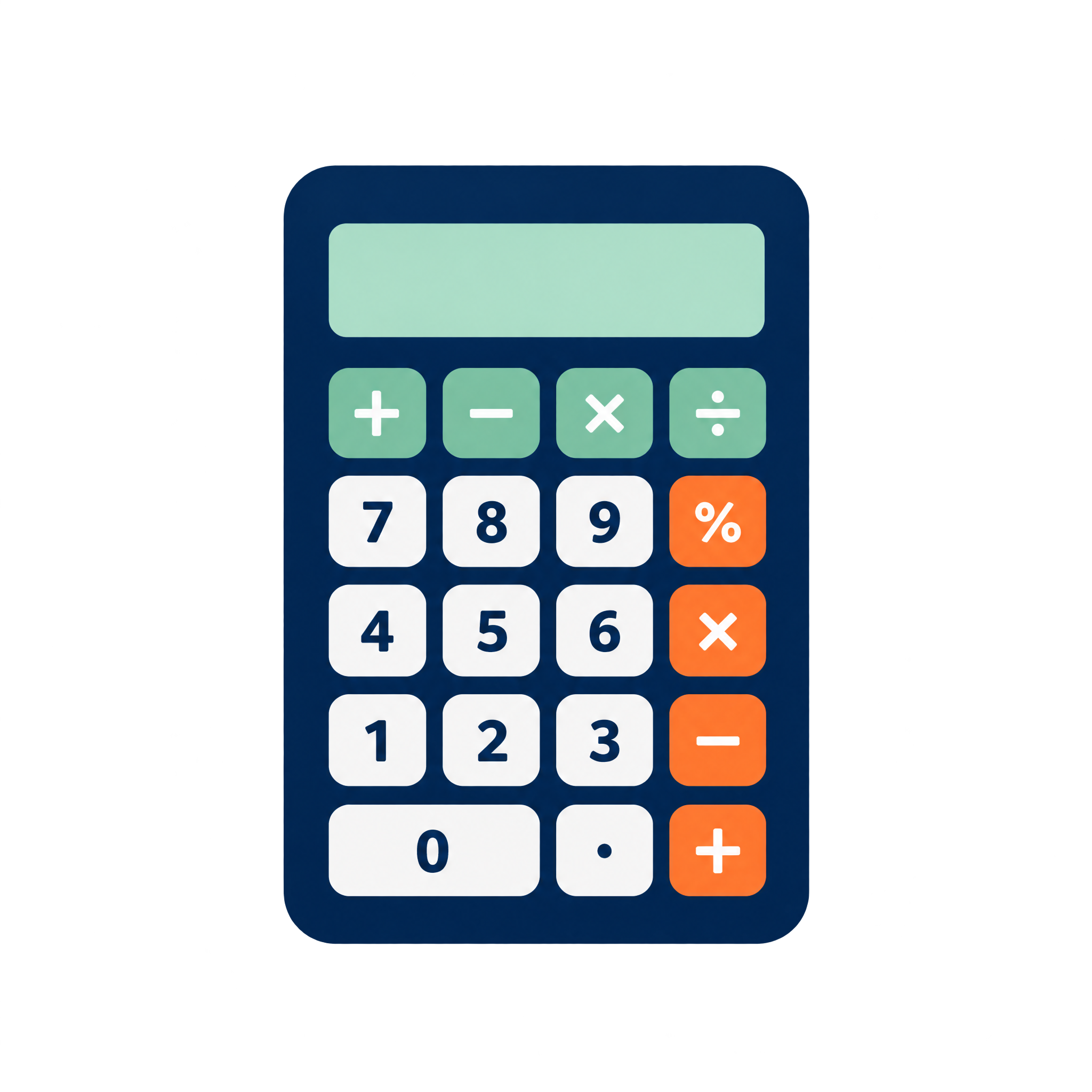
Geometric Calculator PNG
A compact front-facing pocket calculator with a clear display and simplified keypad, suited to interfaces, school resources, finance slides, and informational layouts.
Yes. You can use the PNG generator to create and download PNGs for free. Optional subscriptions provide more creative options and advanced features.
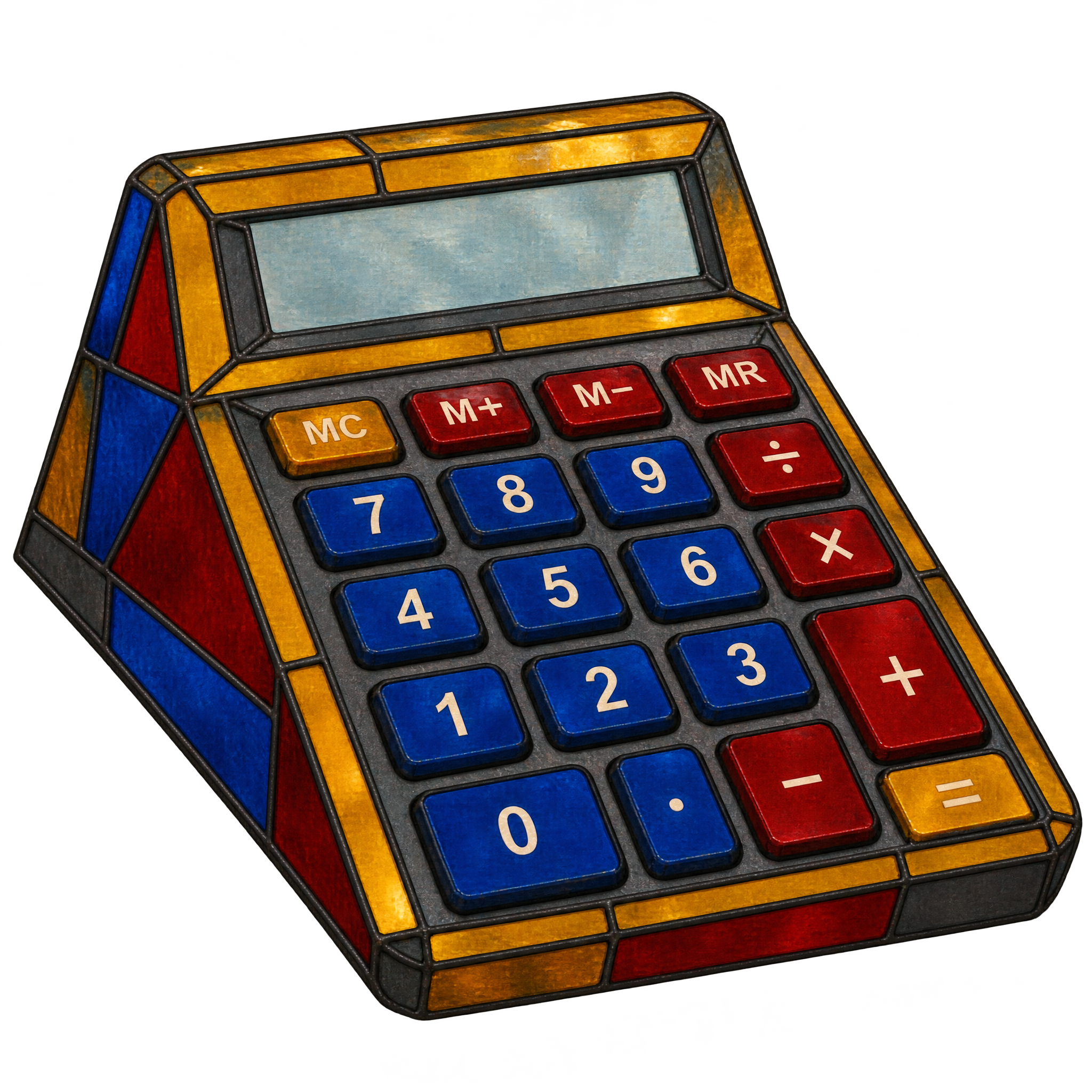
Download the available image from this page, or open the PNG generator to make a variation. In the AI workspace, enter a description such as “a broad desktop adding calculator with an angled display and stained-glass construction,” then generate and download the result as a PNG.
Yes. The artwork has transparency, allowing the calculator to sit over presentation slides, finance graphics, posters, and decorative office layouts without a solid rectangular background.
It shows a broad desktop adding calculator with an angled display, large controls, and a recognizable stained-glass construction. The result combines a familiar finance tool with a decorative treatment.
Give the broad calculator enough surrounding space for its silhouette and large controls to remain clear. It can serve as a centered focal point or sit in the lower portion of a finance layout, leaving room nearby for a headline or short figures.
Choose a solid backdrop that contrasts with the calculator’s outer edges so the stained-glass construction stays distinct. Simple typography, restrained charts, ledger motifs, or subtle office elements can reinforce the finance theme without competing with the decorative surface.