
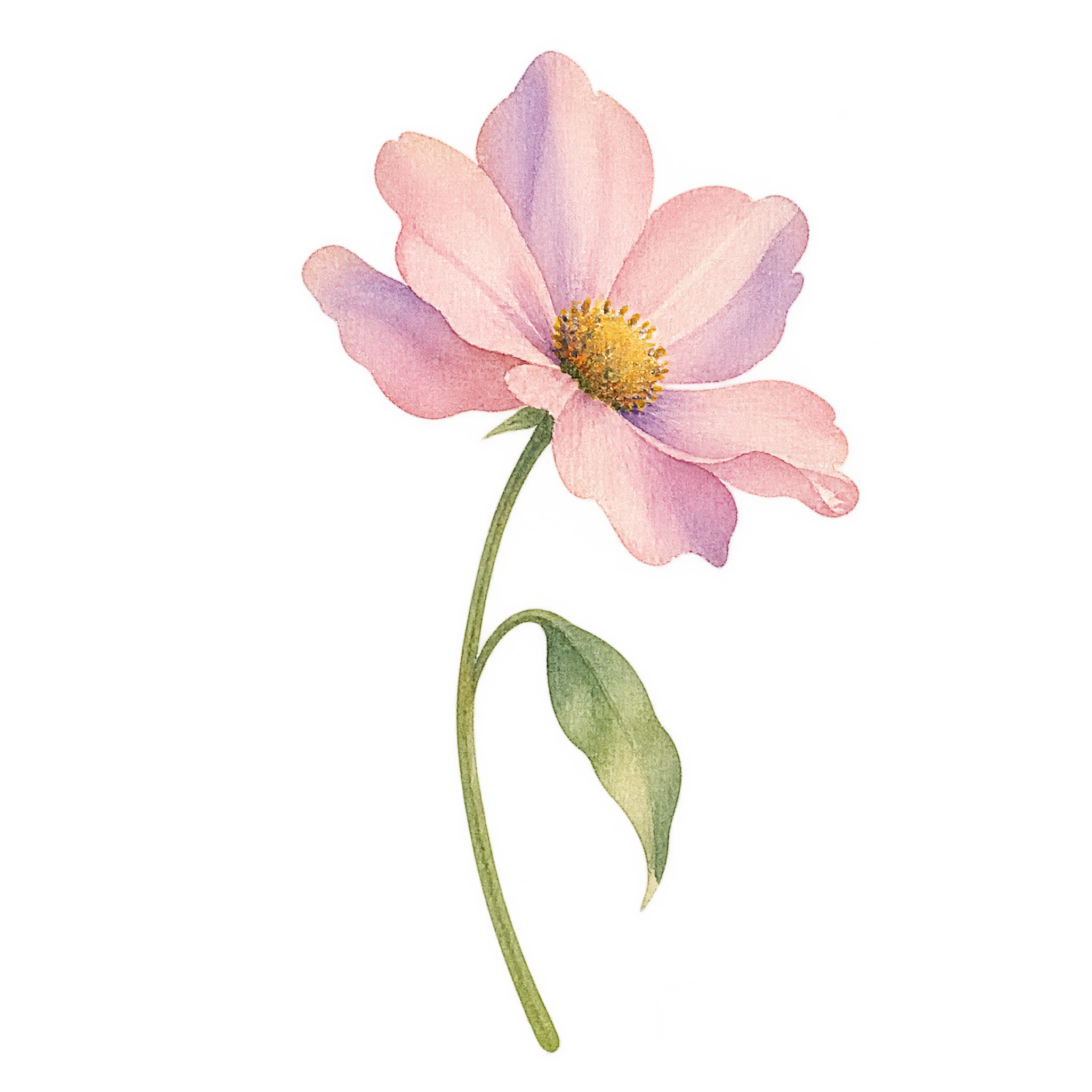
Frequently asked questions about Watercolor Cute Flower PNG
Yes. You can use the PNG generator to create and download PNGs for free. Optional subscriptions provide more creative options and advanced features.
Download the featured PNG from this image page, or open the PNG generator and enter a description of the flower you want, such as airy watercolor petals, an offset center, and a gently leaning stem.
Yes. Download the PNG, then upload it to Canva as an image asset and place it in invitations, cards, social posts, or other layouts.
Yes. The transparent background allows the flower’s airy petals, curved stem, and drooping leaf to sit cleanly over colored or patterned backgrounds.
Use the leaning stem to guide the eye toward a heading or focal message. Placing the bloom near a corner or margin can frame the content while preserving open space around the text.
Soft cream, blush, sage, and pale blue reinforce its gentle watercolor mood. Pair it with light paper textures, fine botanical accents, or restrained typography to keep the composition airy.