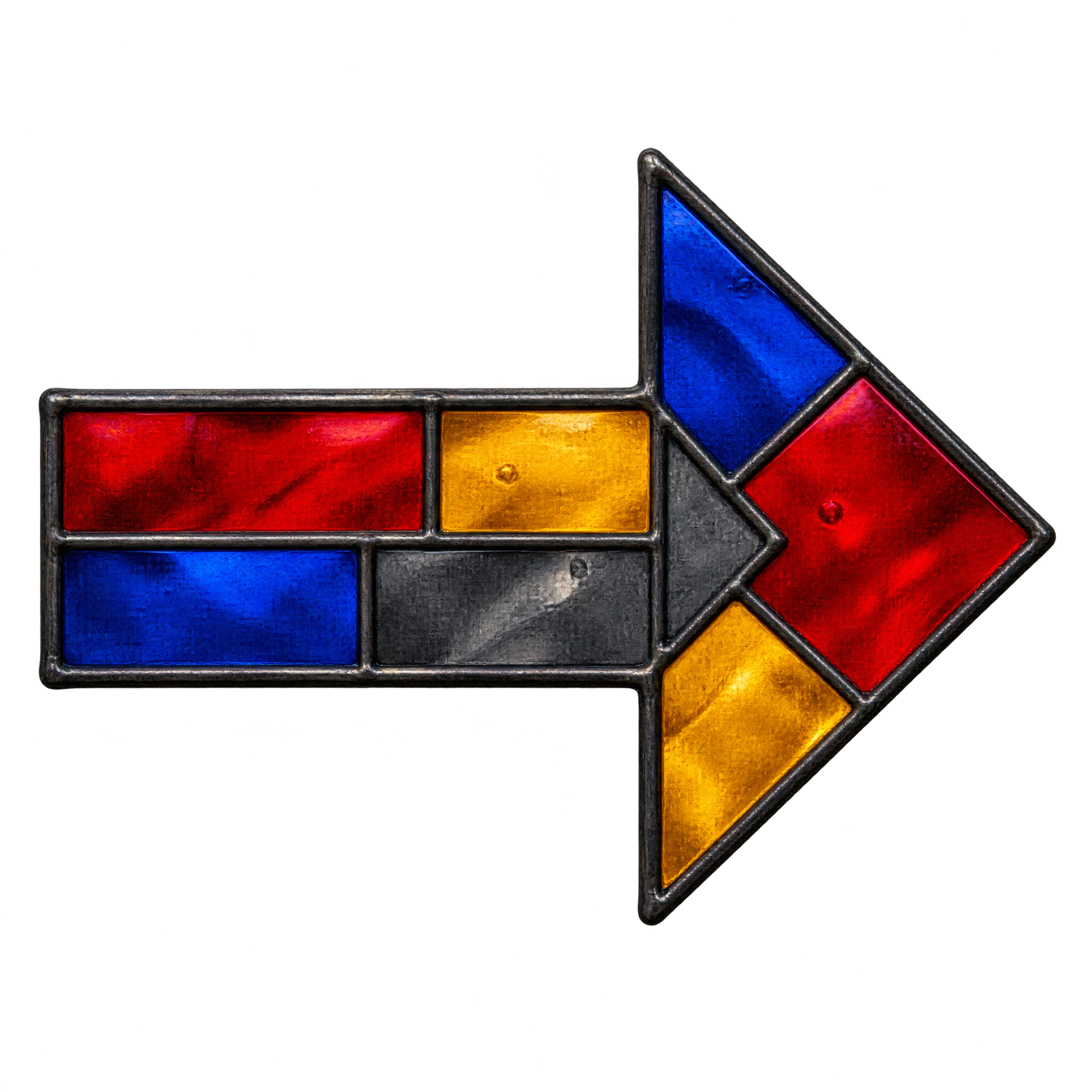
Stained Glass Arrow Pointing PNG
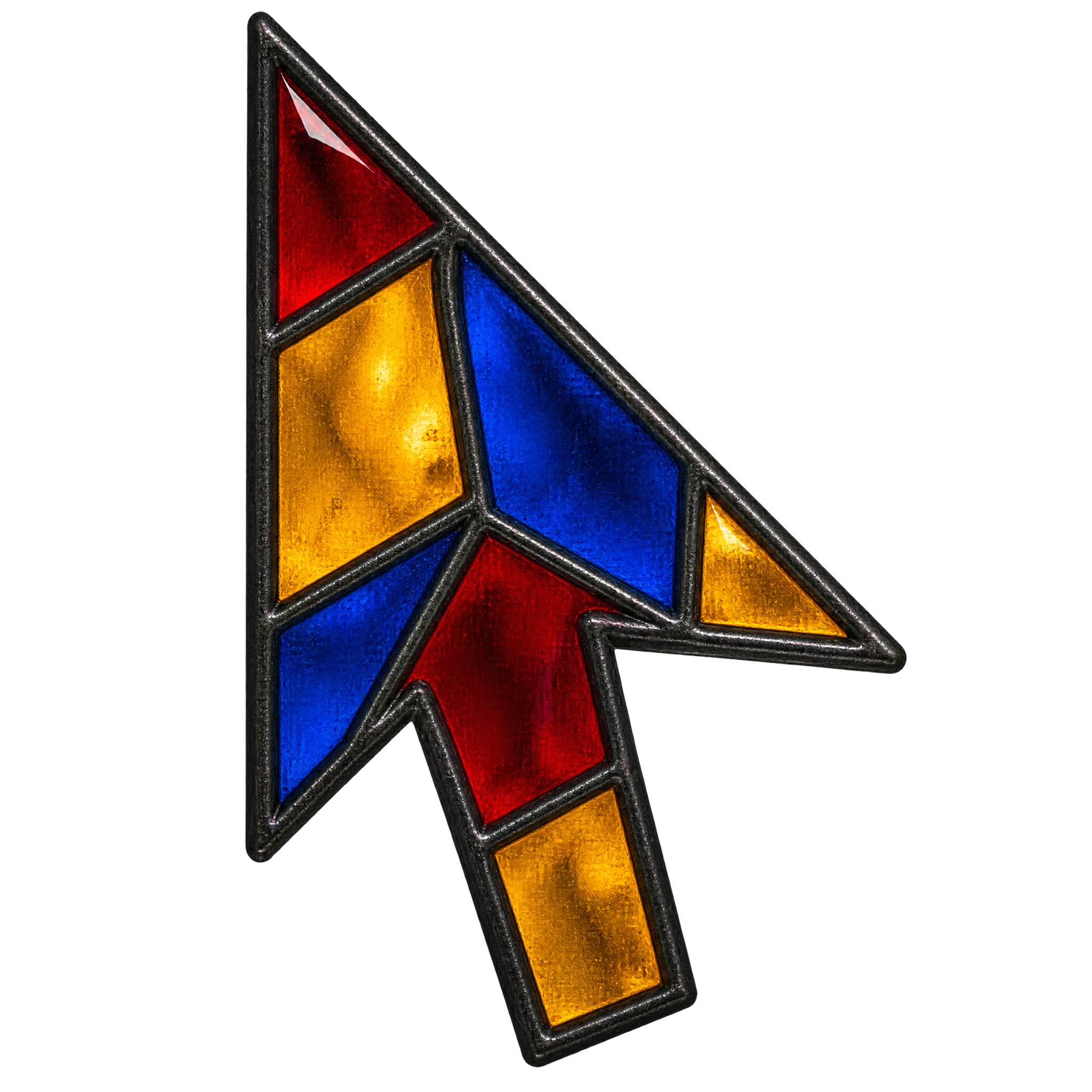
Transparent stained-glass arrow pointing right, with jewel-toned panes and dark lead lines, designed for bold navigation cues, presentation callouts, and decorative layouts.
Download an arrow pointing PNG with a transparent background in neon, watercolor, clay or stained-glass styles for clear callouts and direction.
Need a standout cursor for a tutorial or interface mockup? Choose a transparent mouse arrow PNG in geometric, neon, watercolor or stained-glass styles.
Add a north arrow PNG to maps and diagrams for a clear directional cue, with transparent geometric, ink, watercolor and dimensional styles.
Use the AI workspace to describe and create a related arrow symbol design.
Yes. You can create PNG images and download PNG artwork for free. A subscription adds more creative options and advanced features for users who want broader design possibilities.
Open the PNG generator, enter a description of the arrow symbol you want in the AI workspace, and create the image. You can also download an available PNG artwork from the collection.
Explore related collections for directional variations such as arrow down, left arrow, right arrow, north arrow, pointing arrow, and mouse arrow designs. These themes can help you choose a direction and visual character that fits your layout.
Yes. The available arrow symbol artwork includes transparent backgrounds, allowing the symbols to sit over a surrounding layout without adding a solid rectangular backdrop.
Place the arrow near the action, direction, or content it clarifies, while leaving enough space around its point for easy reading. In Canva, upload the PNG as an image asset and position it within the design.
Golden and orange arrows create a friendly, playful mood, while sepia suits editorial or vintage pairings. Brushed steel works well with cool neutrals and clean interface layouts; strong contrast helps the direction remain clear.
Open the AI workspace and describe the transparent PNG you want to create.