
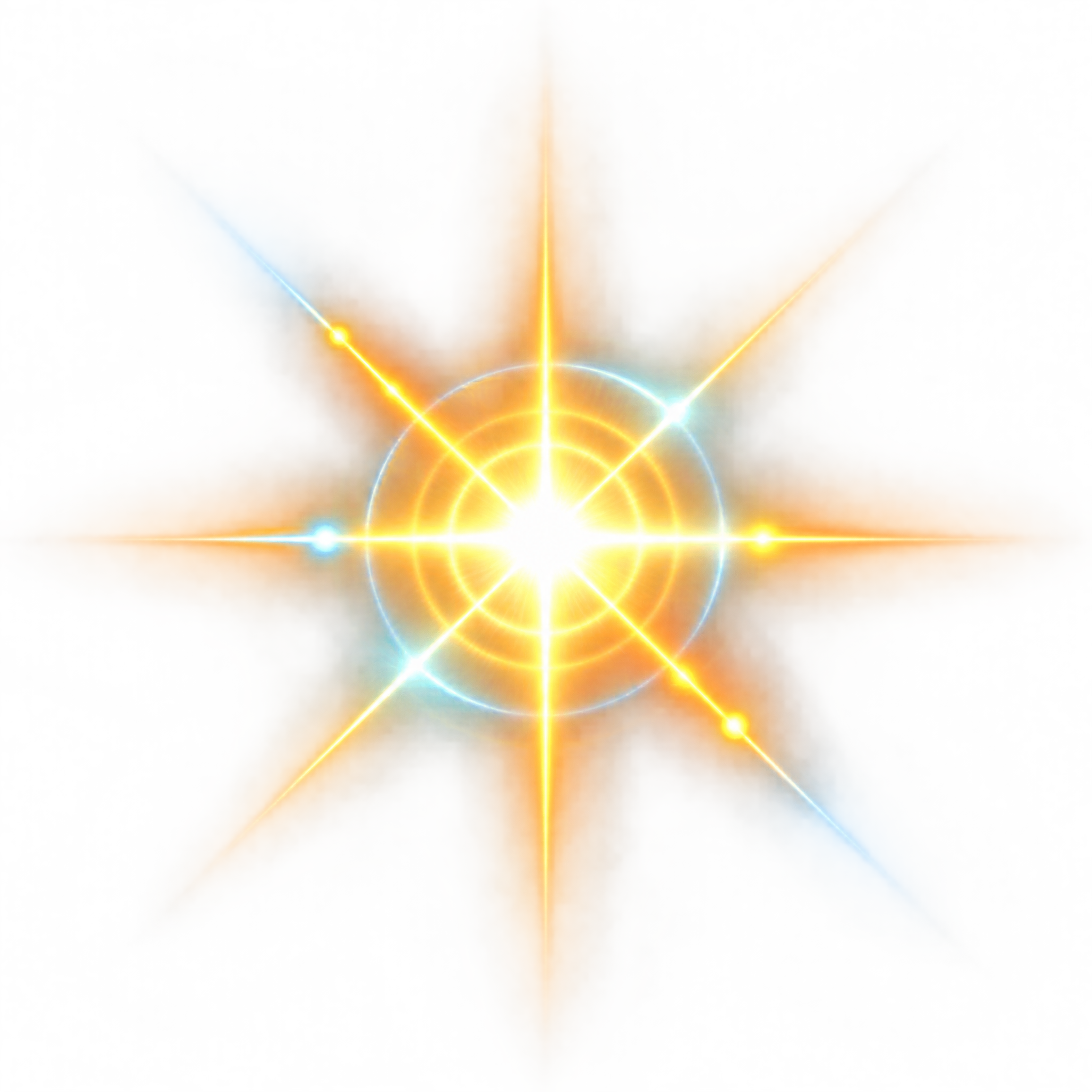
Frequently asked questions about Neon Sun Glare PNG
Yes. You can use the PNG generator to create and download PNGs for free. Optional subscriptions provide more creative options and advanced features.
Download this image from its page, or open the AI workspace and enter a description of the effect you want, such as a radiant neon core with crossing light trails, glow rings and sparse flare nodes. Then generate and download your result as a PNG.
PNG supports transparency, allowing the glowing trails and flare elements to sit over another image or background without a solid rectangular backdrop. JPG does not support transparent backgrounds. Downloads here are provided as PNG.
Yes. Upload the PNG to Canva as an image asset, then place it over a poster, social graphic, presentation or other composition. Adjust its position and scale within your Canva design to suit the layout.
Place the radiant core near a focal point, horizon or strong intersection in the layout. Allow the crossing light trails to lead the eye toward a title or subject, while keeping important text away from the brightest glow.
Dark navy, black and deep violet backgrounds create strong contrast with the luminous effect. Pair it with electric blue, magenta or warm orange accents for a futuristic, energetic mood, or use restrained neutral typography to keep the glare dominant.