Cartoon Sun Ray PNG
A cheerful illustrated fan of sun rays combines rounded and pointed beams in a broad upward composition for stickers, posters, and decorative layouts.
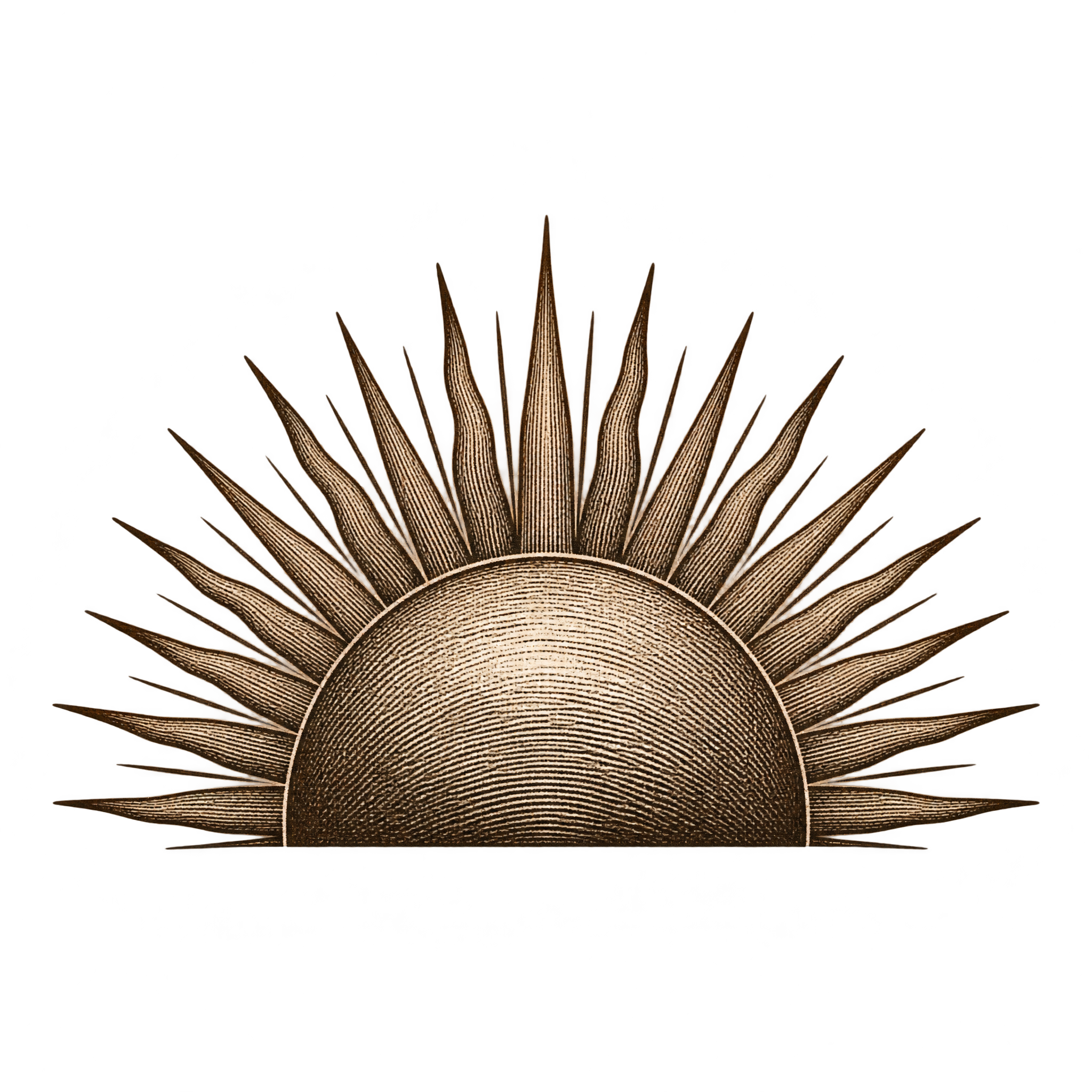
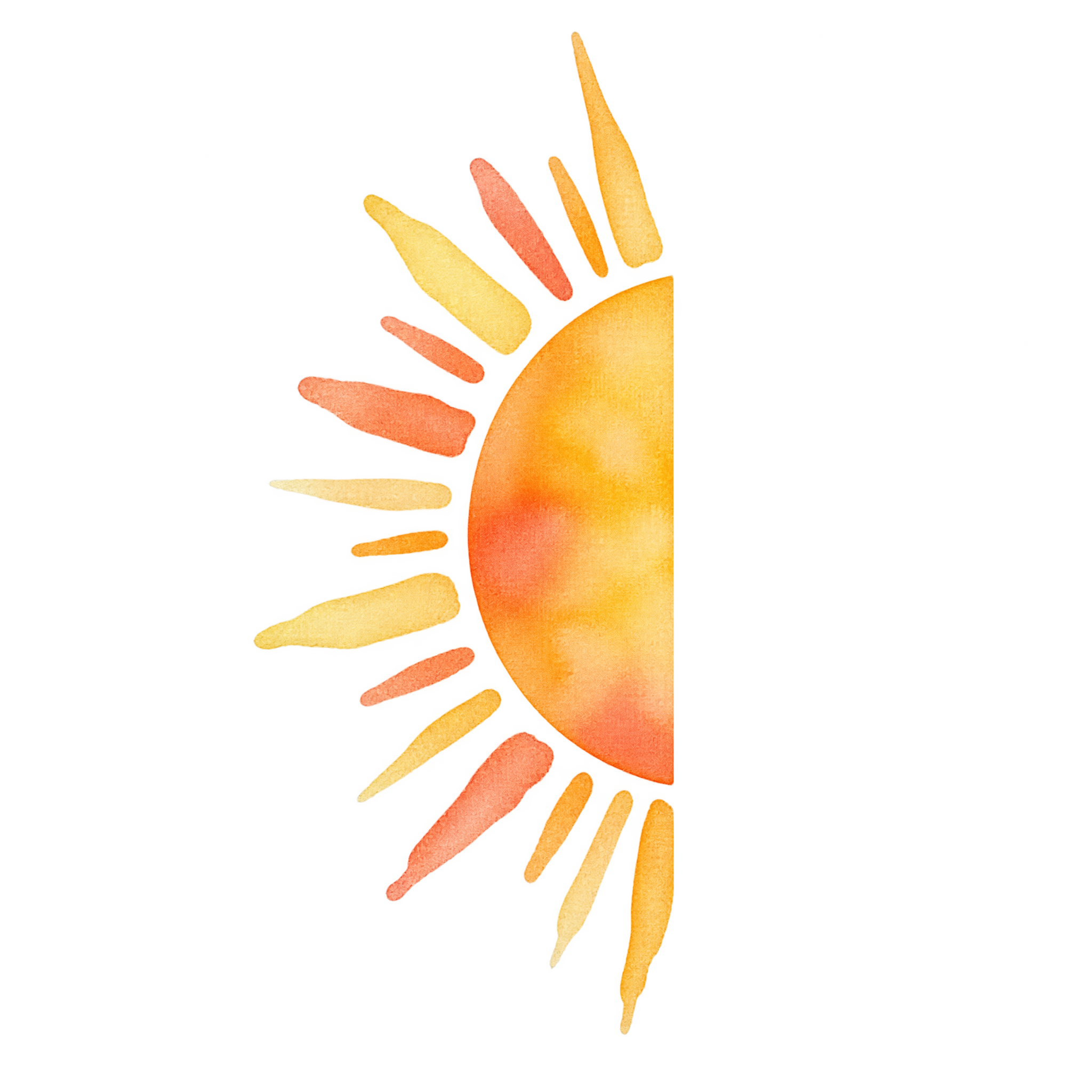
From crisp geometric rays to soft painted contours, a half sun PNG adds a transparent rising-sun accent to invitations and layouts.
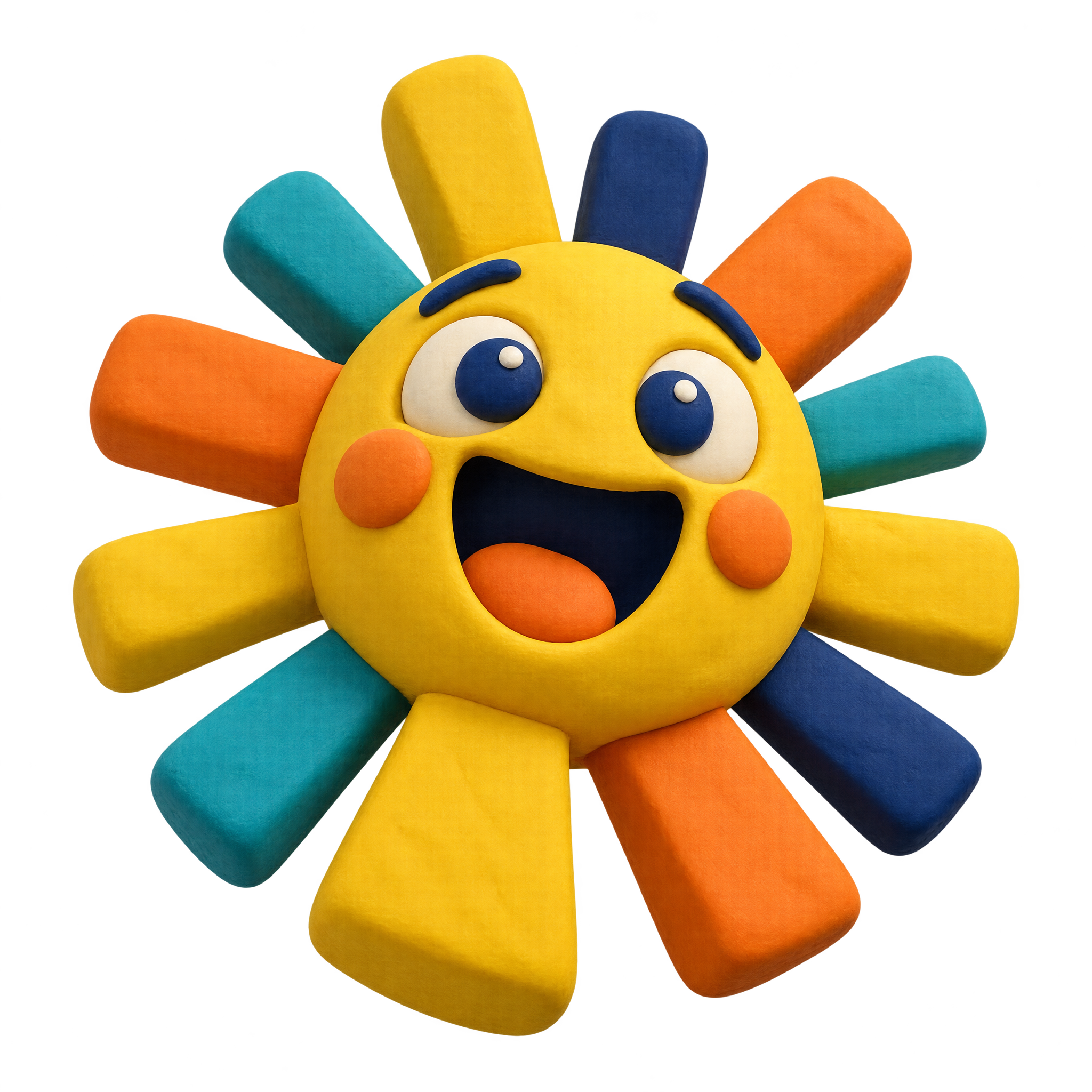
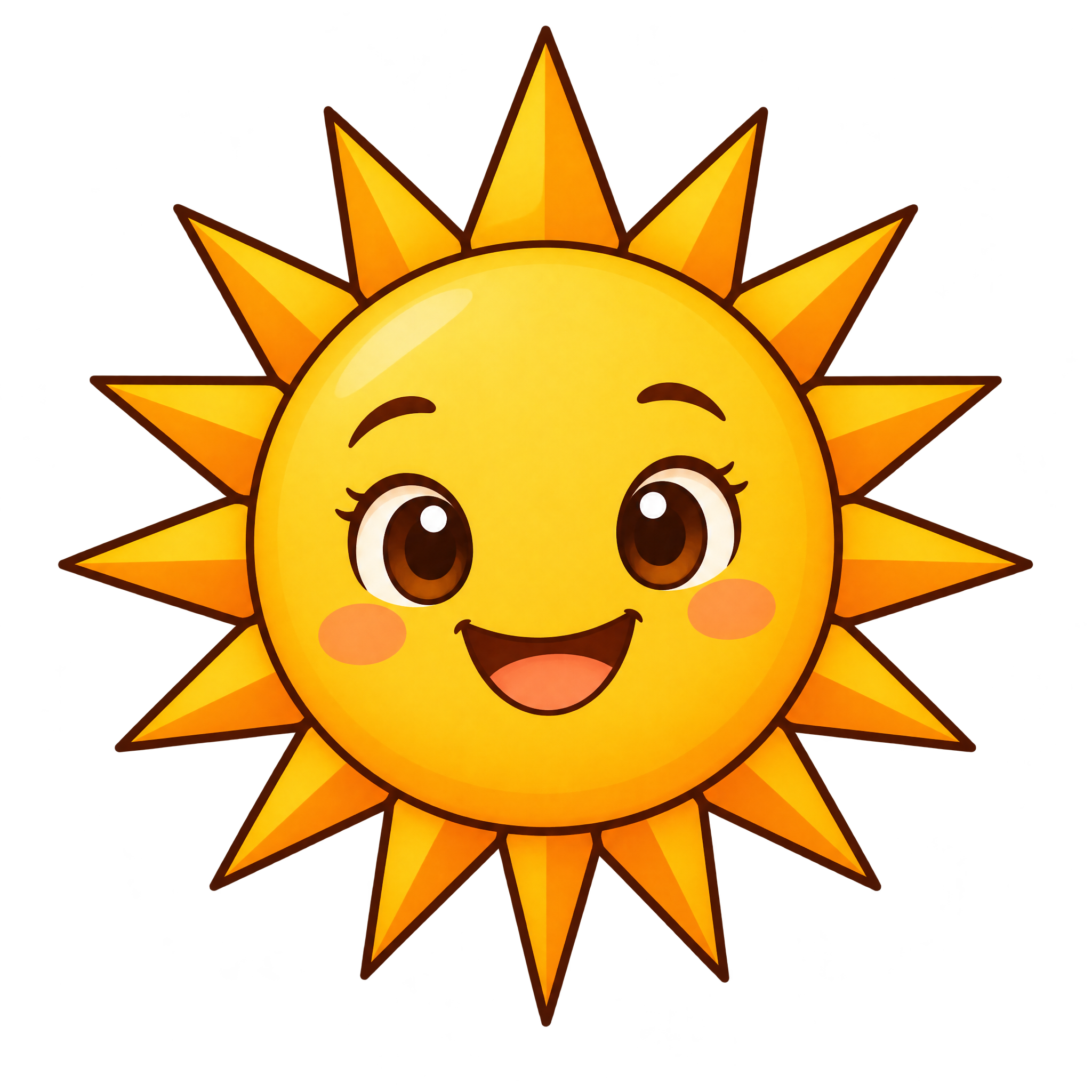
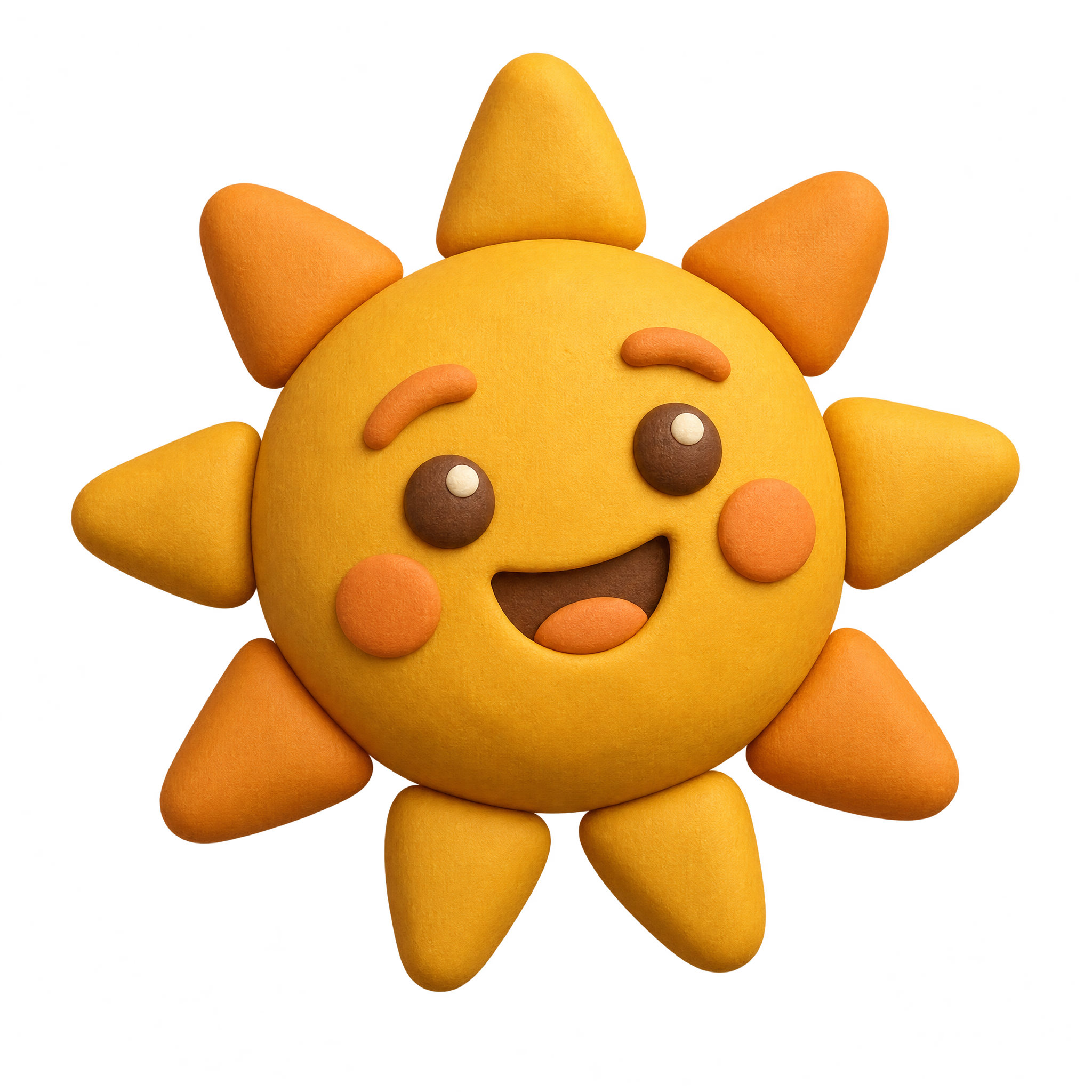
With expressive faces and playful rays, a sun cartoon PNG adds cheerful character to stickers, invitations, and learning layouts.
Faceted rays, soft painted edges, and cheerful faces shape this sun emoji PNG collection for stickers and presentation layouts.
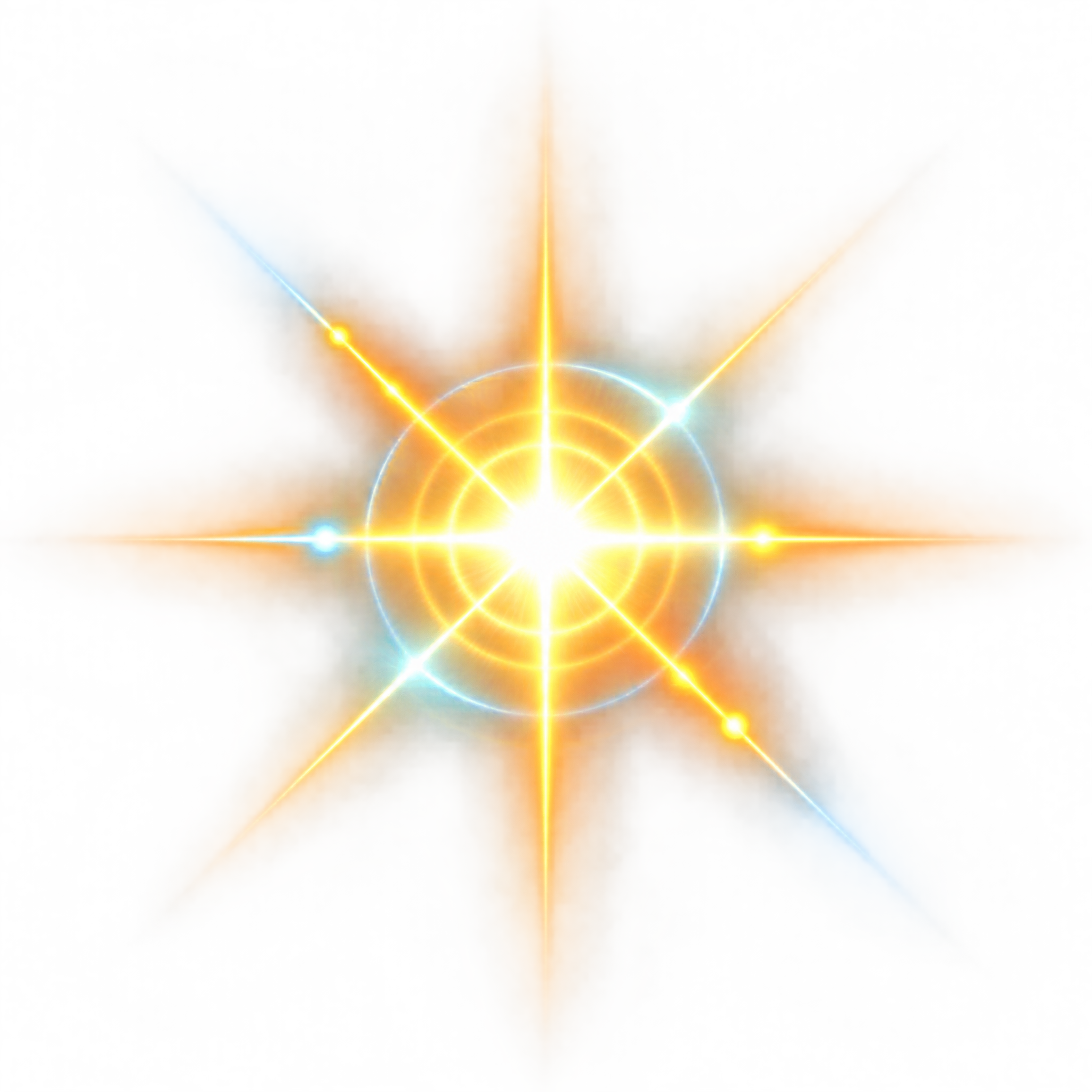
From photorealistic bloom to neon streaks and paper-cut rays, Sun Glare PNG assets add radiant light effects to graphics and composites.
Rounded, angular and tapered beams give each Sun Ray PNG a distinctive burst, ideal for poster overlays, invitations and playful layouts.
Circular centers with geometric, rounded or flowing rays define this sun silhouette PNG collection for signs, posters, crafts and layouts.
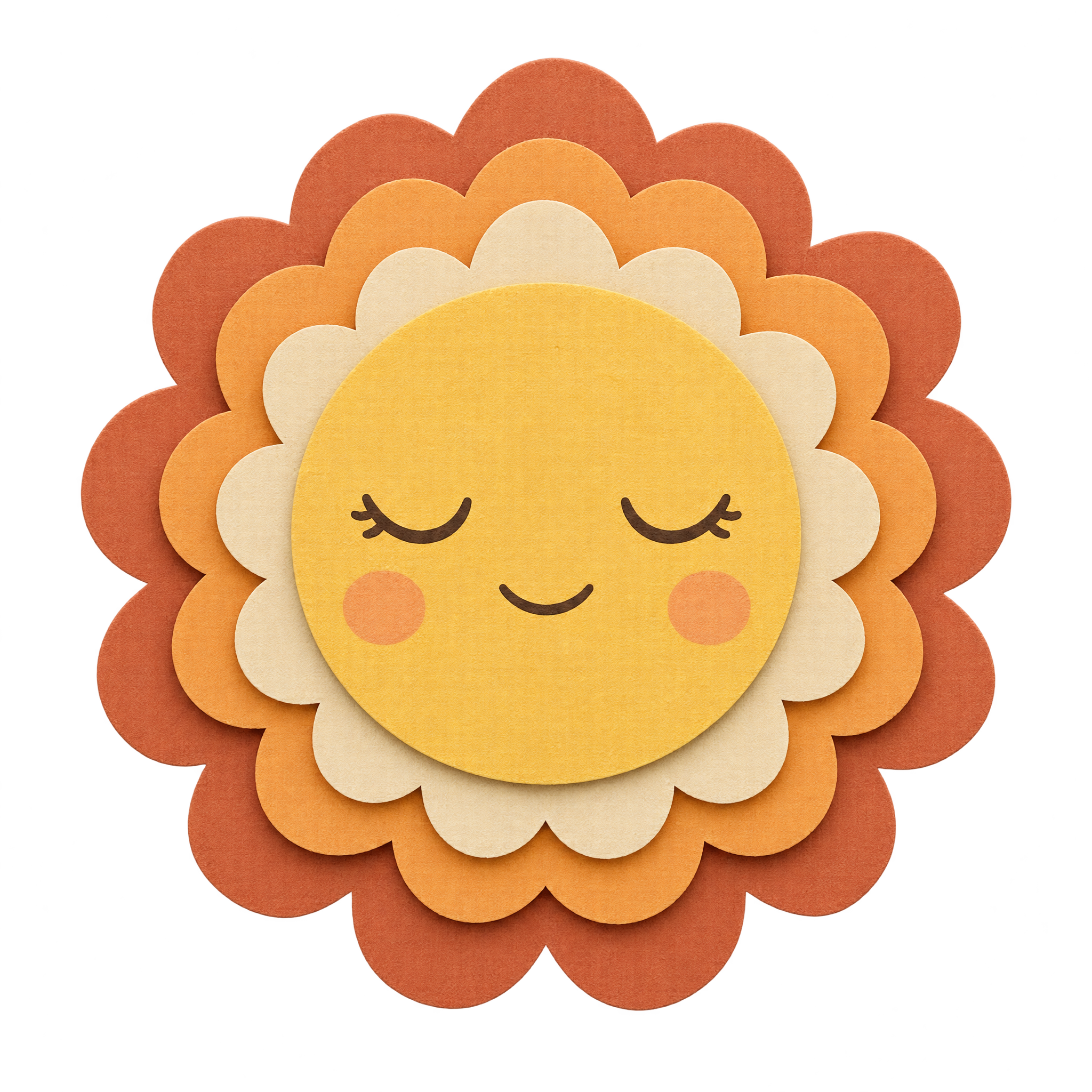
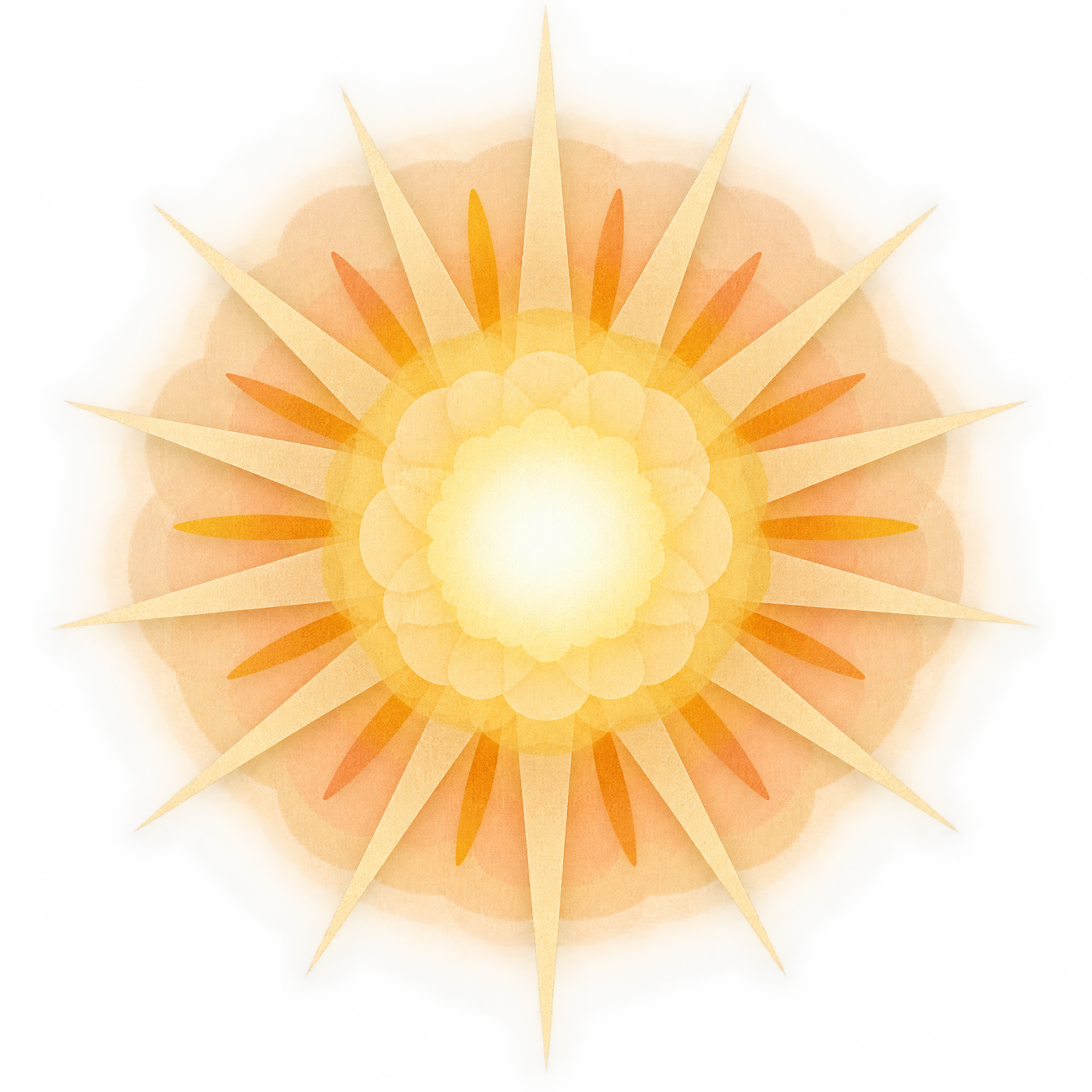
A layered paper-cut sun suits craft layouts and invitations, while a crisp neon outline adds a geometric accent to presentations and digital compositions.
Yes. You can create Sun PNG images and download PNG files for free. An optional subscription provides more creative options and advanced features, but it is not required for basic creation and downloads.
Choose an available sun image for a free PNG download. To make a related design, open the PNG generator, enter a description such as a layered paper-cut sun or a neon sun with angular rays, generate the image, and download it as a PNG.
PNG can preserve transparent areas around the sun, which helps the rays sit cleanly over another background. JPG does not support transparency in the same way. Downloads from this collection are provided as PNG.
The featured paper-cut and neon sun images include transparency around their circular forms and rays. This lets you place the artwork over invitations, slides, posters, and other layouts without a surrounding rectangular background.
Use a centered sun as a focal point, or place it near an edge so the rays guide attention toward a heading. Leave clear space around angular or layered rays. In Canva, upload the PNG as an image asset, position it in the layout, and check that it does not compete with nearby text.
Paper-cut styling suits warm, playful palettes and tactile craft themes, while neon linework pairs well with dark backgrounds and modern digital compositions. For a black-and-white concept, rely on strong contrast so the circle and individual rays remain easy to recognize.
Open the AI workspace and describe the transparent PNG you want to create.