
Frequently asked questions about Realistic Sun Glare PNG
Yes. You can use the PNG generator to create and download PNGs for free. Optional subscriptions provide more creative options and advanced features.
Download the featured PNG, or open the PNG generator and describe the effect you want, such as a realistic overexposed sun glare with atmospheric bloom, haze, and lens flare artifacts.
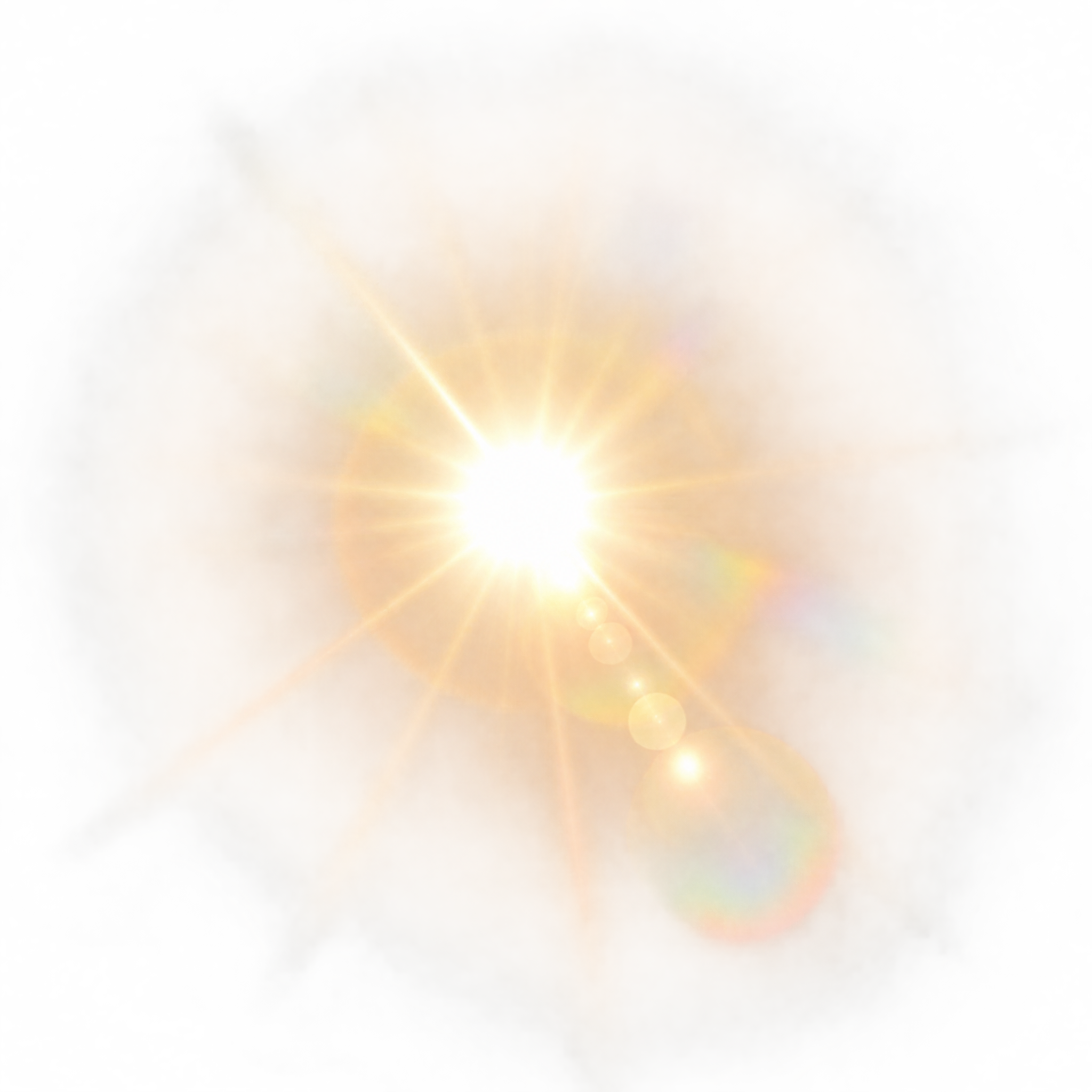
It depicts an intense, overexposed light source surrounded by irregular radiance, atmospheric bloom, haze, and lens flare artifacts, creating a photorealistic glare effect for scene compositing.
Yes. The PNG has transparency, so you can place the glare over photographs, skies, landscapes, and other compositions without a solid rectangular background.
Position it near a believable light source, bright horizon, or backlit subject. Keep important text and facial details away from the overexposed center, and align the flare with the scene’s existing light direction.
The bright bloom and haze stand out against darker or moderately toned skies, landscapes, architecture, and cinematic scenes. Backlit subjects and atmospheric environments can help the glare feel naturally integrated.