
Frequently asked questions about Ink Gun Flash PNG
Yes. You can use the PNG generator to create and download PNGs for free. Optional subscriptions provide more creative options and advanced features.
Download this PNG from its image page, or open the PNG generator to create a variation. In the AI workspace, enter a description of the angle, ink style, sparks, smoke, and mood you want, then generate and download your PNG.
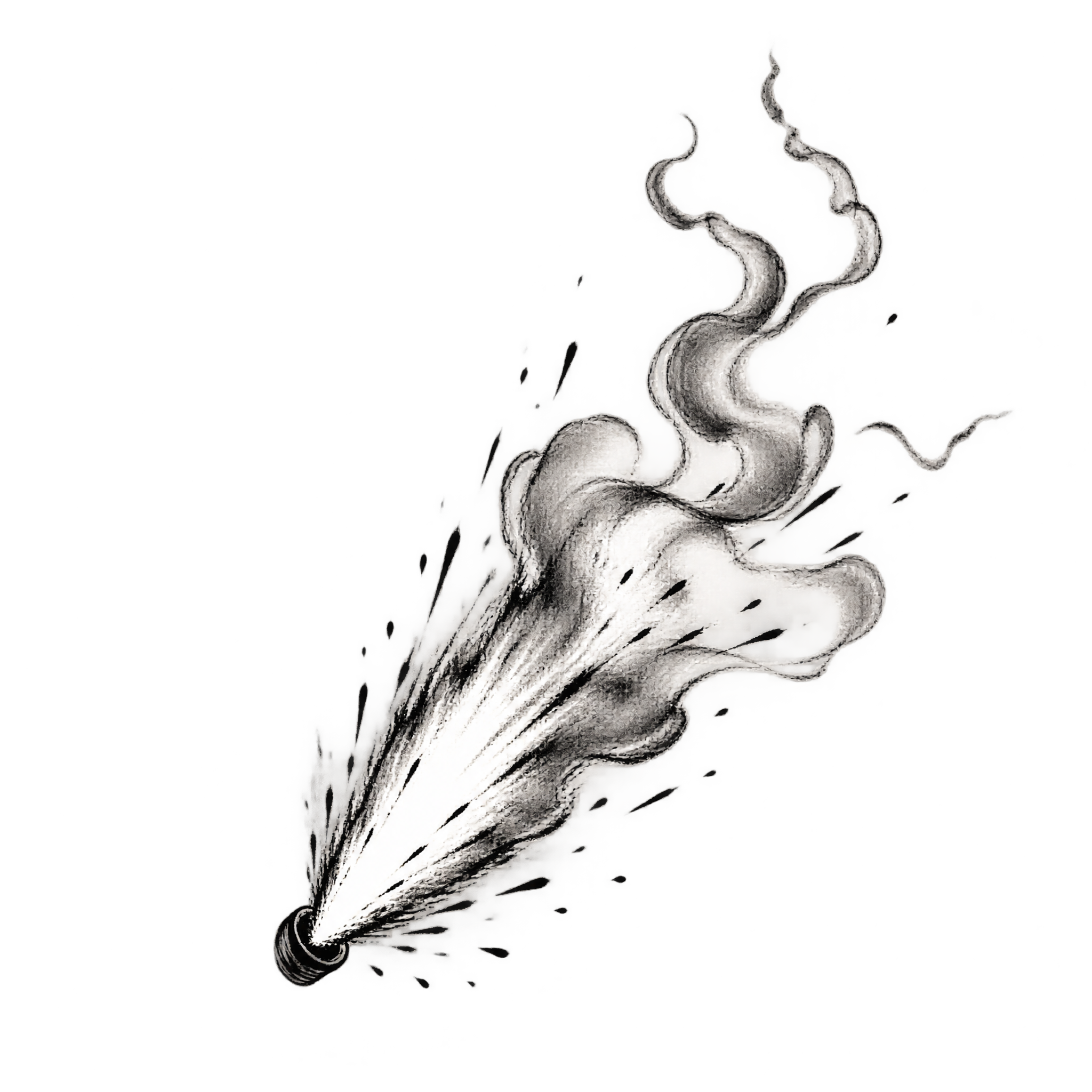
A compact, angled flash works well when the barrel and nearby details need to remain visible. Choose a wider burst when the flash should dominate the scene or make the action feel more explosive.
PNG supports transparent areas around the flash, sparks, and smoke, making the artwork easier to place over another composition. JPG does not support transparency and usually adds a solid background. Downloads here are PNG.
Align the narrow attachment point with the barrel opening and direct the wider burst into open space. Leave room around the sparks and curling smoke so their shapes stay readable rather than colliding with text or key subjects.
The dark ink lines stand out strongly against pale, muted, or warm backgrounds. For a dramatic mood, pair them with deep reds or smoky neutrals while preserving enough contrast around the sparks and smoke.