
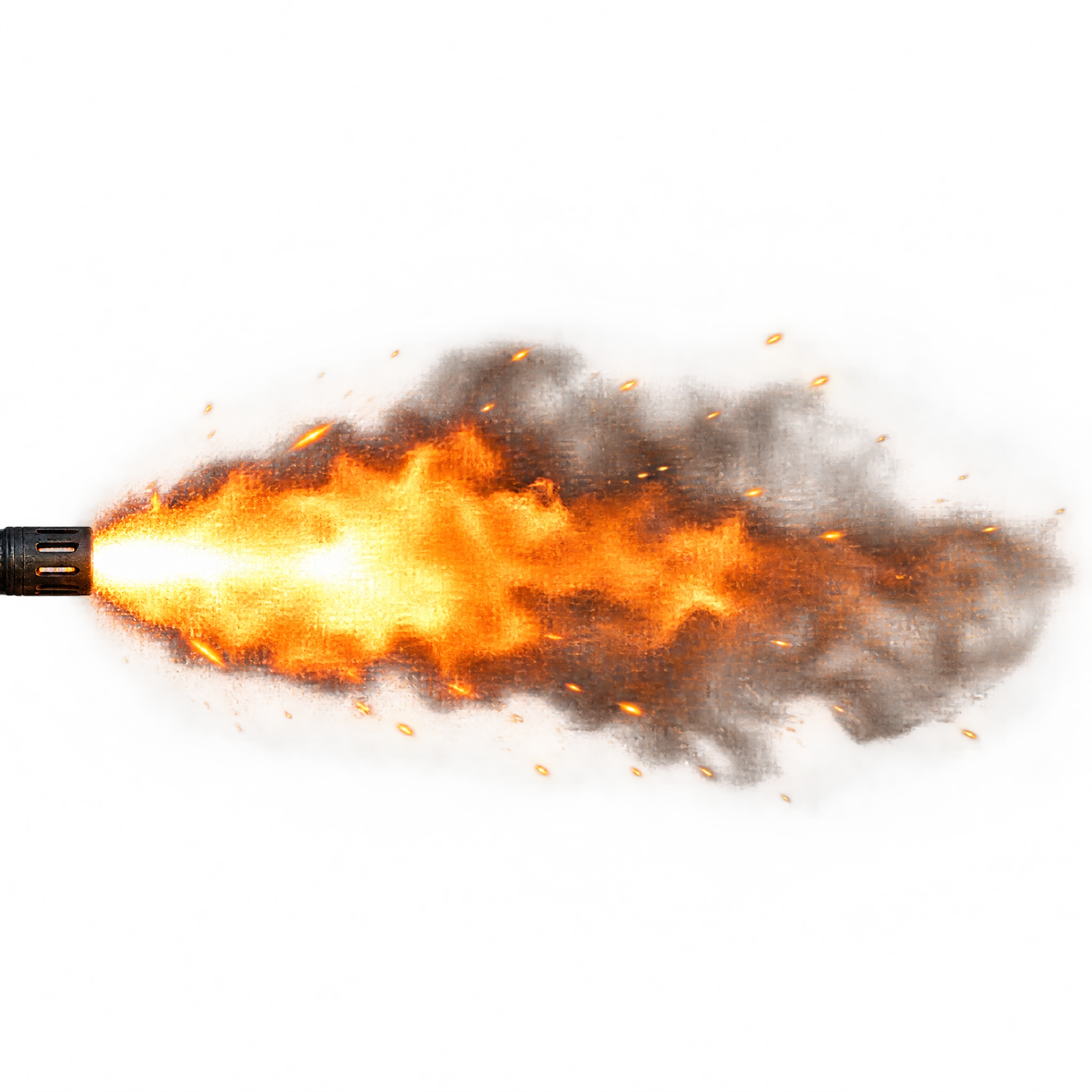
Frequently asked questions about Realistic Gun Flash PNG
Yes. You can create and download PNGs for free using the PNG generator. Optional subscriptions provide more creative options and advanced features.
Download the featured PNG from its image page, or open the AI workspace and enter a description of the muzzle flash you want, including its direction, plume shape, sparks, smoke, and visual style.
Yes. Upload the PNG to Canva as an image asset, then place, resize, rotate, and layer it within your design to align the flash with the scene.
PNG supports transparent backgrounds, allowing the muzzle flash and sparks to sit over footage or artwork without a rectangular backdrop. JPG does not support transparency. Downloads here are PNG.
Align the narrow attachment point with the muzzle and extend the long plume outward in the firing direction. Leave room ahead of the flash so its sparks and smoke do not feel cramped or obscure the main subject.
Dark blue, charcoal, or muted nighttime backgrounds create strong contrast with the bright flare and reinforce a tense cinematic mood. Warm highlights elsewhere in the scene can help the effect feel visually connected.