
Frequently asked questions about Paper Cut Money Symbol PNG
Yes. You can create and download PNGs for free using the PNG generator. Optional subscriptions provide more creative options and advanced features.
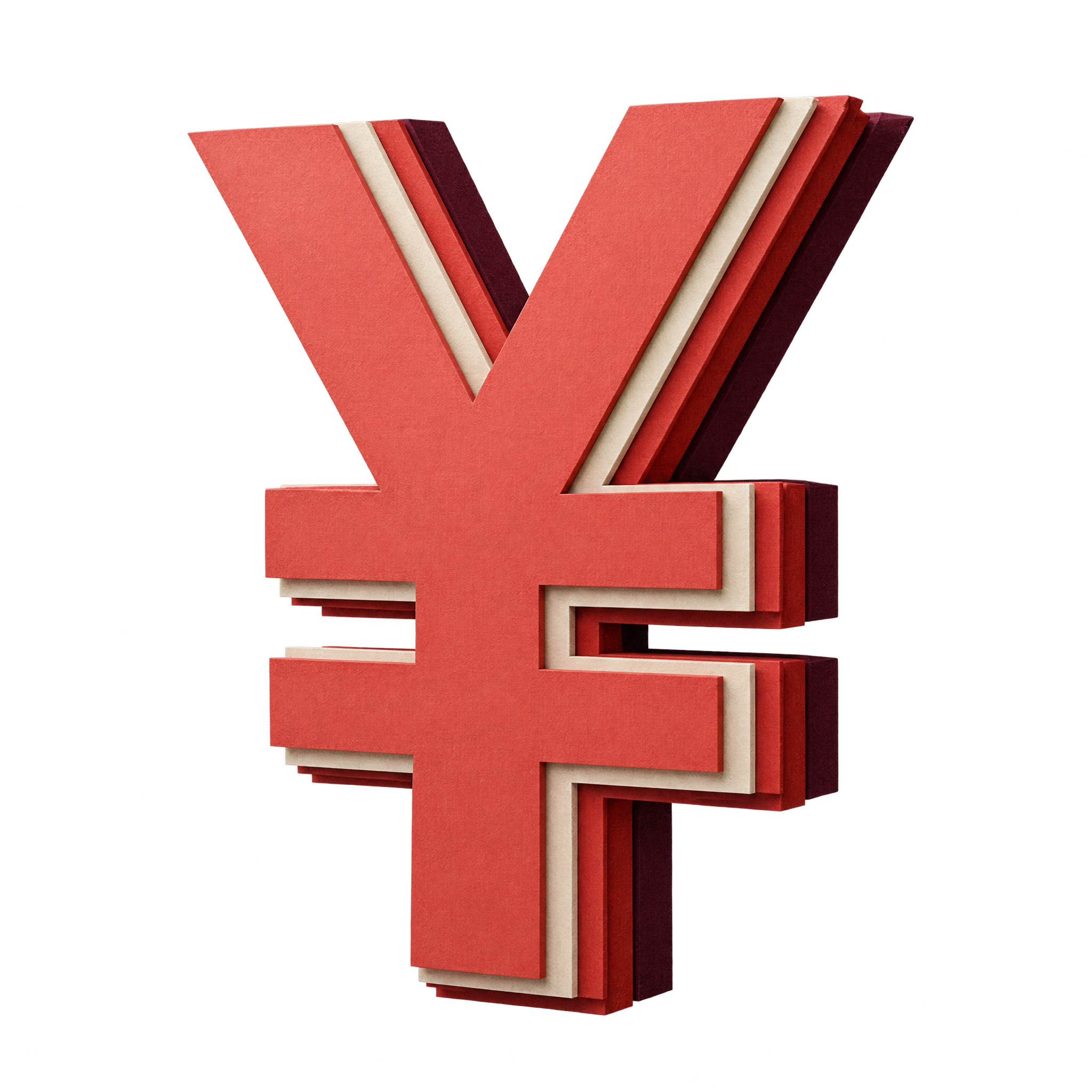
Download the featured image from its page, or open the AI workspace and enter a description such as “angular yen symbol made from stacked paper-cut layers.” Refine the wording until the composition suits your project, then download the result as a PNG.
Choose the angular paper-cut style when you want depth and a strong focal point for pricing slides, banking graphics or promotional layouts. A flatter symbol is often better when the icon must stay visually simple within compact labels or information panels.
In the PNG generator, vary your description with different currency symbols, layered cut-paper treatments, folded planes or softer rounded shapes. Changing one visual detail at a time makes it easier to compare related directions.
Give the symbol enough open space for its angular silhouette and layered edges to remain clear. It can work as a central focal point, beside a price heading or offset from text to create a balanced finance-themed composition.
Use a plain background with clear tonal contrast so the layered form stays readable. Restrained typography and simple charts support a professional finance mood, while bolder accent colors can make the symbol feel more promotional or retail-focused.