Clay Explosion PNG Gif
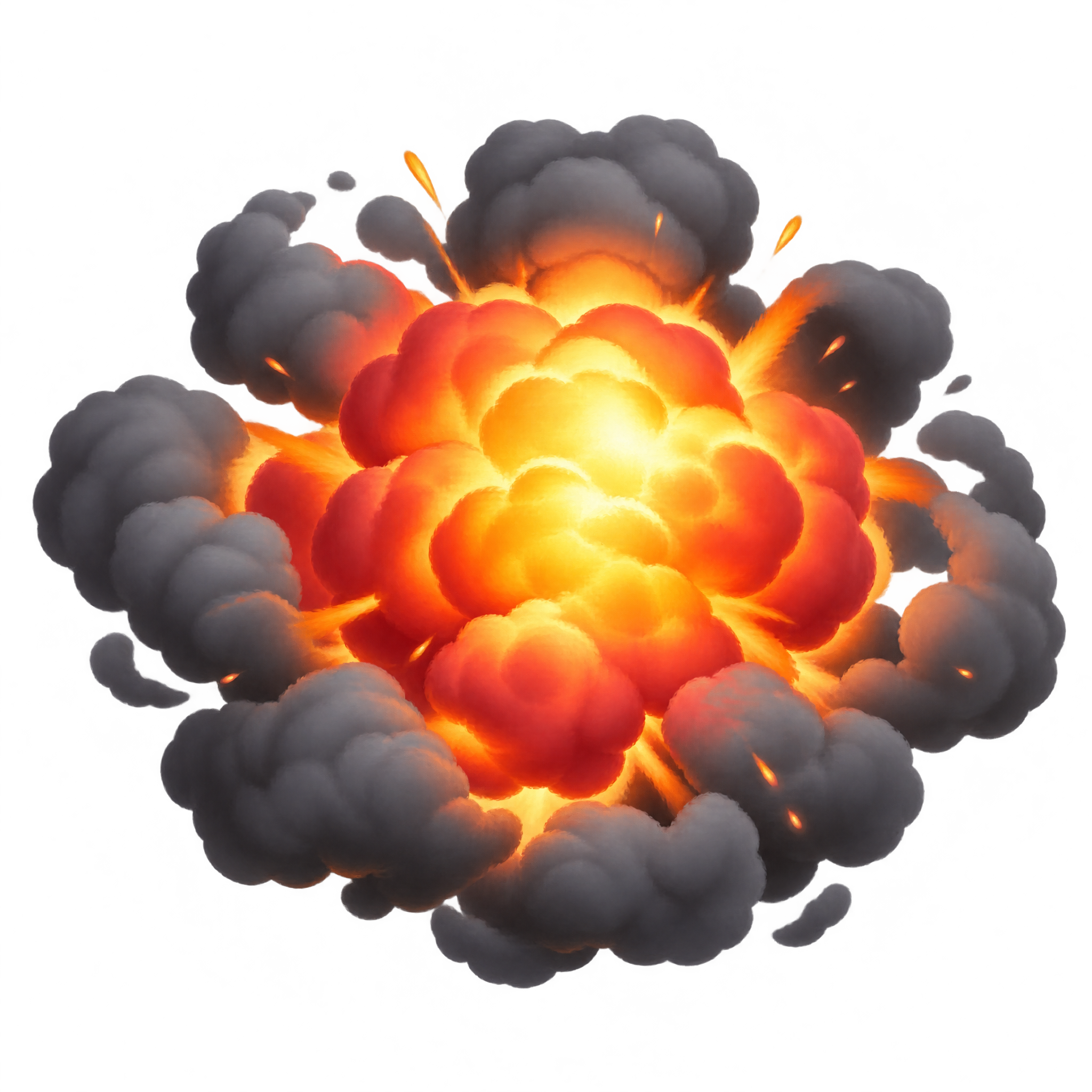
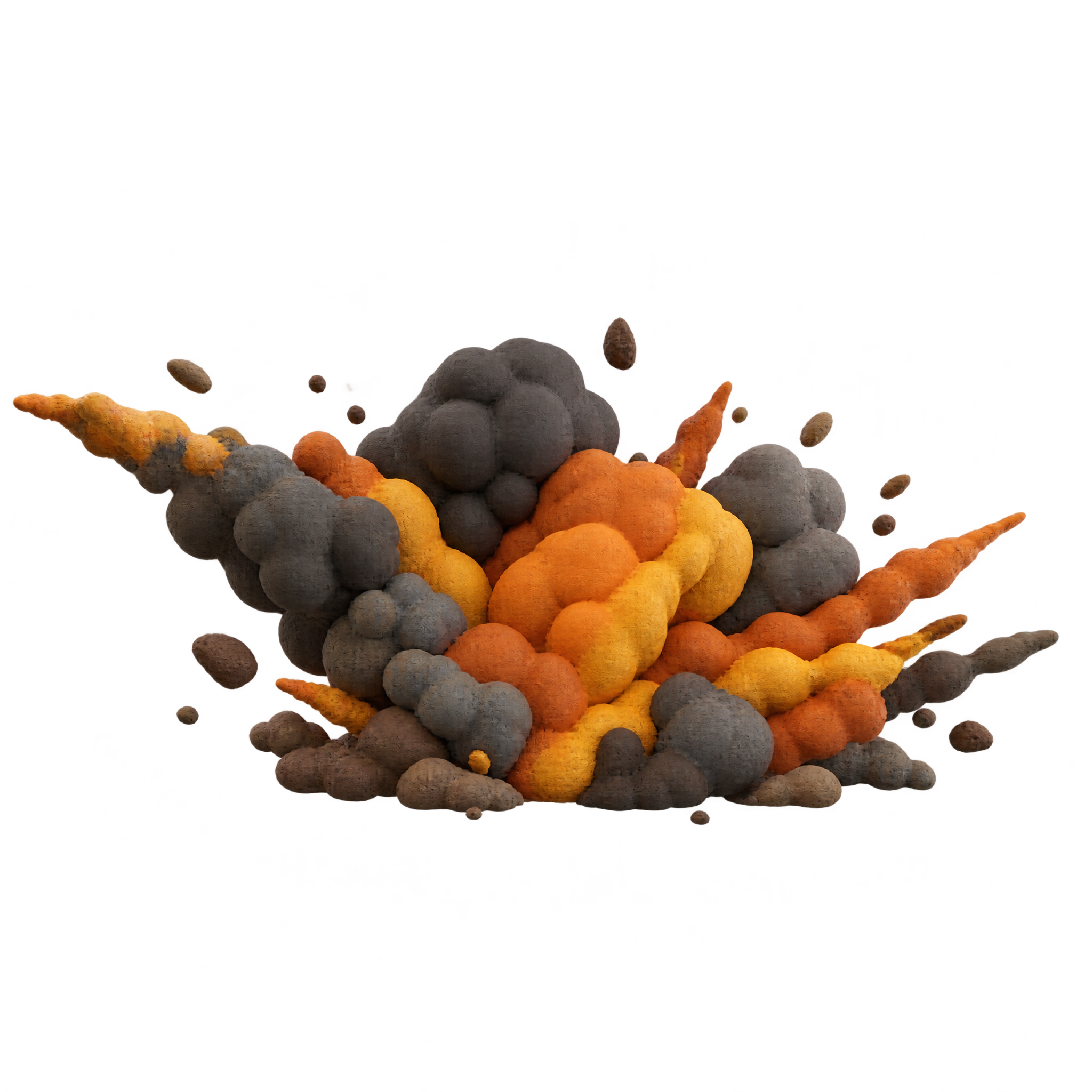
A wide ground-level explosion with clustered flames, rolling smoke, tapered outward jets, and integrated debris, designed for game scenes, playful edits, and presentation graphics.
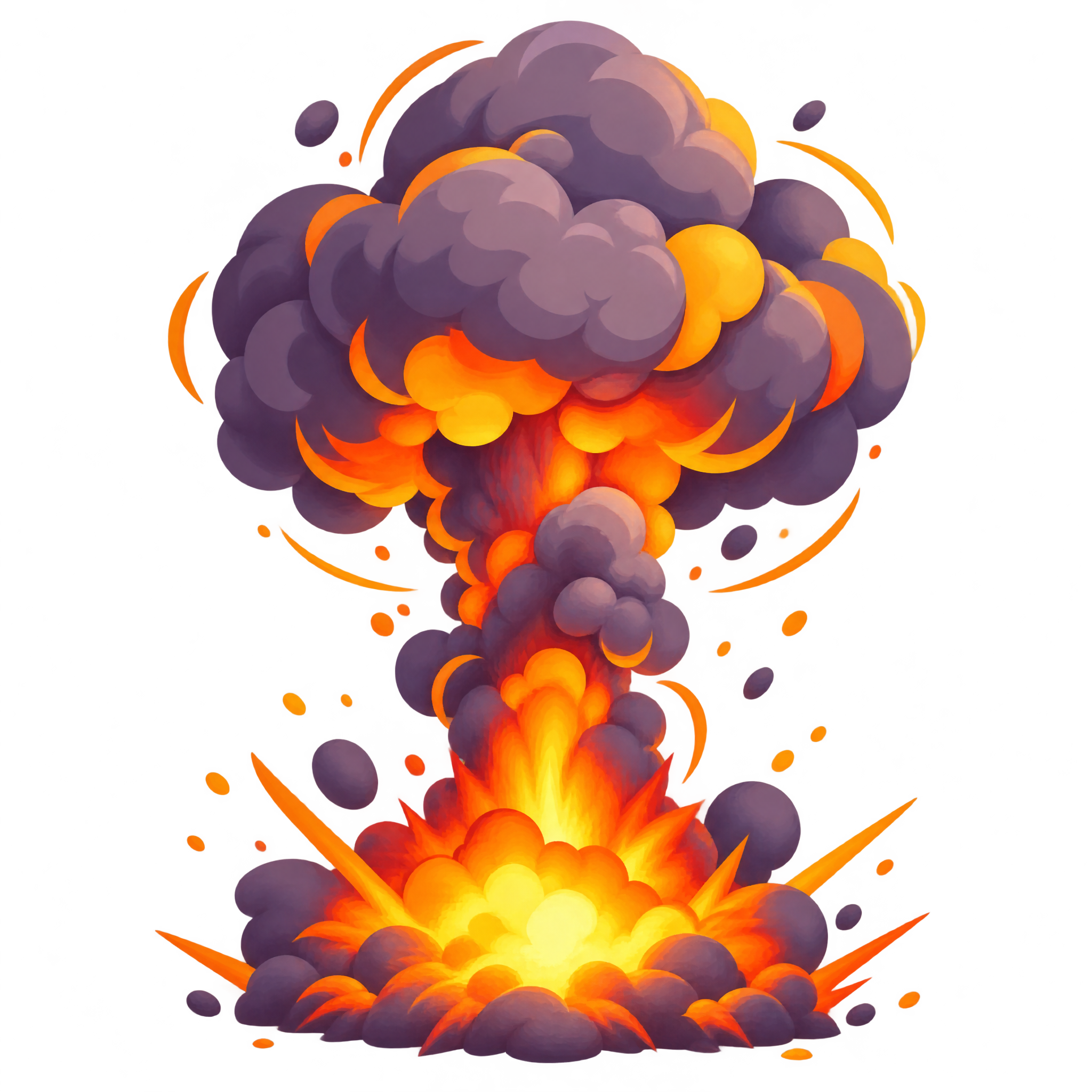
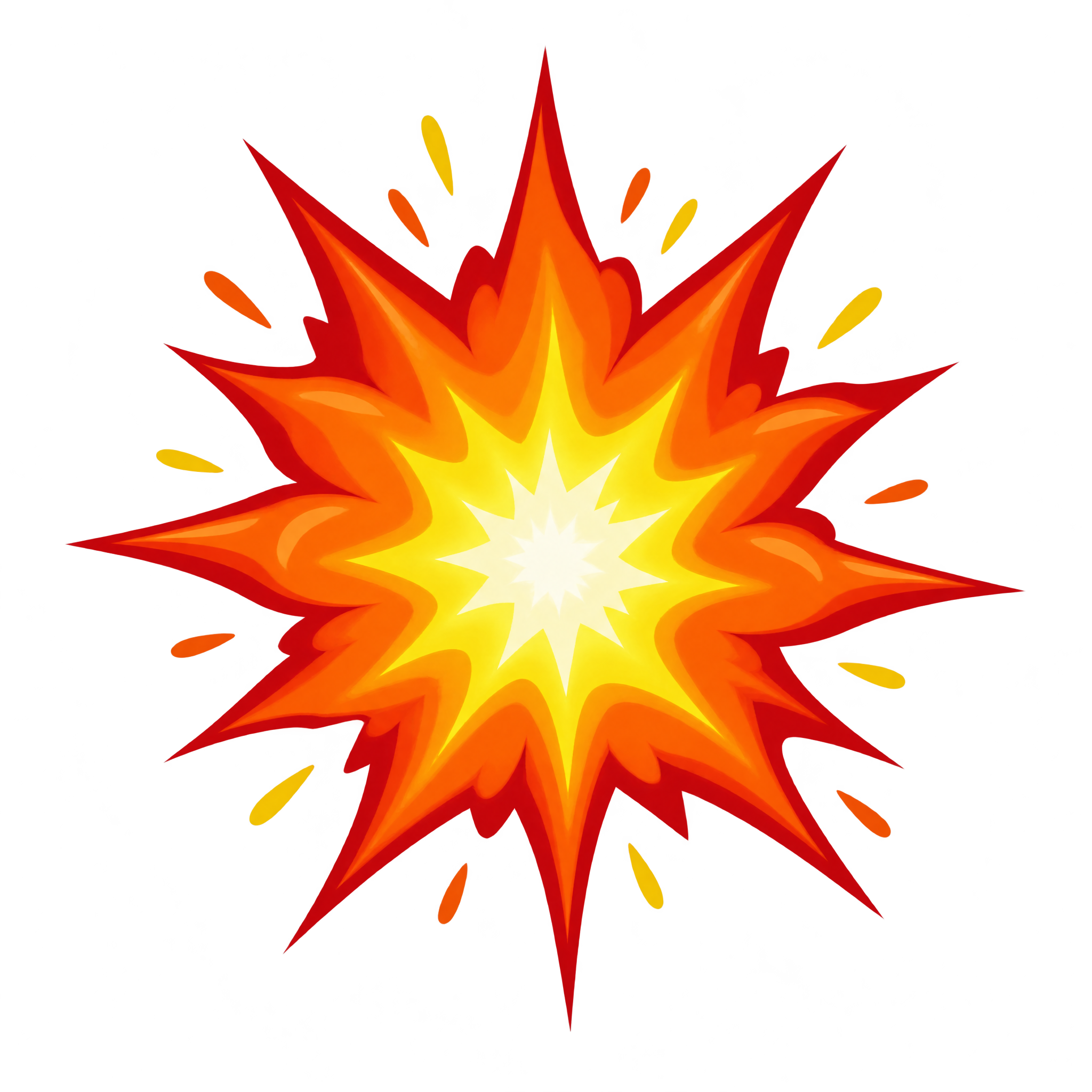
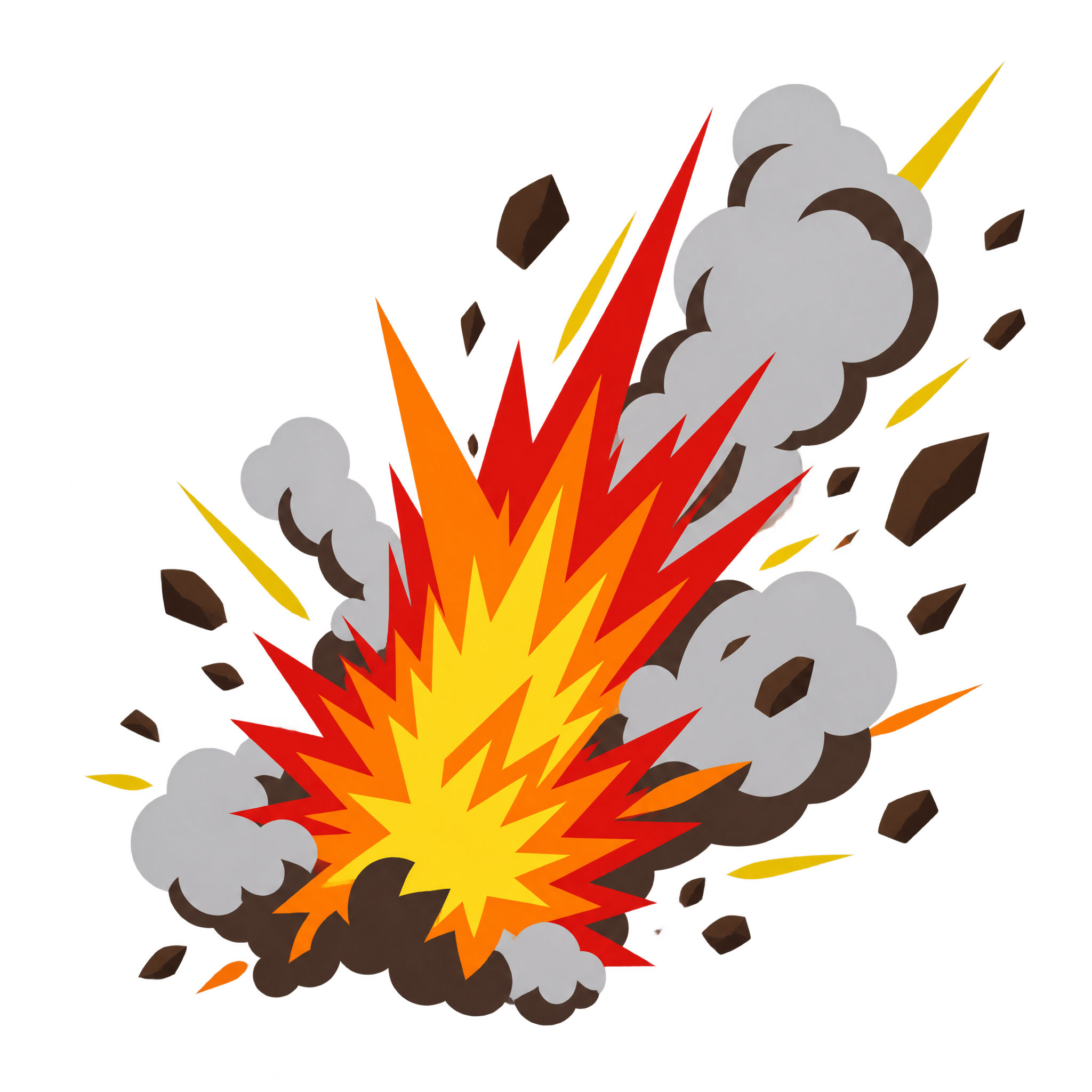
Add a cartoon explosion PNG with bold fire, smoke, and impact details to energize game scenes, comic layouts, posters, or interfaces.
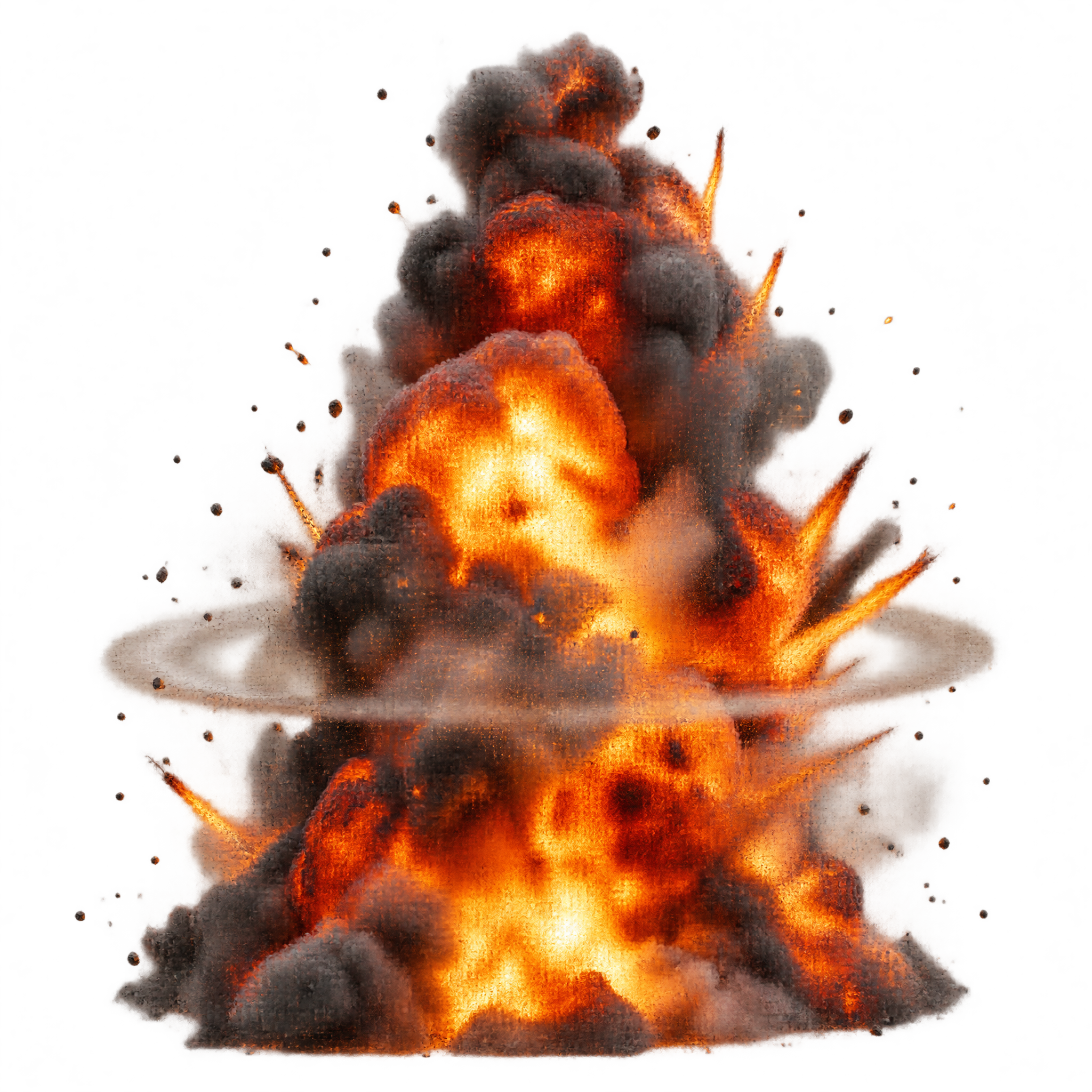
Need a dramatic blast for a game or template? Explosion PNG Gif effects feature transparent fireballs, smoke, sparks and debris.
For dramatic video overlays, Explosion PNG Video assets combine fire, smoke, sparks and transparent backgrounds for flexible placement.
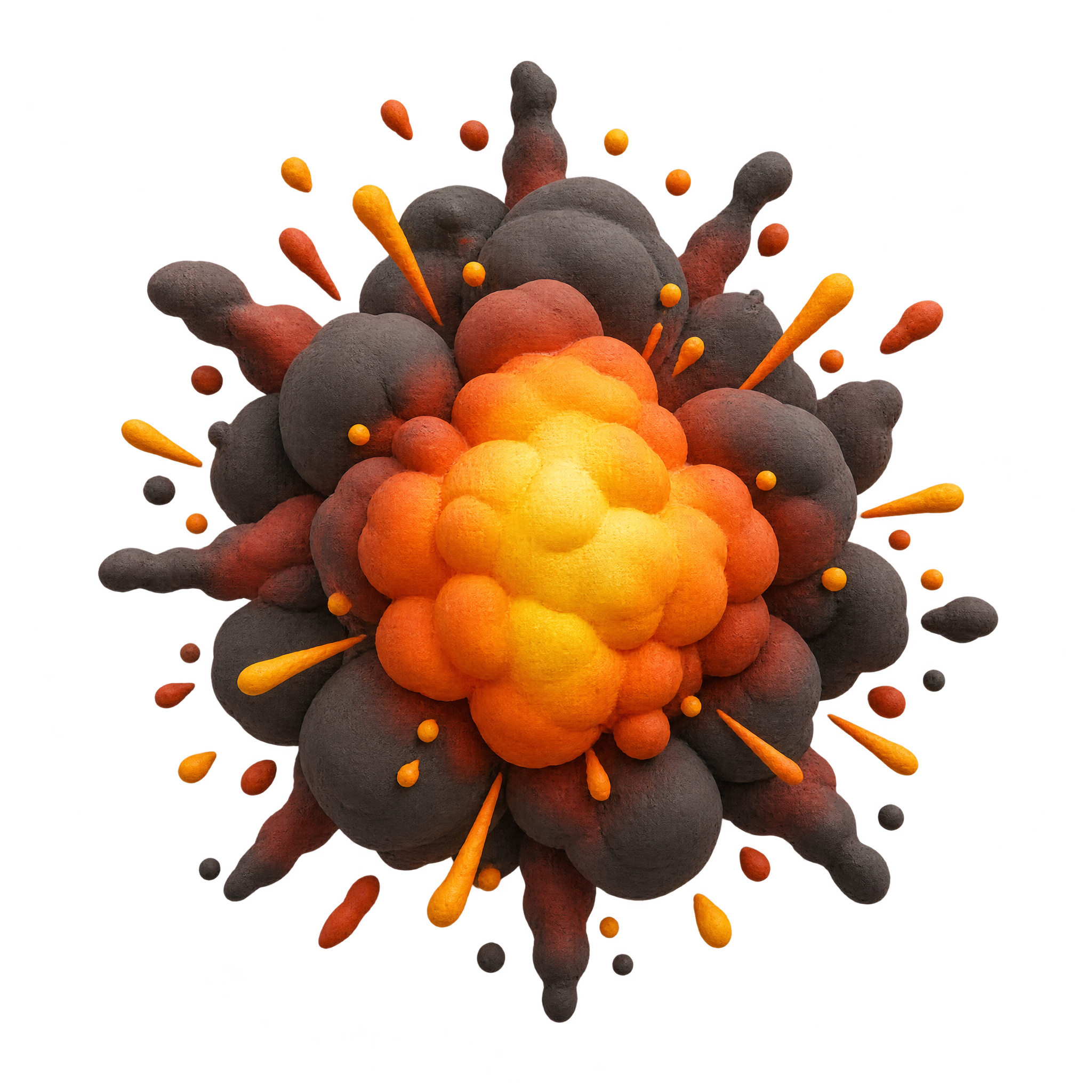
A glowing shockwave overlay or sculpted clay blast creates a focused impact graphic for posters, game layouts, and presentations.
Yes. You can create Explosion PNG images in the PNG generator and download PNG files for free. An optional subscription provides more creative options and advanced features, but it is not required for basic creation and downloads.
Download an existing Explosion PNG, or open the AI workspace and enter a description of the blast you want, such as a neon shockwave or sculpted clay fireball. After downloading the PNG, you can upload it as an image asset in Canva and position it within your design.
PNG can preserve transparent areas around sparks, smoke, and irregular blast edges, while JPG does not support transparency. Downloads provided here use the PNG format.
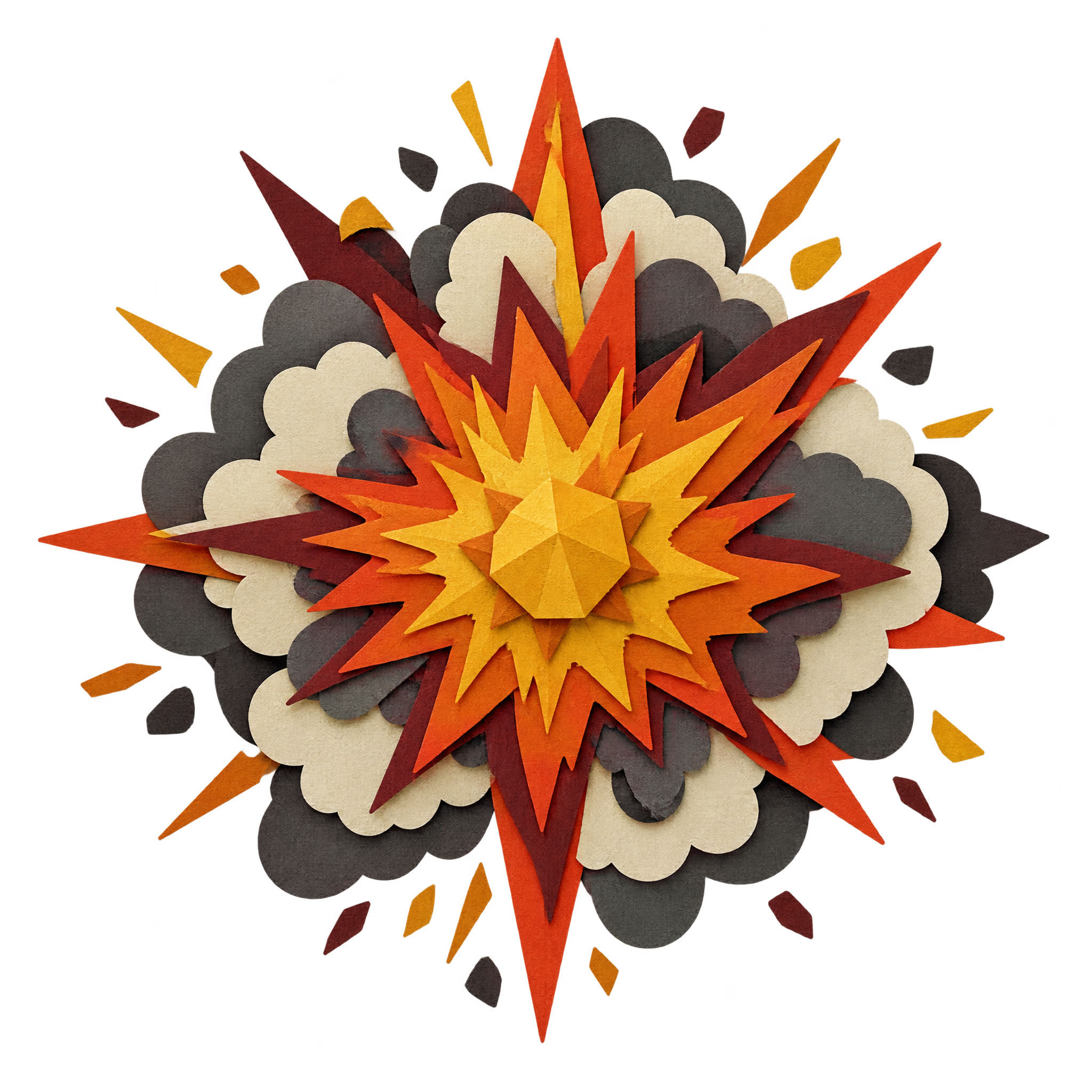
Compare directions such as a glowing radial shockwave and a rounded clay blast with smoke and fragments. For a different look, open the PNG generator and describe the mood, shape, lighting, and level of detail you want.
Place the center of the blast near the action or message you want to emphasize, while keeping sparks and smoke clear of important text. Leave enough surrounding space for the radial shape to read without overwhelming the composition.
Bright neon energy stands out against dark layouts and supports a futuristic mood. A warm clay fireball can work with simpler or cooler surroundings, where its rounded smoke and flame shapes remain distinct.
Open the AI workspace and describe the transparent PNG you want to create.