
Frequently asked questions about Stained Glass Mouse Arrow PNG
Yes. You can use the PNG generator to create and download PNG images for free. Subscriptions provide more creative options and advanced features, but a subscription is not required for every creation or download.
Open the PNG generator or AI workspace, enter a description such as a broad mouse arrow made from jewel-colored glass panes with dark leading, then create and download the resulting PNG.
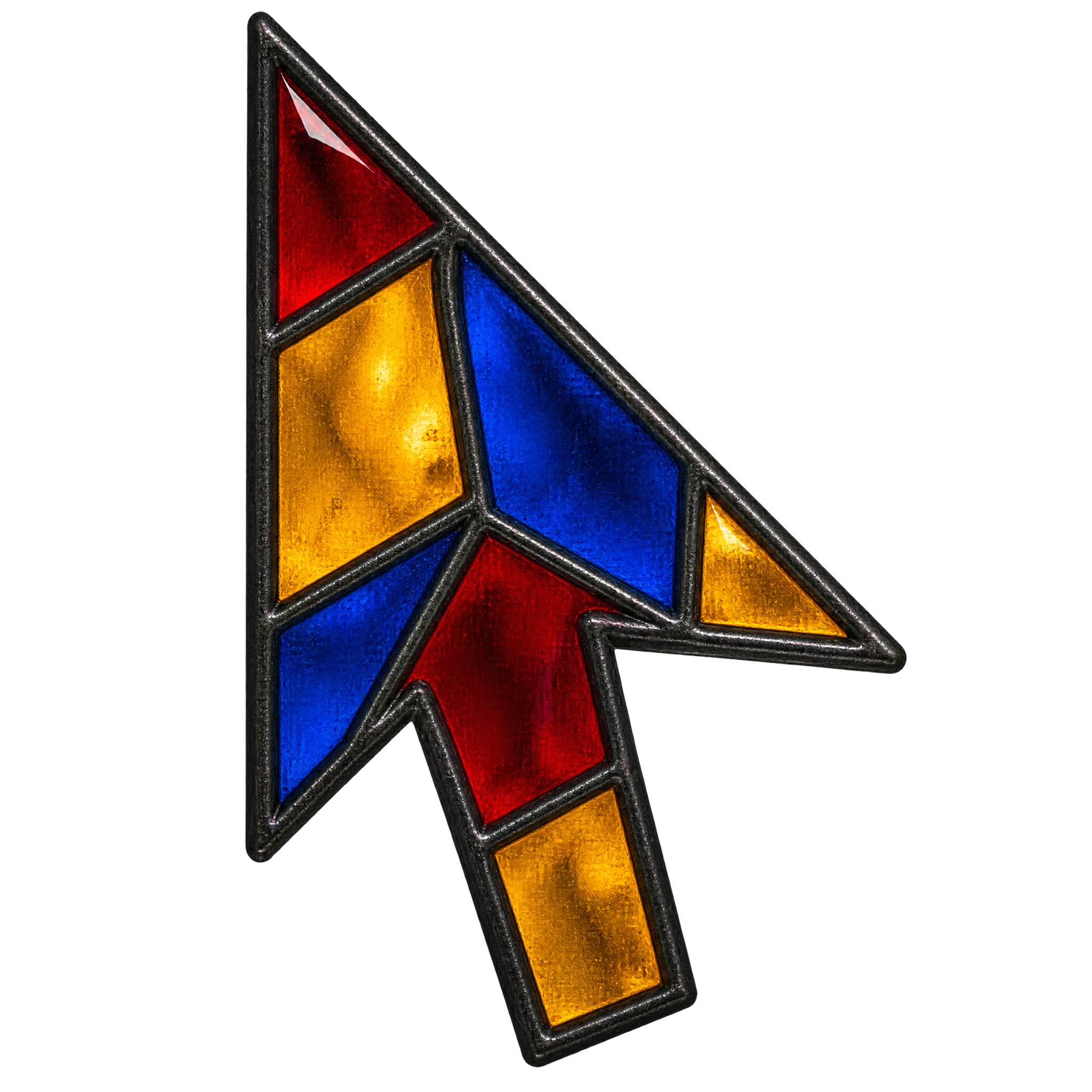
It is a decorative cursor graphic shaped like a broad arrow and illustrated with jewel-colored glass panes separated by dark leading. This artwork can emphasize pointers, steps, labels, or callouts.
Upload the PNG as an image asset in Canva, then place it in a presentation, tutorial graphic, interface mockup, or other design. Its cursor shape can help direct attention toward nearby text or controls.
Place the arrow beside the label, instruction, or interface element it highlights, leaving enough space around its broad shape. Align its point with the intended target and avoid covering essential text.
Pair the jewel-colored panes with pale neutrals or restrained dark backgrounds so the glass colors and dark leading remain readable. A refined, decorative mood works well for tutorials, interfaces, and presentation callouts.