
Frequently asked questions about Watercolor Red Star PNG
Yes. You can use the PNG generator to create and download PNG images for free. Optional subscriptions provide more creative options and advanced features.
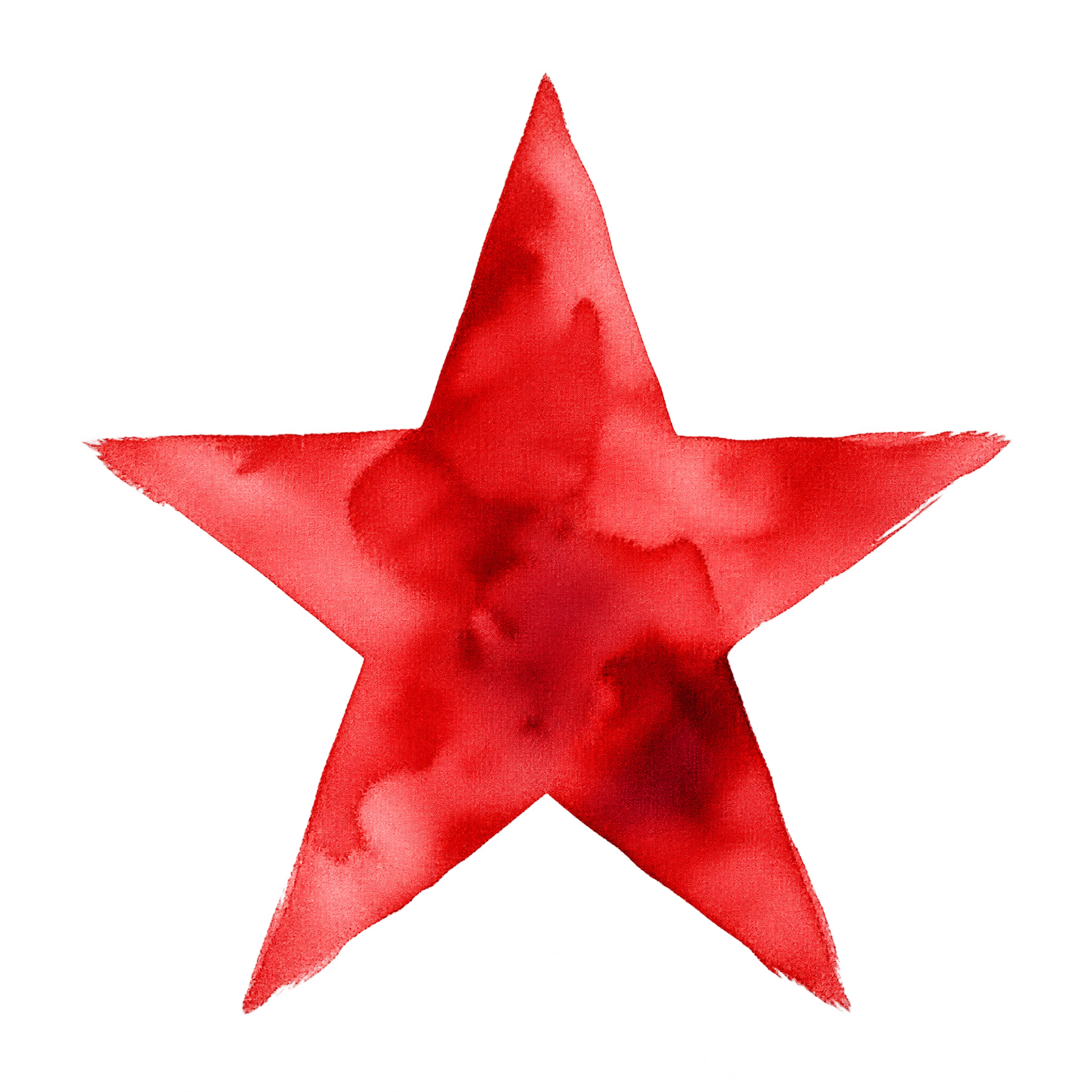
Download the displayed artwork as a PNG, or open the AI workspace and enter a description such as “five-point red star painted in ruby watercolor with feathered edges.” Refine the wording to explore different washes and contours, then download your chosen result as a PNG.
Yes. Upload the PNG to Canva as an image asset, then place it in invitations, journal pages, classroom graphics, or other layouts. Its transparent background makes it easy to position over compatible colors and design elements.
Open the PNG generator and vary your description with related ideas such as softer pigment blooms, deeper crimson washes, uneven hand-painted edges, or a different watercolor mood. Each prompt can guide a new interpretation while keeping the five-point star theme.
For a clear focal point, center the star with generous open space around its feathered outline. In invitations or journal pages, an off-center placement can leave room for text while creating a relaxed composition. Avoid crowding the soft edges with dense details.
Warm white, cream, pale blush, and muted gray provide gentle contrast without overpowering the ruby pigment. Pair it with light paper textures, restrained typography, or small gold-toned accents for a warm handmade mood.