
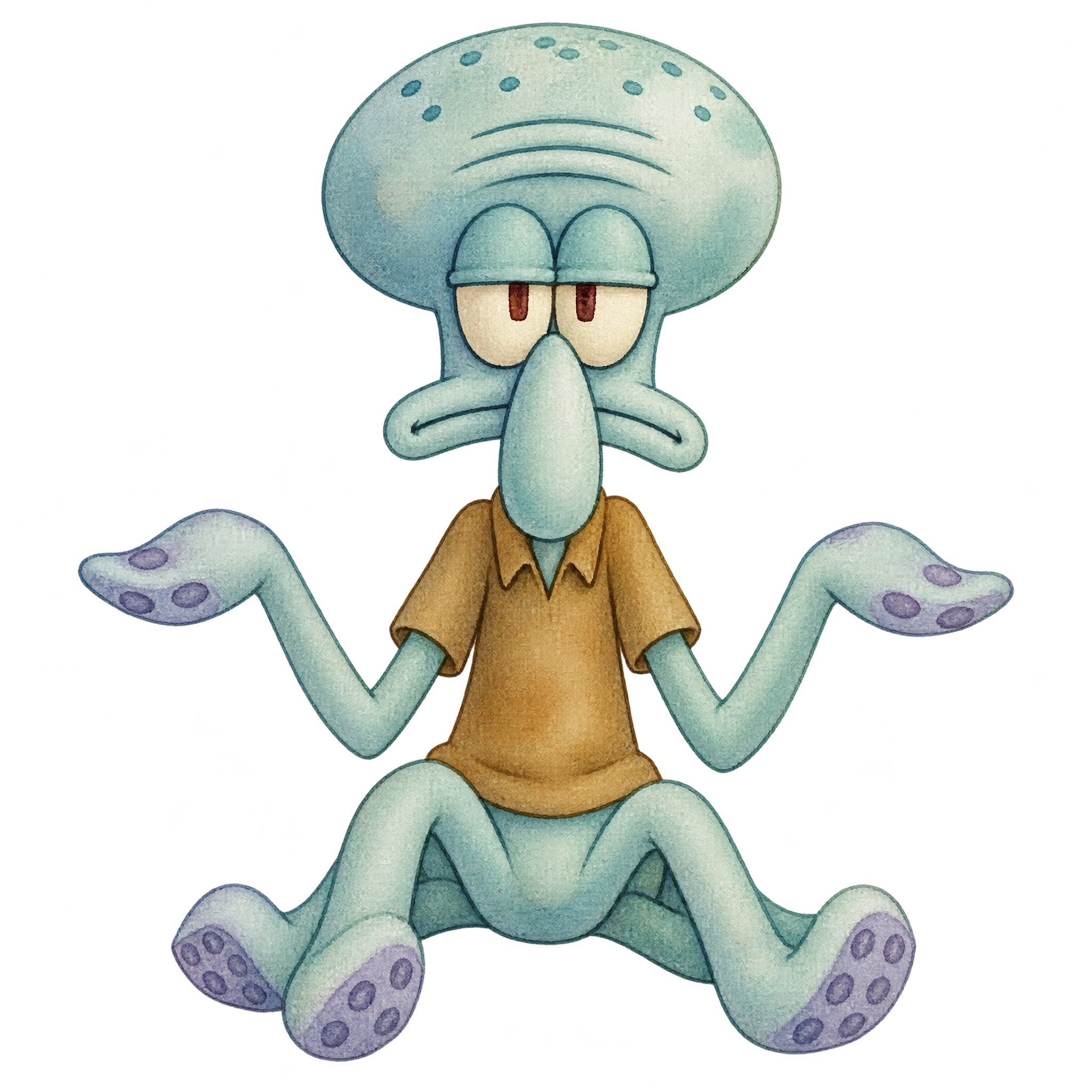
Frequently asked questions about Watercolor Squidward PNG
Yes. You can use the PNG generator to create and download PNGs for free. Optional subscriptions provide more creative options and advanced features.
Download the displayed PNG, or open the AI workspace and enter a description of the character, pose, and watercolor treatment you want. Generate your design, review the result, and download it as a PNG.
Yes. Download the PNG and upload it to Canva as an image asset. You can then place it in a poster, social post, presentation, or other design and adjust its size and position within the composition.
Choose the full-body version when the shrug, open hands, and overall silhouette carry the reaction or joke. A close-up is better when facial expression needs to dominate a small space.
Leave open space around both hands so the gesture remains easy to read. Center the figure for a reaction-focused design, or place it slightly off-center and use the surrounding space for a short caption.
Soft seafoam, sandy beige, muted coral, or pale blue can reinforce a relaxed underwater mood. For stronger separation, place the figure against deep navy or charcoal while keeping nearby text simple.