
Frequently asked questions about Watercolor Star PNG
Yes. You can use the PNG generator to create and download PNG images for free. Optional subscriptions provide more creative options and advanced features.
Download the featured artwork as a PNG, or open the AI workspace and enter a description of the star you want. Mention details such as a five-point shape, warm watercolor washes, layered pigment, and a transparent background.
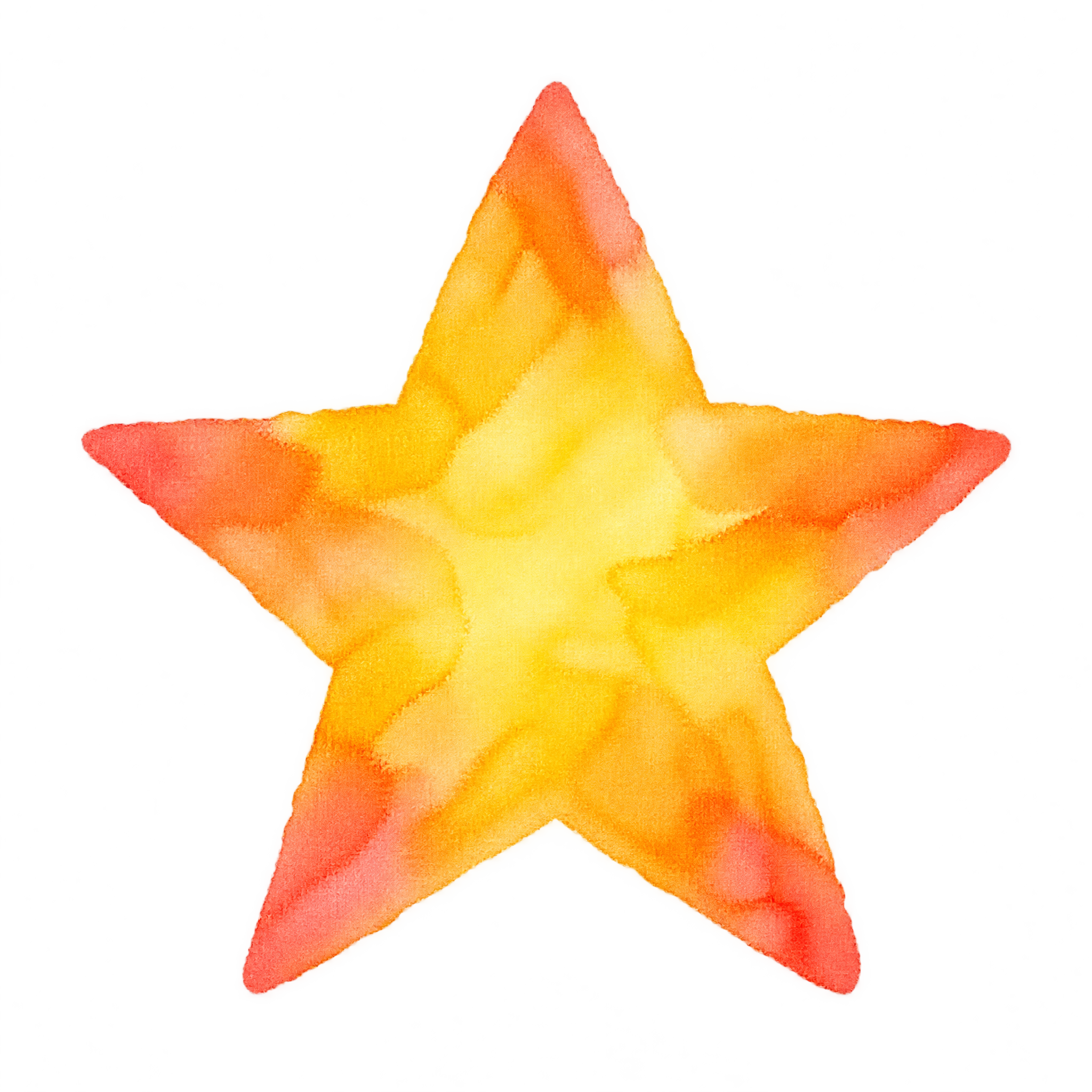
It is a star-shaped digital image rendered with the soft edges, layered color, and tonal variation associated with watercolor paint. This artwork uses overlapping yellow, orange, and coral washes in a hand-painted five-point form.
PNG supports transparent areas, while JPG does not. That makes a PNG star convenient for placing over invitations, craft layouts, or other backgrounds without a solid rectangular backdrop. Downloads here are provided as PNG.
Use it as a centered focal point on a card, place it near a headline as a cheerful accent, or repeat smaller stars around the edges to form a loose border. Leave open space around the uneven painted edges so the watercolor texture remains clear.
Cream, soft white, pale peach, and muted blue backgrounds complement the warm yellow, orange, and coral palette. Pair it with simple lettering and light paper textures for a handmade mood, or use deep navy for stronger contrast.