
Frequently asked questions about Watercolor Tomato PNG
Yes. You can create and download PNGs for free using the PNG generator. Optional subscriptions provide more creative options and advanced features.
Download the pictured PNG from this page, or open the PNG generator to make a related design. In the AI workspace, enter a description such as “a whole red tomato beside a cut half, painted in soft watercolor,” then generate and download your PNG.
Yes. Download the PNG, then upload it to Canva as an image asset. You can place it in recipe cards, menus, educational graphics, social posts, or other layouts and adjust its size and position within your design.
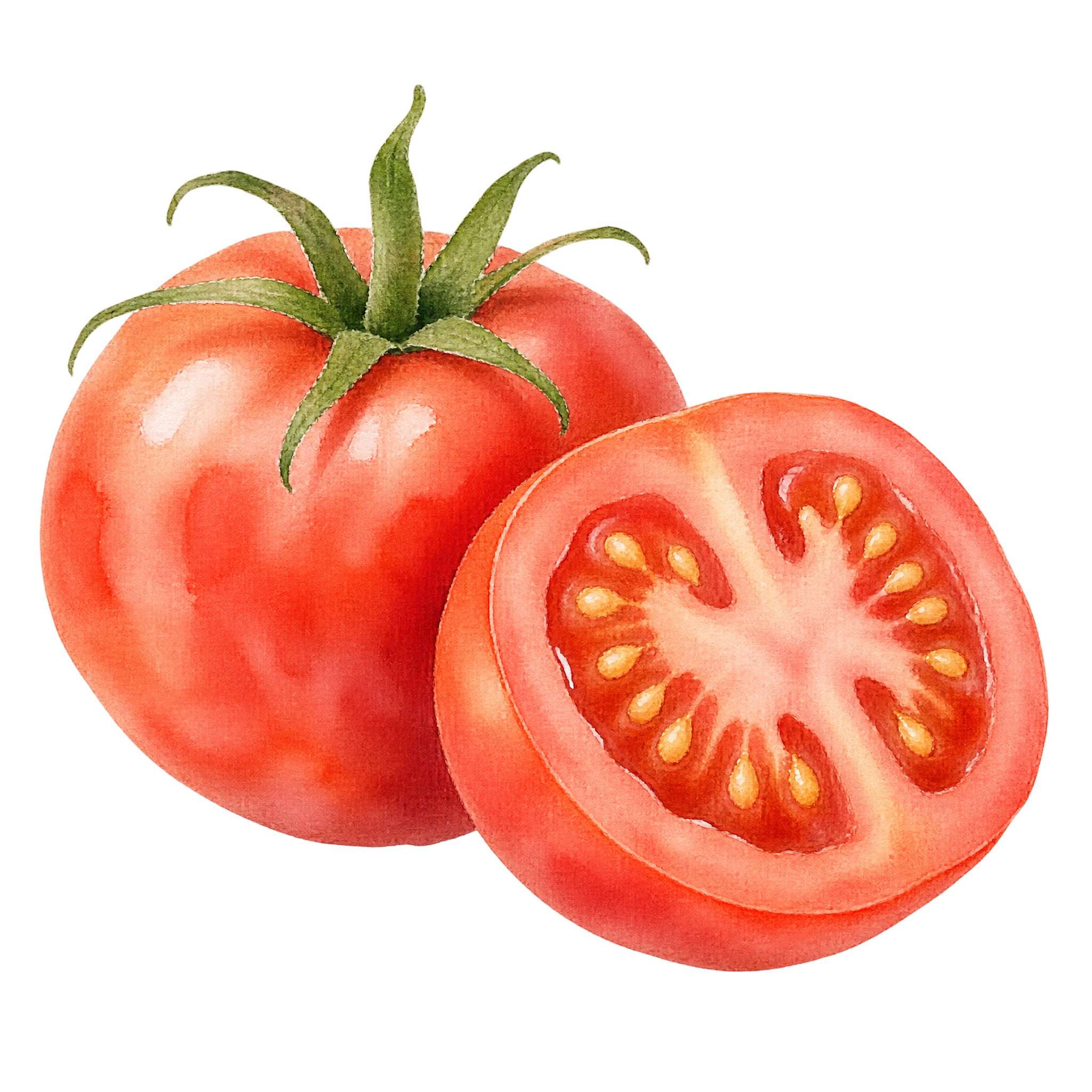
It depicts a whole red tomato paired with a clearly visible cut half. Soft watercolor rendering gives the subject a hand-painted look while showing both the tomato’s exterior and sliced interior.
Place the tomato near a recipe title, ingredient list, or dish name, leaving open space around the text. The whole-and-half composition can also anchor a corner or sit beside a food photograph without overwhelming the layout.
Warm cream, muted green, pale yellow, and natural kraft tones complement the soft red washes. Pair it with handwritten lettering or restrained serif type for a rustic mood, or use a clean white background for a lighter editorial look.