Unlock millions of PNGsClaim Free Credits →

Borders PNG

Borders PNG pairs clear central space with styles ranging from watercolor florals and engraved scrollwork to geometric, cartoon, and neon frames.

Create with AI

8 Borders PNG images

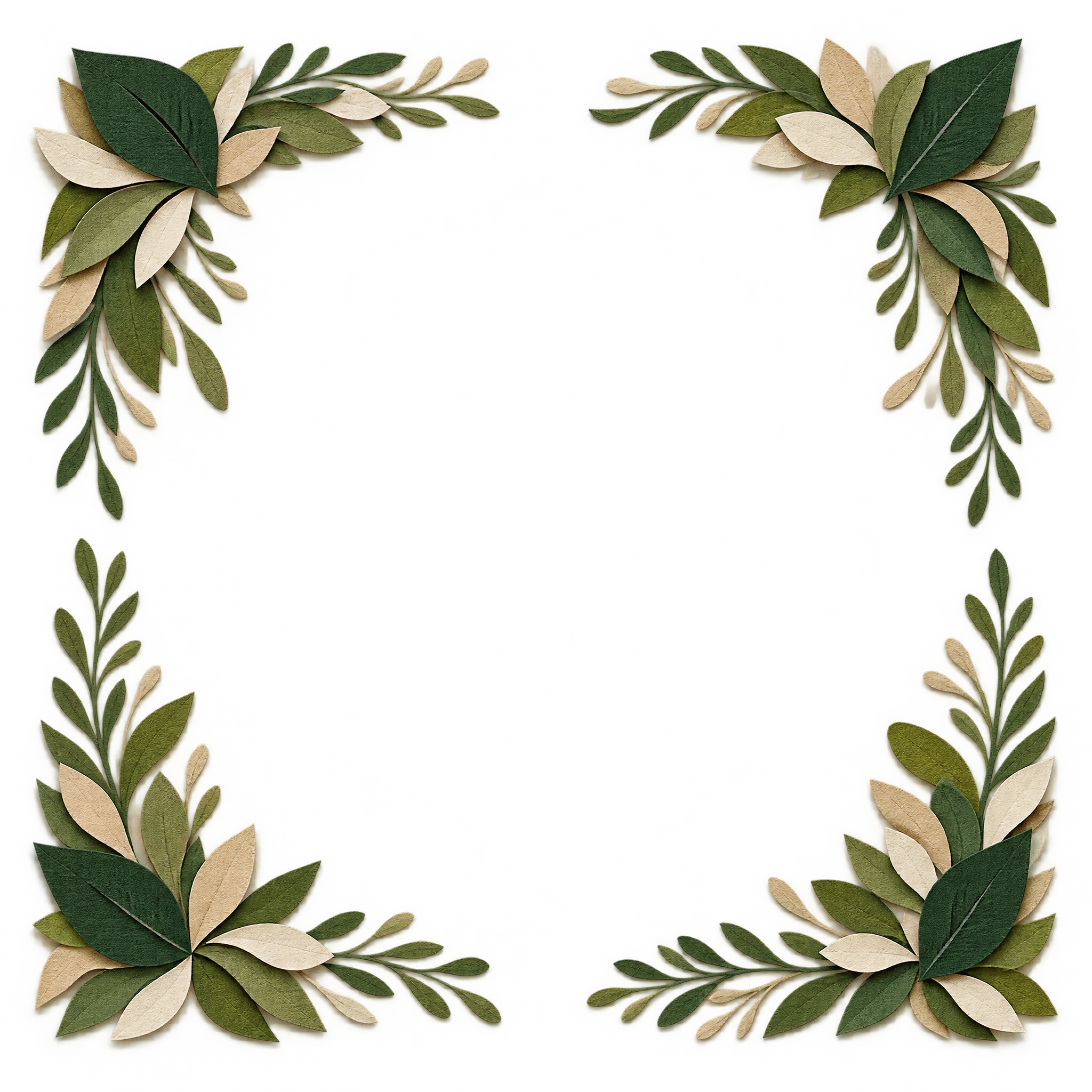
Paper Cut Borders PNG

Separate layered paper foliage corners create a modular open border with visible cut edges, suitable for stationery, photo layouts, and presentation accents.

Download
Clay Borders PNG
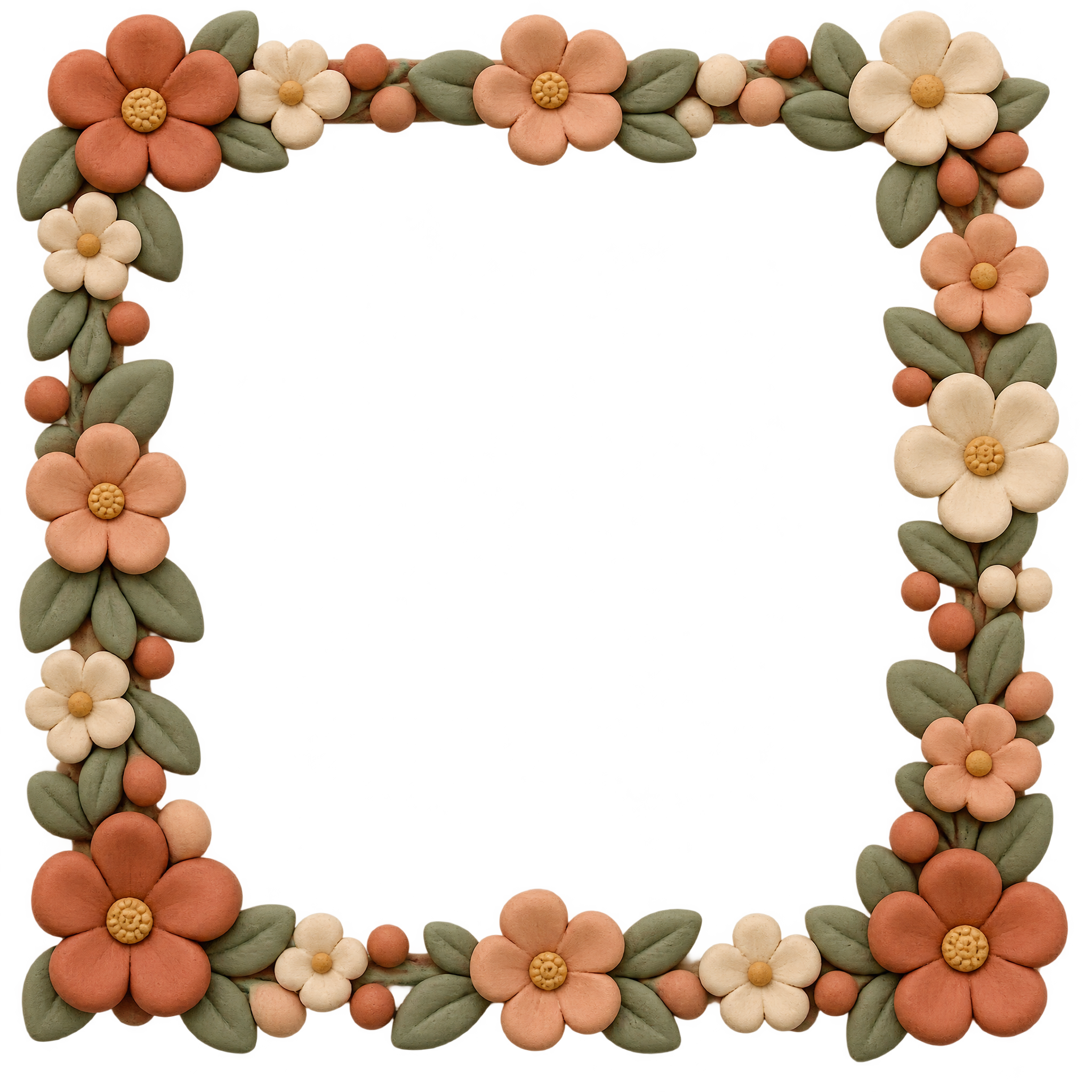
Clay Borders PNG

A soft rectangular clay floral border with rounded dimensional clusters and a spacious transparent center, designed to frame invitations, portraits, or social layouts.

Download
Neon Borders PNG
Neon Borders PNG

A slender rectangular neon border with illuminated corner gaps and a clear transparent center, suited to event graphics, streaming layouts, and modern promotions.

Download
Cartoon Borders PNG
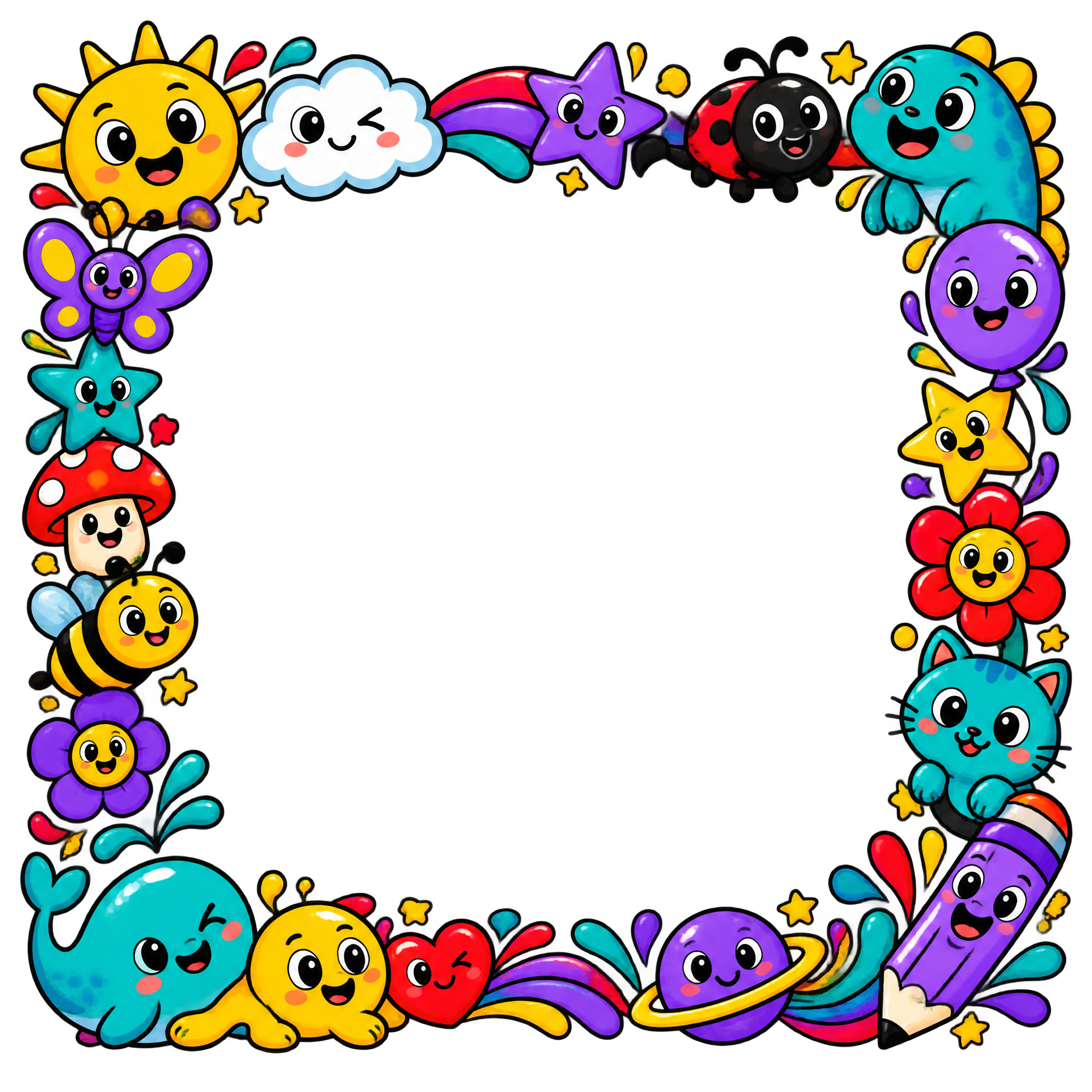
Cartoon Borders PNG

A lively rounded border assembled from connected doodle characters and objects, leaving a clear transparent center for children’s layouts, cards, and social graphics.

Download
Geometric Borders PNG

Coordinated angular edging bands form a crisp horizontal border system with clear transparent space, ideal for presentations, banners, document headers, and social layouts.

Download
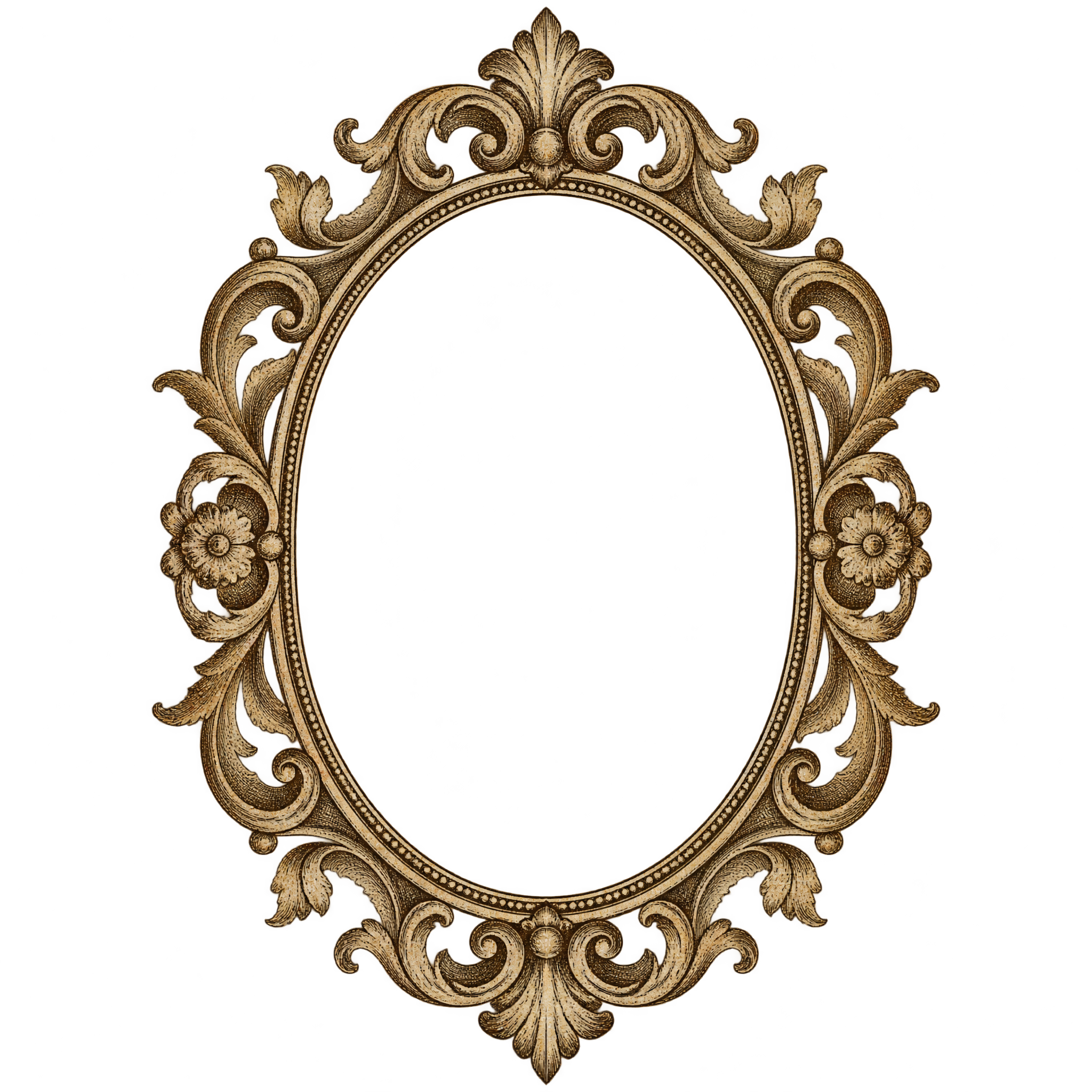
Engraved Borders PNG

An ornate engraved oval border with intricate outward scrollwork and a spacious transparent center, designed to frame invitations, portraits, and formal layout content.

Download
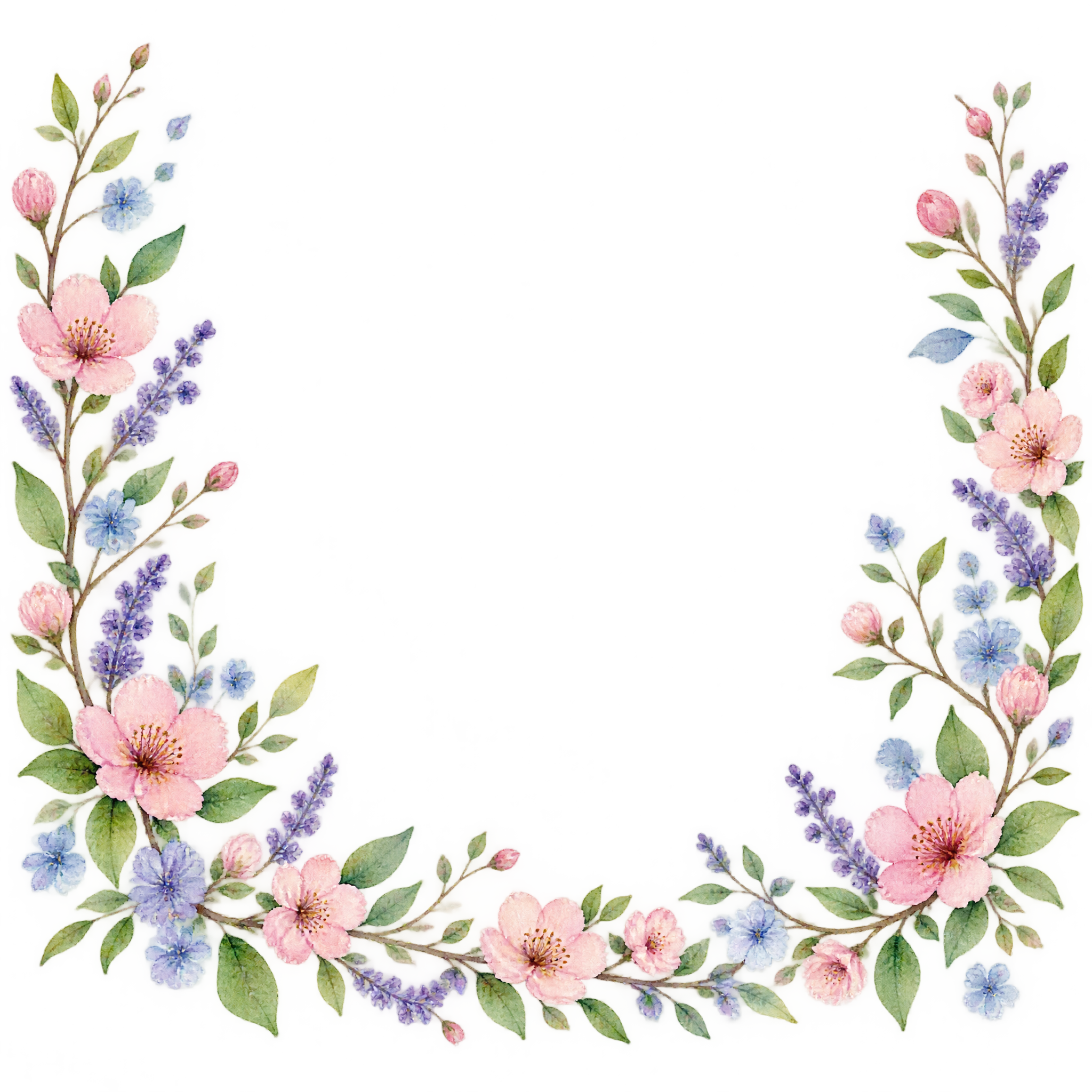
Watercolor Borders PNG

An asymmetrical open border of softly painted flowering branches frames generous transparent space for invitations, quotes, greeting cards, or elegant social graphics.

Download
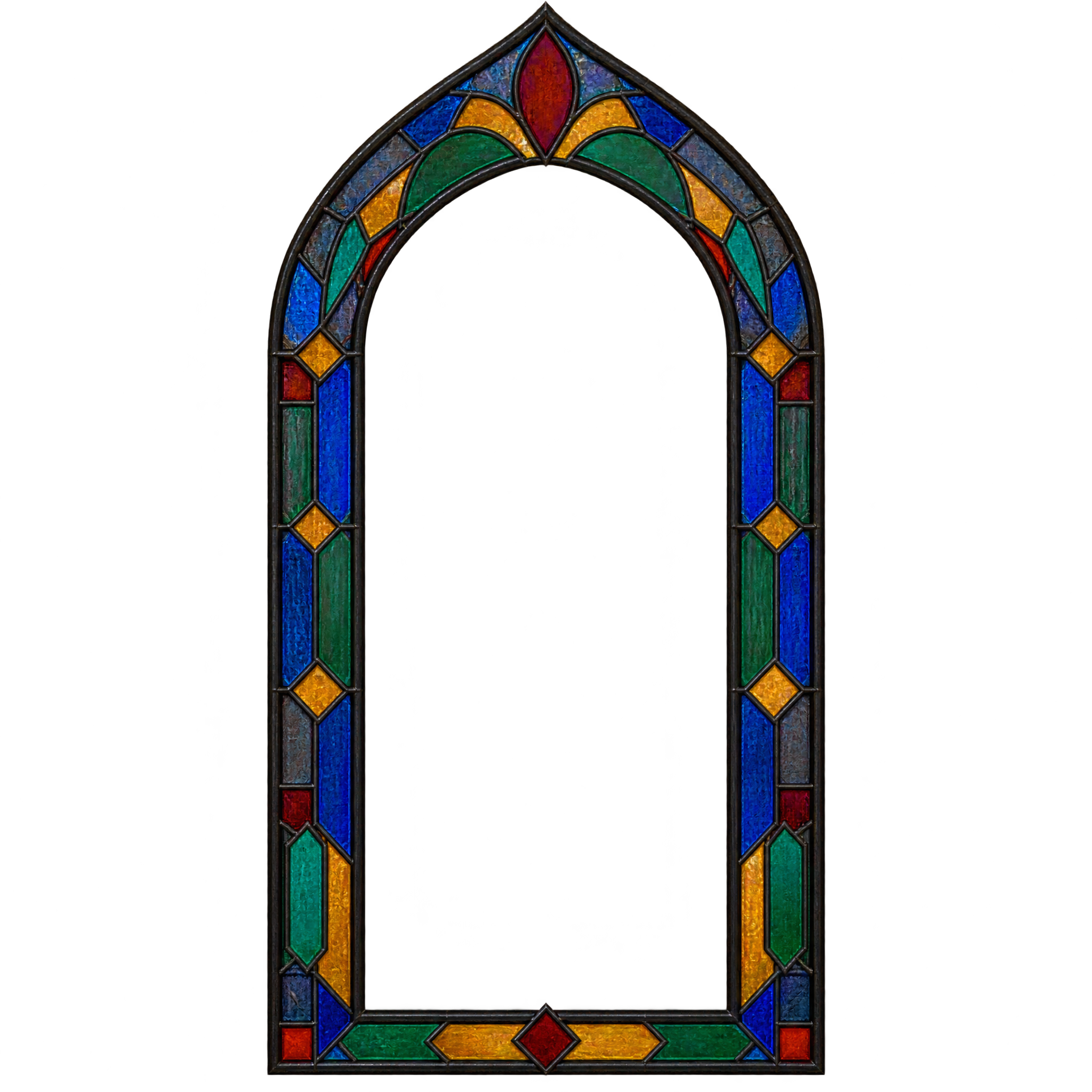
Stained Glass Borders PNG

A tall pointed border assembled from joined colored glass panes, offering a clear transparent center for formal invitations, announcements, or decorative layouts.

Download
QUICK WORKFLOW

Create Borders PNG

An open watercolor frame can soften an invitation, while a slender neon border gives event graphics or streaming layouts a modern edge.

  1. Choose the Border StyleChoose watercolor flowering branches for an airy frame or engraved oval scrollwork for a formal invitation or portrait.
  2. Define Shape and SpacingSpecify an oval, arched, or rectangular border, the corner treatment, and a spacious transparent center in your AI workspace description.
  3. Check the Open CenterCheck that floral clusters, doodle characters, or glowing corner gaps stay clear of the central area reserved for text or a portrait.
Borders PNG GUIDE

Frame Layouts with Borders PNG

Borders can define a layout while keeping its central message or portrait prominent. Open floral corners suit airy stationery, while engraved ovals and stained-glass arches create a more formal mood. Geometric bands or slender neon frames work well for presentations and promotions. Choose a free PNG download or create a related border in the PNG generator.

Can I create and download Borders PNG for free?

Yes. You can use the PNG generator to create borders and download PNG files for free. A subscription is optional and provides more creative options and advanced features.

How can I create a custom border PNG?

Open the AI workspace and enter a description of the border you want. Specify details such as an oval or rectangular shape, floral or geometric styling, corner treatment, and a clear center, then generate and download the result as a PNG.

Why use PNG instead of JPG for a border?

PNG supports transparency, so a border can surround text, portraits, or other content without adding an opaque rectangular background. JPG does not support transparent areas. Downloads provided here use the PNG format.

How do I use a border PNG in Canva?

Upload the PNG as an image asset into your Canva design, then position and size it around the content you want to frame. Leave enough room inside the border for headings, portraits, or invitation details.

How should I position a border around text or a portrait?

Keep important content inside the border’s open center and allow breathing room between the subject and decorative edges. For asymmetrical floral branches or modular corners, balance the visual weight without covering names, faces, or key details.

How can I pair border colors with a layout?

Use strong contrast when the border needs to define the composition, such as neon edging on a dark layout. For invitations or elegant stationery, softer watercolor florals, clay details, or engraved styling can complement restrained type and open space.