Unlock millions of PNGsClaim Free Credits →

My Little Pony PNG

My Little Pony PNG includes expressive solo poses and a friendship group in ink, watercolor, clay, neon, geometric, and paper-cut treatments.

Create with AI

8 My Little Pony PNG images

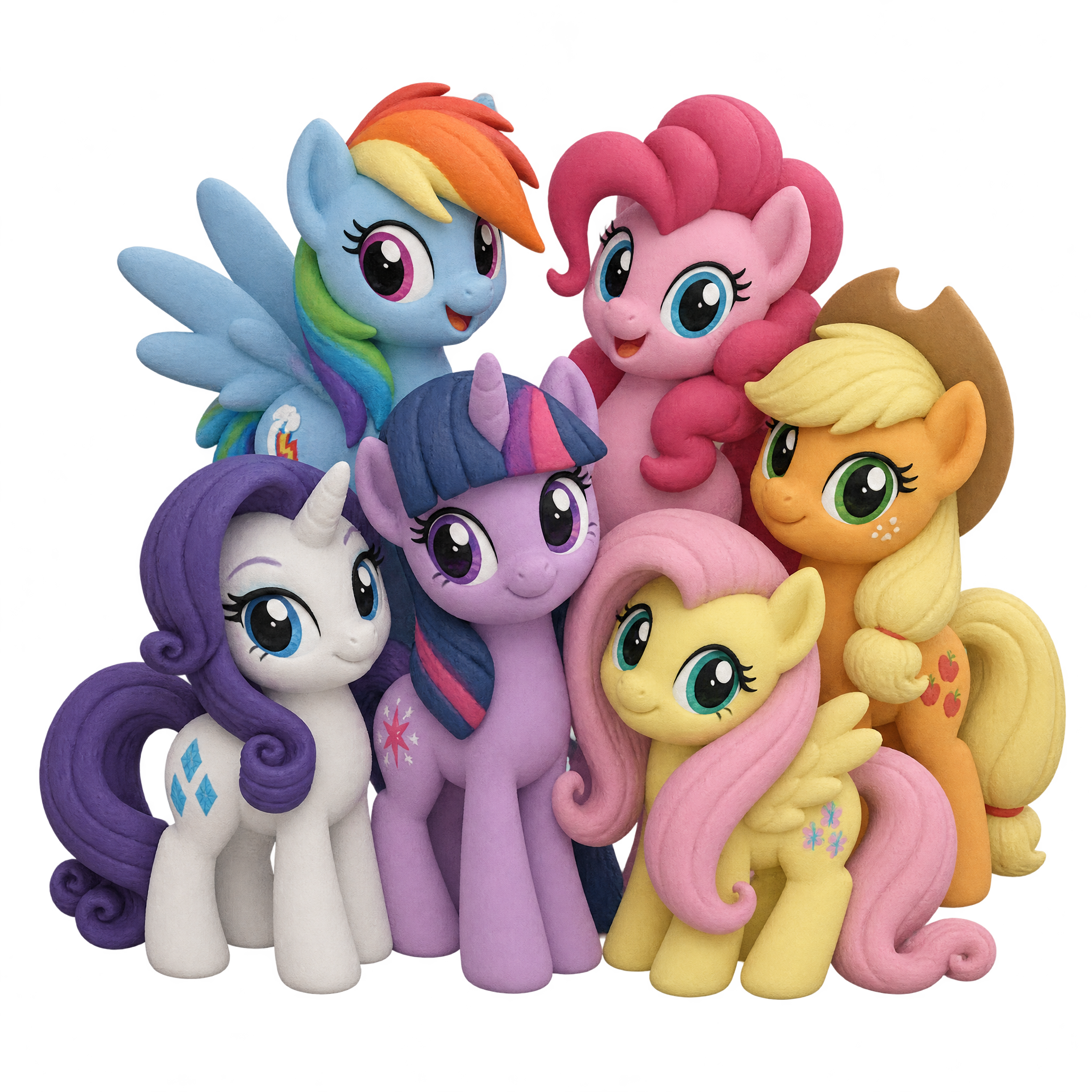
Clay My Little Pony PNG

Twilight Sparkle, Rainbow Dash, Pinkie Pie, Applejack, Rarity, and Fluttershy gather in a readable semicircle for friendship-themed crafts, invitations, and digital compositions.

Download
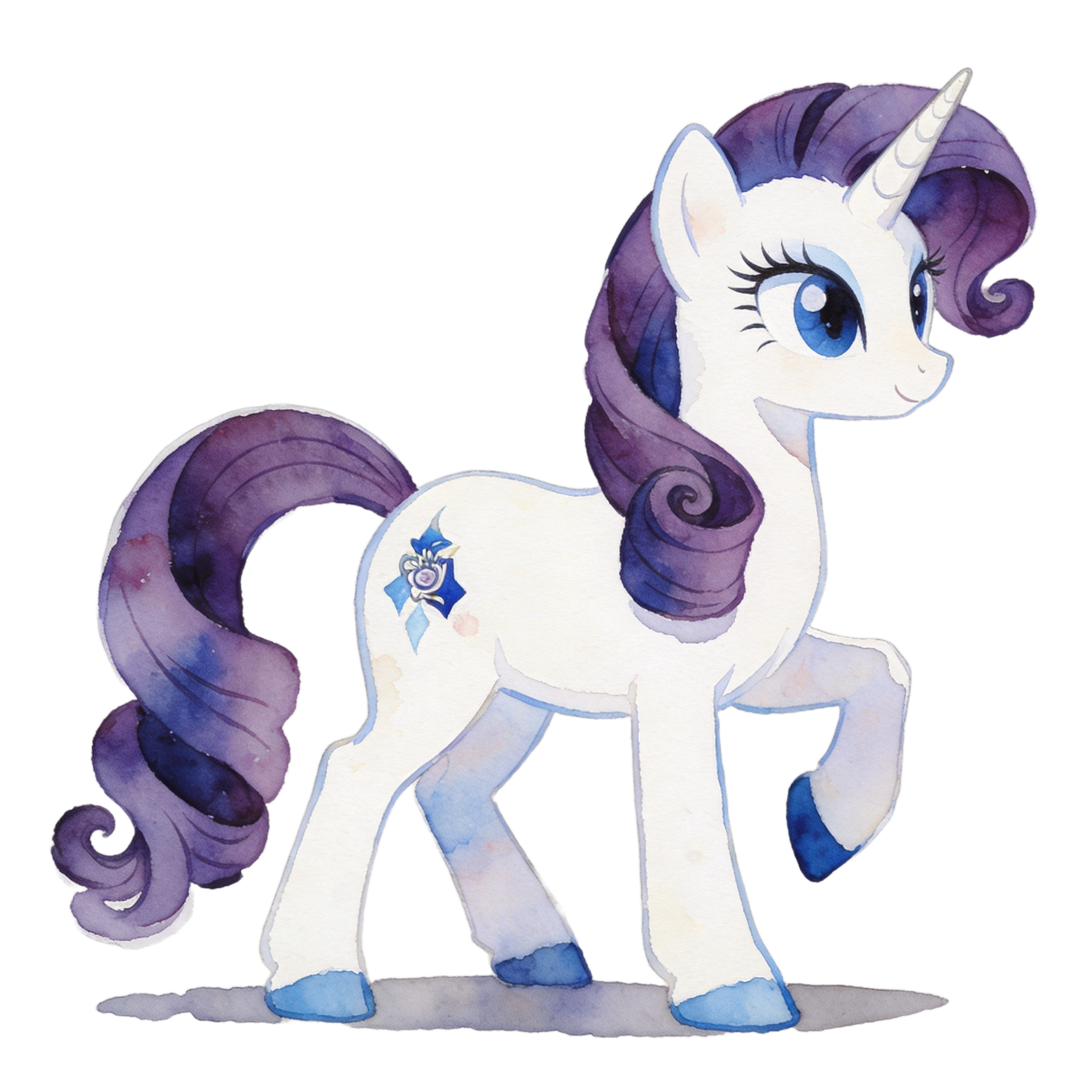
Watercolor My Little Pony PNG

An elegant Rarity character walks in three-quarter view with a lifted foreleg, curled hair, and watercolor treatment for refined decorative compositions.

Download
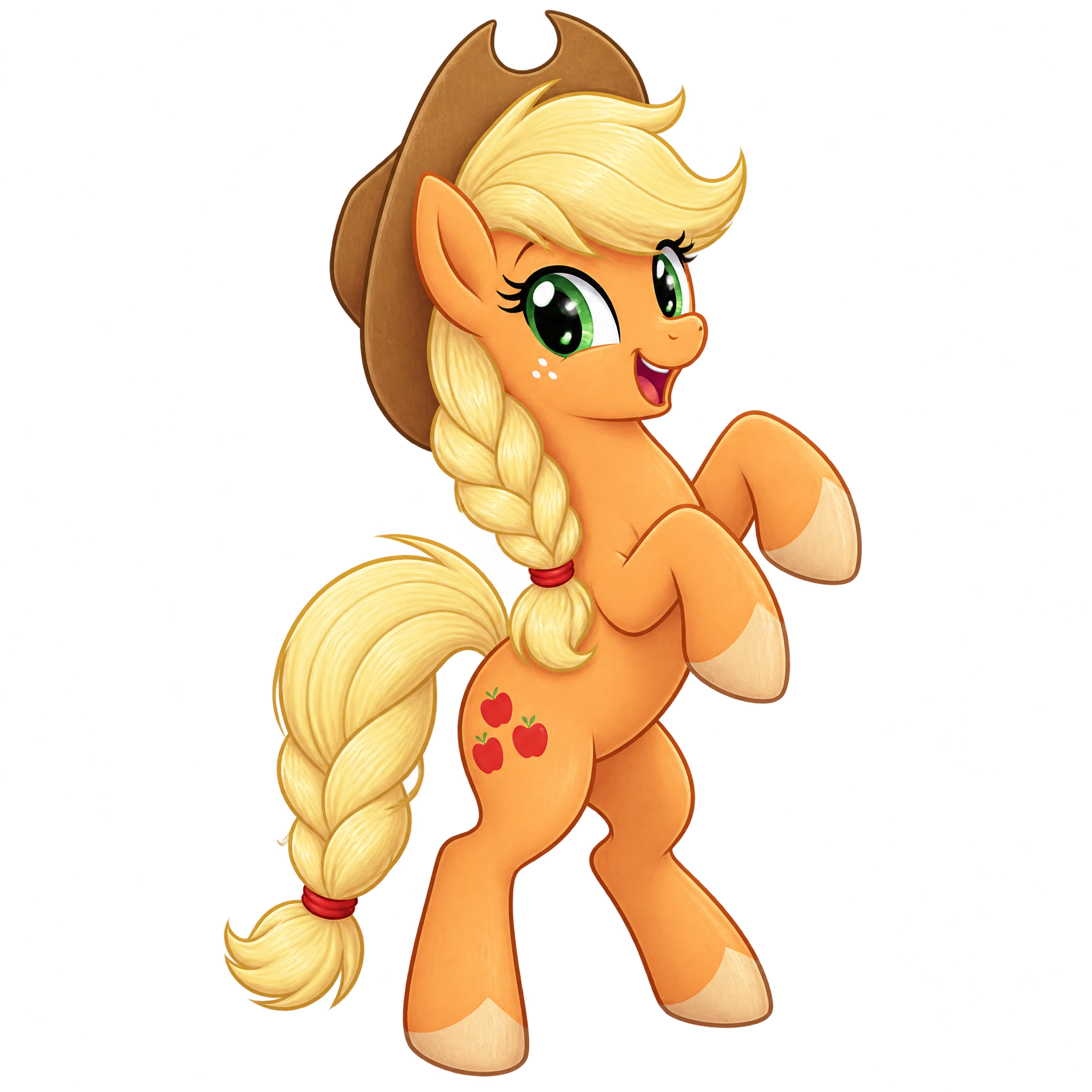
Cartoon My Little Pony PNG

Applejack rears beneath her broad cowboy hat in a lively three-quarter pose, creating a recognizable isolated character asset for crafts, layouts, and digital compositions.

Download
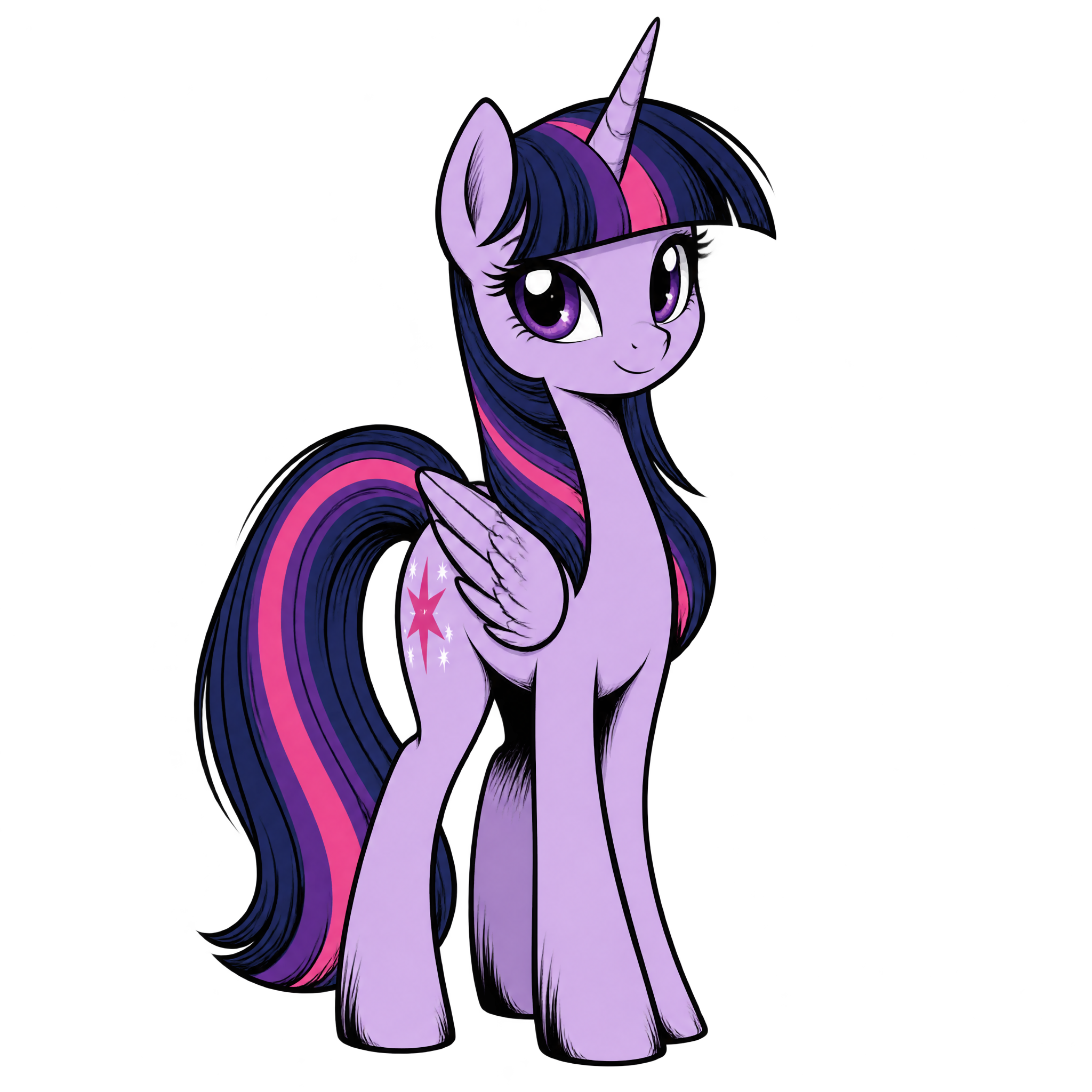
Ink My Little Pony PNG

A poised Twilight Sparkle character stands at eye level with horn, folded wings, and open ink contours, designed as a versatile decorative cutout.

Download
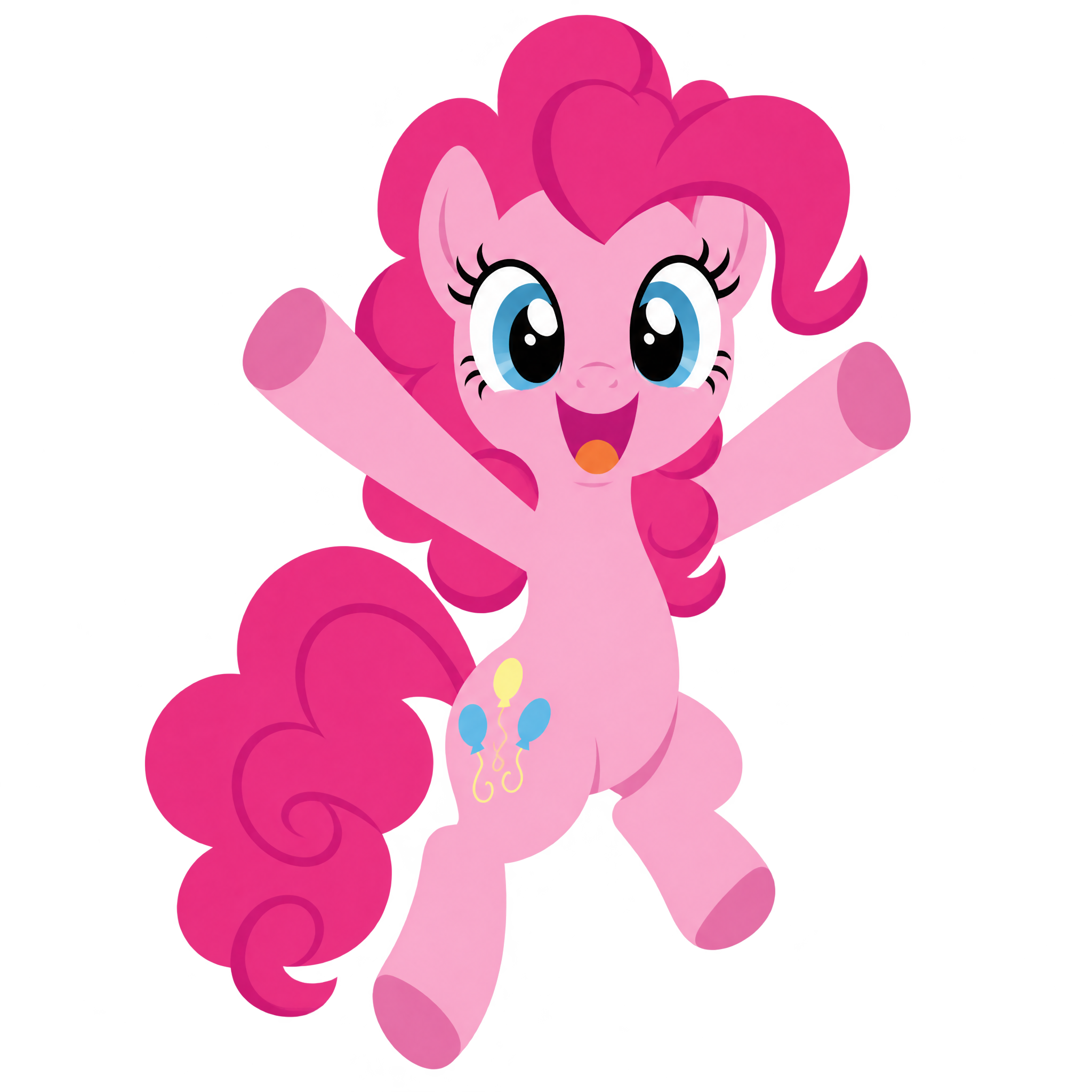
Geometric My Little Pony PNG

A cheerful front-facing Pinkie Pie jumps with raised hooves and lively curls in a bold geometric treatment suited to playful design accents.

Download
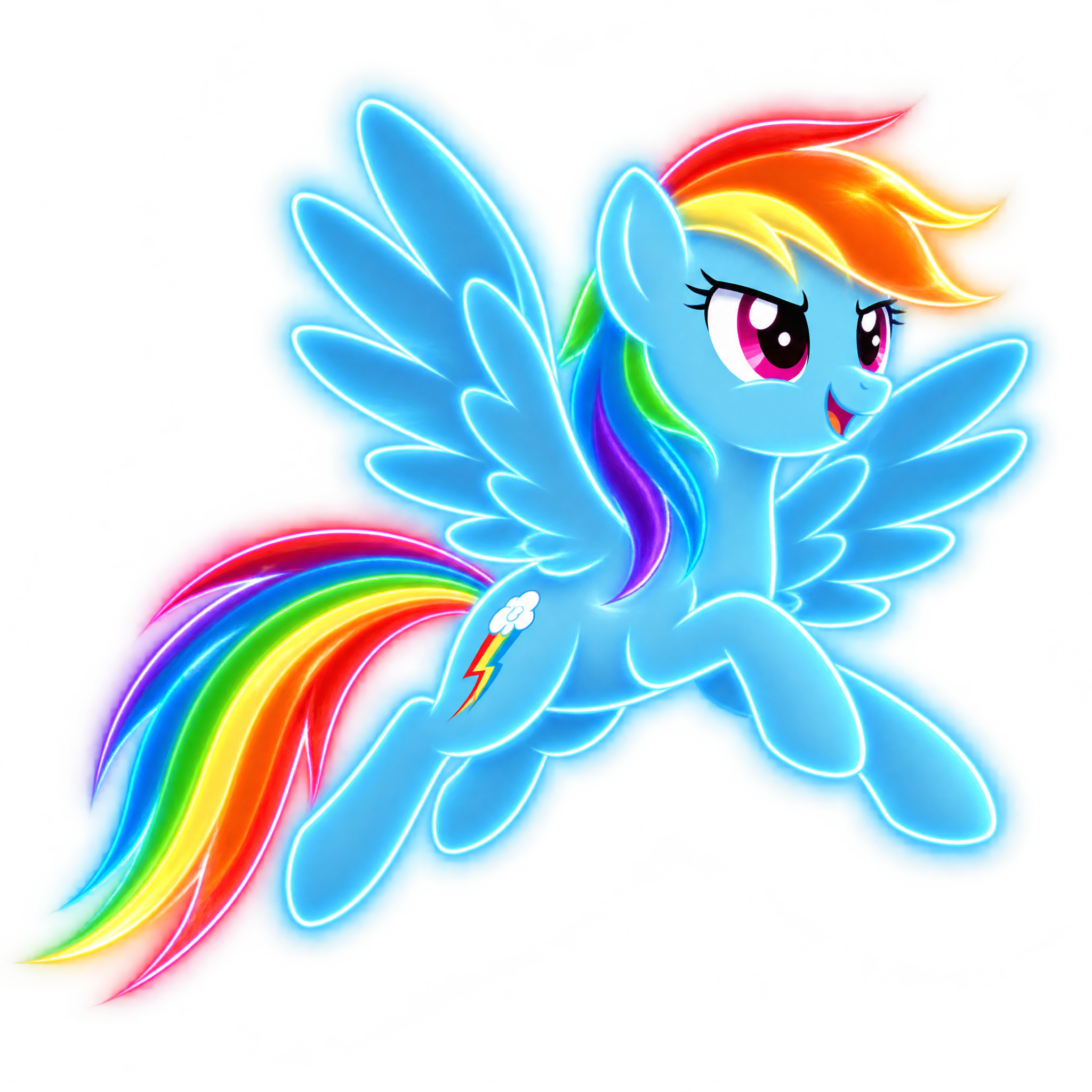
Neon My Little Pony PNG

A centered neon-style Rainbow Dash character flying with spread wings, streaming tail, and a clear airborne silhouette for playful digital layouts.

Download
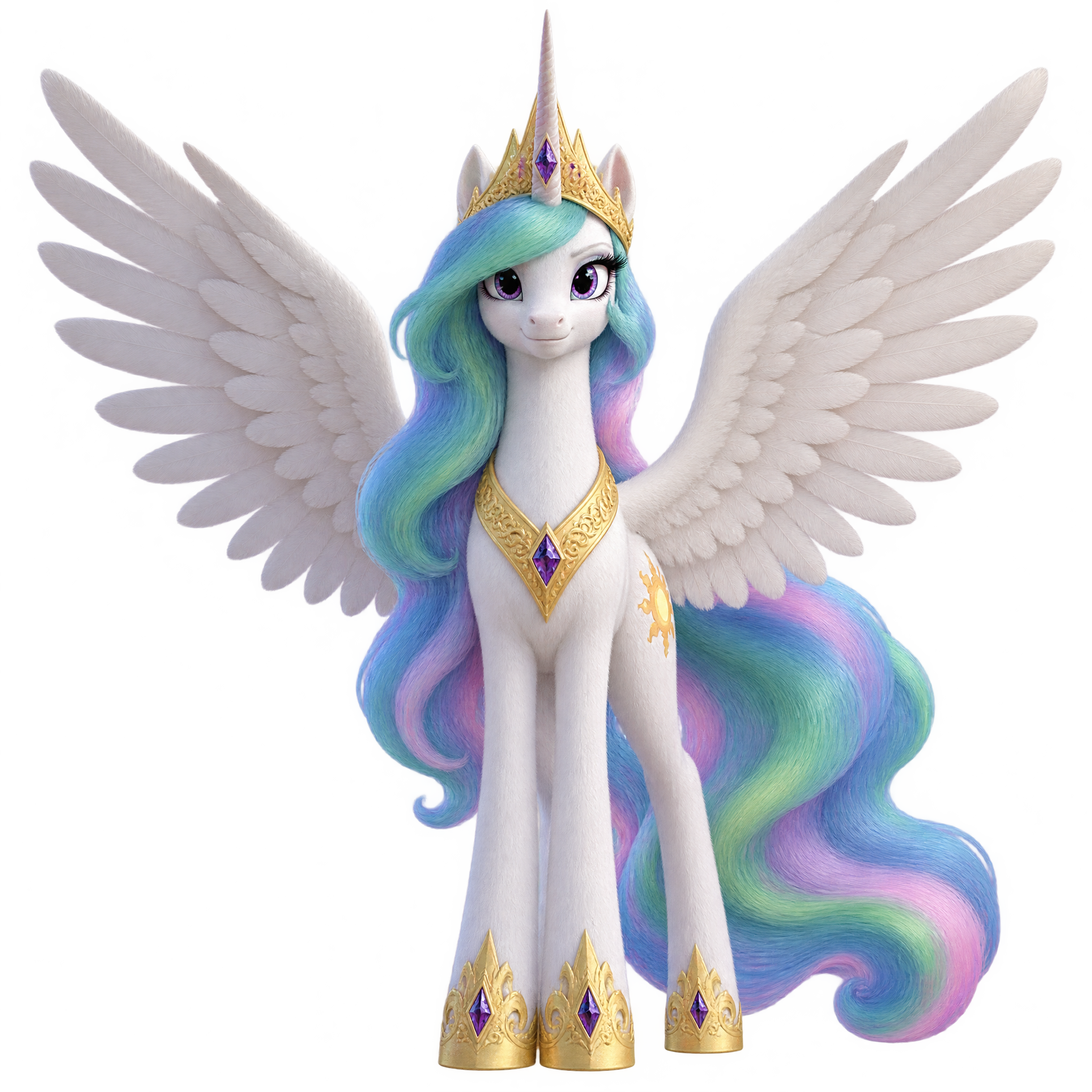
Realistic My Little Pony PNG

Princess Celestia stands frontally with her horn, open wings, crown, regalia, flowing mane, and sun mark, suited to elegant fantasy layouts and presentations.

Download
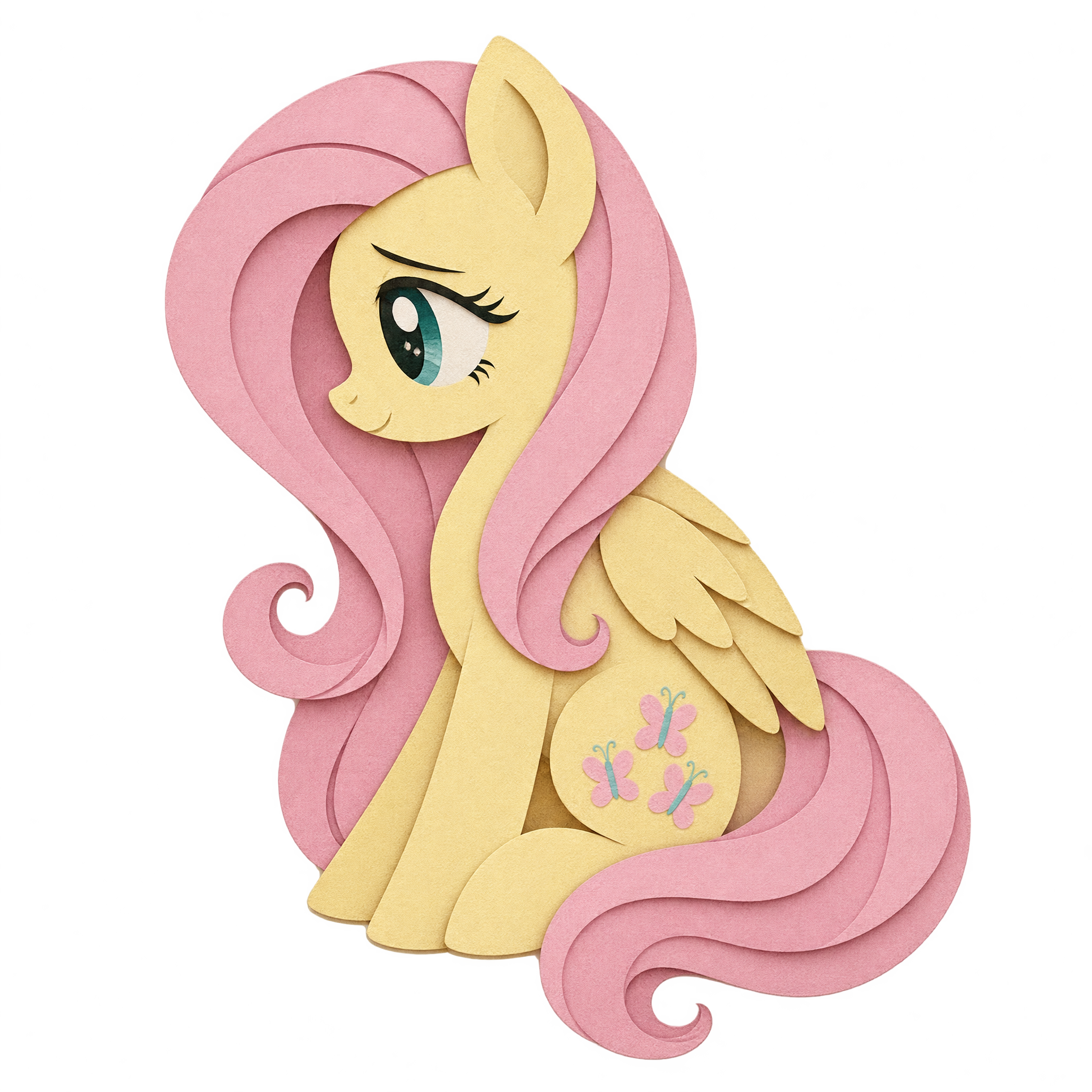
Paper Cut My Little Pony PNG

A gentle seated Fluttershy profile uses layered paper-cut shapes to emphasize her long mane, folded wings, and calm, compact character silhouette.

Download
QUICK WORKFLOW

Create a My Little Pony PNG

A neon flying pony or layered paper-cut profile creates a clear character accent for invitations, crafts, and digital layouts.

  1. Choose a Pony TreatmentChoose a neon flying Rainbow Dash treatment for energy or a layered paper-cut Fluttershy profile for a calm, compact accent.
  2. Define Pose and DetailsDefine the pony by opening the AI workspace and entering a description that names the character, pose, and signature detail, such as spread wings or Applejack's broad hat.
  3. Check the Pony SilhouetteCheck the generated pony silhouette so raised hooves, spread wings, curled hair, or a streaming tail remain clear in the intended layout.
My Little Pony PNG GUIDE

My Little Pony PNGs for Playful Layouts

Solo character cutouts work well as focal points for invitations, crafts, and digital layouts, while the semicircle friendship group suits ensemble compositions. Match the pose to the space: a flying or rearing pony adds motion, and a seated profile creates a calmer accent. Download a free PNG or open the PNG generator to create a related design online.

Can I create and download a My Little Pony PNG for free?

Yes. You can create and download PNGs for free. A subscription is optional and adds more creative options and advanced features.

How can I get or create a My Little Pony PNG?

Choose an available character or group artwork and download the PNG. To make a related design, open the PNG generator, enter a description of the pony, pose, and visual treatment you want, then generate and download the result.

How do I use a My Little Pony PNG in Canva?

After downloading the PNG, upload it to Canva as an image asset. Add it to your design, position it in the layout, and leave enough space around the character silhouette for clear visual separation.

Which My Little Pony shape or style should I choose?

Choose a solo standing, flying, rearing, or seated pose when one character should be the focal point. A semicircle friendship group works better for ensemble themes. Ink and geometric treatments feel graphic, while watercolor, clay, and paper-cut styles create softer decorative effects.

How should I position a pony character in a layout?

Use the direction of the pose to guide placement. A flying Rainbow Dash can lead the eye across a wide layout, while a frontal Celestia creates a centered focal point. Keep clear space around wings, raised hooves, flowing hair, and hats so defining details remain readable.

What colors and backgrounds pair well with these pony PNGs?

Match contrast to the treatment and mood. Neon artwork stands out against darker layouts, while watercolor and paper-cut characters suit softer color fields. For ink contours or detailed manes, choose an uncluttered background that keeps the silhouette and facial features distinct.