Unlock millions of PNGsClaim Free Credits →

Rabbit PNG

Rabbit PNG artwork ranges from softly crouching watercolor forms to alert neon lines and lively mid-hop realism for layered layouts.

Create with AI

8 Rabbit PNG images

Paper Cut Rabbit PNG

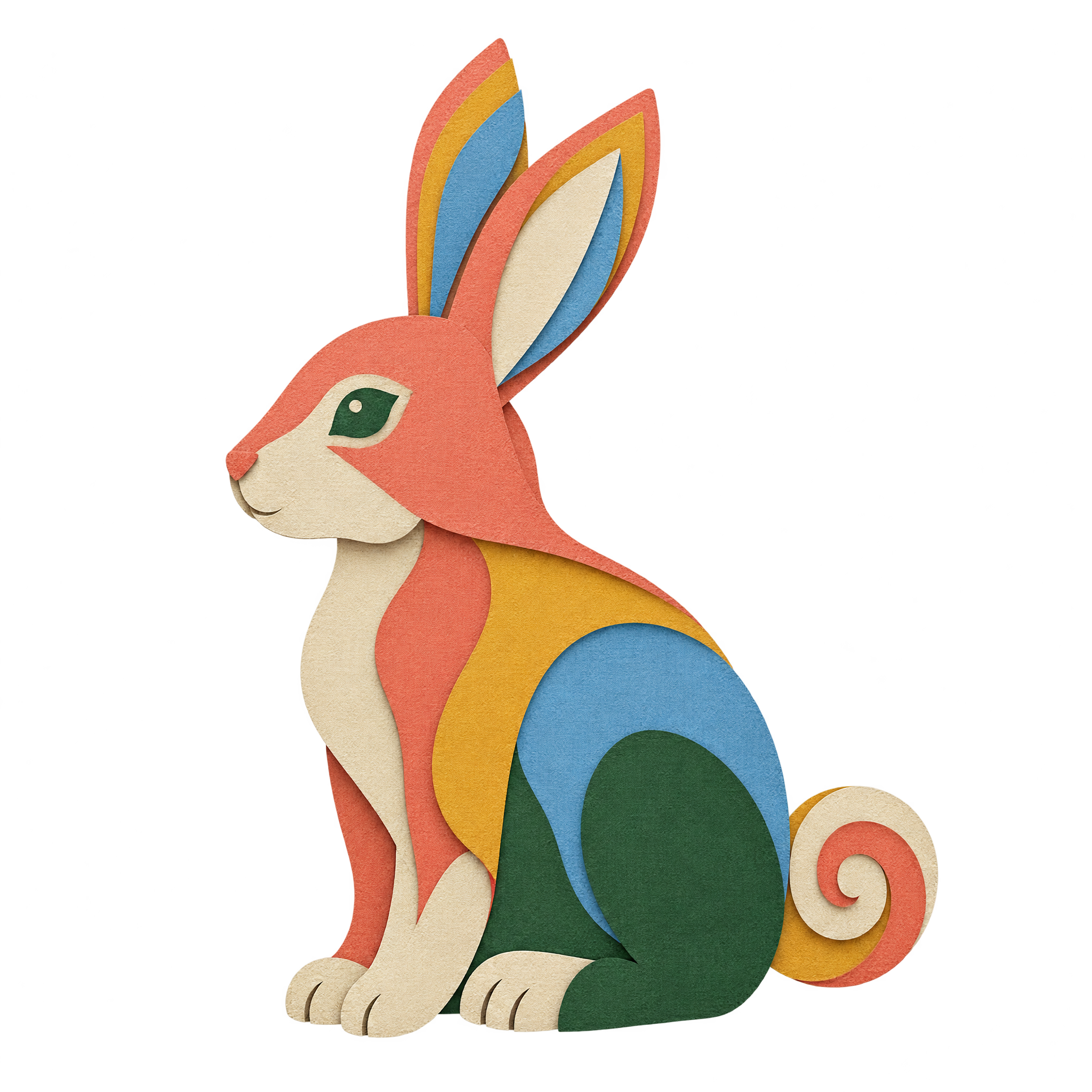
A seated rabbit beside its curled tail, with tall ears, visible paws, compact haunch, and layered body planes arranged as an isolated tactile design asset.

Download
Stained Glass Rabbit PNG

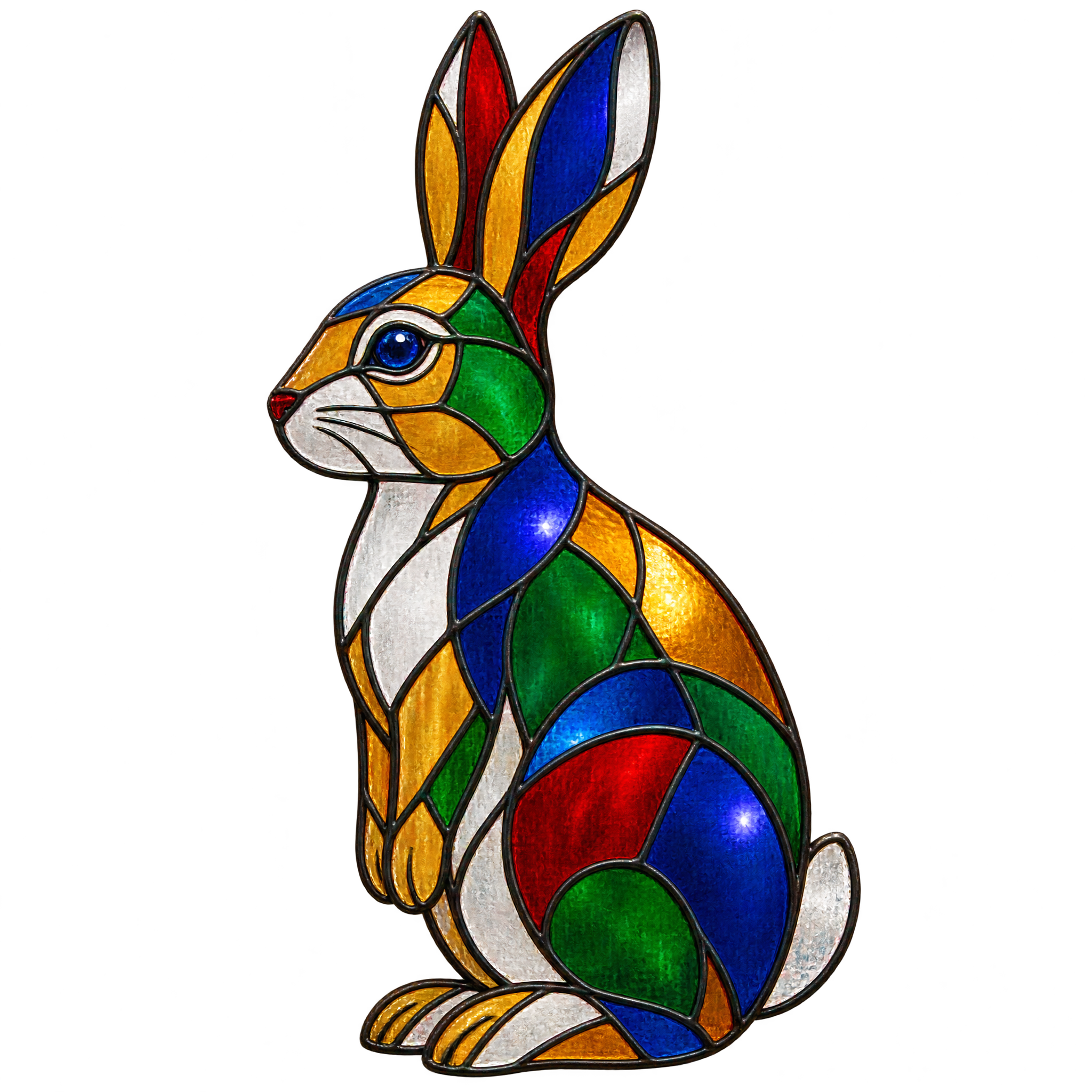
A seated rabbit in jewel-toned stained glass, presented as a clean isolated silhouette with upright ears and tucked paws for decorative compositing projects.

Download
Watercolor Rabbit PNG

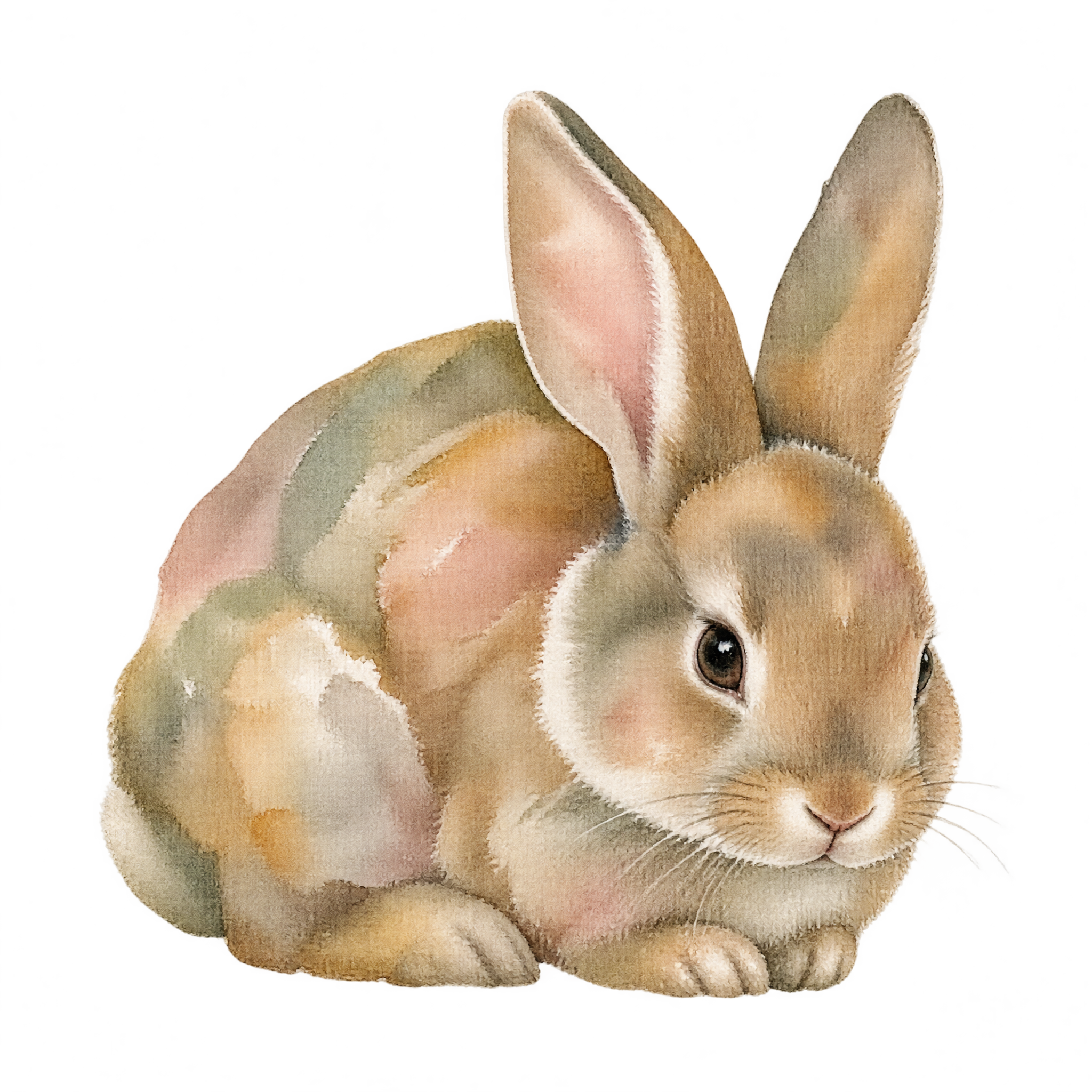
A low crouching rabbit painted in soft watercolor washes, with long ears and tucked paws, isolated for gentle editorial, craft, and nature-themed designs.

Download
Clay Rabbit PNG
Clay Rabbit PNG

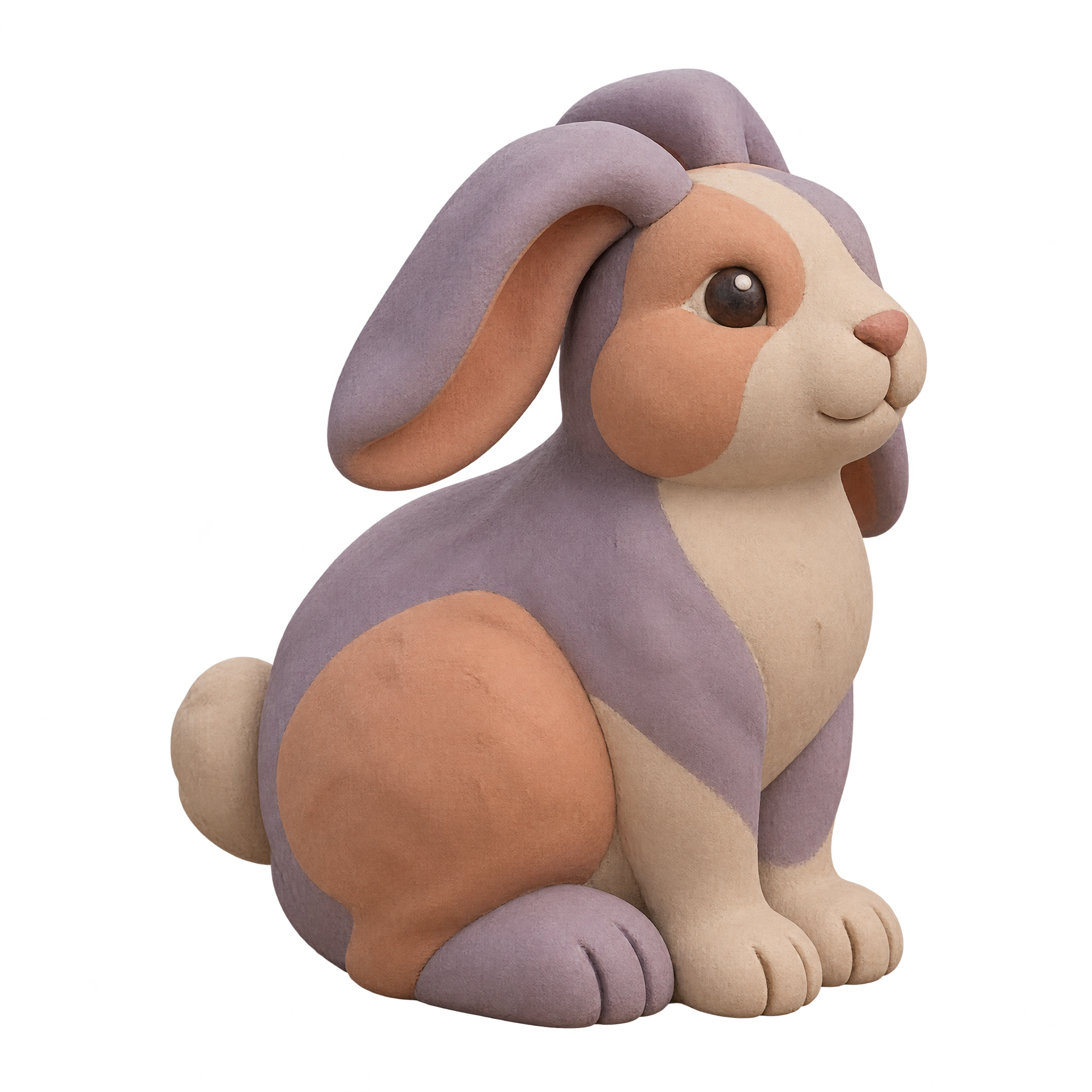
A plump rabbit perched on its haunches with rounded belly, bent ears, stubby paws, and modeled tail, presented as an isolated dimensional design element.

Download
Realistic Rabbit PNG

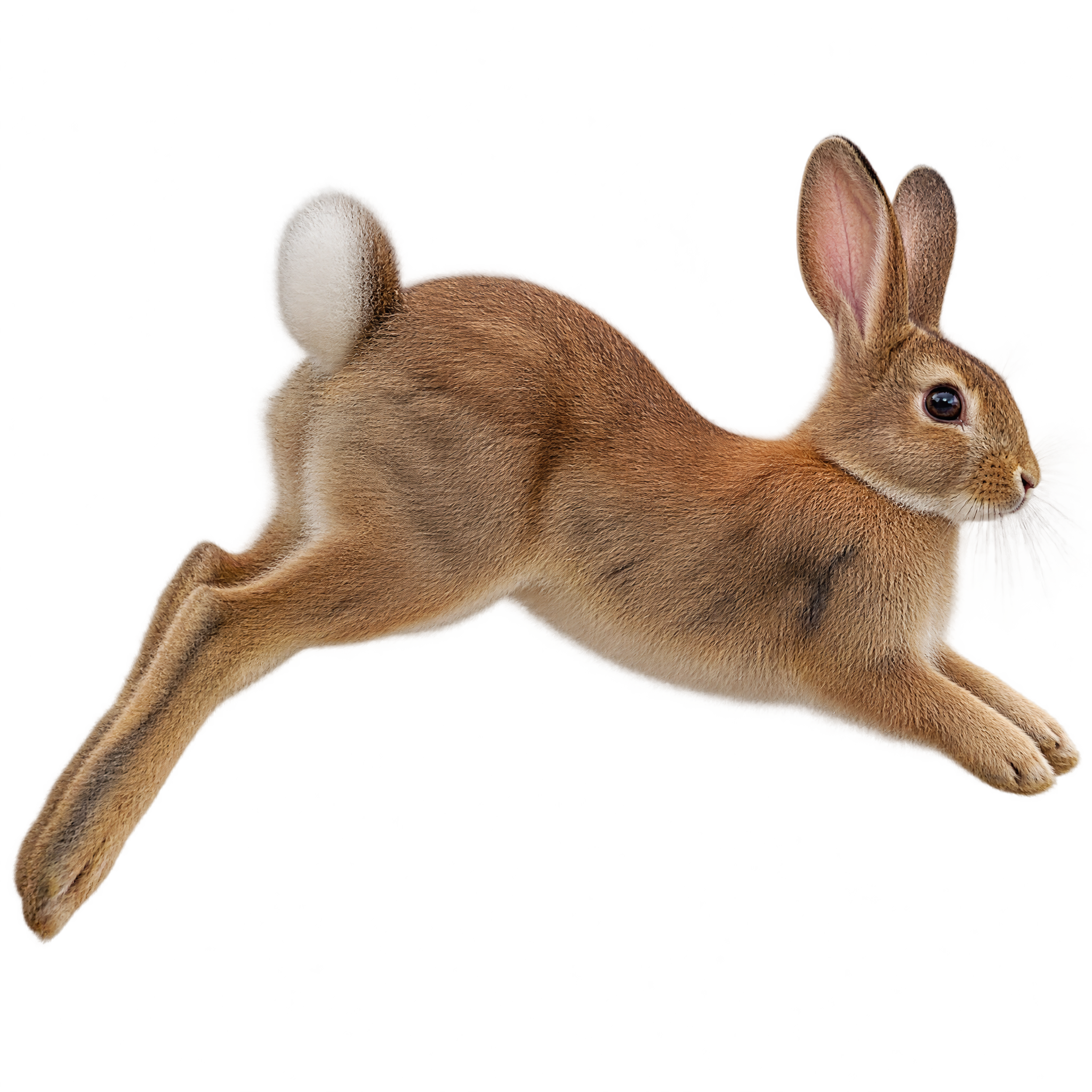
A photorealistic brown rabbit caught mid-hop, with stretched limbs, lifted tail, and clear profile silhouette, isolated for lively visual storytelling and compositing.

Download
Geometric Rabbit PNG

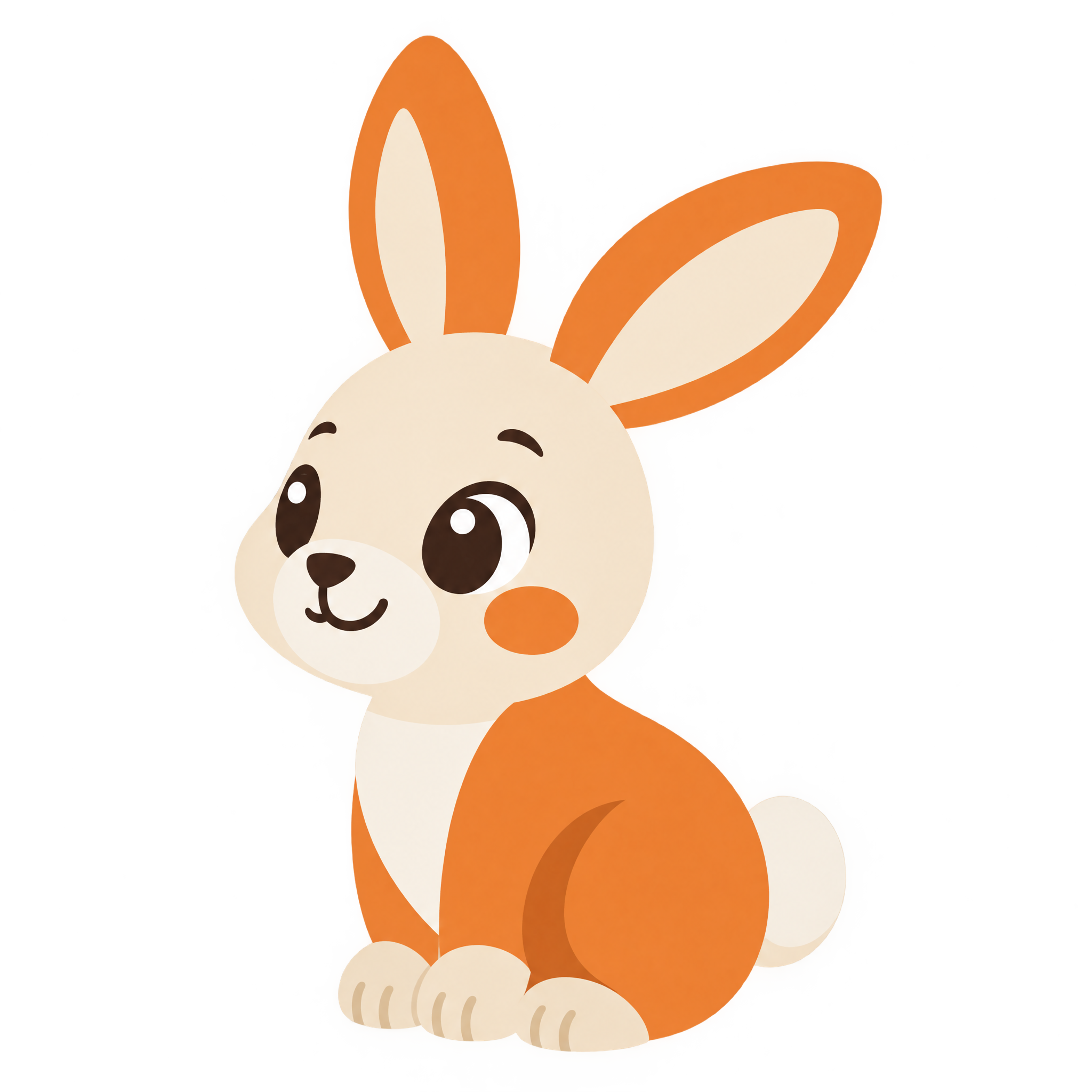
A friendly sitting rabbit with oversized head, large ears, tiny paws, and compact tail, designed as a clean isolated asset for flexible compositing.

Download
Engraved Rabbit PNG
Engraved Rabbit PNG

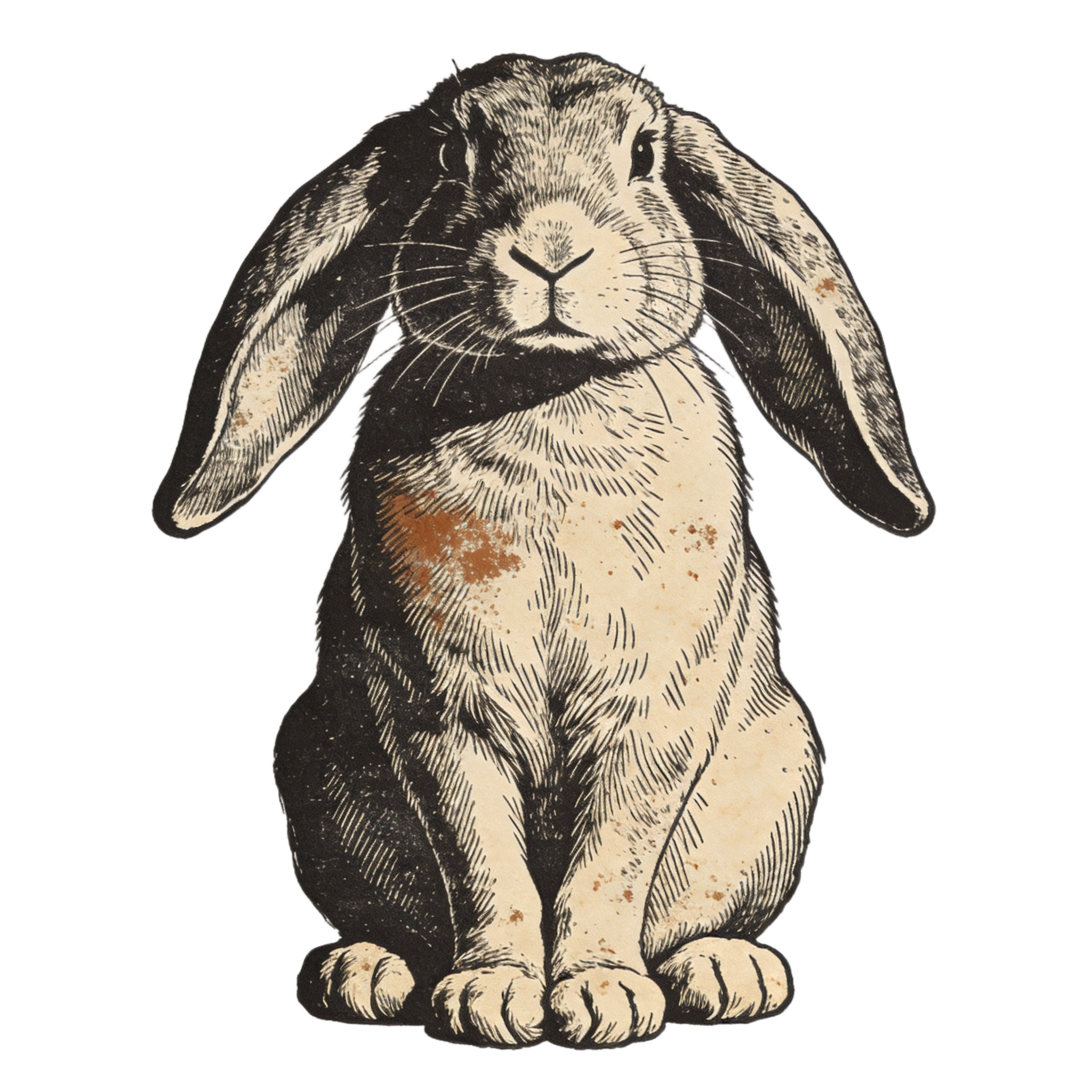
A formal seated rabbit rendered as an antique engraving, with broad chest, long ears, and folded paws, isolated for heritage-inspired print and editorial designs.

Download
Neon Rabbit PNG
Neon Rabbit PNG

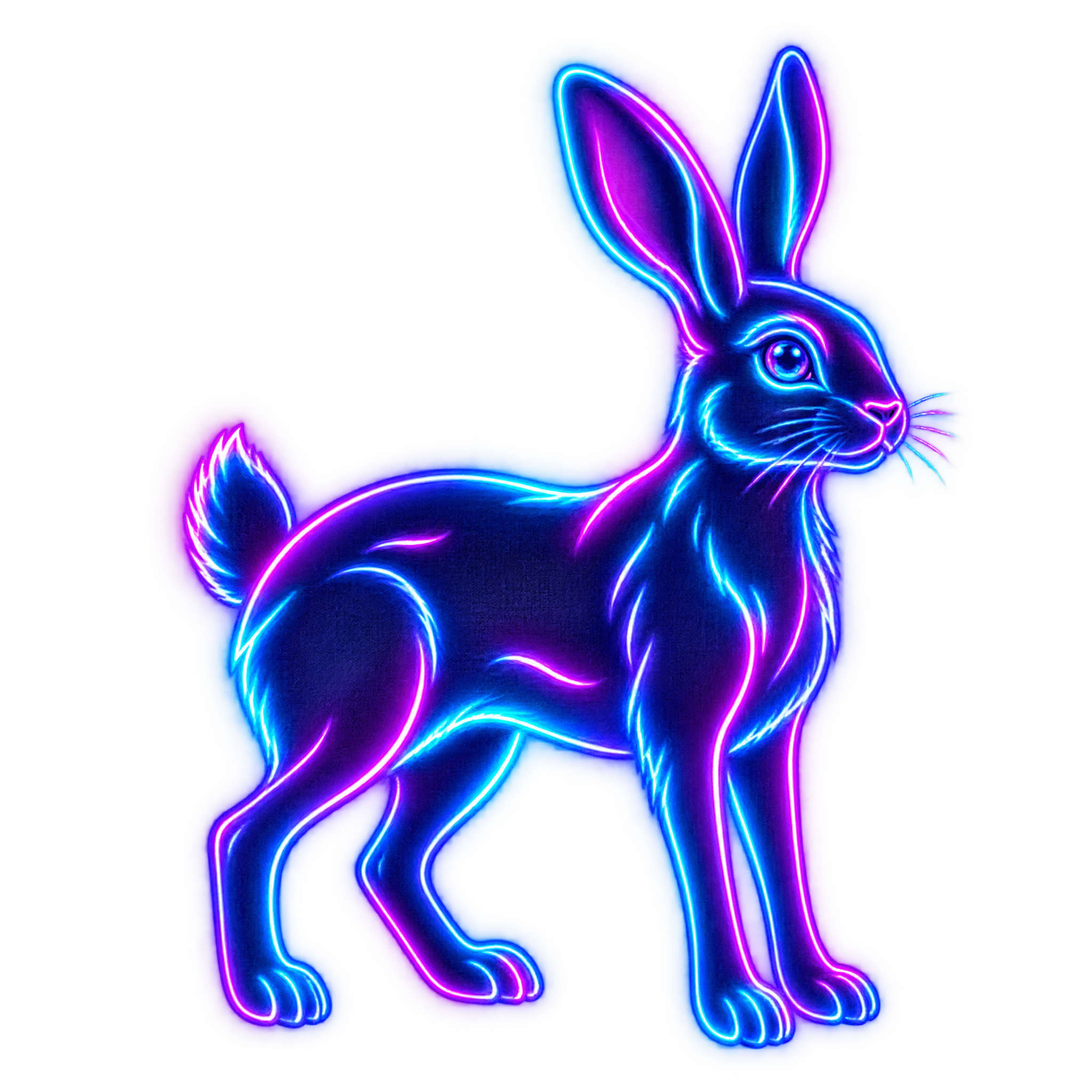
An alert standing rabbit formed from colorful neon lines, with separated legs and tall ears, isolated for energetic layouts, signage concepts, and digital decoration.

Download
QUICK WORKFLOW

Create a Rabbit PNG

A crouching watercolor rabbit suits gentle craft layouts, while a neon standing pose adds energy to digital graphics; use these decisions to shape a new PNG.

  1. Choose a Rabbit TreatmentChoose soft watercolor for a crouching, gentle figure or colorful neon lines for an alert standing rabbit with tall ears.
  2. Define Pose and FeaturesDescribe the rabbit in the AI workspace, specifying a seated, crouching, or mid-hop pose along with ear position and paw placement.
  3. Check the Rabbit SilhouetteCheck that the long ears, tucked paws, and tail remain distinct at the intended size, especially with paper-cut or engraved treatments.
Rabbit PNG GUIDE

Rabbit PNGs for Layered Layouts

Seated silhouettes and compact shapes suit centered compositions, while a mid-hop profile adds motion to editorial storytelling. Watercolor feels gentle, engraving supports heritage themes, and neon brings sharper digital energy. Choose an available free PNG download, or open the PNG generator to create a rabbit with the pose and treatment your layout needs.

Can I create and download a Rabbit PNG for free?

Yes. You can create rabbit PNG images and download PNGs for free. A subscription is optional and adds more creative options and advanced features.

How do I get a Rabbit PNG or create a new one?

Choose an available rabbit design and download its PNG, or open the AI workspace and enter a description of the pose, style, and mood you want. Generate the new design, review the result, and download it as a PNG.

How can I explore related rabbit styles?

Compare the styles shown in the collection, including watercolor, neon, paper cut, geometric, realistic, stained glass, clay, and engraved treatments. For a new variation, describe one of these directions in the PNG generator and add the pose or mood you need.

Should I choose a seated, crouching, or leaping rabbit?

Choose a seated rabbit for balanced icons and centered layouts, a crouching pose for quiet nature or craft themes, or a leaping profile when the composition needs movement. Long upright ears create a taller silhouette, while tucked paws keep the shape compact.

How should I position a rabbit PNG in a layout?

Leave open space in front of a leaping or standing rabbit to reinforce its direction. A seated rabbit can anchor a centered composition or sit beside text. For Canva, upload the PNG as an image asset, position it in the design, and scale it to suit the surrounding elements.

What colors and backgrounds pair well with rabbit artwork?

Soft watercolor rabbits suit pale, nature-inspired palettes, while antique engraving works well with warm neutrals and heritage typography. Colorful neon lines gain contrast on a dark layout, and jewel-toned stained glass can serve as the main accent against a restrained background.