Neon Blush PNG
A curved luminous blush sweep with a concentrated center and tapered ends, created for beauty portraits, promotional graphics, and expressive makeup layering.
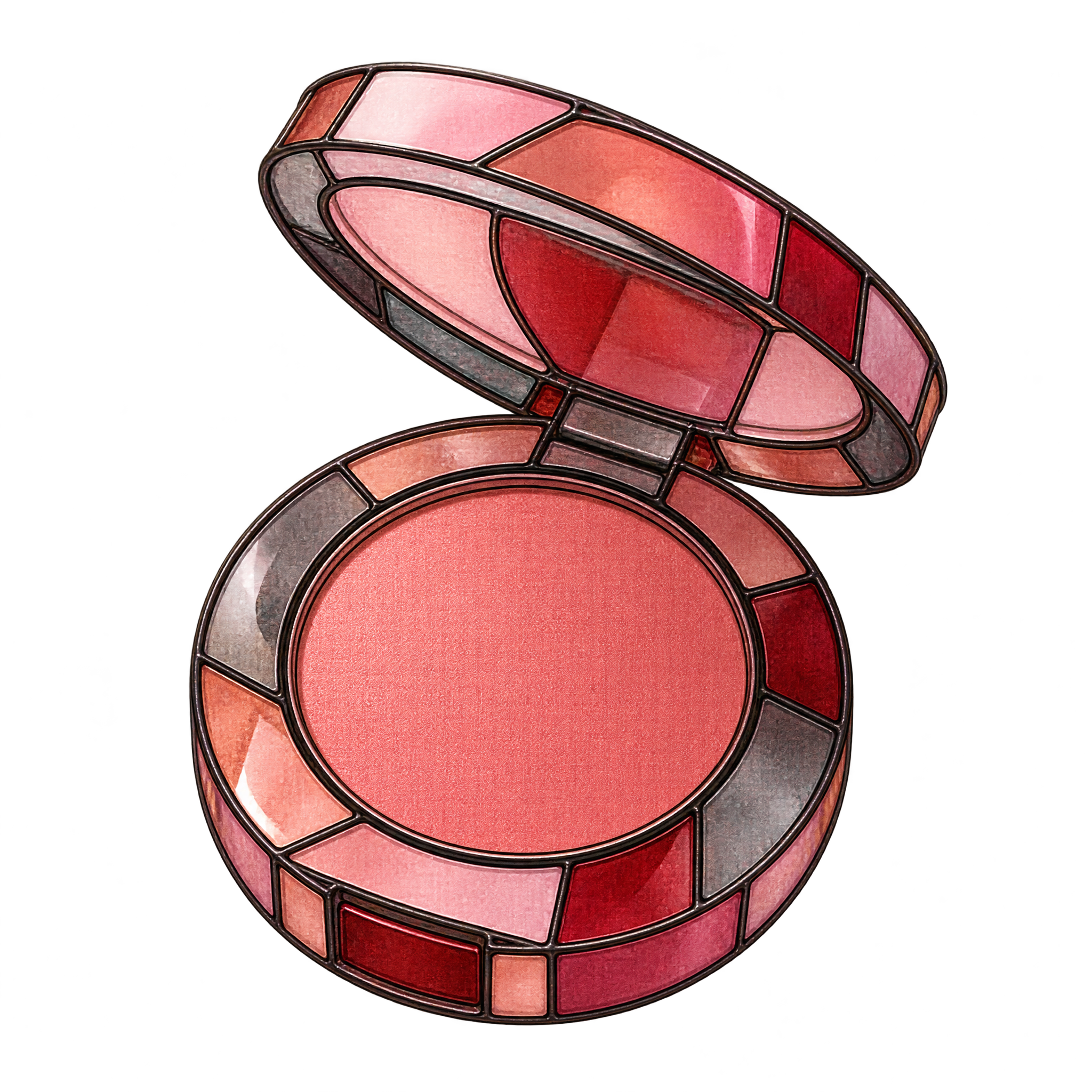
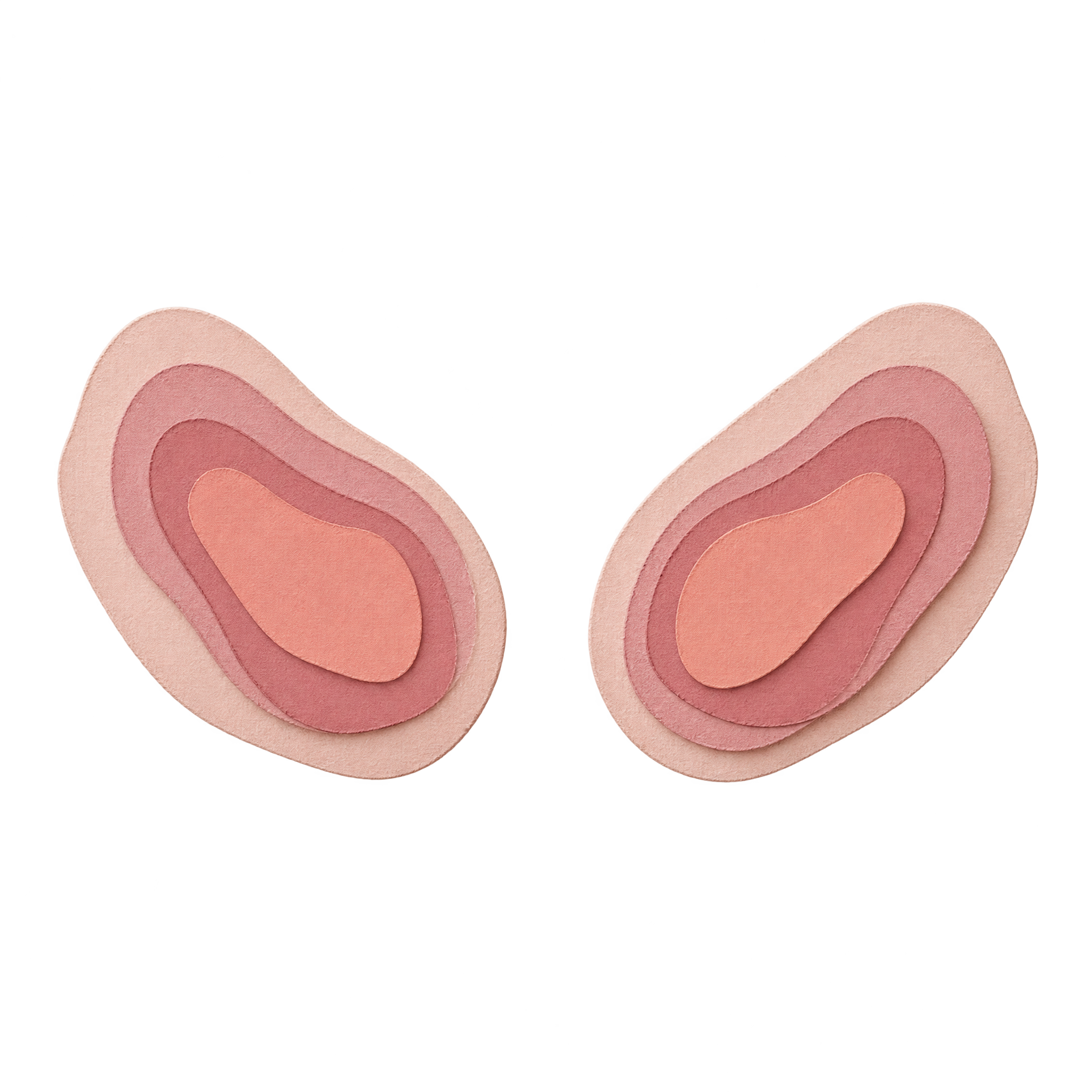
Blush PNG pairs sculpted and engraved compacts with layered cheek overlays and glowing sweeps for cosmetic branding, portraits, and editorials.
5 Blush PNG images
A sculpted compact or luminous blush sweep from the PNG generator can anchor cosmetic branding, portrait accents, and beauty promotions.
Blush imagery can represent the product itself through an open compact or act as a cheek-color accent in a portrait. Sculpted and engraved treatments suit branding or editorial compositions, while paper-cut and neon effects create a more playful mood. Choose a free PNG download, or open the PNG generator to describe a custom compact, overlay, or curved sweep.
Yes. You can create and download Blush PNG images for free. An optional subscription provides more creative options and advanced features.
Download an available Blush PNG, or open the PNG generator and enter a description of the design you want. You can specify details such as an open compact, powder puff, layered cheek overlay, or glowing curved sweep, then create and download the result as a PNG.
Yes. The shown Blush PNG assets have transparency, so their compacts, applicators, overlays, and cosmetic marks can be placed over another layout without an opaque rectangular background.
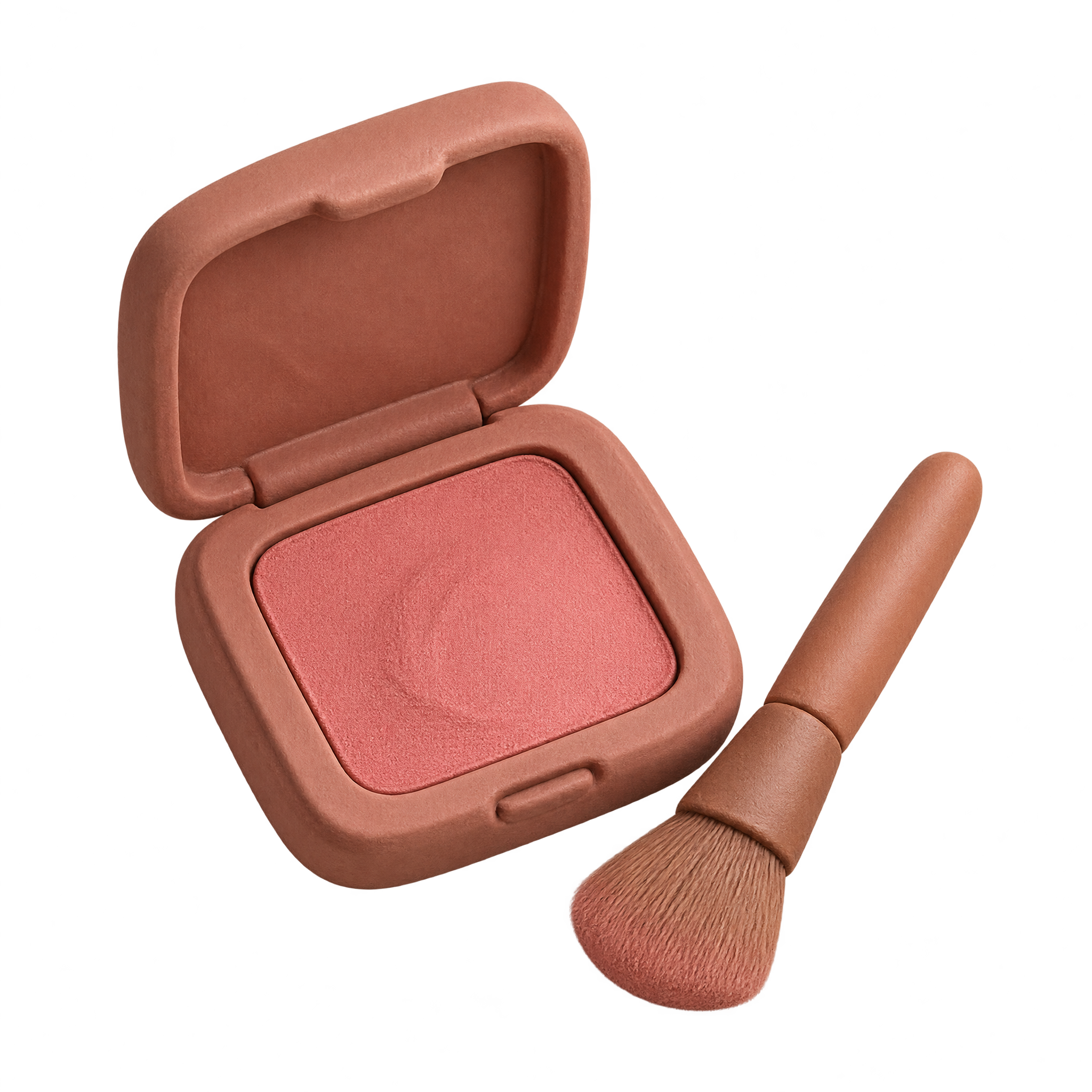
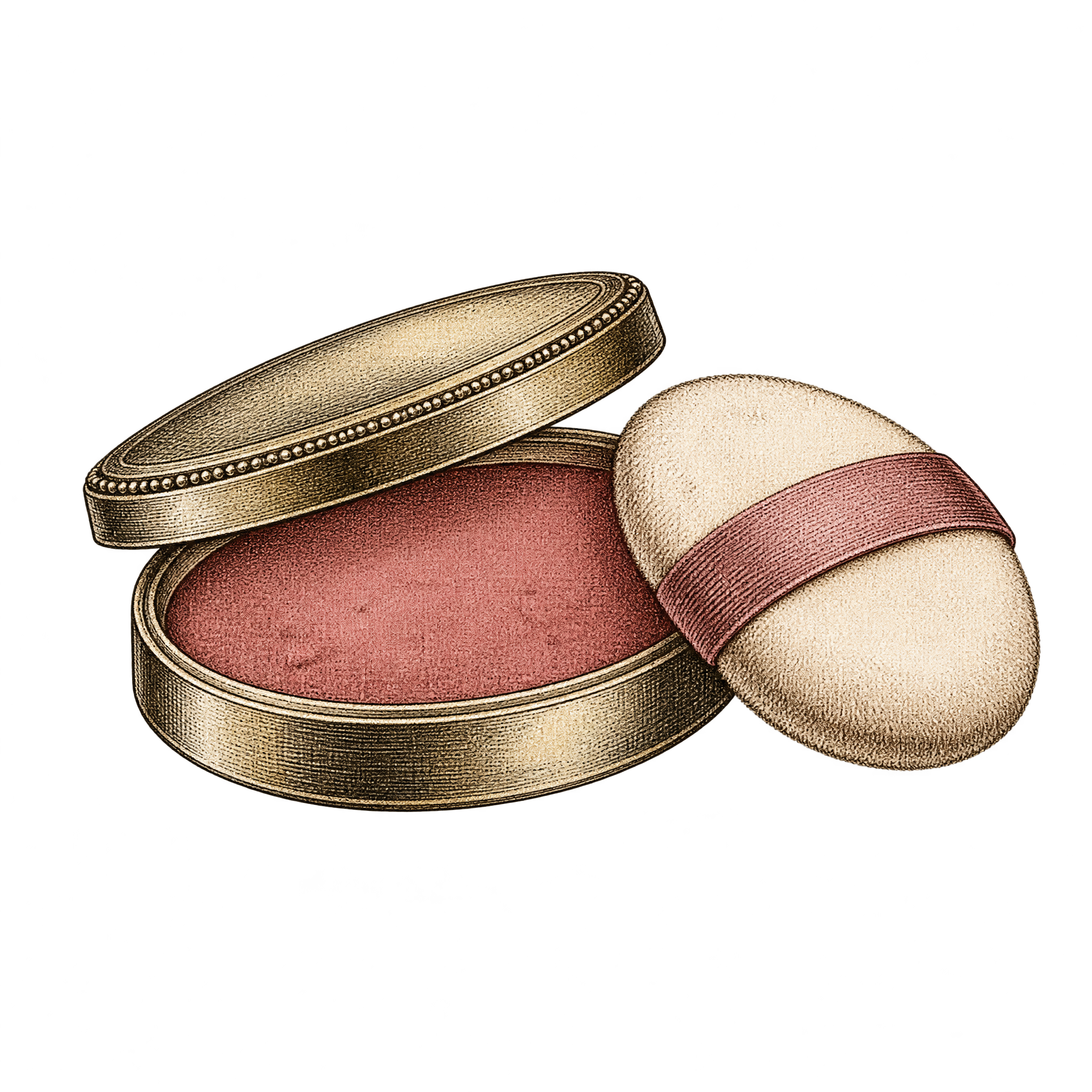
A Blush PNG can depict a cosmetic product or a blush effect. This collection includes open compacts with applicators, an engraved powder tin, a stained-glass compact, layered cheek patches, and a luminous tapered sweep.
Use an open compact beside a headline or product message, and reserve cheek overlays or curved sweeps for portrait accents. Leave enough clear space around detailed applicators and container edges. For Canva, upload the PNG as an image asset, then position it in the layout.
Soft rose and neutral palettes complement clay or paper-cut treatments, while darker layouts can emphasize a neon glow or stained-glass effect. An engraved compact suits restrained, heritage-inspired compositions; brighter pairings create a playful or promotional mood.