
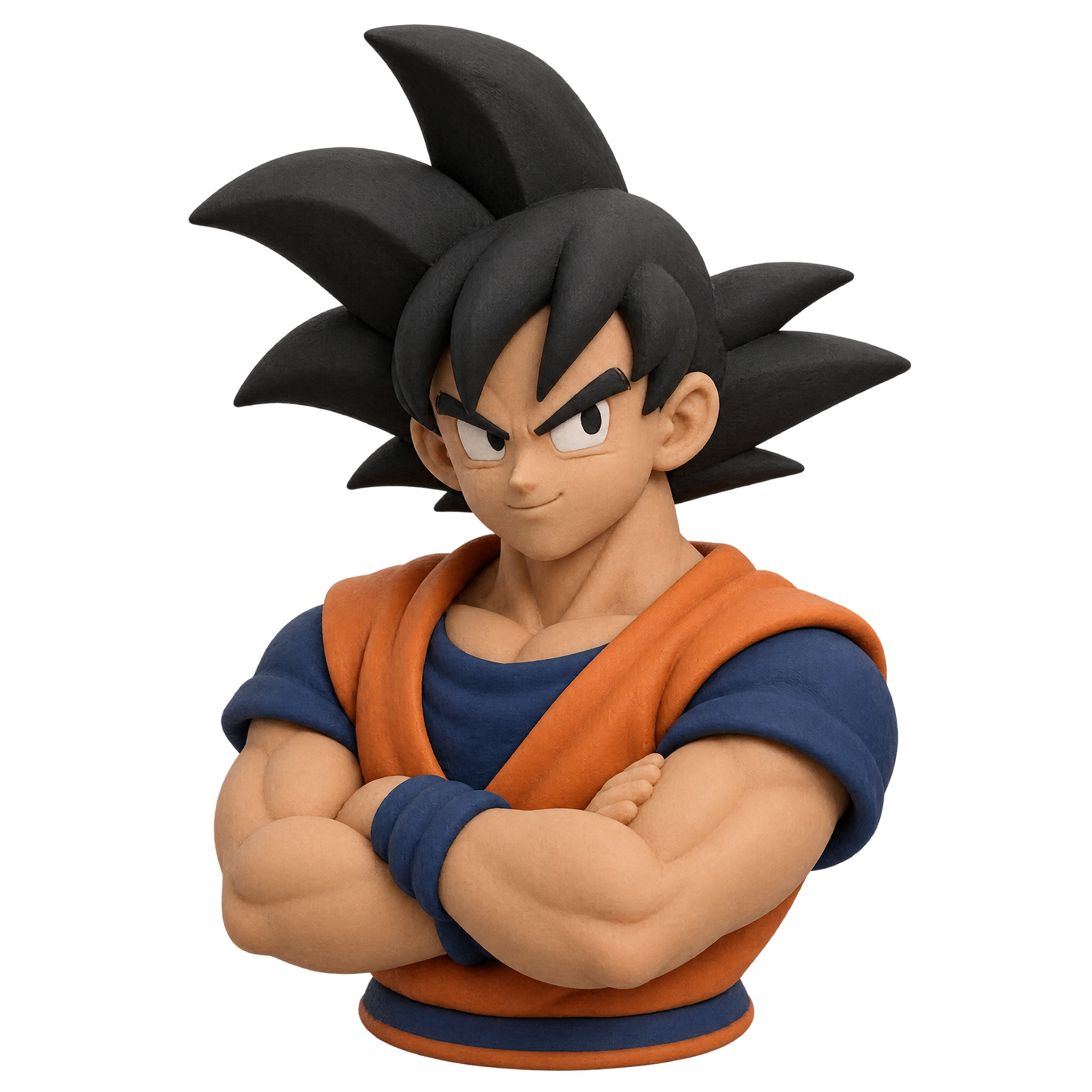
Frequently asked questions about Clay Goku PNG
Yes. You can use the PNG generator to create and download PNGs for free. Optional subscriptions provide more creative options and advanced features.
Download the displayed PNG from this page. To make a related design, open the AI workspace, enter a description of the clay character, pose and mood you want, then generate and download your PNG.
Open the PNG generator and describe a variation, such as a toy-like clay bust, a softer sculpted finish or a different confident pose. Adjust one or two details at a time to explore related looks while keeping the main concept consistent.
Choose a bust for profile graphics, slide headers and compact layouts where the face, shoulders and crossed-arm pose should remain prominent. A full-body composition is more suitable when the pose, movement or surrounding scene needs greater emphasis.
Center it for an emblem-like composition, or move it slightly to one side when adding a headline or short caption. Leave clear space around the head, shoulders and arms so the sculpted silhouette remains easy to read.
Use a simple background that clearly contrasts with the figure’s outer edges. Warm neutral surroundings can support a friendly, handcrafted mood, while deeper solid tones can make the dimensional clay styling feel more dramatic.