
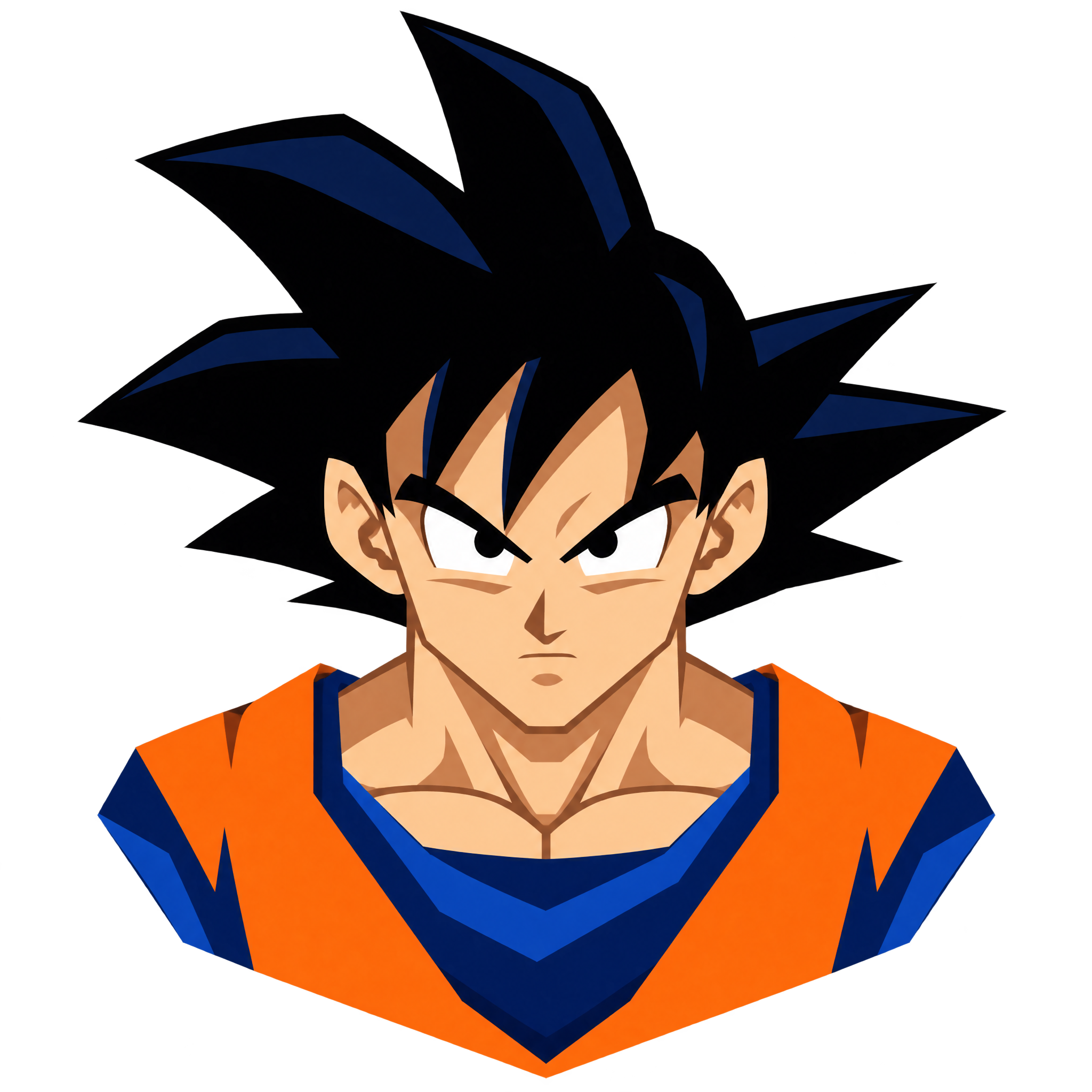
Frequently asked questions about Geometric Goku PNG
Yes. You can use the PNG generator to create and download PNG images for free. Optional subscriptions provide more creative options and advanced features.
Open the PNG generator to enter a description of the artwork you want, such as a frontal anime portrait with angular color blocks and a compact badge shape. Generate the design, review the result, and download your chosen PNG.
In the AI workspace, vary your description to explore approaches such as sharper polygonal forms, simplified color blocking, a different badge outline, or a more dramatic expression. Keeping the frontal portrait as a consistent element can help the variations feel connected.
Yes. The transparent background lets the compact portrait sit cleanly over posters, profile graphics, labels, and other designs without a surrounding rectangular backdrop.
Use the compact badge silhouette as a centered focal point or place it slightly off-center with clear space for a short title. Avoid crowding the face with text, and keep nearby elements simple so the frontal expression remains easy to read.
A dark or neutral background can emphasize the bold geometric color regions, while one accent color sampled from the portrait can unify the layout. Pair it with clean typography and restrained angular details to reinforce the energetic, graphic mood.