
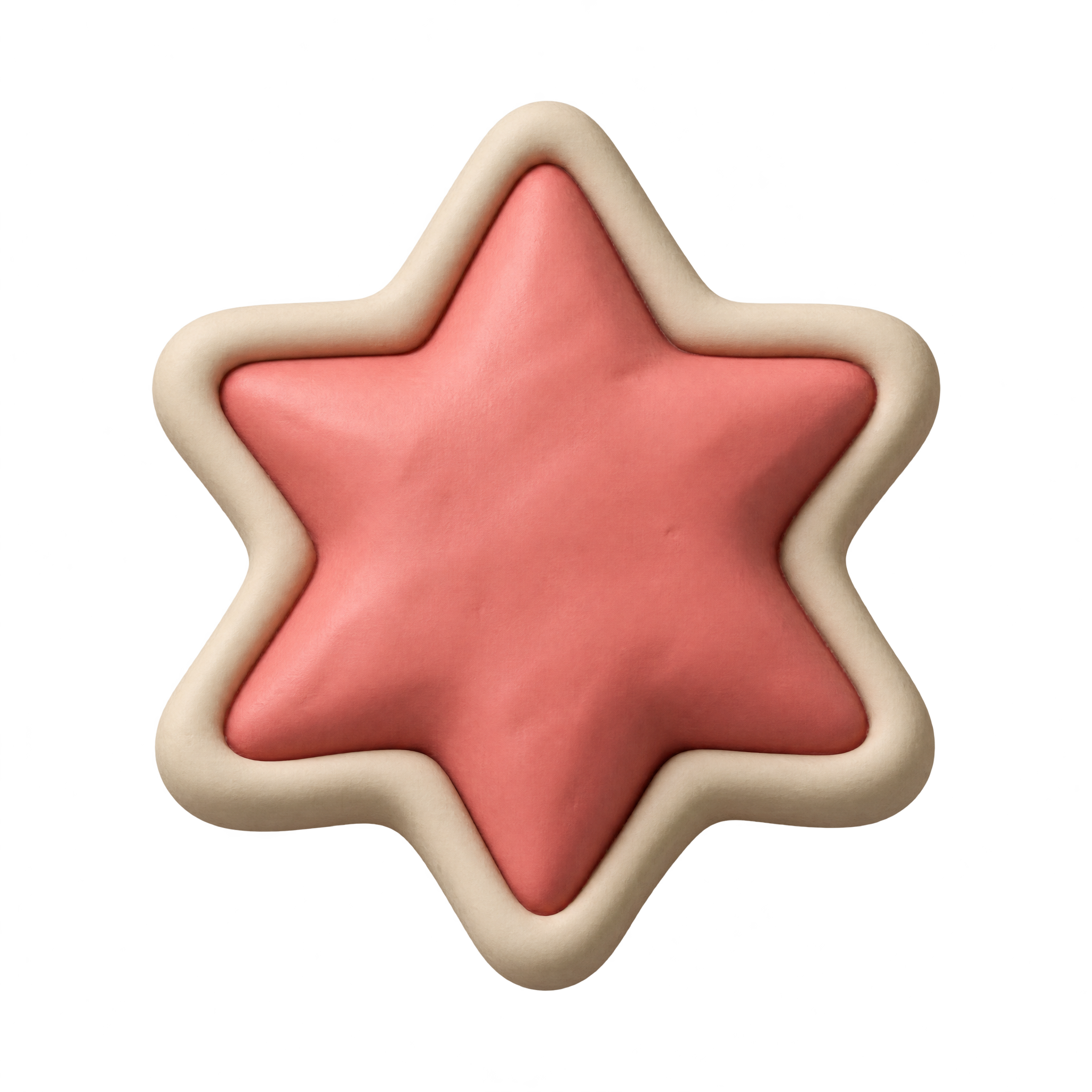
Frequently asked questions about Clay Star Sticker PNG
Yes. You can use the PNG generator to create and download PNGs for free. Optional subscriptions provide more creative options and advanced features.
Download the available PNG from this page, or open the AI workspace and enter a description such as “coral six-point star sticker made from soft clay with a raised cream rim.” Refine the wording to create a related design, then download your chosen result as a PNG.
In the PNG generator, vary descriptive terms such as soft clay, rounded modeling, raised border, pastel craft sticker, or dimensional shadow. You can also change the star shape, border color, or overall mood while keeping the core sticker concept.
Choose the six-point shape for a decorative, playful accent with a fuller silhouette. A five-point star may feel more familiar and symbolic, while rounded points and a raised rim help either shape retain the soft clay-sticker look.
Use it near a heading, label, gift message, or product callout where the star can act as a compact accent. Leave space around its points and avoid placing the cream rim over similarly pale areas, so the silhouette and dimensional edge remain clear.
Teal, navy, mint, and muted blue provide contrast with the coral center, while warm beige or pale yellow supports a softer craft mood. Pair it with rounded lettering, simple shapes, or other clay-like accents without crowding the raised cream outline.