
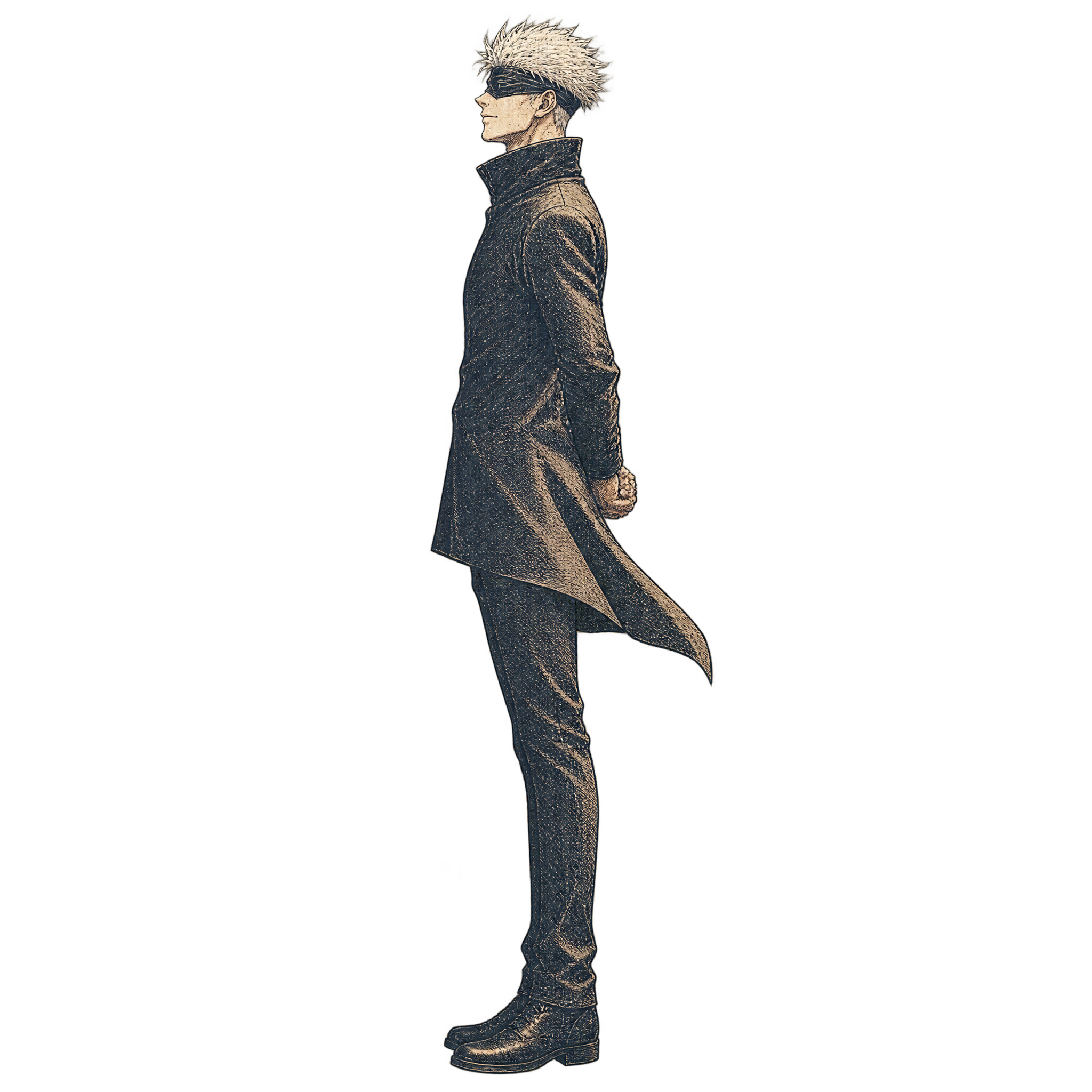
Frequently asked questions about Engraved Gojo PNG
Yes. You can create and download PNG images for free using the PNG generator. Optional subscriptions provide more creative options and advanced features.
Download the available PNG from this image page, or open the AI workspace and enter a description of the character, side stance, sepia palette, and etched engraving style you want.
Yes. Download the PNG, upload it to Canva as an image asset, and place it in a poster, social graphic, presentation, or other design.
PNG can preserve transparent areas around the figure, making the artwork easier to layer over another background. JPG does not support transparency and is generally better suited to continuous-tone photographs.
Use the formal side stance as a strong off-center focal point and leave clear space beside the figure for a headline or short text. A simple background will help the etched linework remain legible.
Warm cream, parchment beige, dark brown, muted black, and restrained burgundy reinforce the vintage mood. For stronger contrast, place the sepia figure against a pale neutral field with dark typography.