
Frequently asked questions about Stained Glass Gojo PNG
Yes. You can create and download PNGs for free using the PNG generator. Optional subscriptions provide more creative options and advanced features.
Open the AI workspace and enter a description of the image you want, such as a waist-up figure reaching forward through colorful stained-glass panels. Generate your design, refine the description if needed, and download the result as a PNG.
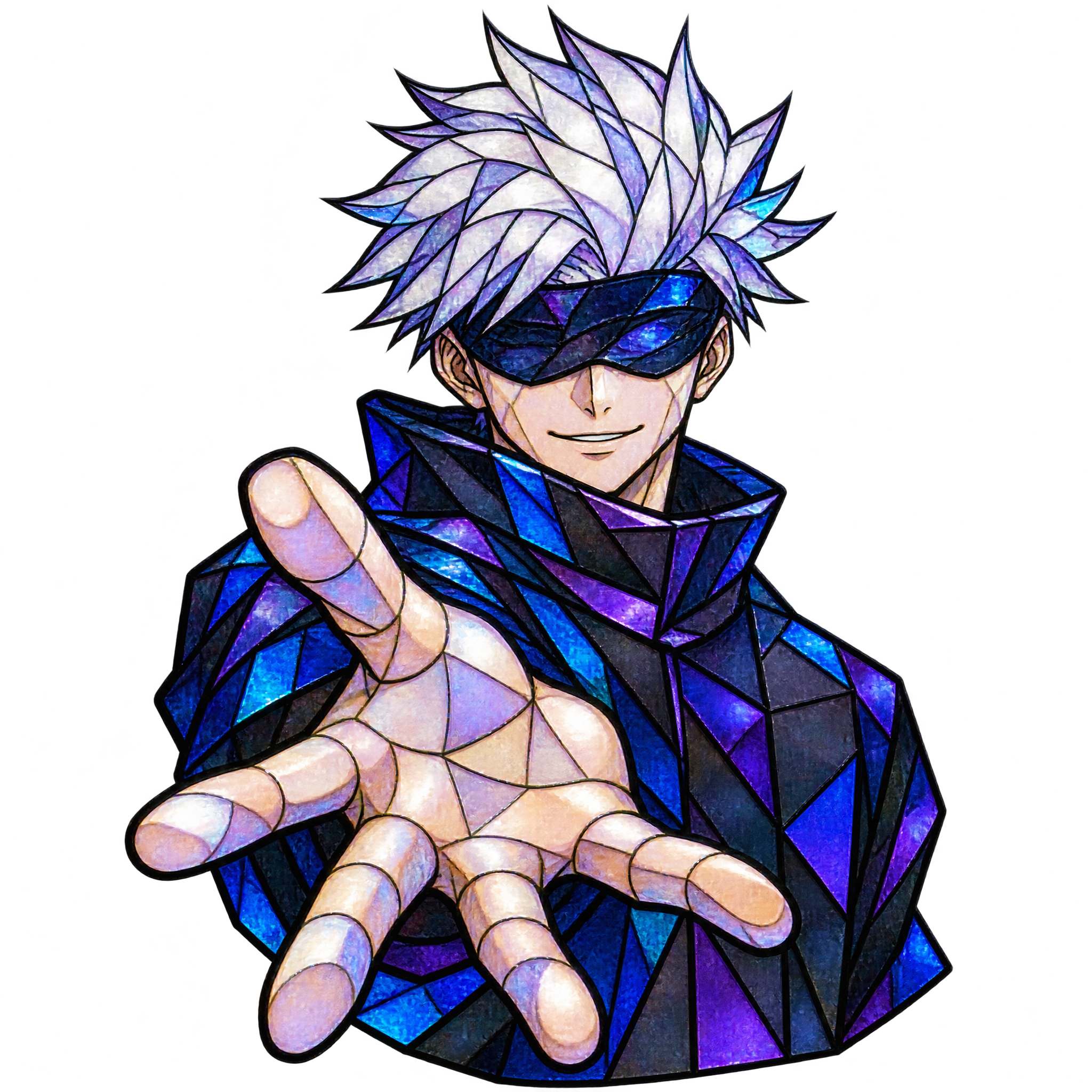
It depicts Gojo from the waist up, extending a hand toward the viewer while surrounded by angular, jewel-toned stained-glass panels. The pose and luminous color treatment give the artwork a bold, dramatic feel.
Yes. The PNG has transparency, allowing you to place the artwork over poster backgrounds, invitation layouts, thumbnails, gradients, or other compositions without a solid rectangular backdrop.
Use the reaching hand as the main focal point and leave open space in front of or beside the gesture for a title, logo, or short caption. A centered placement creates impact, while an off-center crop can add motion to thumbnails and posters.
Deep navy, black, charcoal, or muted purple backgrounds can emphasize the jewel-toned glass. For a brighter mood, pair it with pale gray or soft cream while preserving enough contrast around the figure and colored panels.