
Frequently asked questions about Ink Pete The Cat PNG
Yes. You can use the PNG generator to create and download PNGs for free. Optional subscriptions provide more creative options and advanced features.
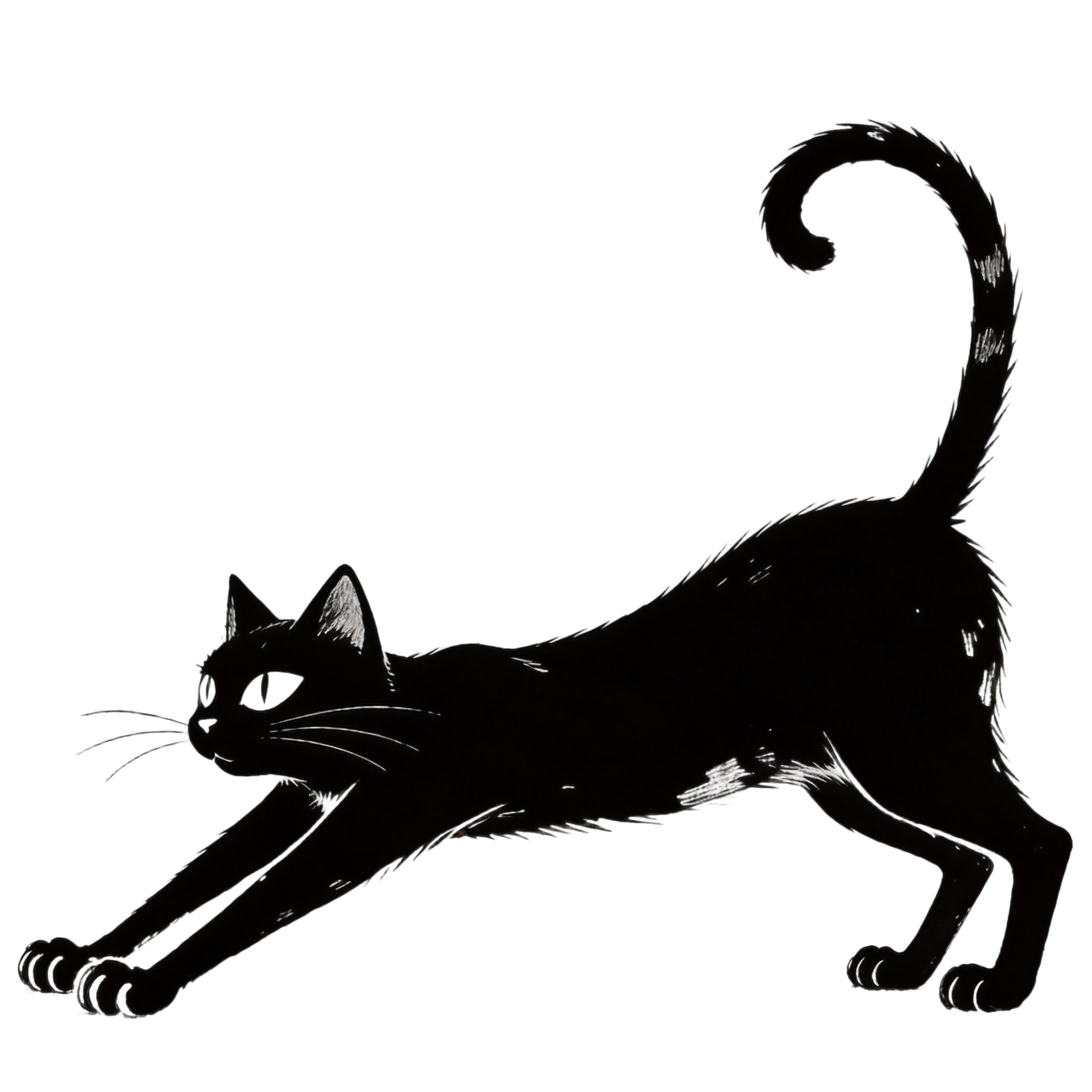
Download the available PNG from its image page, or open the PNG generator to make a related design. In the AI workspace, enter a description of Pete in an elongated side-profile stretching pose, then refine the wording until the result suits your idea.
PNG supports transparent backgrounds, which makes line art easier to place over different colors and layouts. JPG does not support transparency and usually adds a solid background. The downloadable format here is PNG.
Use the PNG generator to explore variations by describing different poses, line treatments, moods or compositions. Keeping Pete as the main subject while changing one visual detail at a time can produce a more focused set of related designs.
A wide composition complements the elongated pose. Place the figure near the lower edge or use it as a horizontal accent, leaving open space around the head and extended body so the silhouette remains clear and the layout does not feel crowded.
Choose a simple background with strong tonal contrast so the open line work stays visible. Clean typography, restrained shapes and a limited color palette can support the playful, relaxed mood without competing with the stretched silhouette.